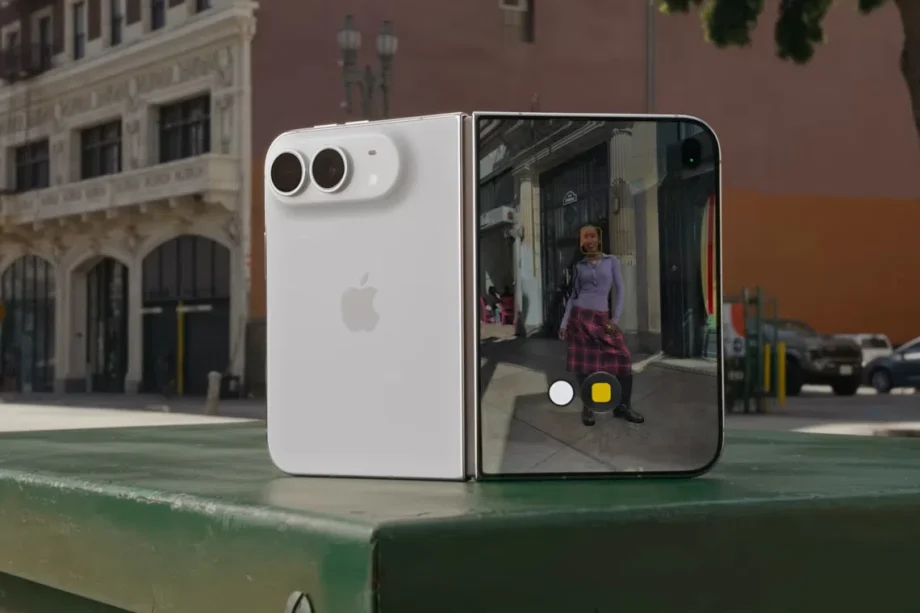
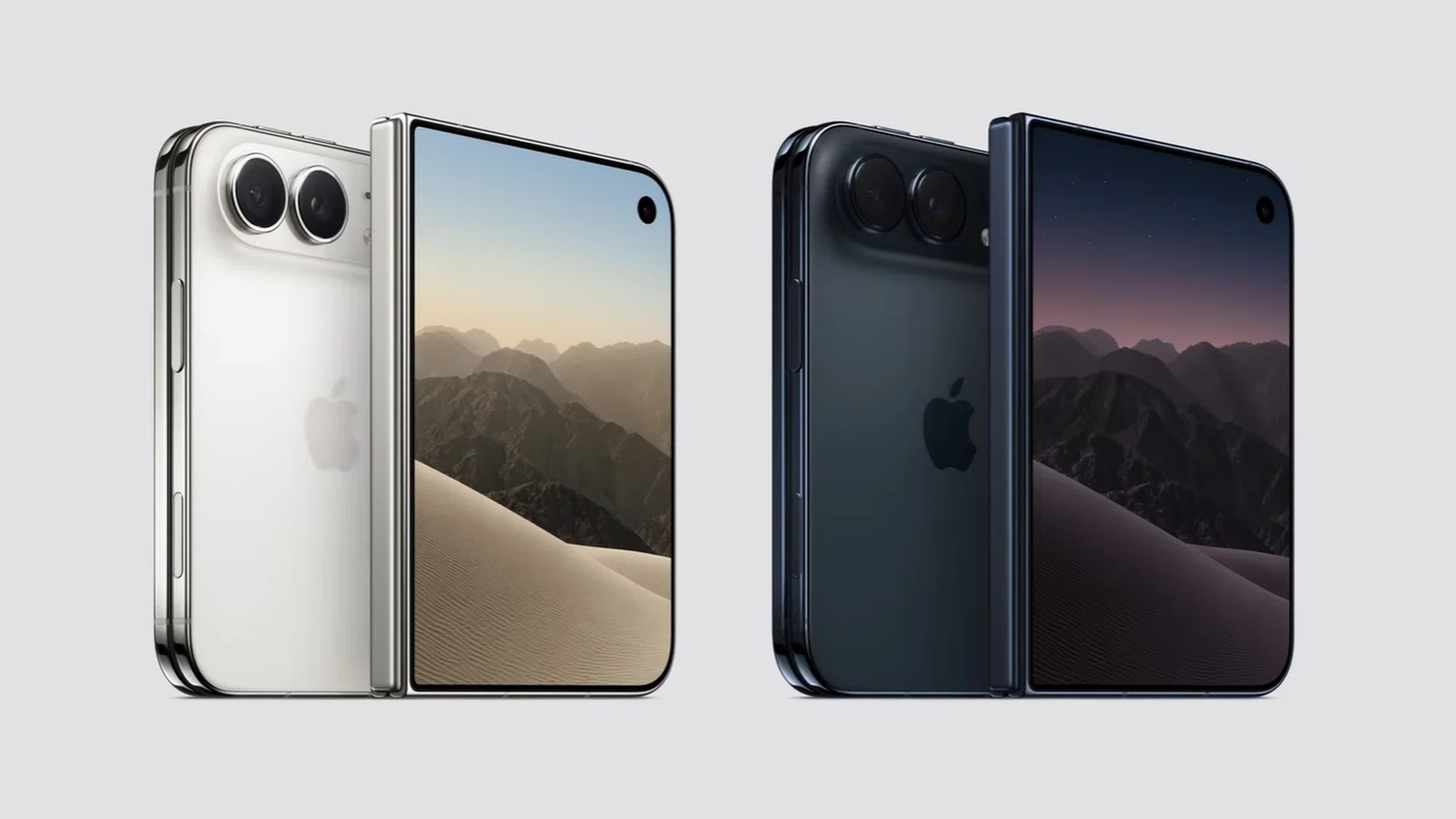
Apple has finally announced its first-ever foldable smartphone. All hail the iPhone Duo.
This keynote segment was so important that it was led by Apple’s newly minted CEO, John Ternus, who took over the reins after a 15-year run by its previous CEO, Tim Cook.
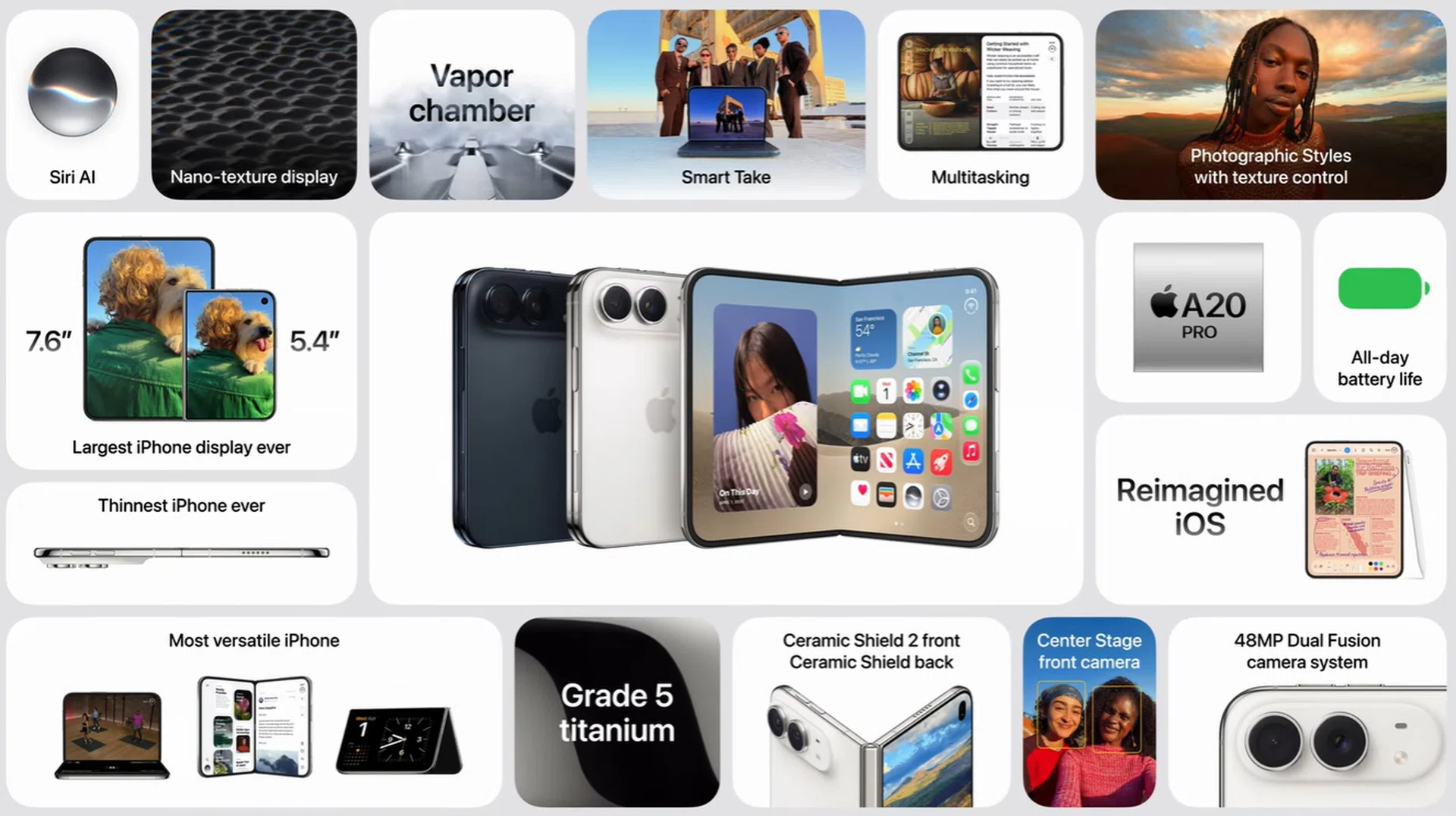
The iPhone Duo is Apple’s passport-shaped, wide-style foldable that’s akin to the Samsung Galaxy Z Fold8. Much of the keynote focused on Apple explaining the software changes needed to make its first-ever foldable phone work well, followed by a rapid-fire showcase of hardware innovations that addressed common foldable pain points.
The iPhone Duo’s changes to work with iOS 27
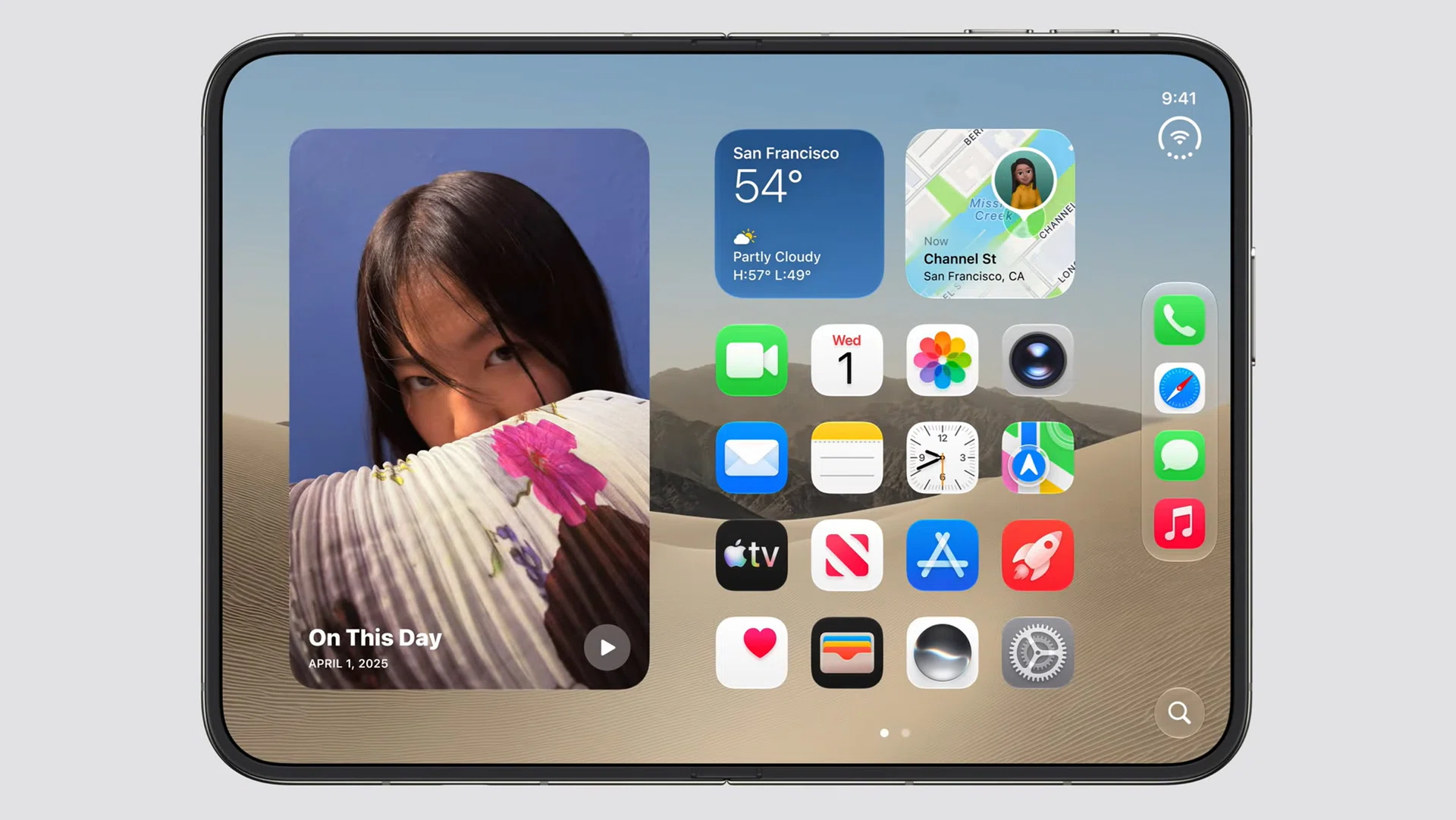
To accommodate the new form factor, Apple redesigned its iOS 27 layout to ensure that controls are moved nearer to your thumb (on the side). Traditionally, the operating system has these controls along the bottom to accommodate the standard bar-type shape.
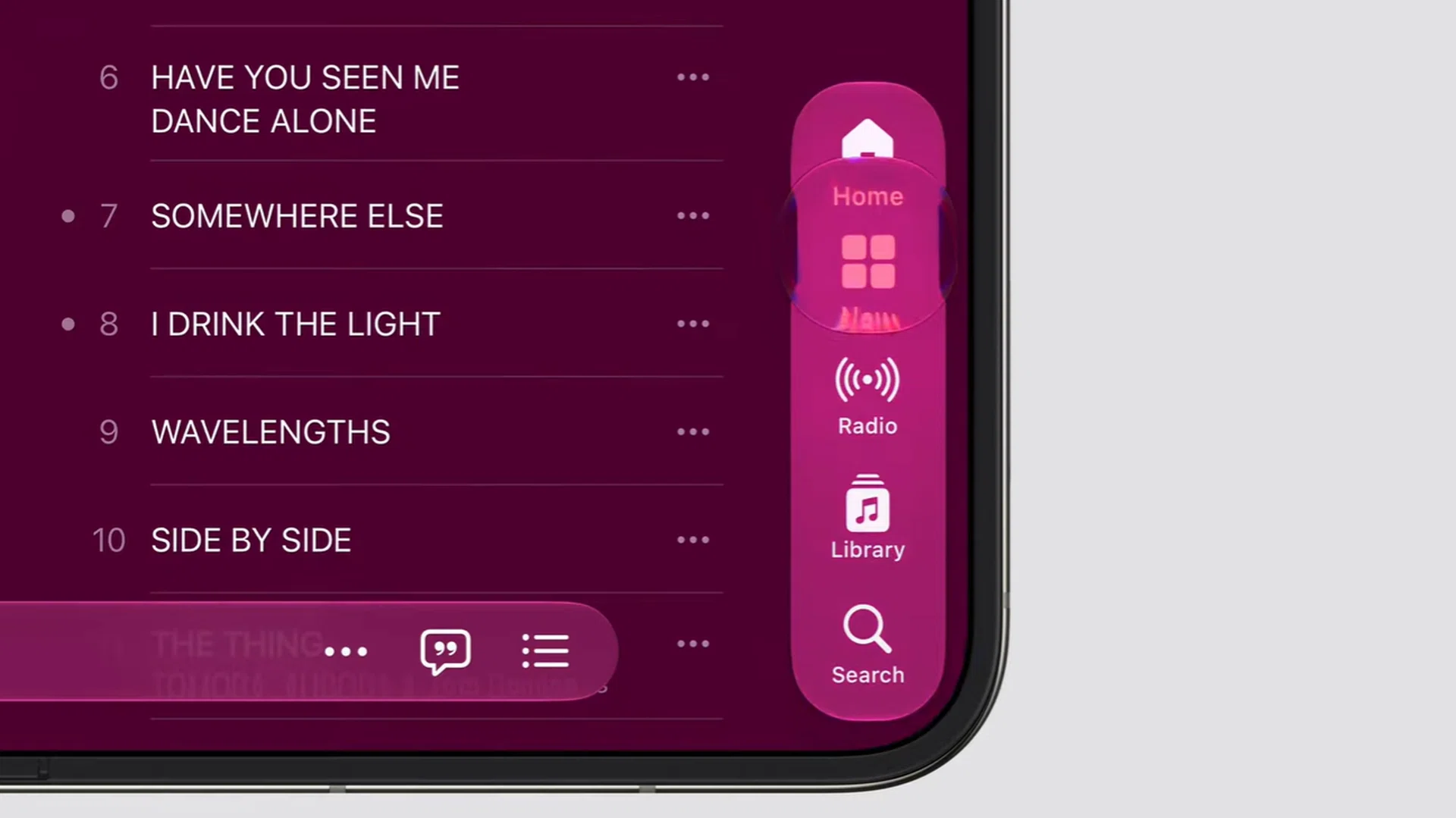
iOS 27 redesigned for iPhone Duo.
Screenshot: HWZ (Apple)
For instance, the Home Screen’s dock is now arranged vertically, and other status icons are condensed into a single symbol in the corner of the display. This stays consistent on both displays.
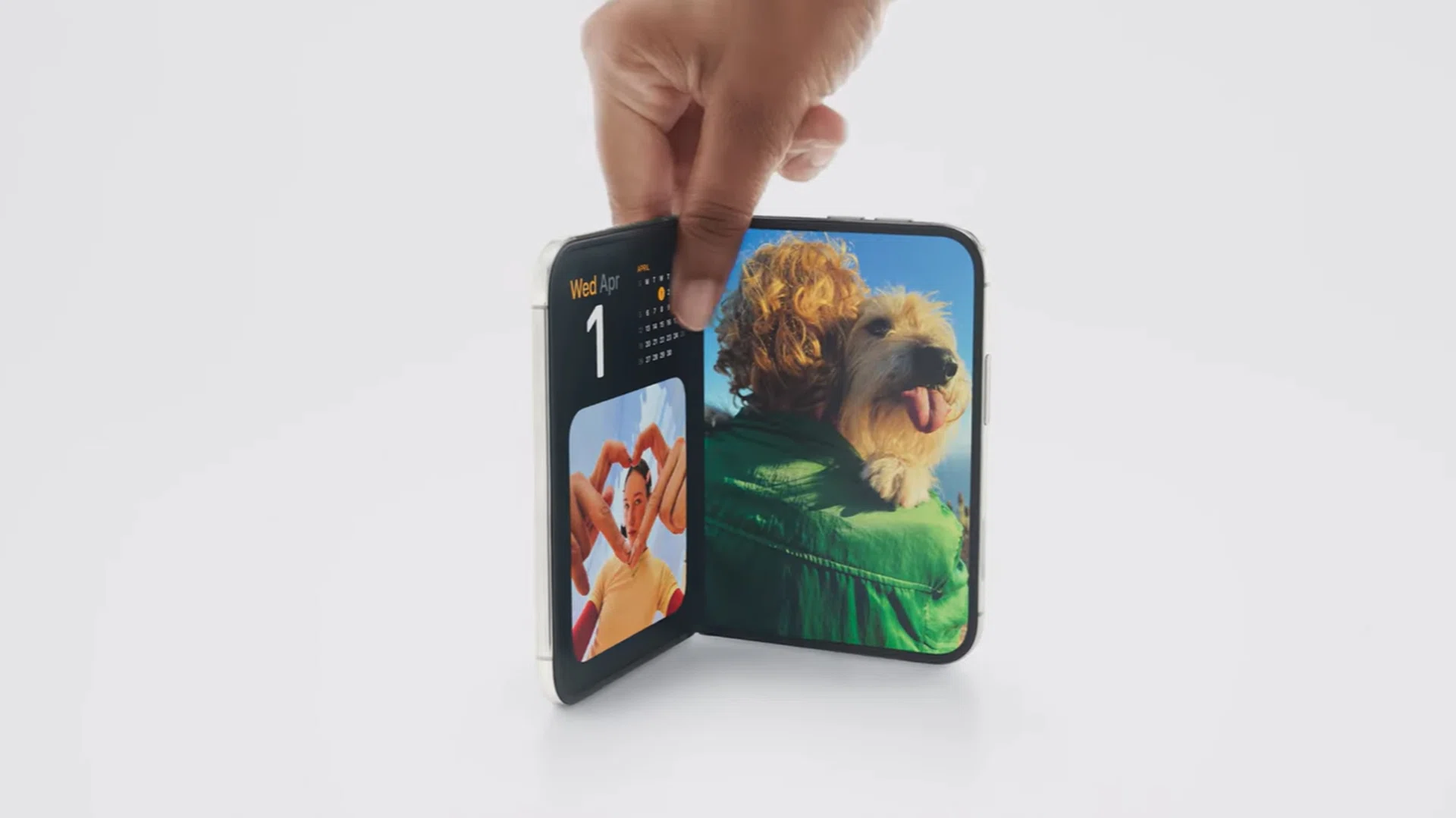
iPhone Duo supports multiple orientiations with its OS conforming to your use.
Screenshot: HWZ (Apple)
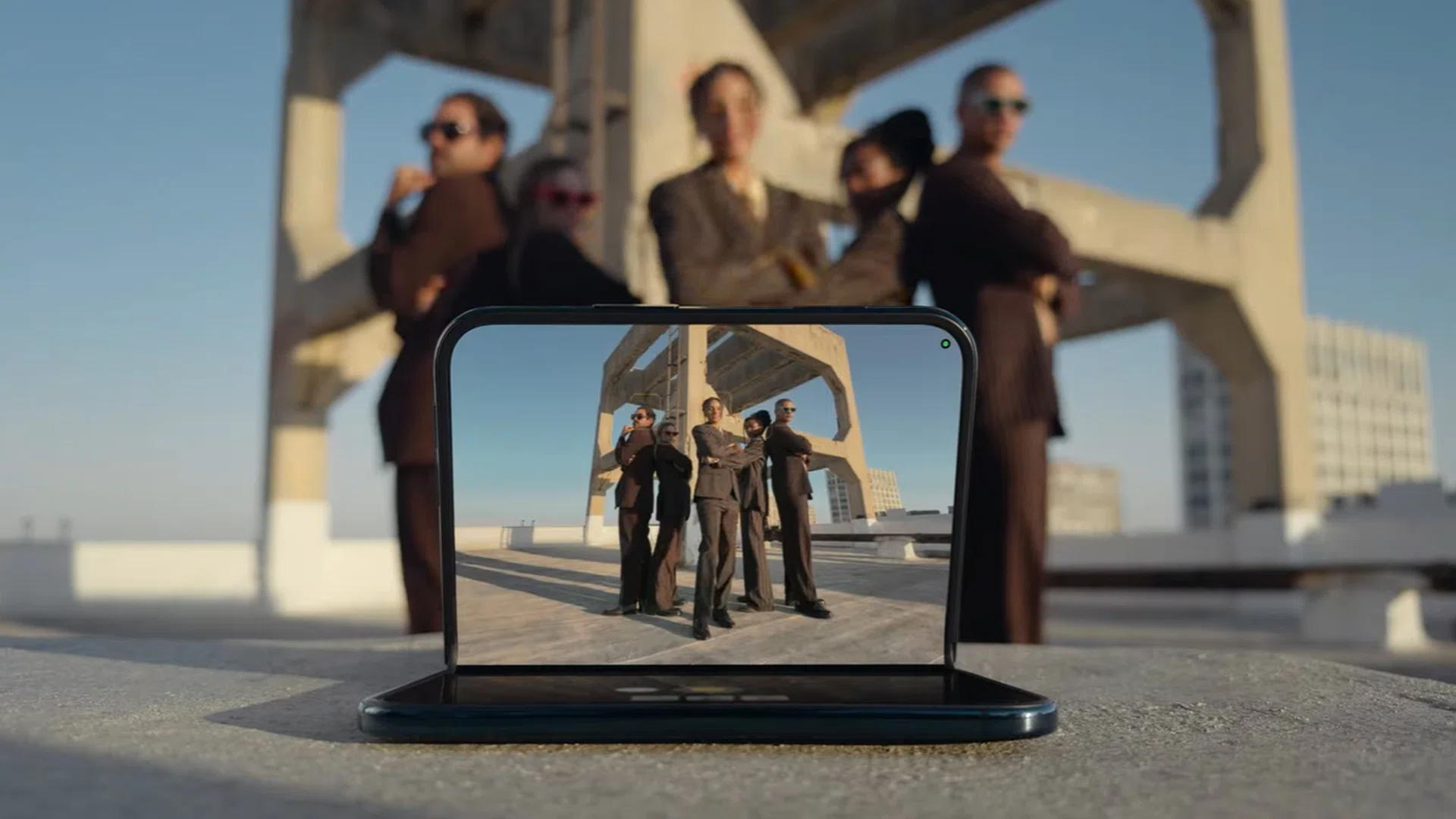
In daily use, Apple also ensured that the software can follow various modes or user styles of the iPhone Duo. Both the Home Screen and individual apps get an expanded view. Its built-in sensors also allows the foldable to support viewing in tent mode (inverted V), while half-open, and hands-free.
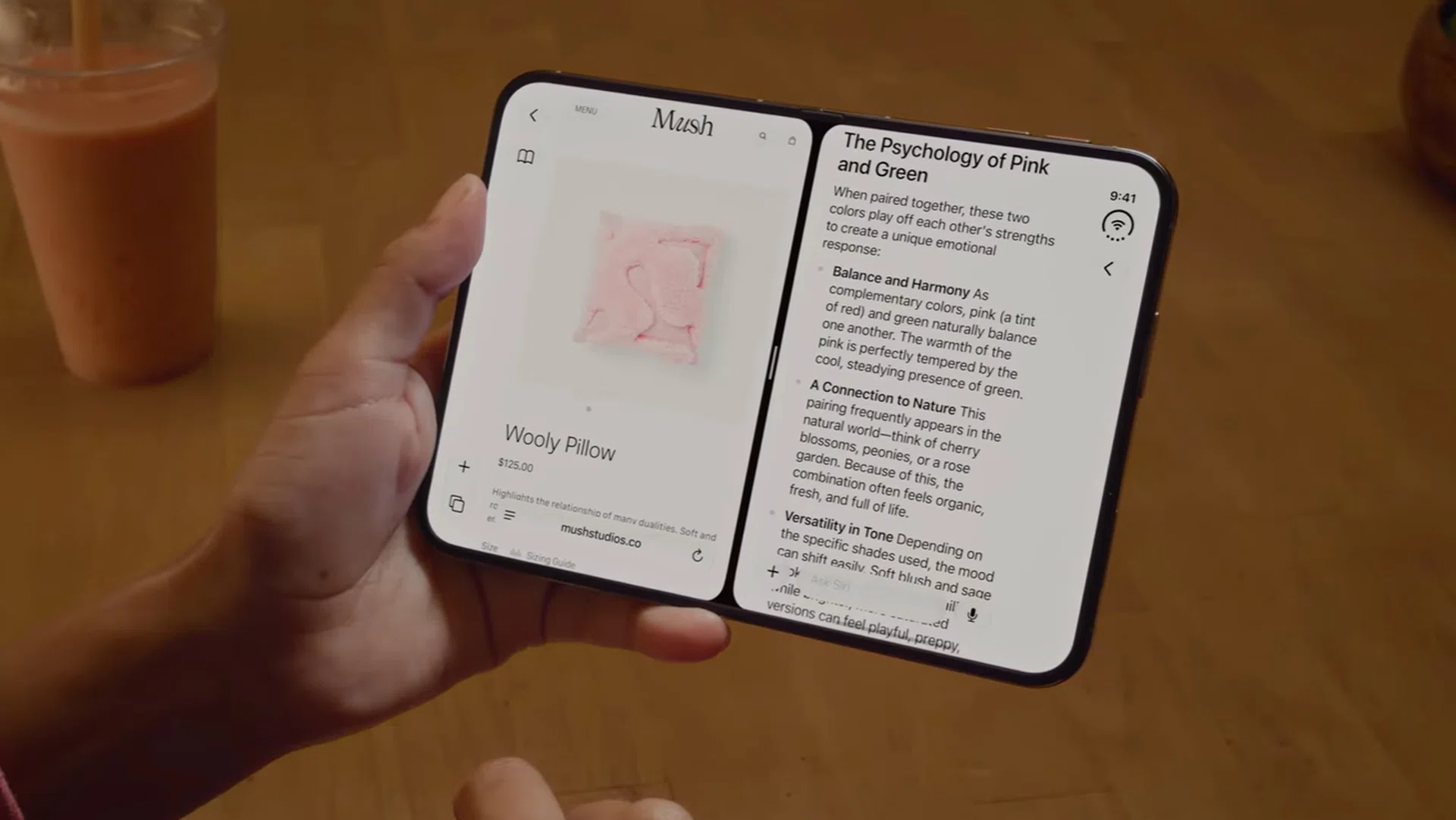
Split View Multitasking on iPhone Duo.
Screenshot: HWZ (Apple)
Its productivity feature is called Split View Multitasking, which supports two side-by-side apps on the main display. Additionally, the iPhone Duo can “pair” multitasked apps, so that users can swipe away or summon back two side-by-side apps at once. When in portrait orientation, the larger 7.6-inch screen also allow the pinning of videos above your active app.
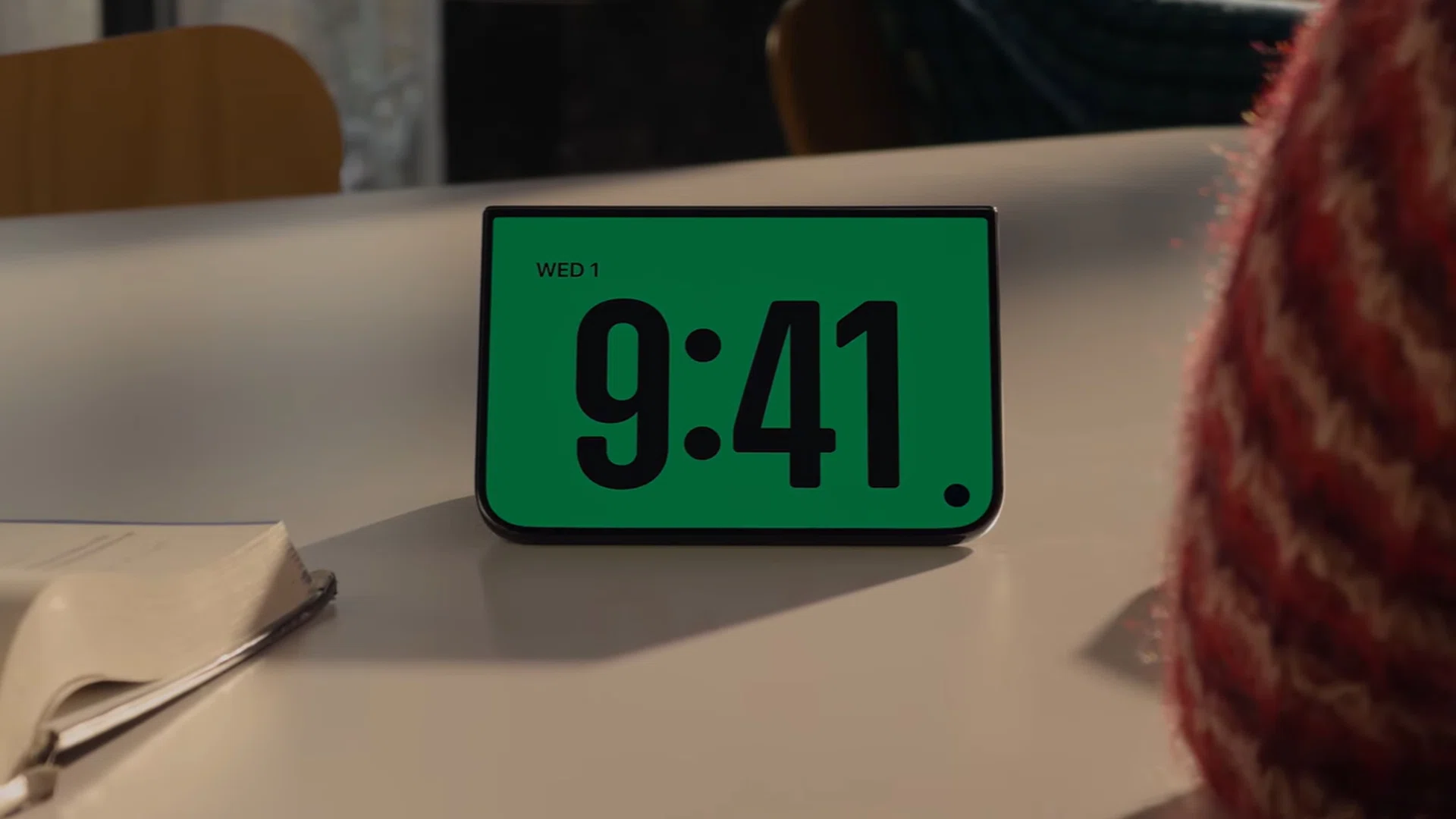
StandBy mode on iPhone Duo.
Screenshot: HWZ (Apple)
Users who liked Apple’s StandBy (an idling display with information) would like it even more with iPhone Duo’s version of the same feature. When placed in a tented style, an idle iPhone Duo triggers StandBy even without charging. Even its Bedside Clock feature has an added glow coming from the inner display while the outer panel holds the clock face and alarm.
Read Full Article At Source