Note: This review was first published on 30 January 2026.
I recently purchased a new TV to replace an old one. It sits in the living room, gets switched on most nights (Netflix’s Single’s Inferno Season 5, hello!), and does exactly what it’s meant to do. But despite that, a surprising amount of what I watch doesn’t actually happen there. YouTube clips, gaming, and background shows during late-night work – all of that tends to happen at my desk. Which is where Samsung’s 32-inch Smart Monitor M9 starts to make a lot more sense than I initially expected.
Smart monitors have been around long enough that this category should feel settled by now, yet it hasn’t been. Most either leaned too far into being “a TV on a desk” or ended up as monitors with underwhelming smart features bolted on as an afterthought. It’s also a category that Samsung seems to be very invested in for a while, and their S$2,488 Smart Monitor M9 feels like it has finally hit the spot.
Out of the box
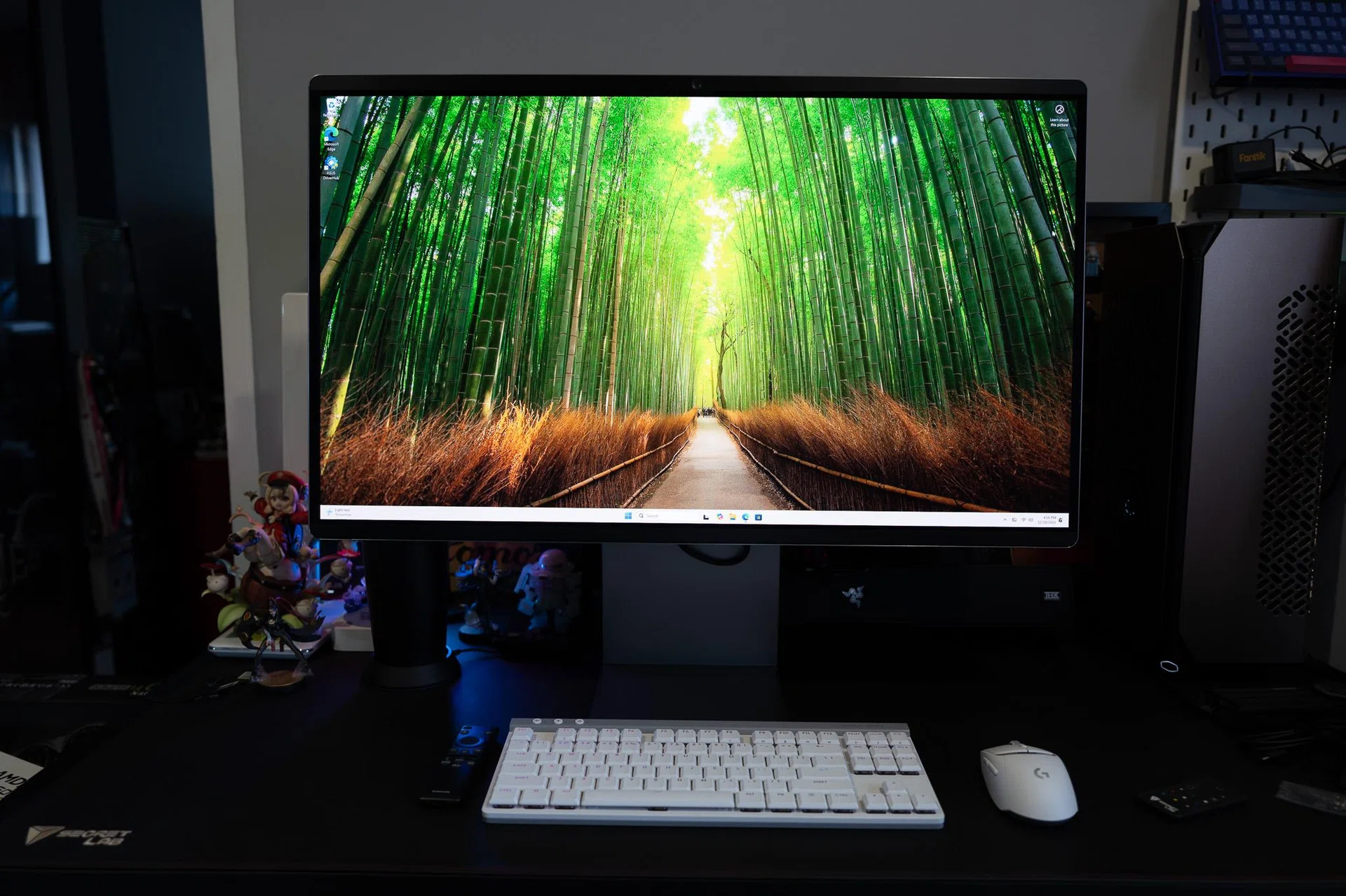
Photo: HWZ
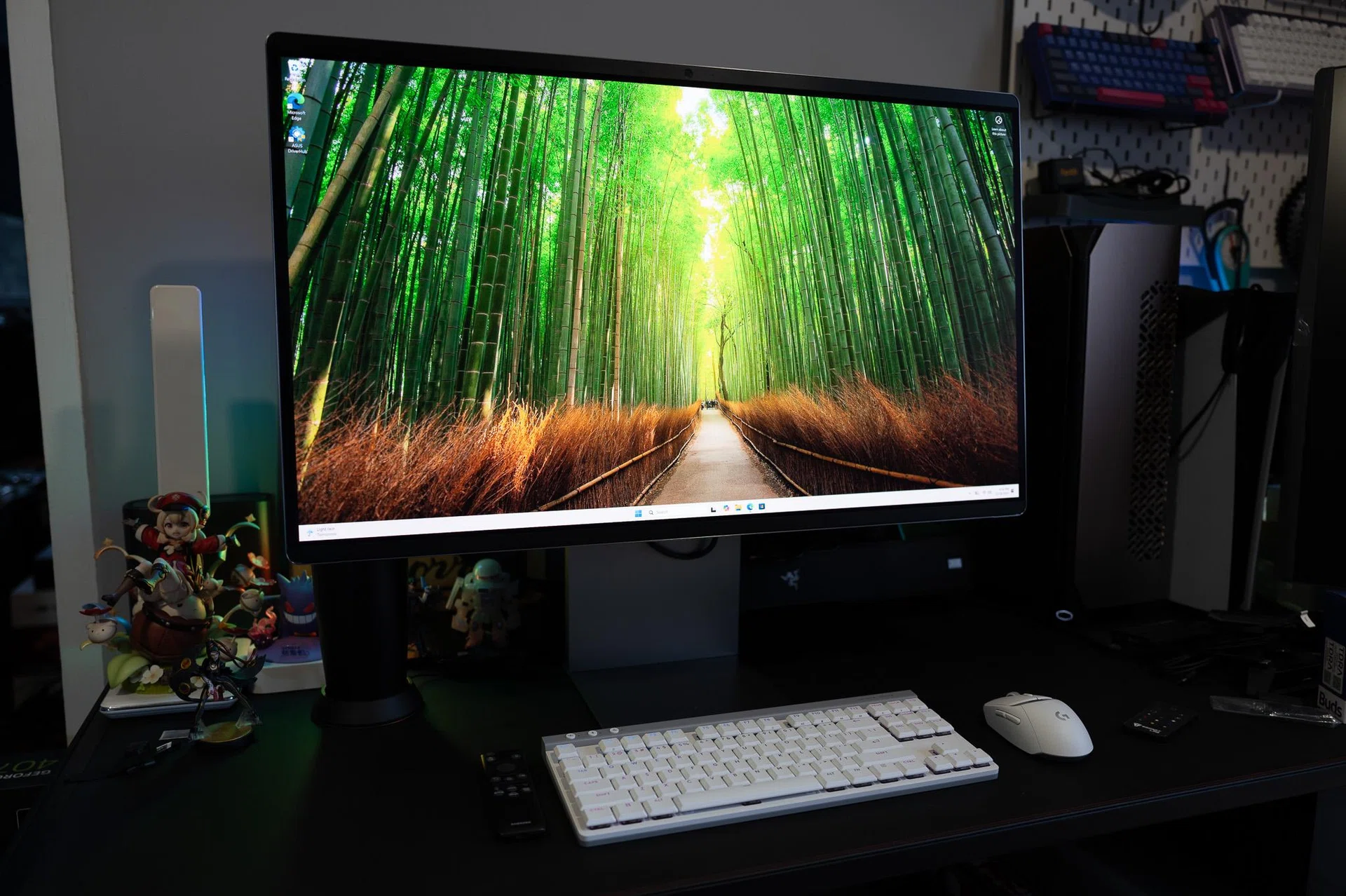
Visually, the M9 looks, well, pretty much like a monitor and that’s a good thing. It doesn’t try to pretend to be TV, nor does it chase the aggressive styling of gaming monitors that we have seen from ROG and Alienware. The bezels here are slim, the rear panel is clean, and the stand is more solid than what you’ll find on Samsung’s cheaper smart monitors. It’s wide, stable, and offers height adjustment and tilt, which is great if you’re the sort who uses your screens for long stretches of work before leaning back to watch something later in the evening.
That said, I found it strange that the stand has no swivel and is mildly annoying when you shift your seating position or tweak your desk layout. Sure, not many of us rotate our monitor screens often and this can be mitigated if you attach the display to a monitor arm. It’s not a deal-breaker for sure, but it’s also rare for a flagship monitor to skimp on this feature.
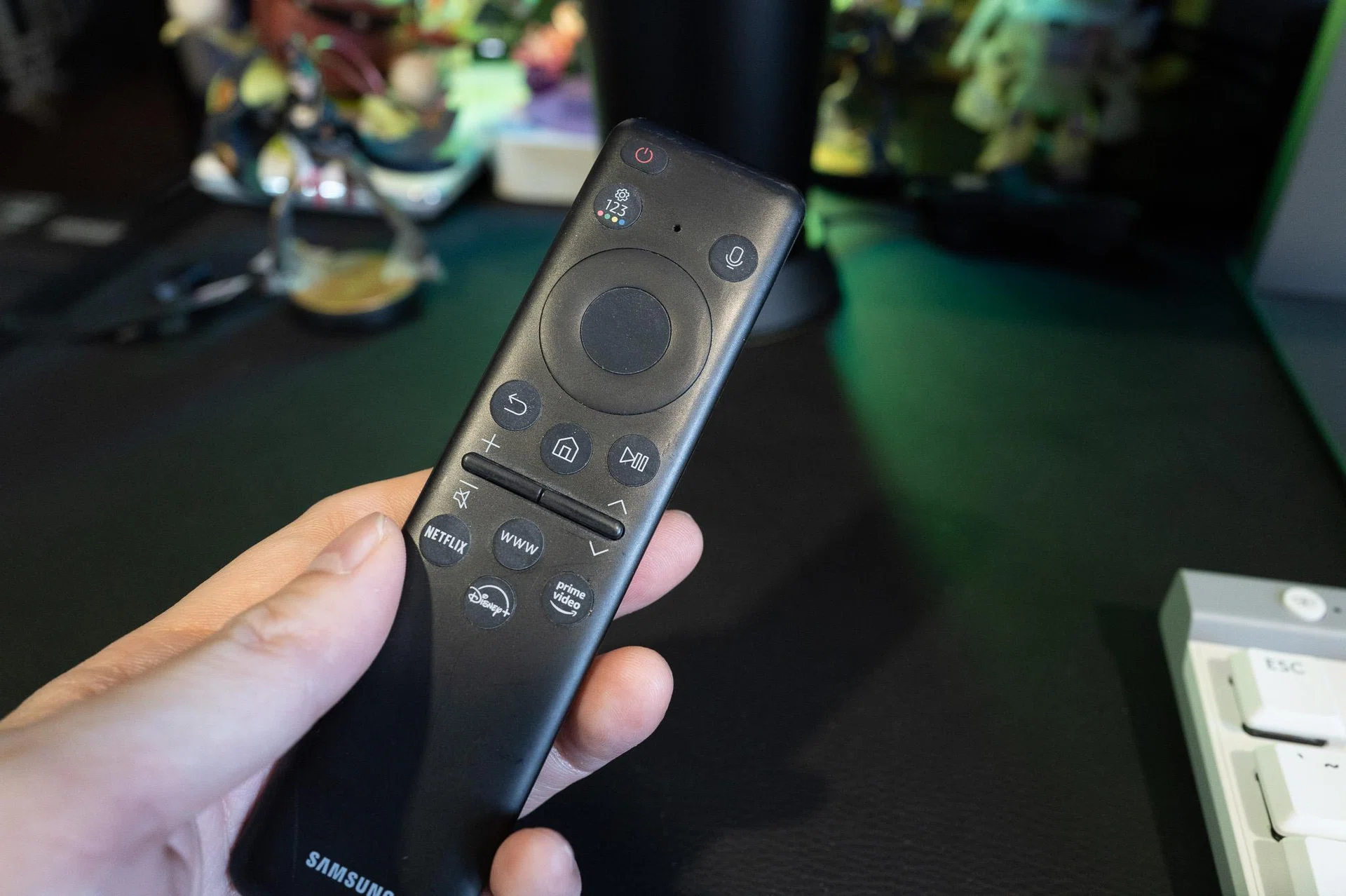
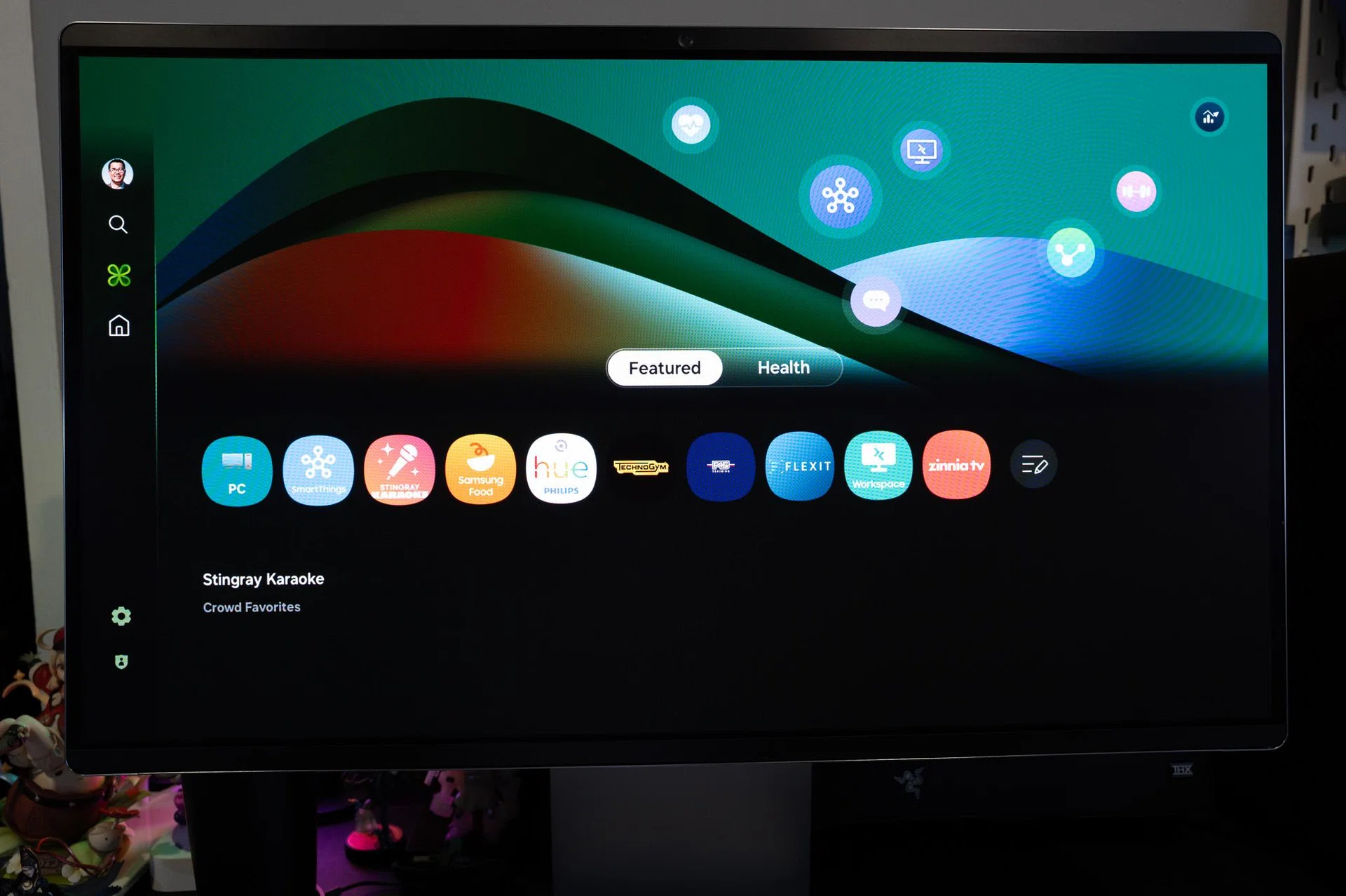
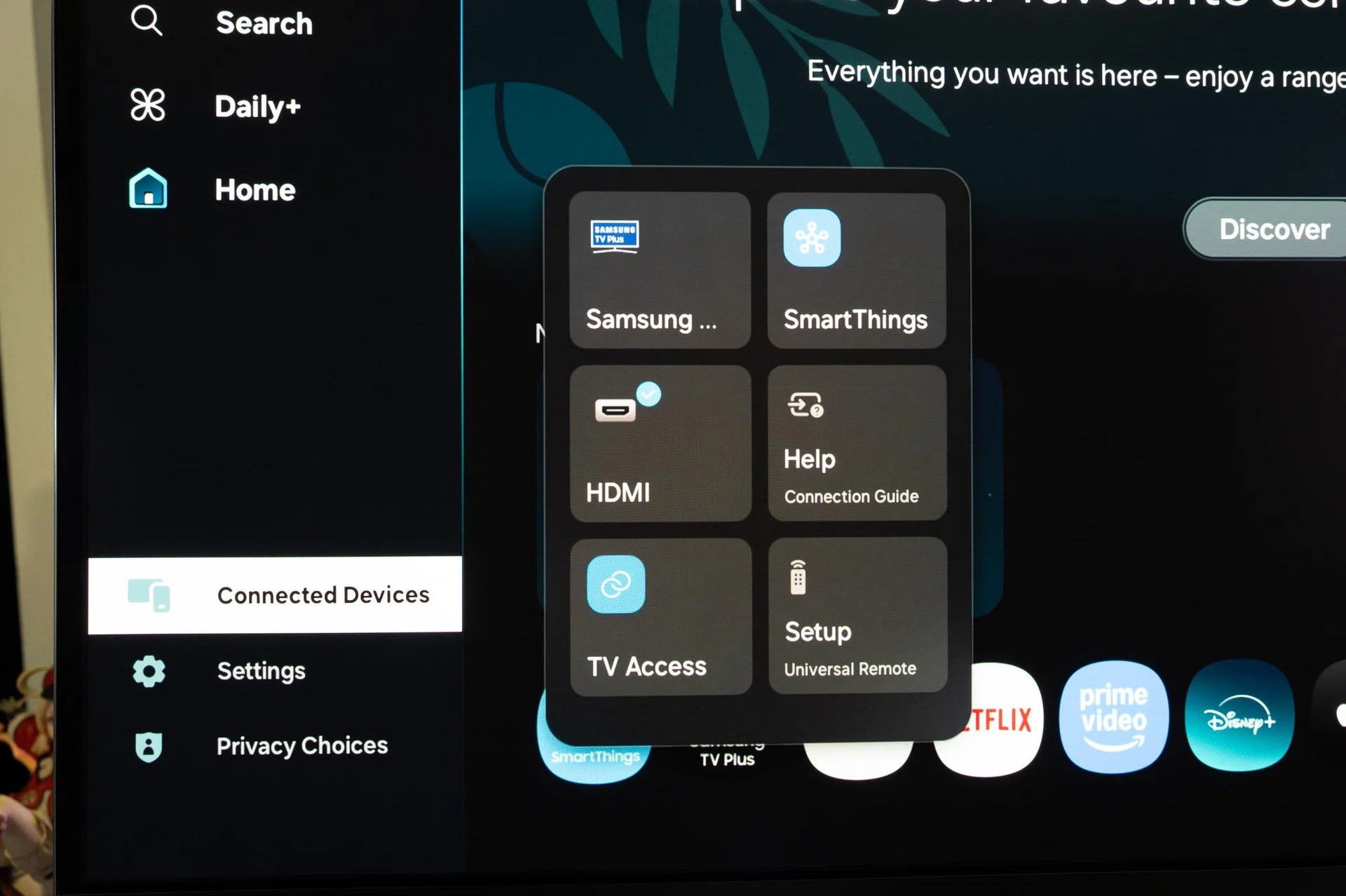
Setup is straightforward on the hardware side as you would expect from a monitor, but it’s the software side where Samsung still insists on doing things its way – and not always for the better. For one, you’ll need a Samsung account to access the smart features, including streaming apps. If you already tied to a Samsung product like a Galaxy Fold or TV, then this is a very familiar process. For those of us who aren’t, this will feel like an unnecessary hoop to jump through on a premium monitor.
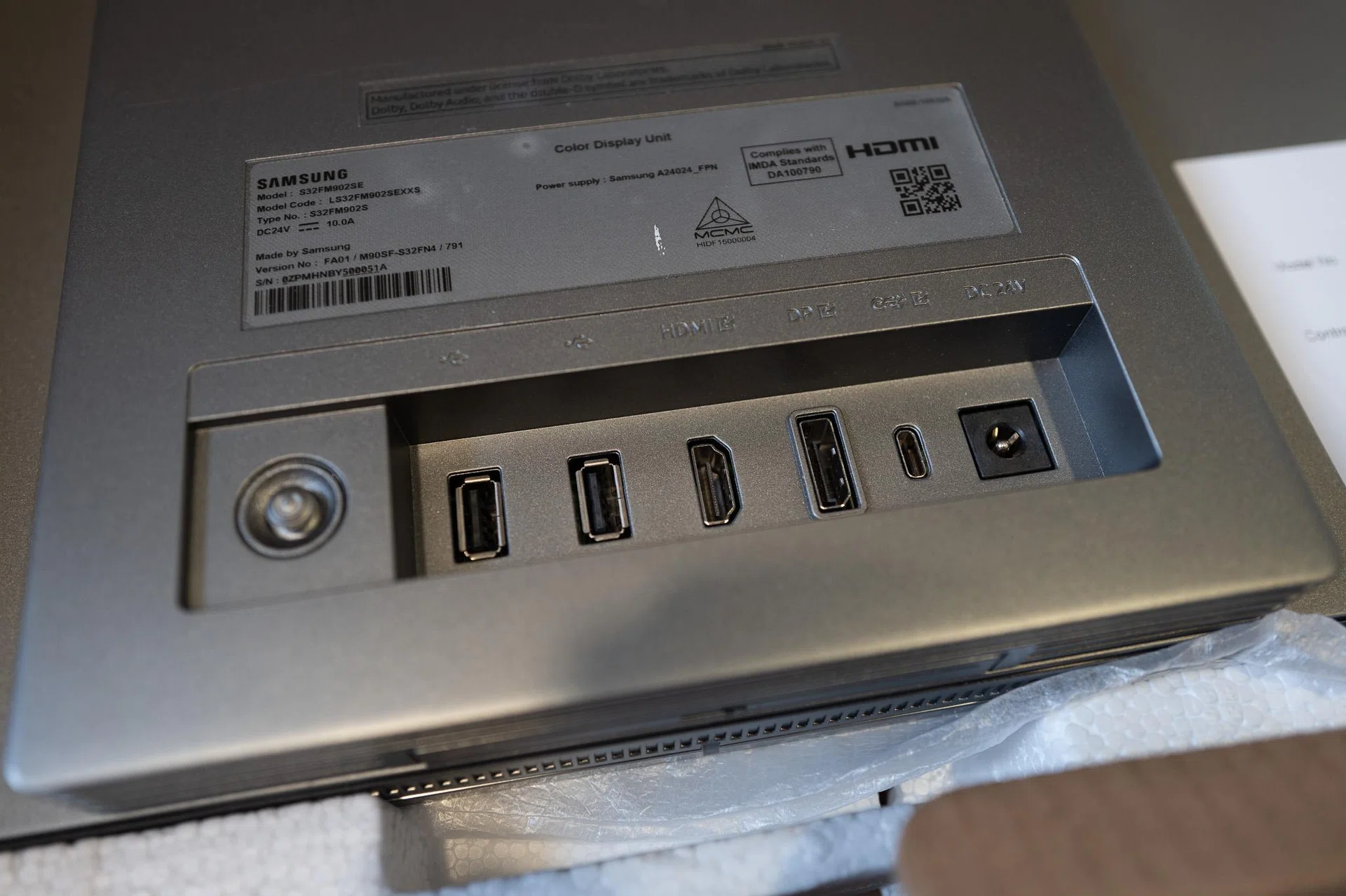
Photo: HWZ