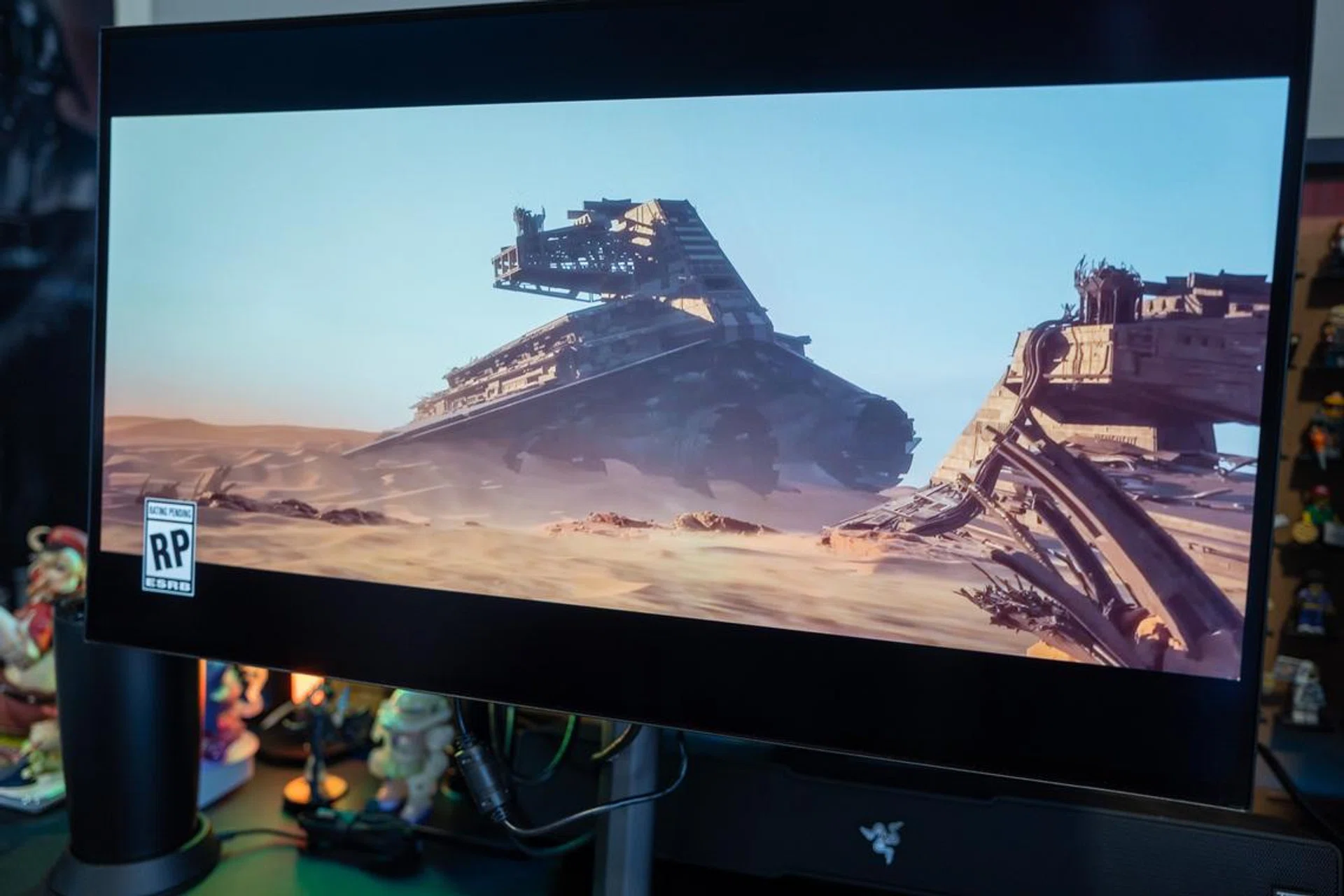
When OLED gaming monitors first appeared, they were flashy, expensive, and thought of as premium gaming luxury. The image quality was, of course, undeniable, but brightness quirks, panel care anxiety, and eye-watering prices meant OLED has always felt like a niche upgrade rather than a sensible purchase to complete your gaming rig.
The Gigabyte MO27Q28G arrives at a point where that conversation has started to change. At 27-inch, with a QHD (2560×1440) resolution and a 280Hz refresh rate, it targets a setup most mainstream PC gamers already have; that is a non-4K setup. I’ve spent a couple of weeks with the monitor and my sense is that Gigabyte isn’t trying to sell this OLED model as a wallet-breaking experience. Instead, it’s pitching it as something that most Singaporean gamers can realistically consider – a high-refresh OLED that doesn’t require jumping straight to 4K.
Design, build, and usability
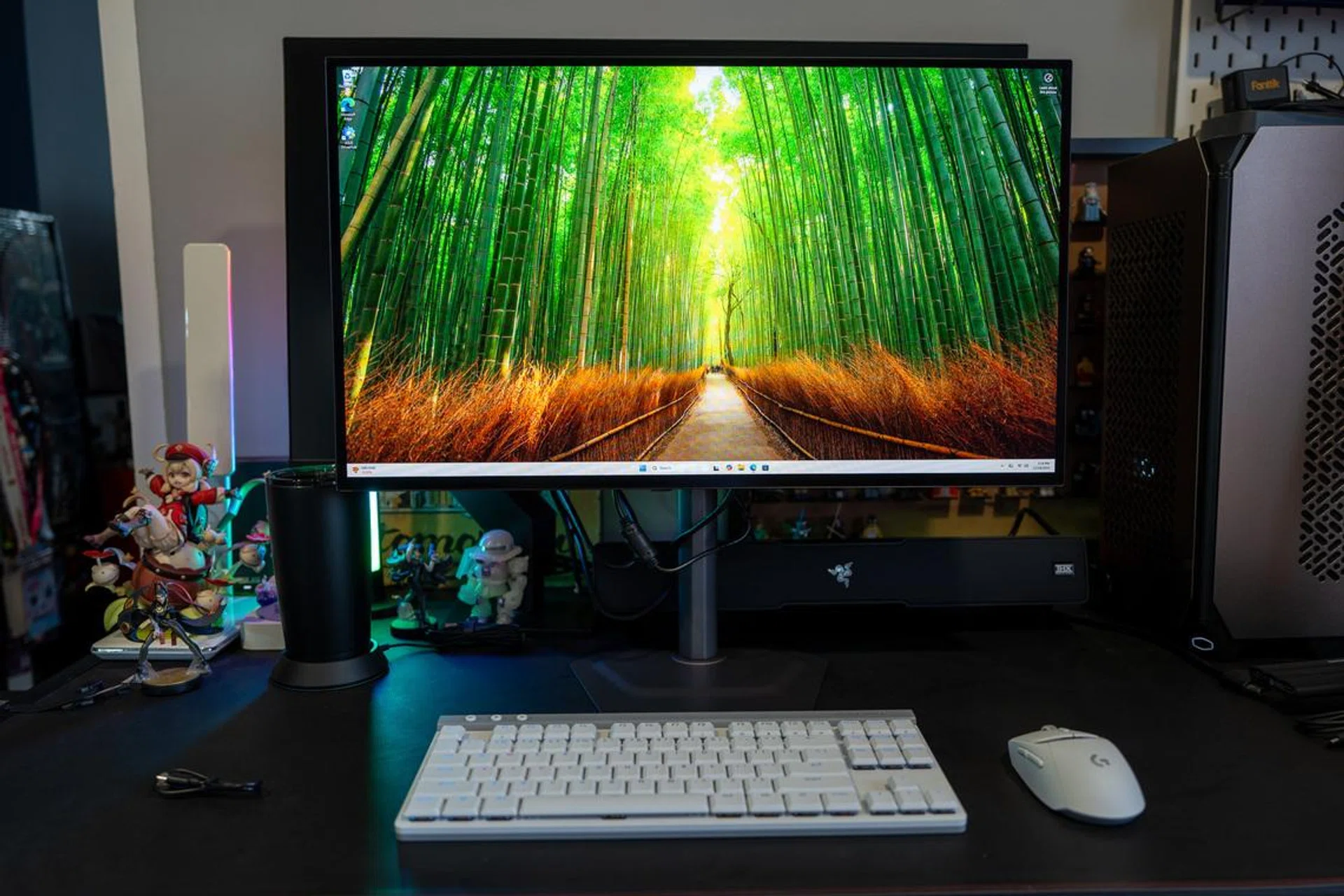
At a glance, it’s easy to see that Gigabyte has kept the MO27Q28G restrained. It doesn’t lean hard into gaming aesthetics, and that’s something you appreciate fairly quickly once it’s on your desk. The bezels are slim, the overall footprint is tidy especially with a sensible stand design (which I prefer way over ROG’s high-end monitors’ triangular-designed base). It’s actually pretty understated, but that’s not always a bad thing.
Speaking of the stand. It’s compact and sturdy and also offers height and tilt adjustments. But there’s no swivel or pivot, which might matter to some users (it does for me, personally), but the monitor is light enough for you to turn it with the stand easily if necessary. That said, if you’re using a monitor mount with VESA support then this is irrelevant anyway.
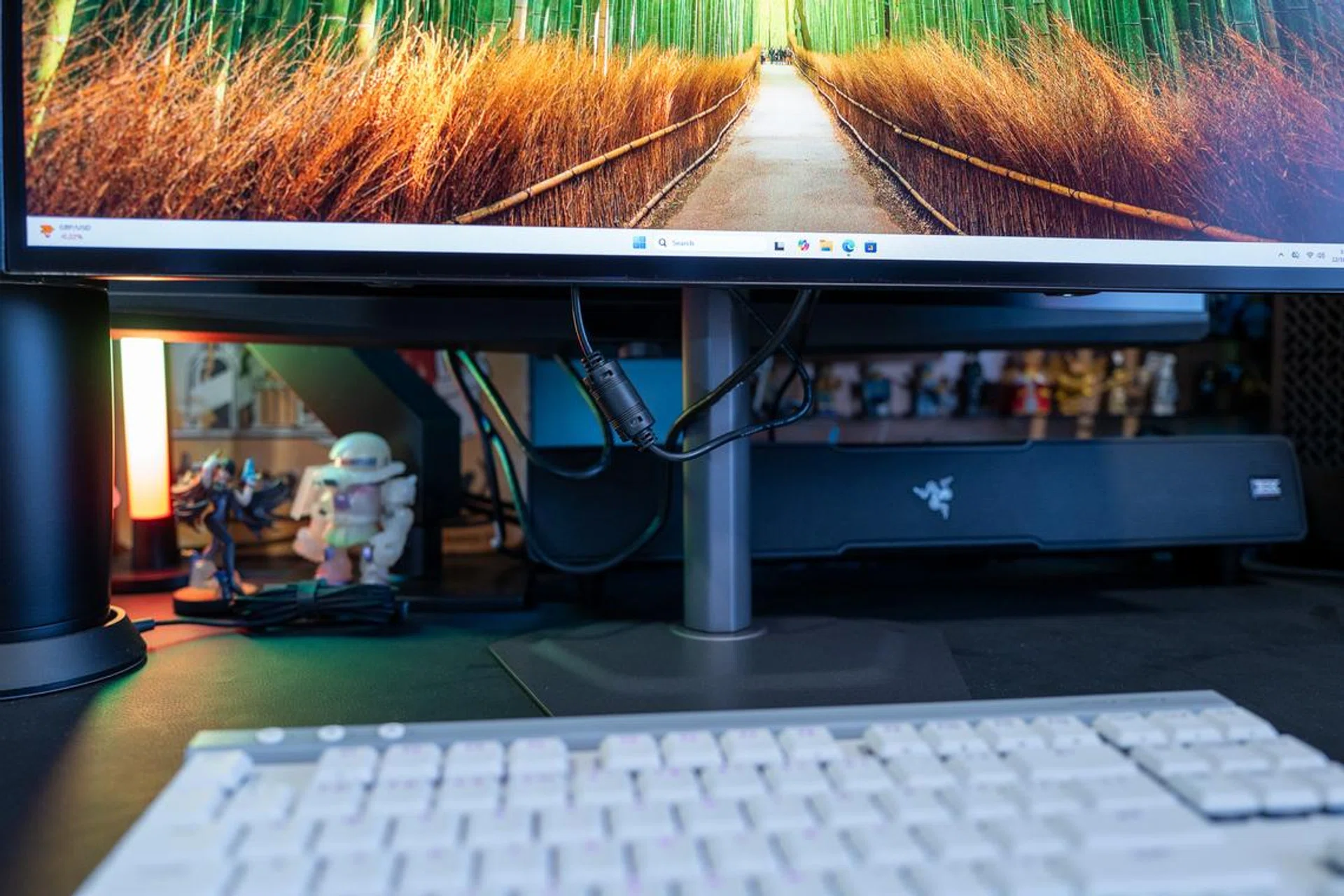
Perhaps one of my rare gripes with this Gigabyte monitor is that there are little to no space nor holders for cable management.
Photo: HWZ
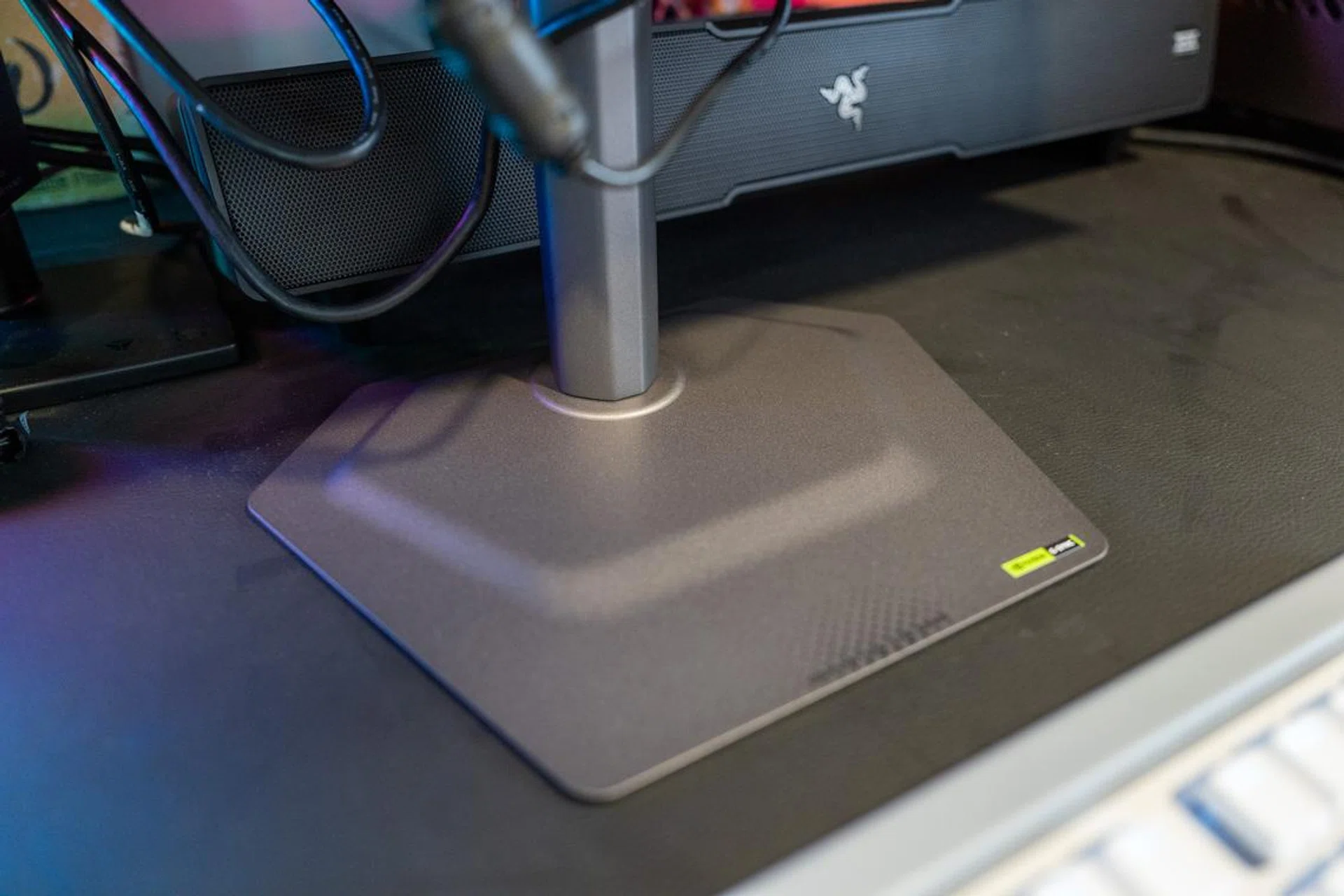
The monitor stand “hides” very well though.
Photo: HWZ
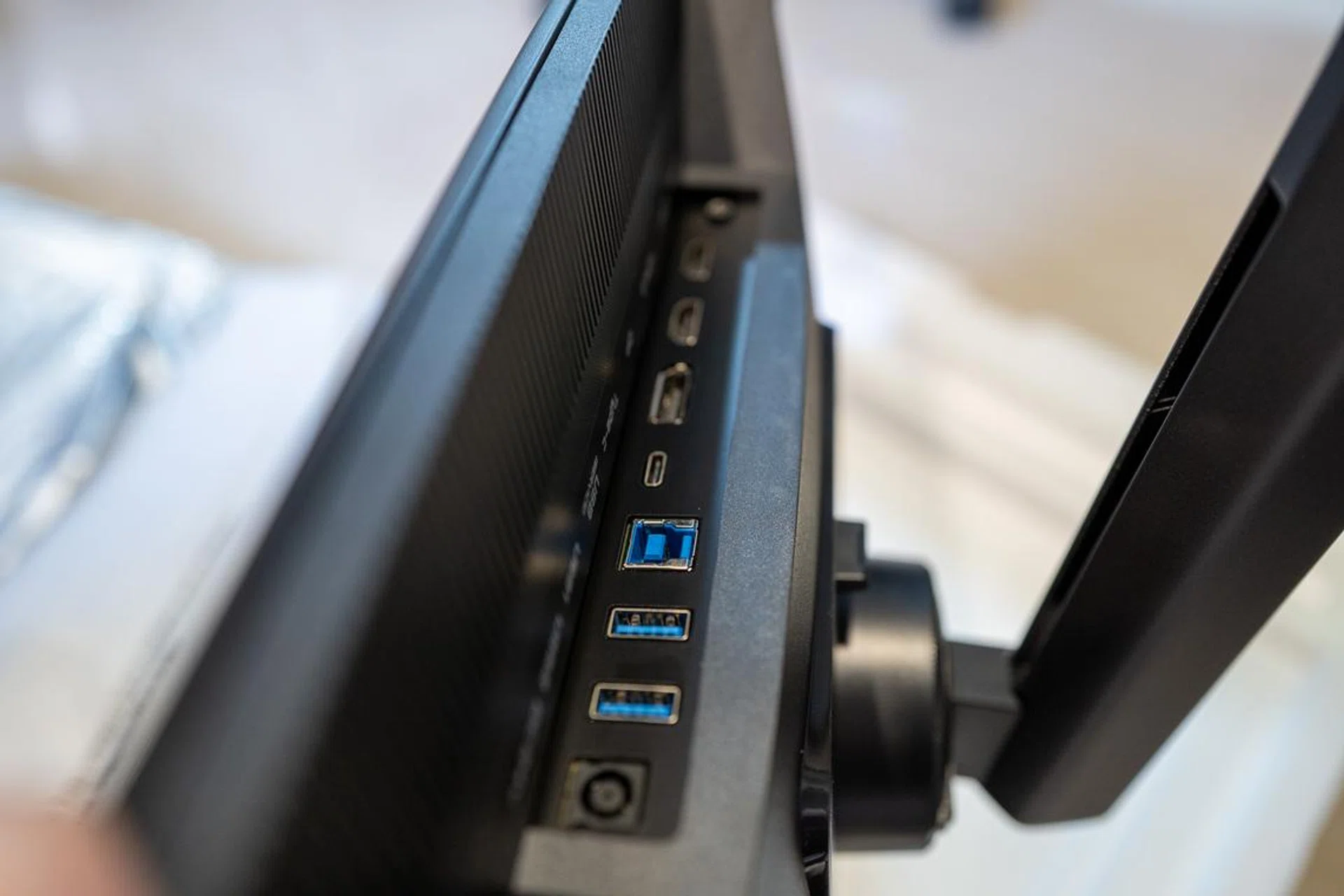
Connectivity is where the MO27Q28G quietly does a lot right. A single DisplayPort 1.4 handles PC duties, while two HDMI 2.1 ports make it easy to keep a console or two (a Nintendo Switch 2 and PlayStation 5 perhaps?) connected without unplugging cables every other day. There’s also USB-C with DisplayPort Alt Mode and modest power delivery. It’s not going to charge a gaming laptop meaningfully, but for a work laptop or ultraportable, it’s enough to simplify cable management.