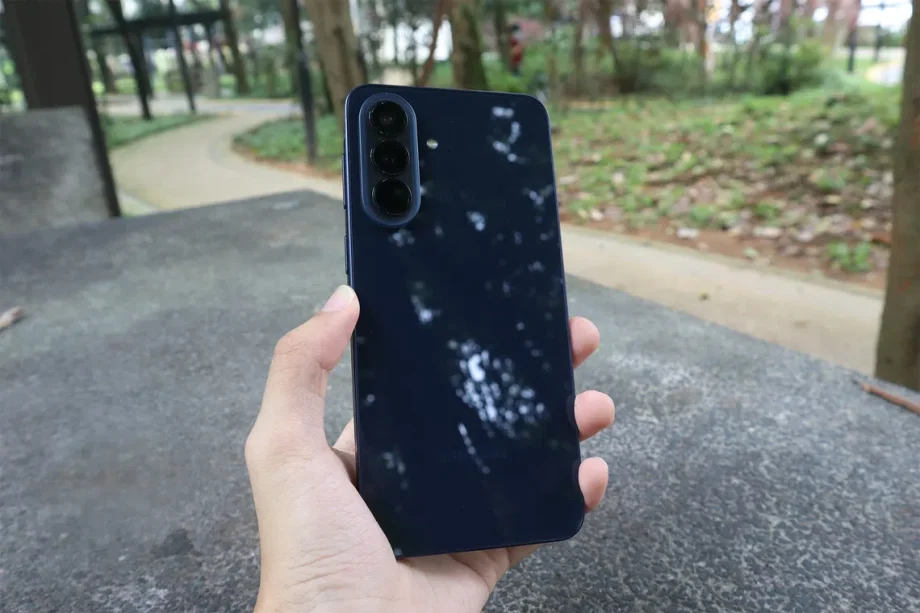
The Galaxy A series needs more love.
That was our conclusion of the Samsung Galaxy A56 5G review last year. It was a reliable device for daily use, but faltered under sustained workloads. With Samsung bringing us a Samsung Galaxy A57 5G to succeed it, we came with higher hopes for this midrange lineup.
Beyond Samsung’s flagship releases like the new Galaxy Z foldables and the annual ‘S’ series staples, the midrange category is still important for the rest of the non-tech-chasing crowd, and it’s also where Android phone competition is most heated.
This year brings even more challenges, with the main one being rising component prices. Noticeably, it launched at a lower sticker price and has seen upward revisions to its current S$678 (128GB), S$868 (256GB), and S$1,058 (512GB) price tag.
With price-sensitive consumers spoilt for choice, the Galaxy A57 5G needs a robust package even without the draw of cutting-edge components. Did Samsung pull it off this time?
Design, build and display
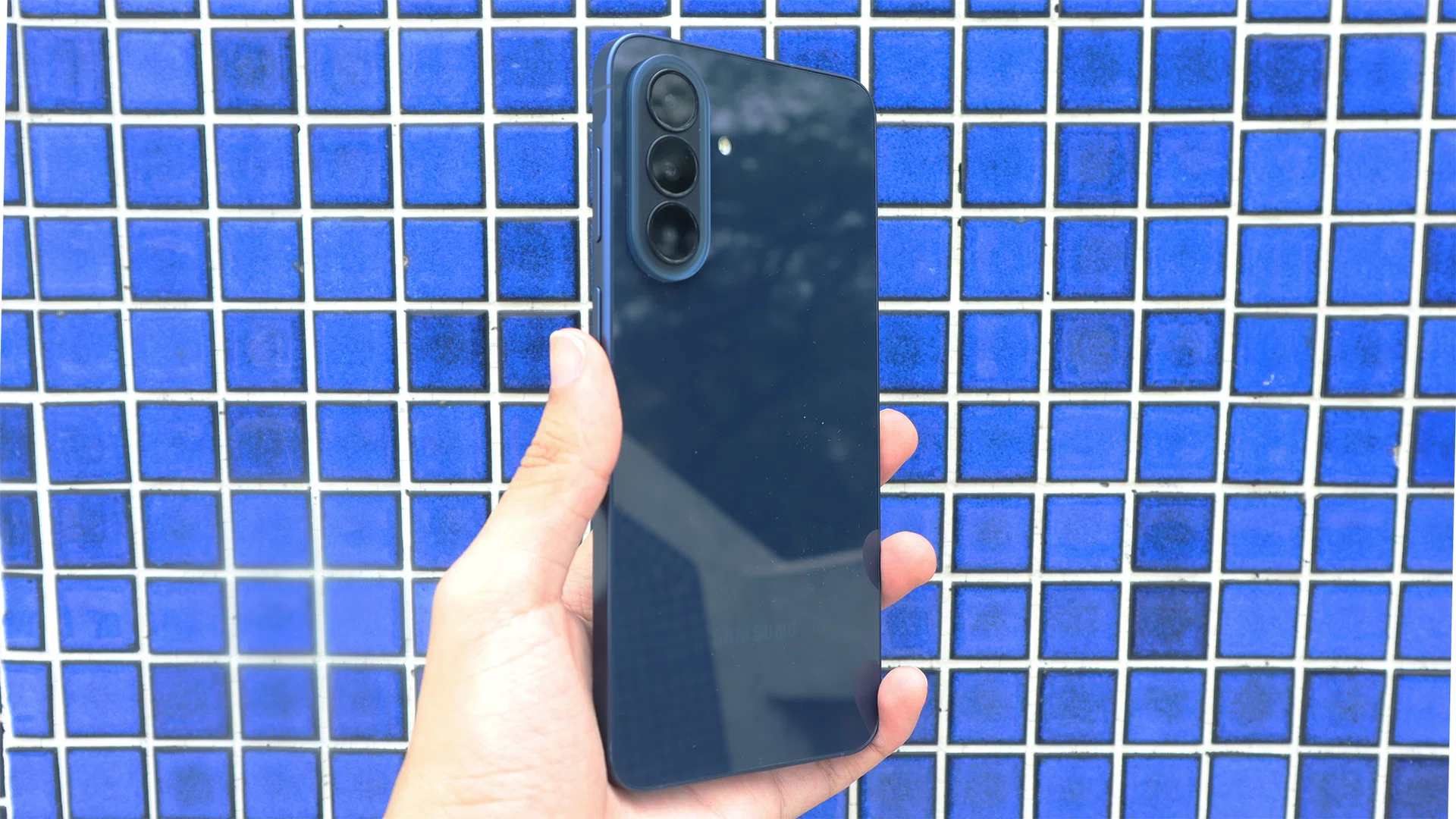
The Galaxy A57 makes a few subtle tweaks compared to the A56.
Photo: HWZ
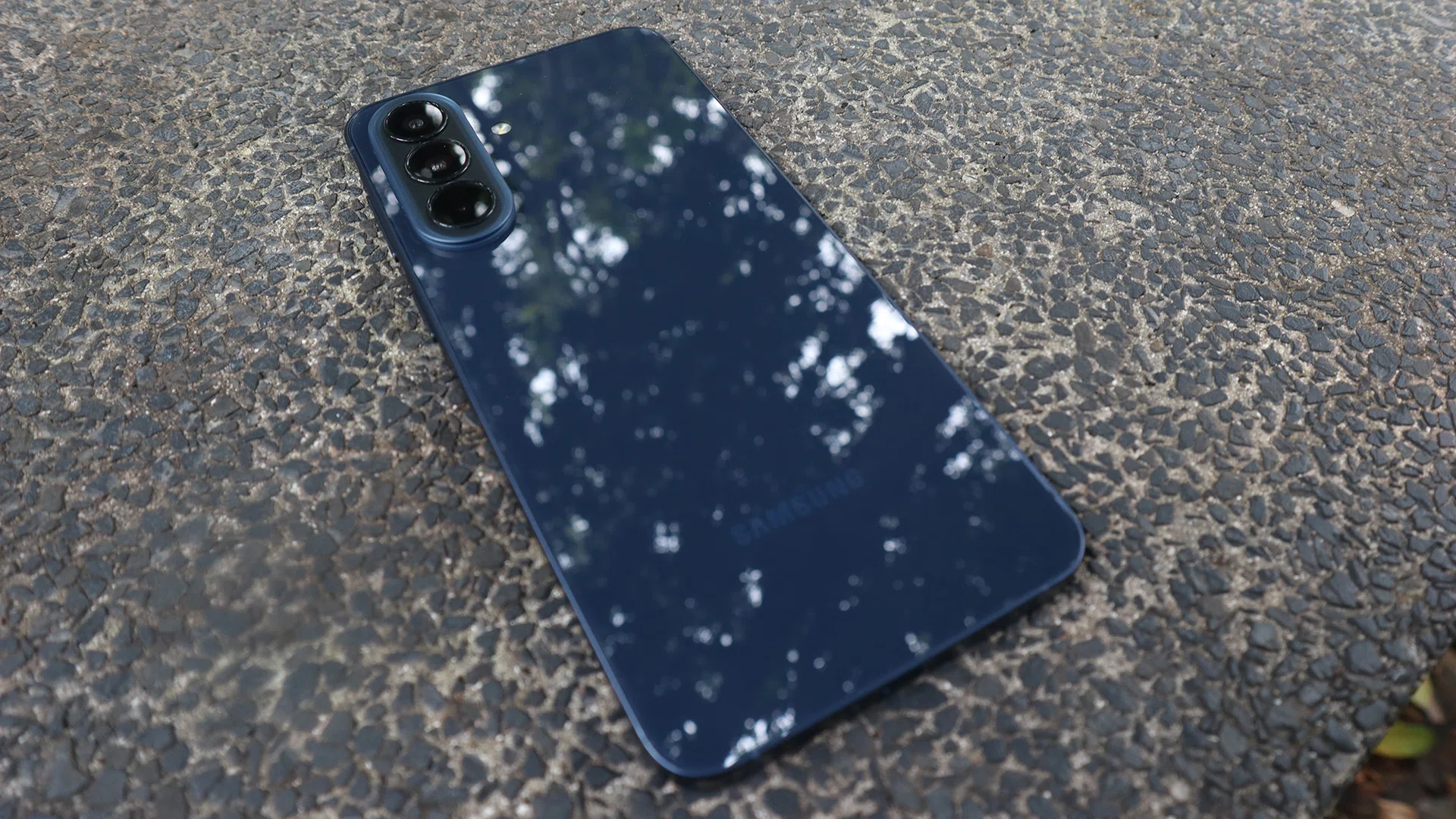
Physically, the Galaxy A57 doesn’t differ too much from its older counterpart. It’s likely you may not be able to tell the two apart even when side-by-side. The real changes were minor, but no less important to the overall experience.
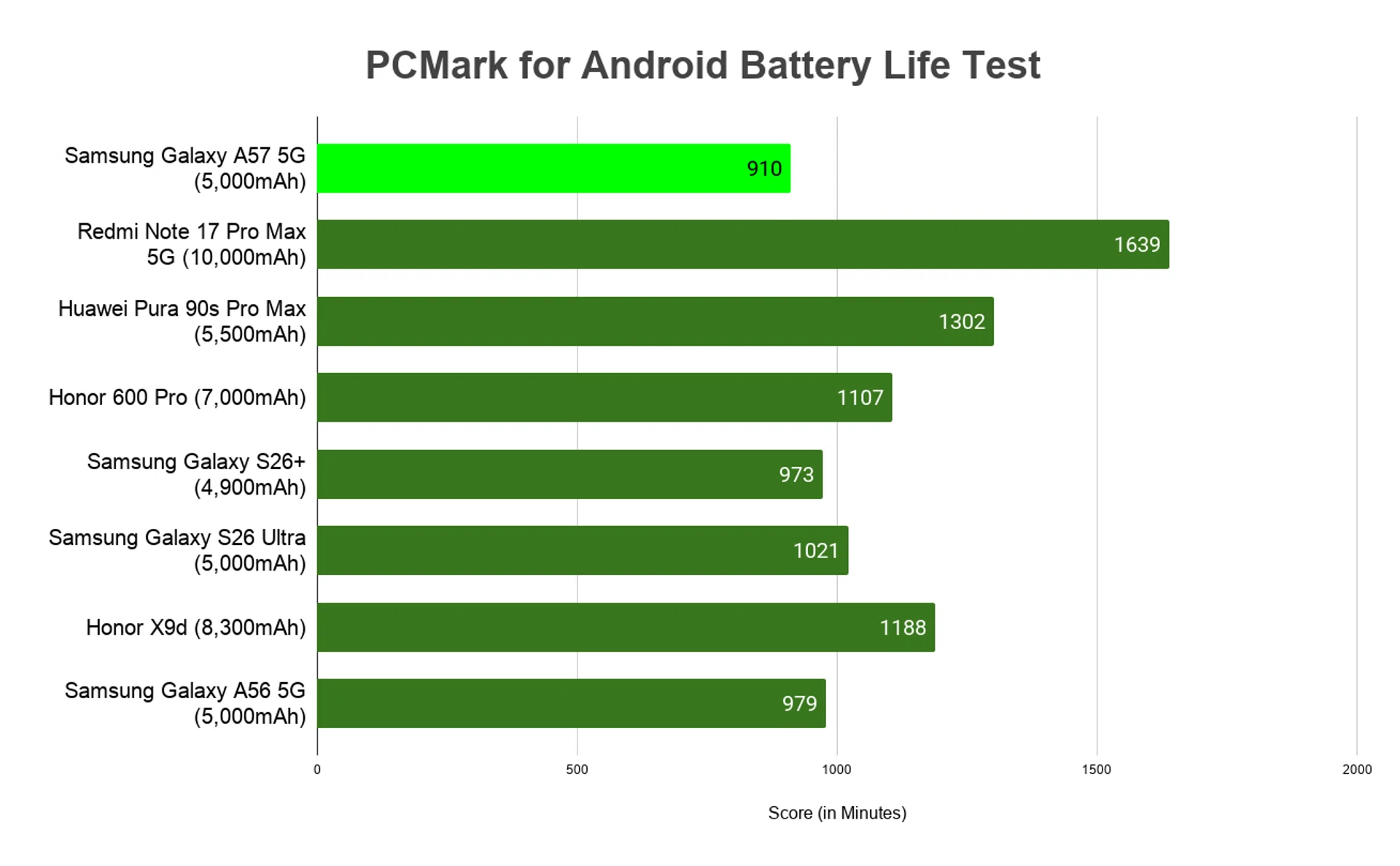
For starters, the Galaxy A57 is smaller at 161.5 x 76.8 x 6.9mm. That’s only a few millimetres off from the A56, but it’s notably retains the same battery capacity (more on its performance below). Even more astounding is the A57 is lighter than its predecessor at 179g (as opposed to 198g), despite the similarities.
The lighter feel isn’t because Samsung cut corners on materials, either. You get an aluminium frame and Corning Gorilla Glass Victus+ glass sandwiching both sides of the phone. This lets the A57 feel light and slim in hand without feeling cheap or toy-like.
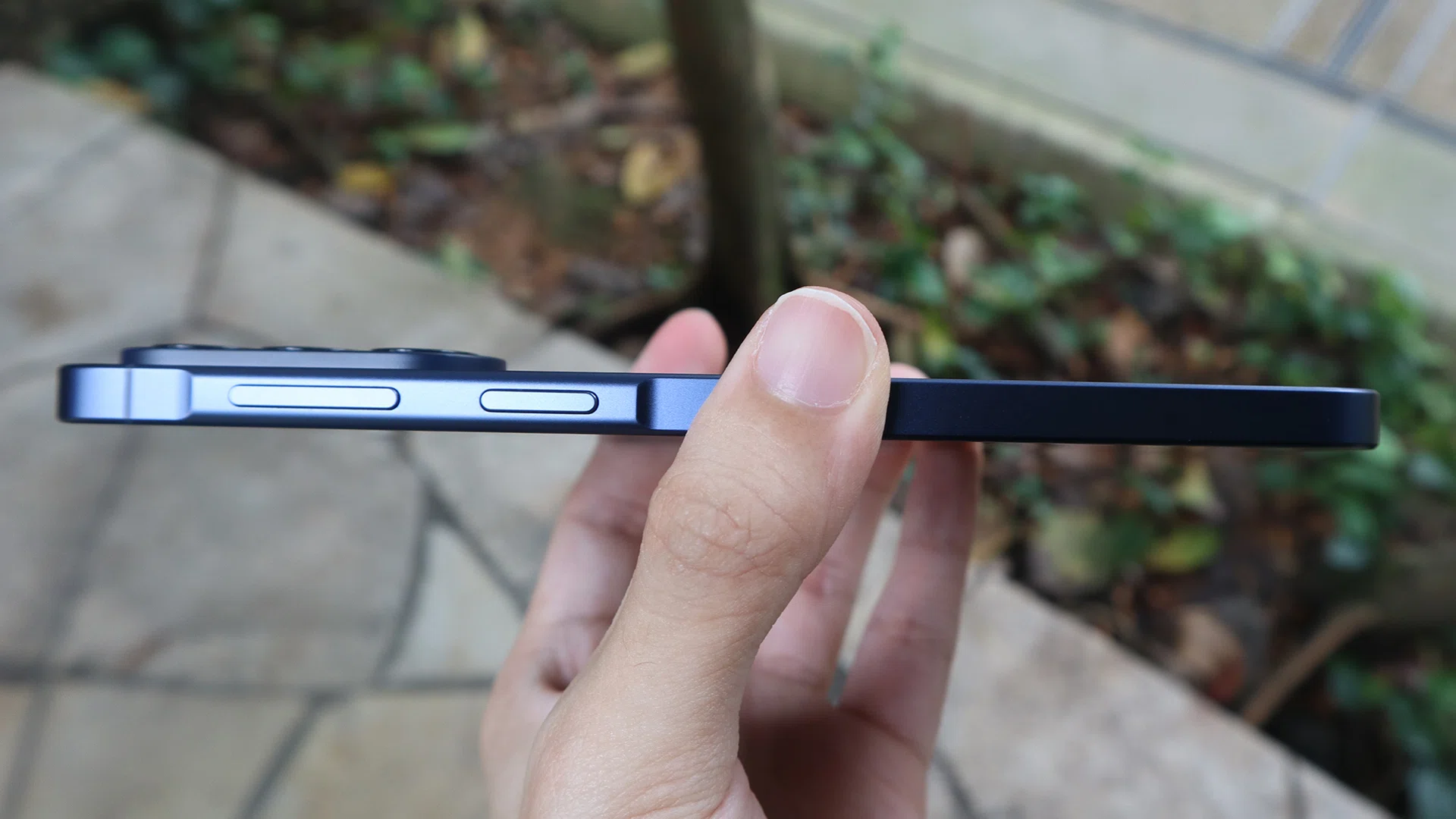
Samsung managed to shave the size and weight of the A57, without shaving off the battery capacity.
Photo: HWZ
That said, Galaxy A57 also has design choices I’m not too big a fan of. The edge holding both metal frame and glass feels too sharp for my liking. While the materials may feel premium, they’re particularly susceptible to the tiniest bit of staining (from condensation and palm sweat). With how thin the phone is, the A57 feels particularly slippery in these cases. Admittedly, this can easily be rectified with a phone case.
For added assurance, this midrange device offers IP68 dust and water resistance, which is a nice touch of practicality and durability despite its lower price.
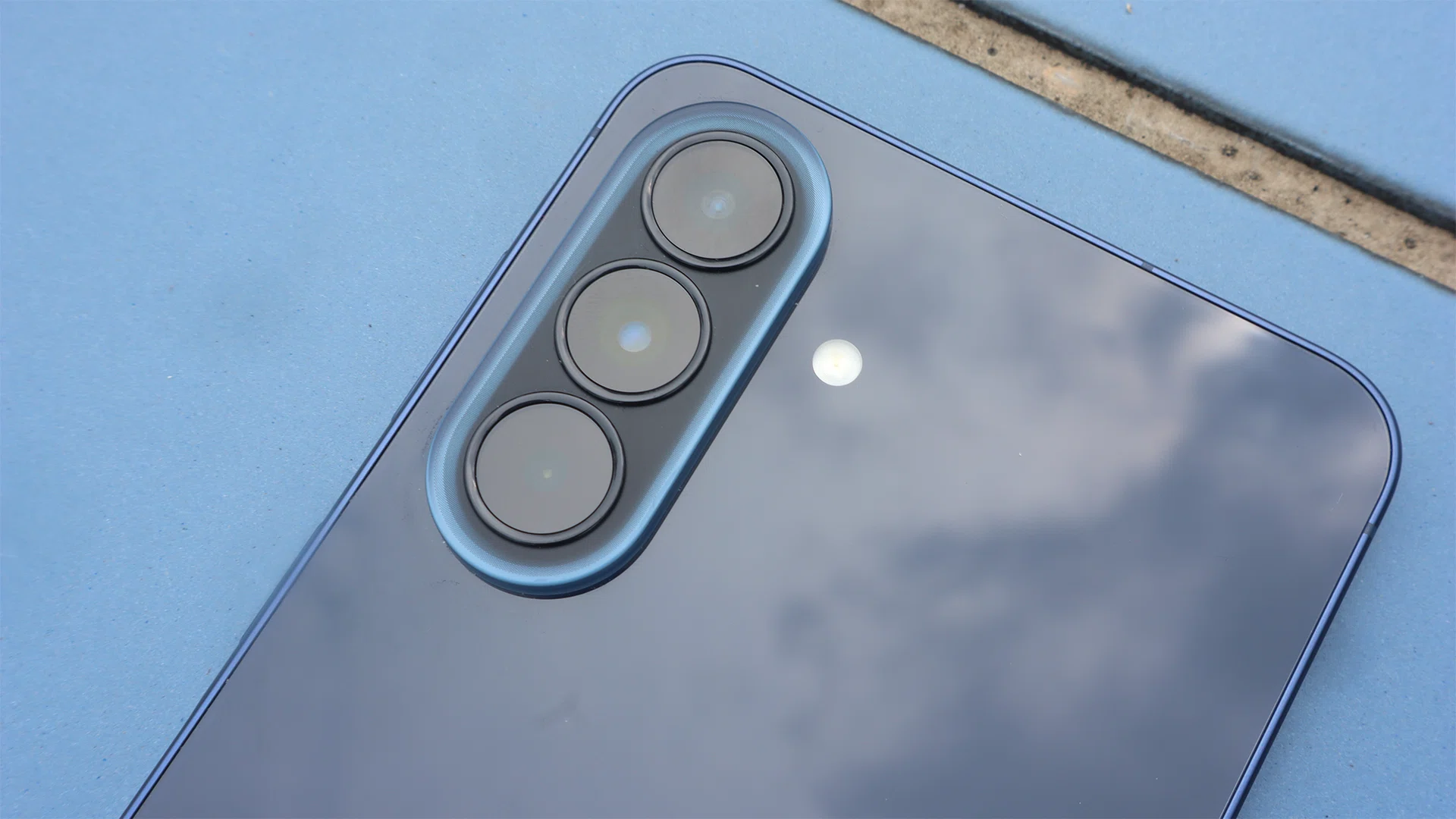
Samsung has also removed the small gap beneath the camera island, which was a sticking point on the A56 because it was prone to trapping dust. The island still protrudes quite a lot, so the phone wobbles whenever we put it on a flat surface.
Still, these are just nitpicks. Overall, the A57 does a decent job delivering design and handling value despite its affordability.
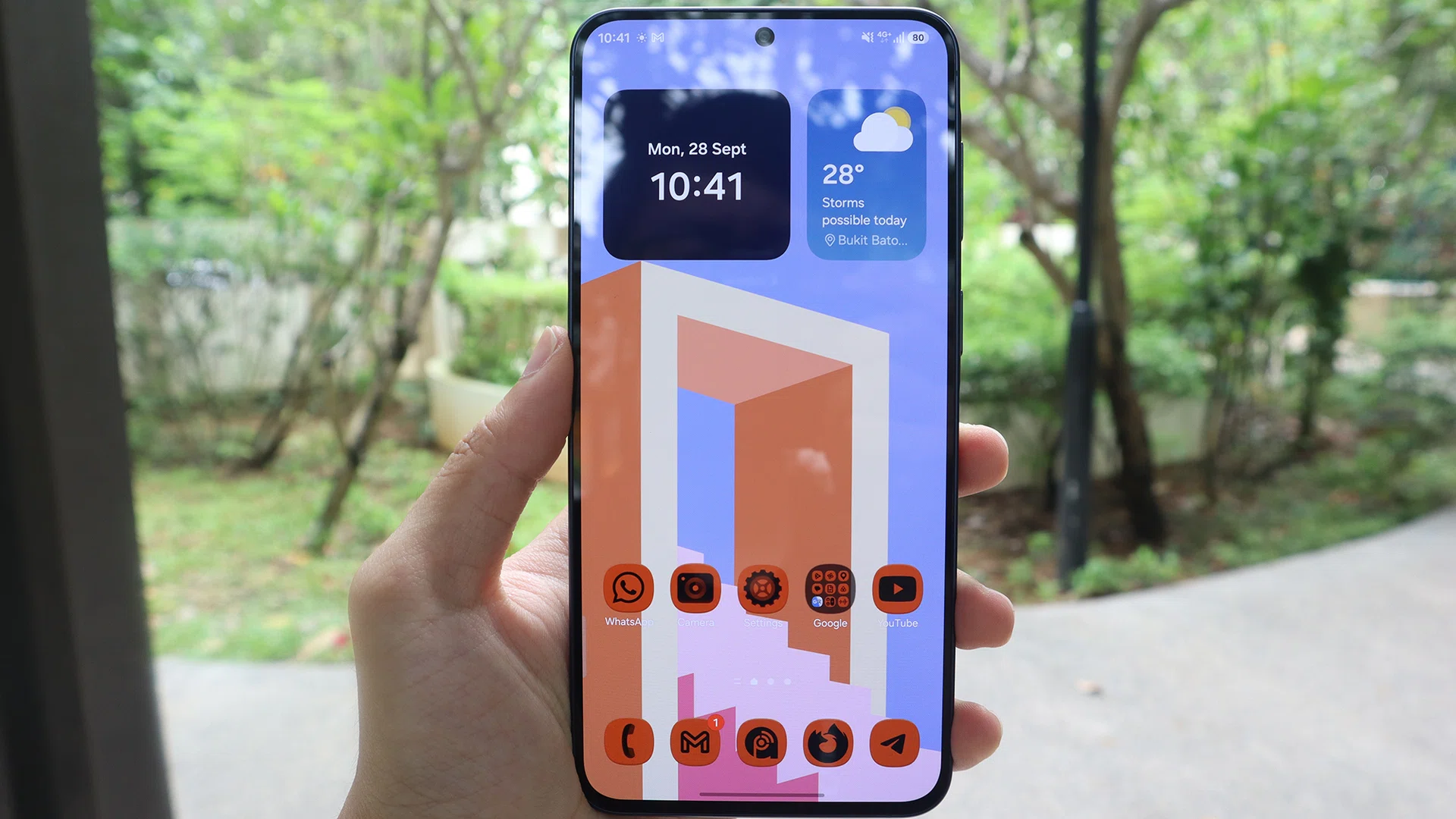
No complaints about the colours on the Galaxy A57’s display, only the brightness.
Photo: HWZ
Adding to that value is a premium-looking display. Similar to the A56, it’s a 6.7-inch Super AMOLED + display with a 2,340 x 1,080 pixel resolution, with excellent indoor legibility.
Sadly, its 1,200 nits in High Brightness Mode isn’t accessible through manual tweaks. You have to enable adaptive brightness to make the display readable in direct sunlight, and that relies heavily on the phone’s sensors.
Thankfully, colour reproduction doesn’t seem lethargic on the A57’s display, at least on the default Vivid display mode. I also tried testing with pastel-coloured Home Screen wallpapers. In general, pastel tones are generally hard to get right, but the A57 balanced them nicely without looking too saturated or washed out.
The 120Hz refresh rate is a nice touch, albeit insufficient for my needs. Standard mode locks the screen to 60Hz, while Adaptive mode uncaps it to 120Hz. I’d have liked to see app-level refresh-rate limits, which sounds like a stretch for a midrange phone.
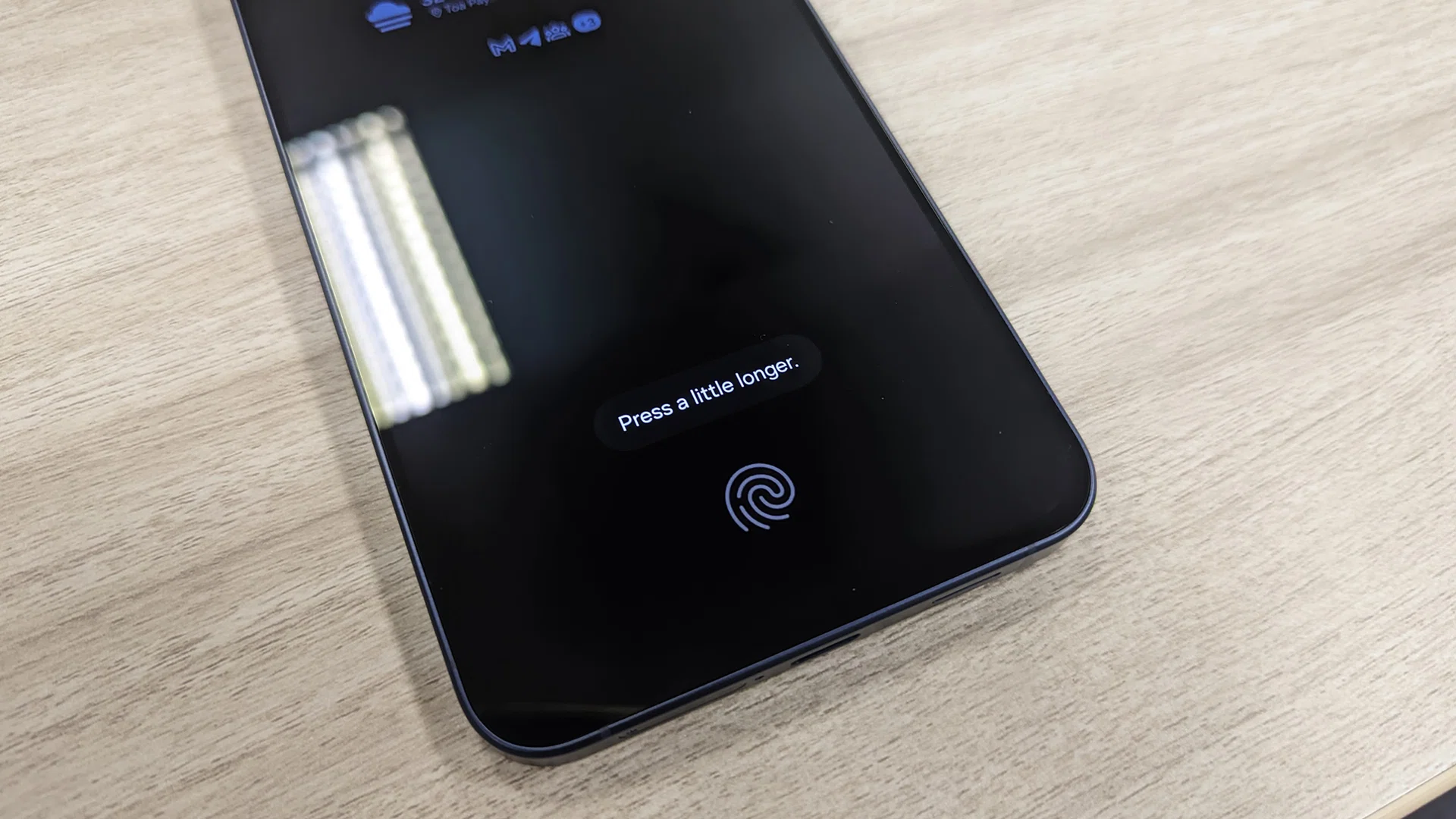
The A57 uses an optical fingerprint scanner, and takes half a second to unlock.
Photo: HWZ
Read Full Article At Source