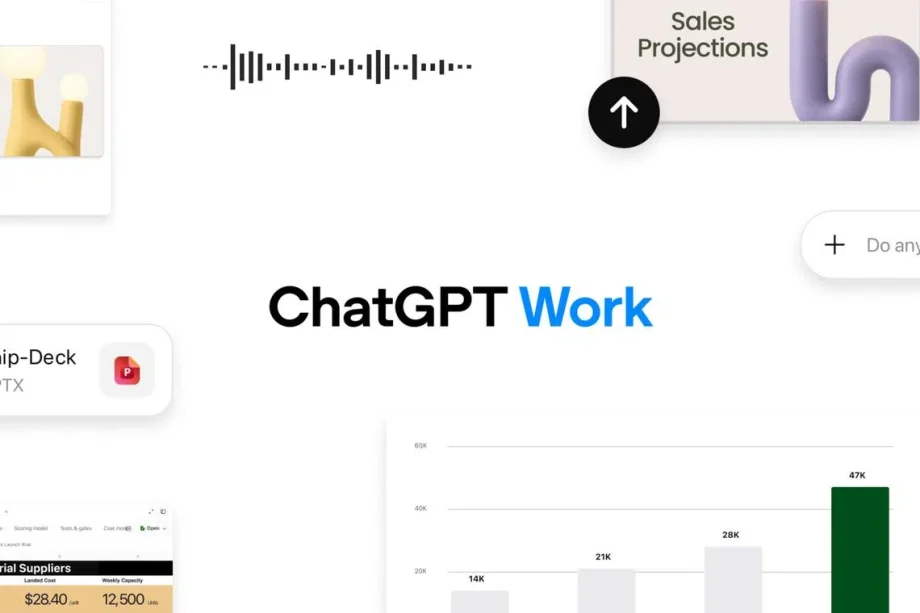
OpenAI has spent three years teaching ChatGPT to answer questions. Today, it announced the model is now meant to finish your workload instead.
The company launched ChatGPT Work, a new mode inside ChatGPT built to take on multi-step projects across a person’s apps and files rather than responding to a single prompt and stopping there. It arrives alongside GPT-5.6, OpenAI’s newest model family, which now powers both Work and Codex, the company’s coding agent.
What ChatGPT Work actually does:
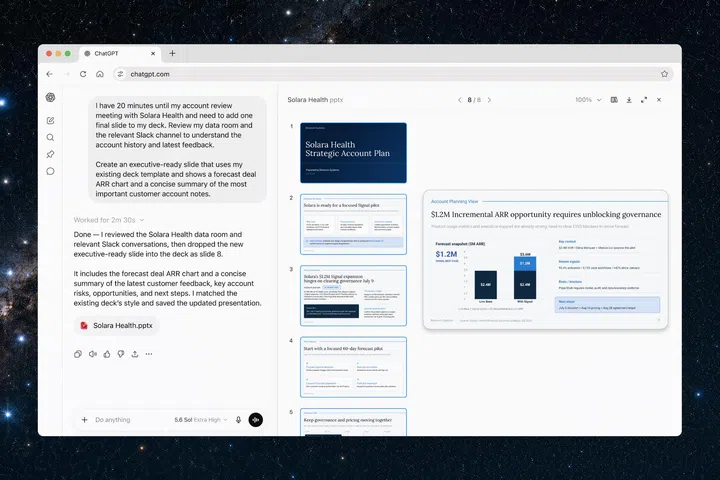
- Gathers information across a user’s connected apps and workflows to build finished materials: documents, spreadsheets, slide decks, reports, and interactive web apps
- Stays on complex projects for hours by breaking them into smaller steps and working through them independently
- Lets a user state an outcome, attach the relevant files or apps, and leave the model to find its own path there
- Runs on GPT-5.6, which OpenAI says is now state of the art at reasoning through multi-step tasks and matching a user’s existing templates and reference files
In OpenAI’s own words, ChatGPT is becoming “a partner for your most ambitious work” rather than a place to ask quick questions. The company frames Work as the point where Codex’s agentic technology, originally built purely for coding, finally reaches everyday knowledge workers. More than five million people now use Codex every week, and more than one million of them already use it for tasks that have nothing to do with software development, a signal OpenAI reads as proof that people want an agent that does the work, not just one that writes code.
Built for the whole day, not just the desk
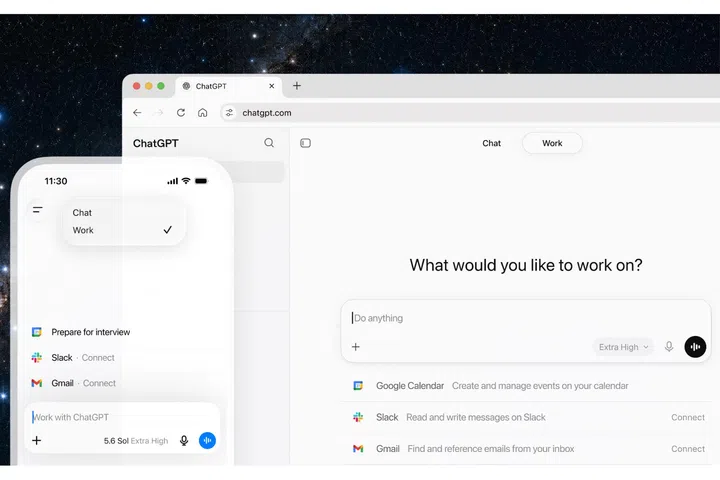
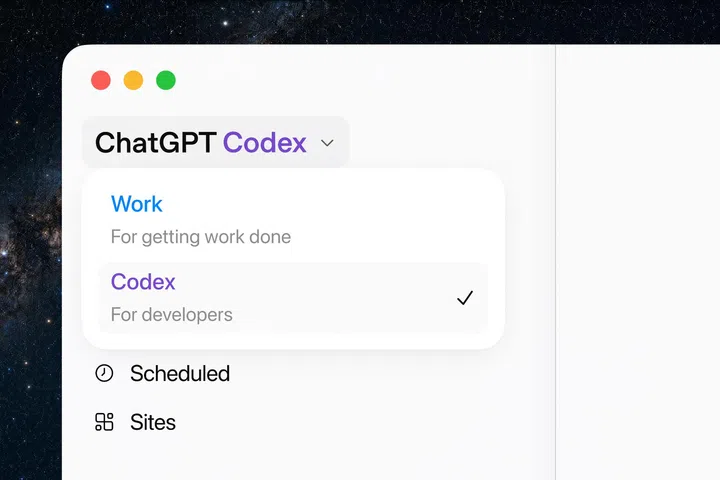
ChatGPT Work won’t be static but follow you around.
Photo: OpenAI
Work is designed to follow a person around rather than remain pinned to a single device. A task can start on a phone during a commute, get checked mid-afternoon between meetings, and get picked back up on the web once someone’s back at their desk. When on the desktop, it can access local files and installed apps directly, and comes with a built-in browser so it can pull in live websites, tools, and online files without a user tabbing out.
Two features do most of the heavy lifting:
- Plugins connect ChatGPT to the tools where work already happens. These include Slack, Microsoft Teams, Gmail, Google Drive, SharePoint, calendars, CRMs and project trackers. Typing “@” followed by an app’s name in a prompt tells ChatGPT exactly where to pull context from, and a new unified plugins directory brings all connections into one place.
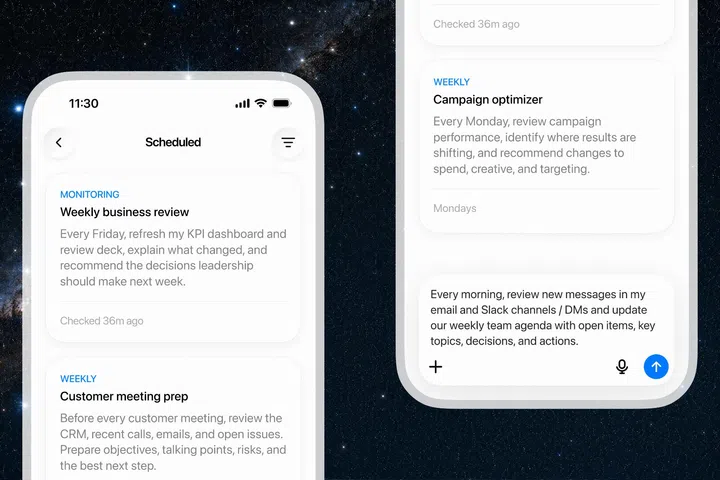
- Scheduled Tasks let a person hand off recurring administrative tasks entirely. For example, reviewing new Slack messages each week to refresh a meeting agenda, checking a dashboard every morning and sending a summary, or updating a presentation the moment new feedback lands by email. Nothing runs unsupervised without a user’s say-so. People choose what ChatGPT can access, when it should check in, and which actions need explicit approval before going ahead.
OpenAI is also introducing Sites in public beta, a way to turn a piece of work straight into an interactive dashboard, tracker, or internal tool, shareable by URL and testable inside ChatGPT itself before it goes live.

Read Full Article At Source