(This guide is Part 6 of 7 in our Sports Entertainment Upgrade Special.)
Watching sports on a well-executed projector setup feels different. Done right, and a projector can make you feel like you’re in the stadium itself, soaking in the atmosphere. Whether you’re looking to upgrade from a TV or get a brighter (newer) projector to replace the old one you’ve been using, here’s some buying advice and tips for getting the right router and how to get the best out of it.
Optimising your room for the perfect sports viewing experience
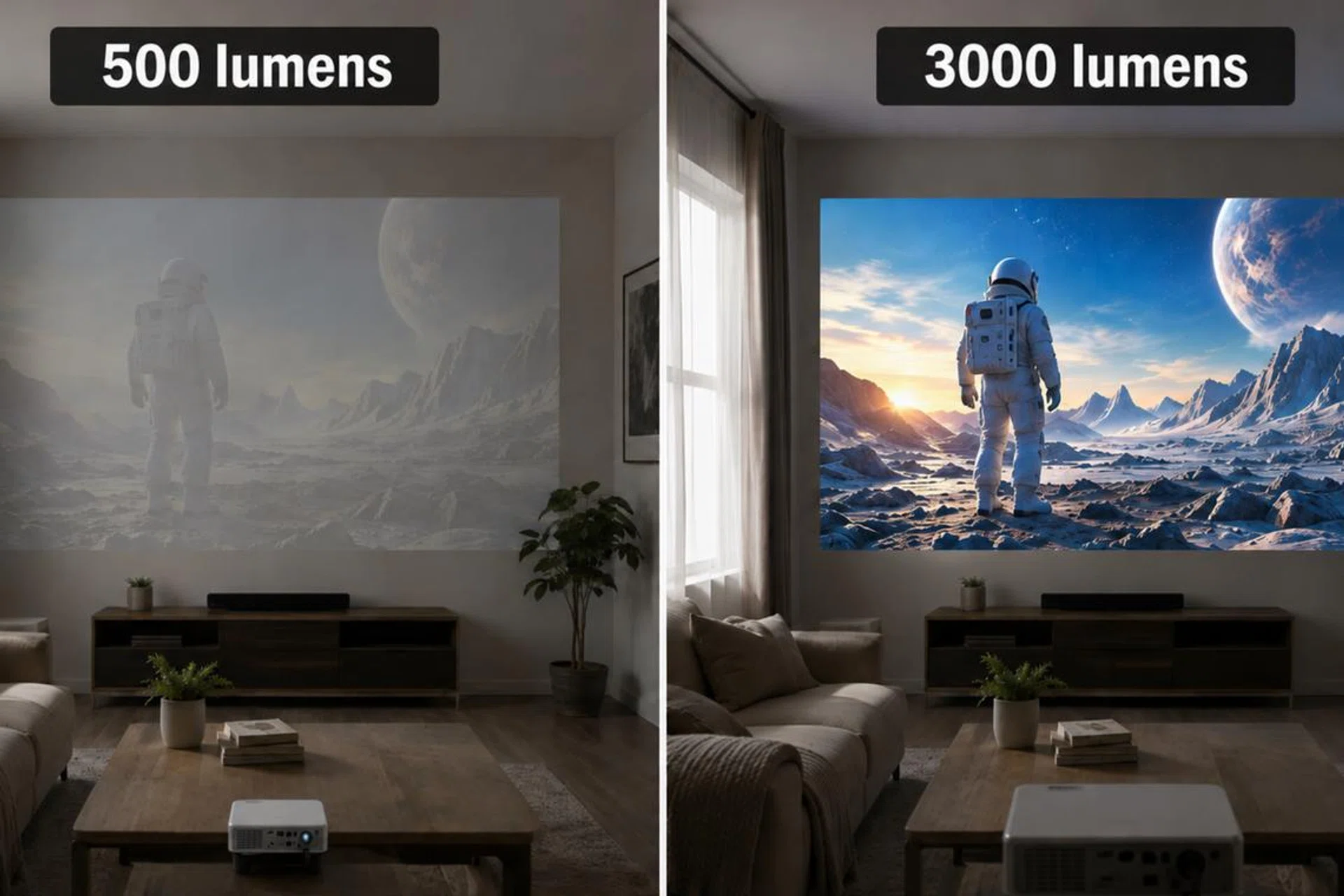
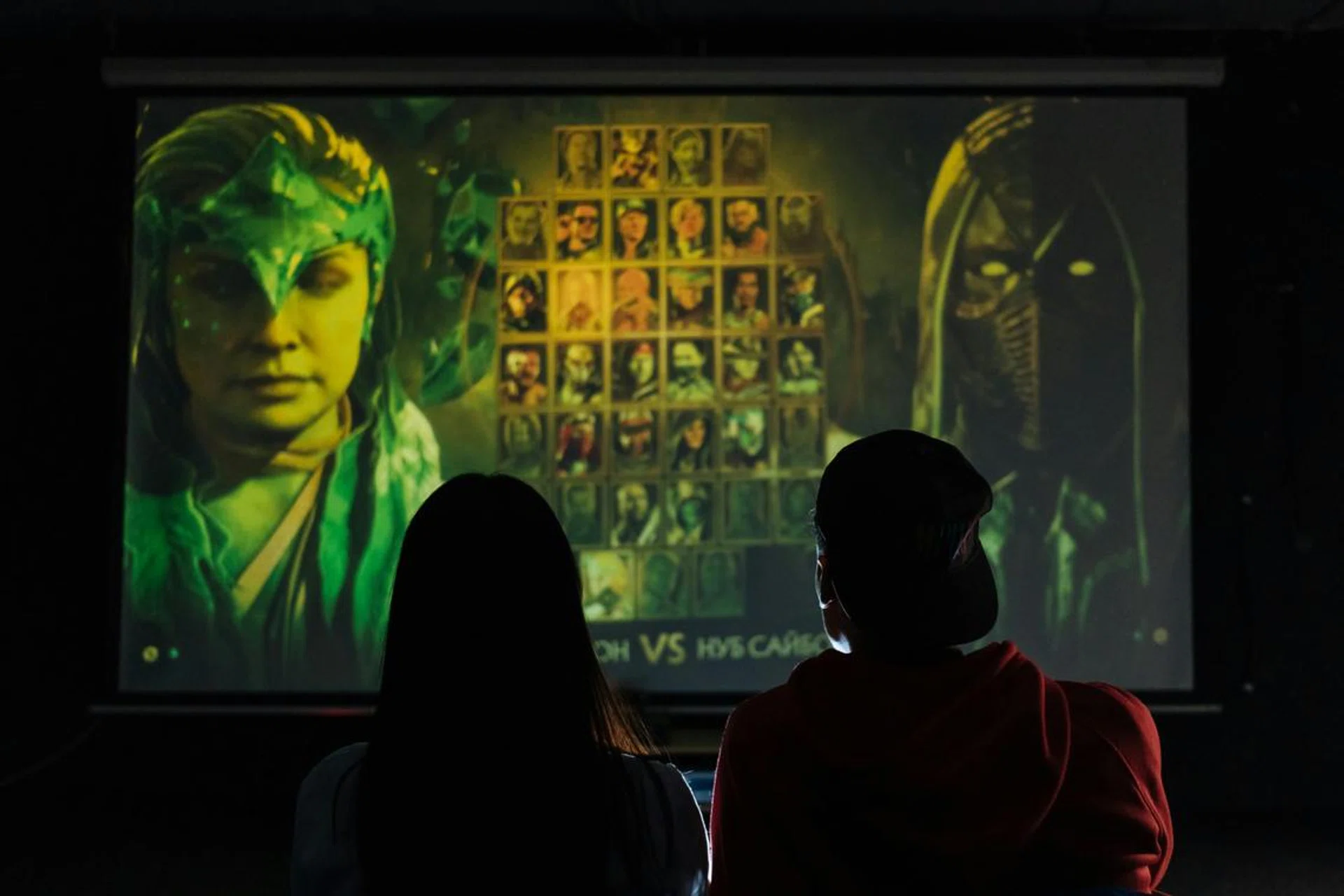
Brightness is one of the most important considerations for a projector setup.
Photo: AI-generated image
The problem
A dim projector makes football look flat and washed out, especially during afternoon kick-offs or in a living room with windows. Stadium grass goes grey, jerseys lose their punch, and you end up half-watching a smudge instead of a match.
The solution
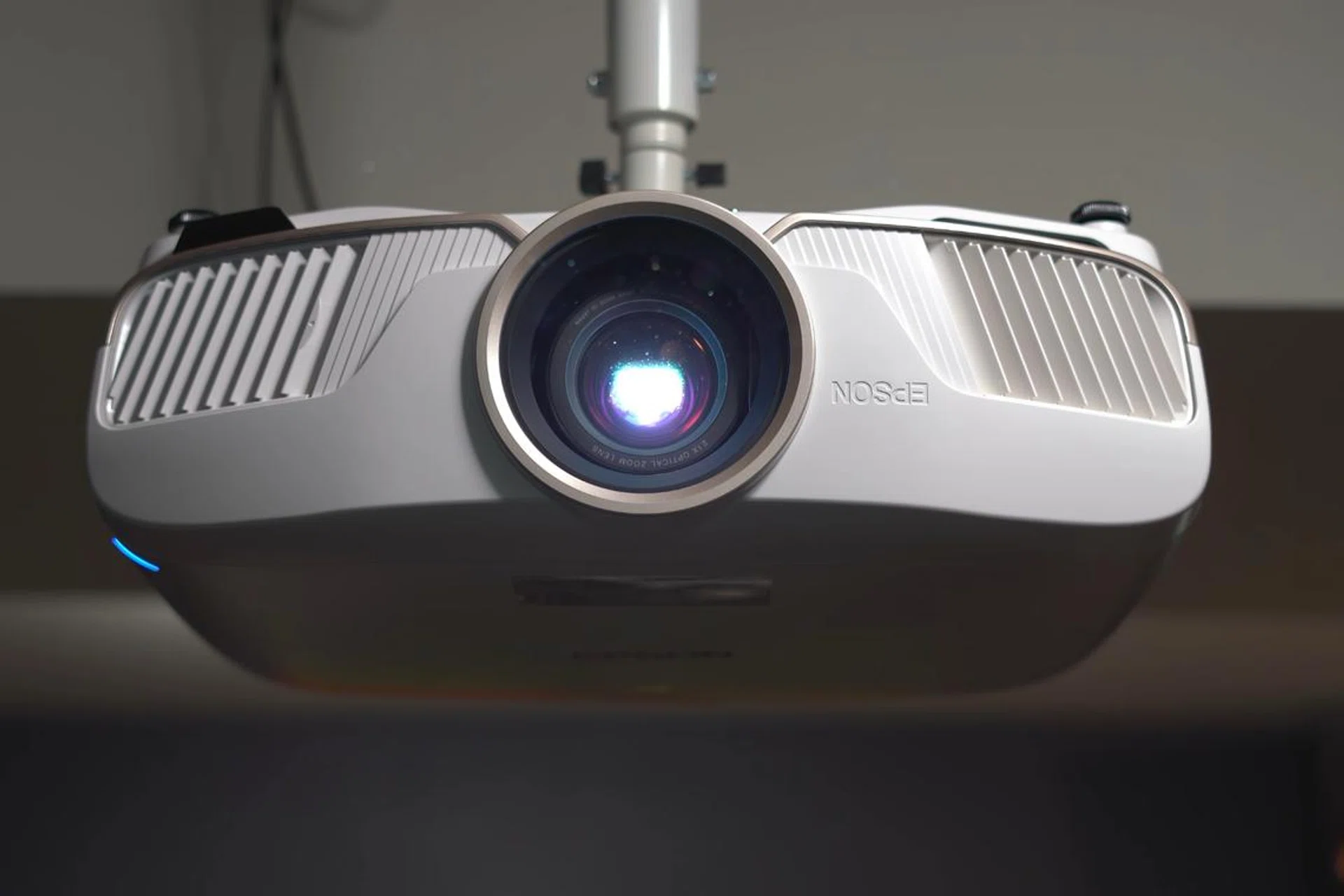
Aim for at least 2,500 lumens in a darker, curtained room and 3,000 lumens or more in a living room with ambient light. Equally important is colour brightness, not just white brightness. Some projectors hit a high number on the white-light spec sheet but throttle their colour output significantly, which is why two projectors with the same lumen rating can look completely different on real footage. The crucial bit here is to look for a projector that publishes both white and colour brightness figures, and to be cautious of any spec sheet that only quotes one.
Read more: Epson EF-22N: How did this 1,000 lumens projector outshine a 12,000 lumens competitor?
Motion handling for fast sport
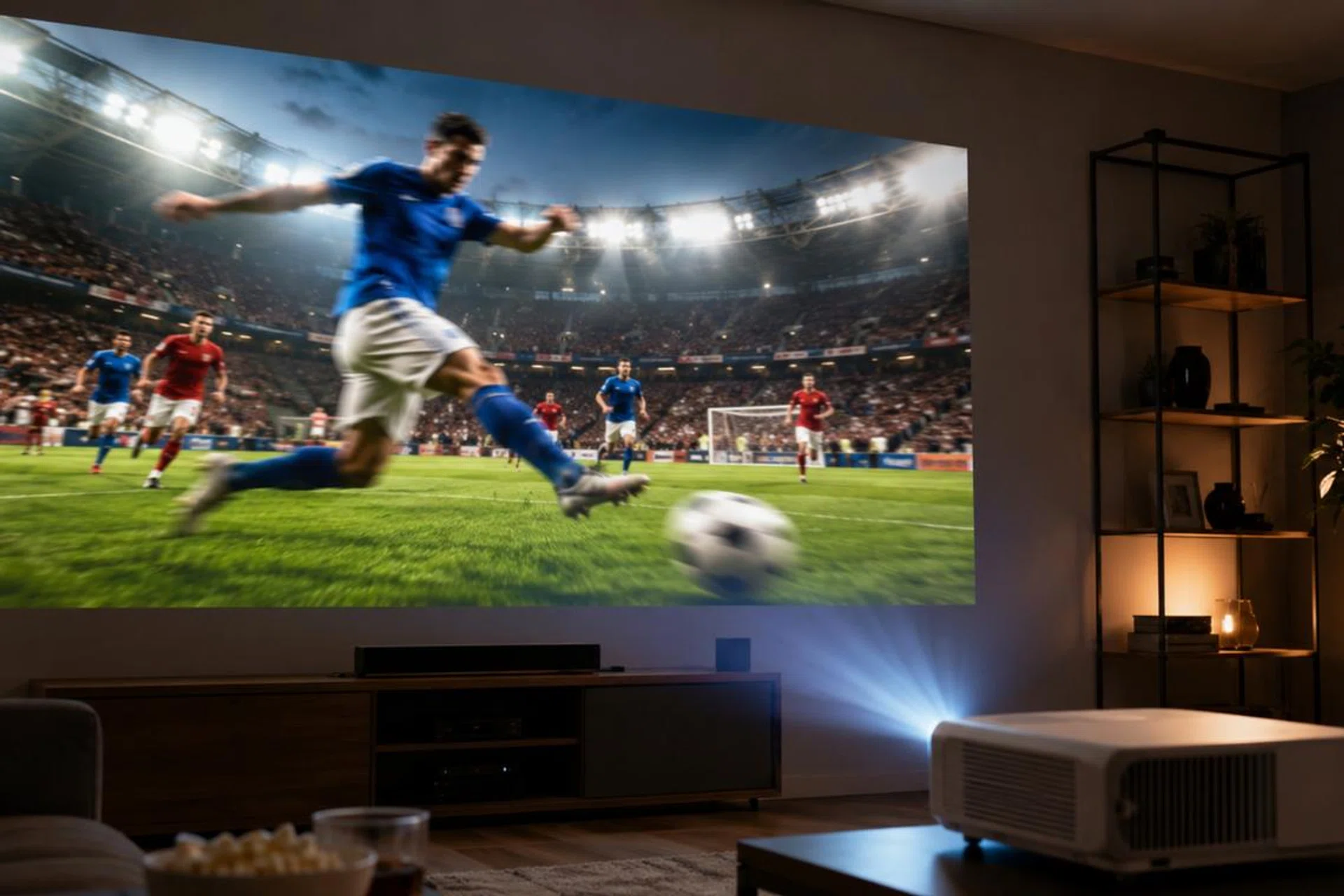
Blurred images will spoil any viewing experience.
Photo: AI-generated image
The problem
Sport exposes motion weaknesses immediately. Fast passes, camera pans and quick player movement can become a smear on weaker projectors. Football is especially demanding because the camera constantly pans across the pitch, and basketball’s fast breaks need the ball to stay clean during transition.
The solution
Look for a higher native refresh rate (depending on the resolution, some can go as high as 120Hz or even 240Hz), decent frame interpolation, and a Game Mode or Sport Mode that reduces input lag without sacrificing motion smoothness. Pure interpolation on its highest setting can introduce the soap-opera effect, which makes football look uncanny, so set it to Low or Medium and leave it there. It’s worth checking the spec sheet for the native panel refresh rate and the available motion-processing settings before buying, since marketing language around motion handling tends to overstate what budget projectors can actually do.
Ultra-short throw versus traditional projectors
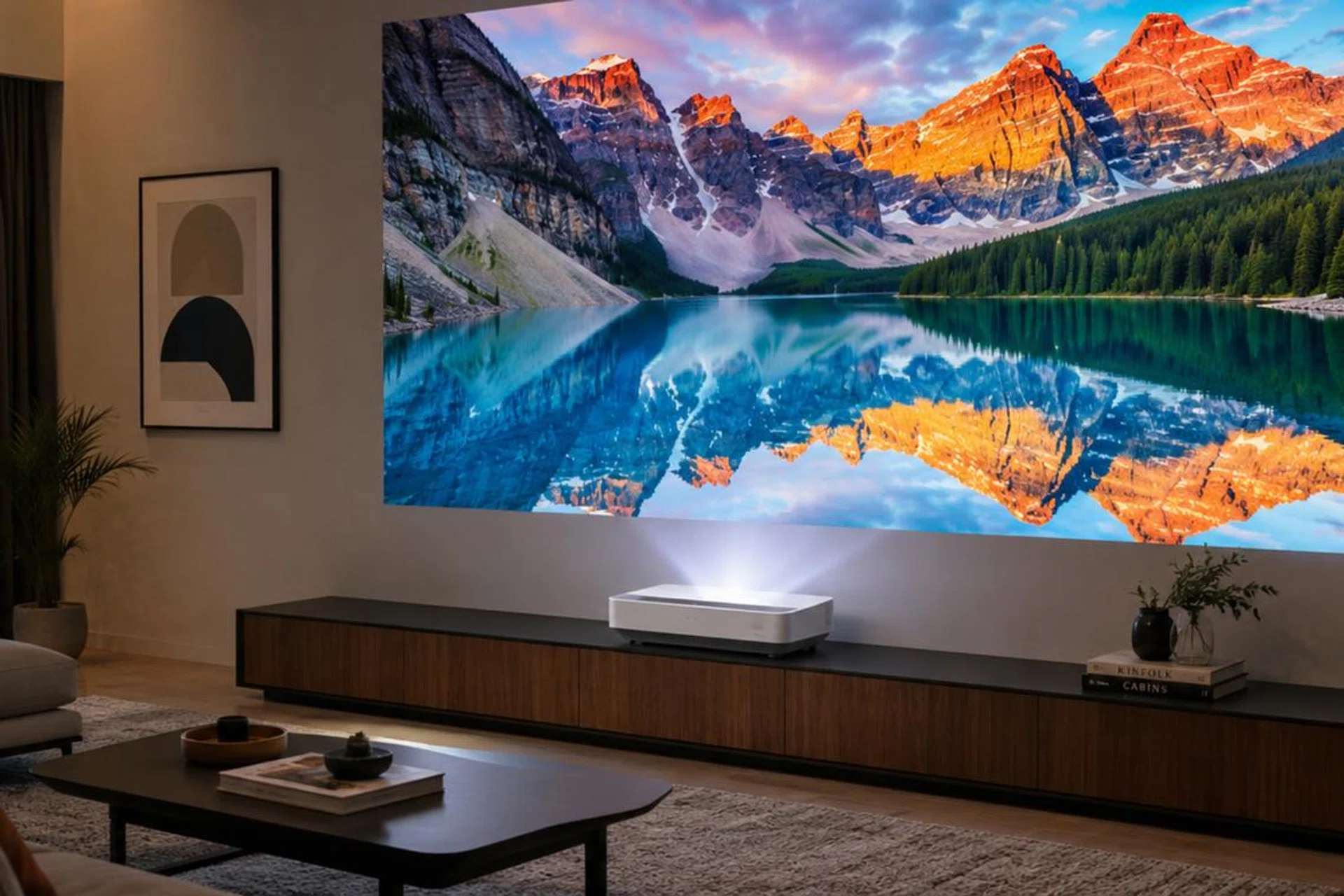
A UST projector can sit close to a wall, but still cast a big image.
Photo: AI-generated image
The problem
The same projector can be brilliant in one home and unusable in another, purely because of throw distance. Whether you’re in an HDB flat with no ceiling-mount option, a small living room with the sofa against the back wall, or a long open-plan space, the setup you need is always different.
The solution
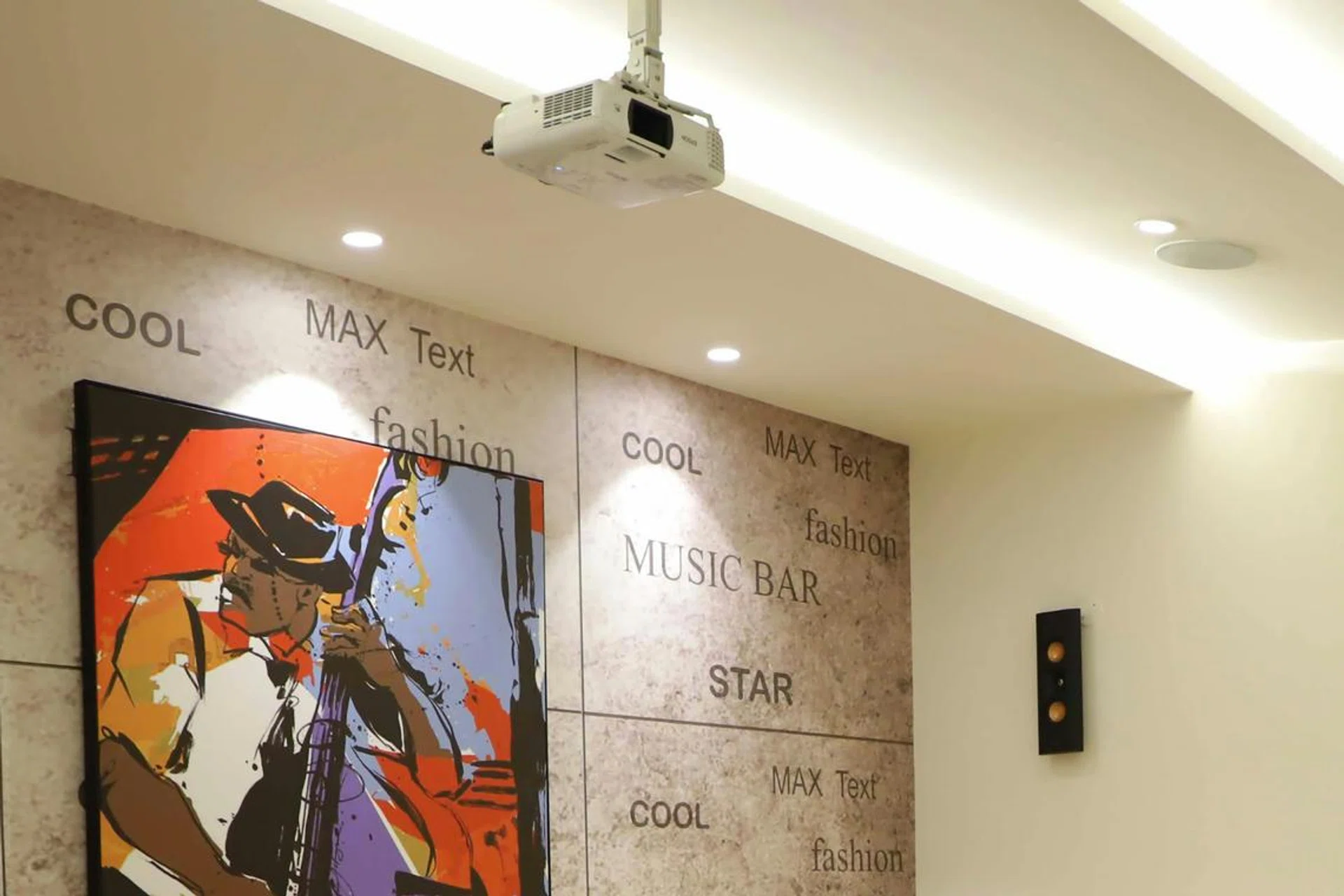
Pick the throw type that suits the room before anything else.
Ultra-short throw (UST) projectors sit inches from the wall and projects upwards. It looks closer to a giant TV than a traditional projector and is the best fit for HDB and condo living rooms.
Read Full Article At Source