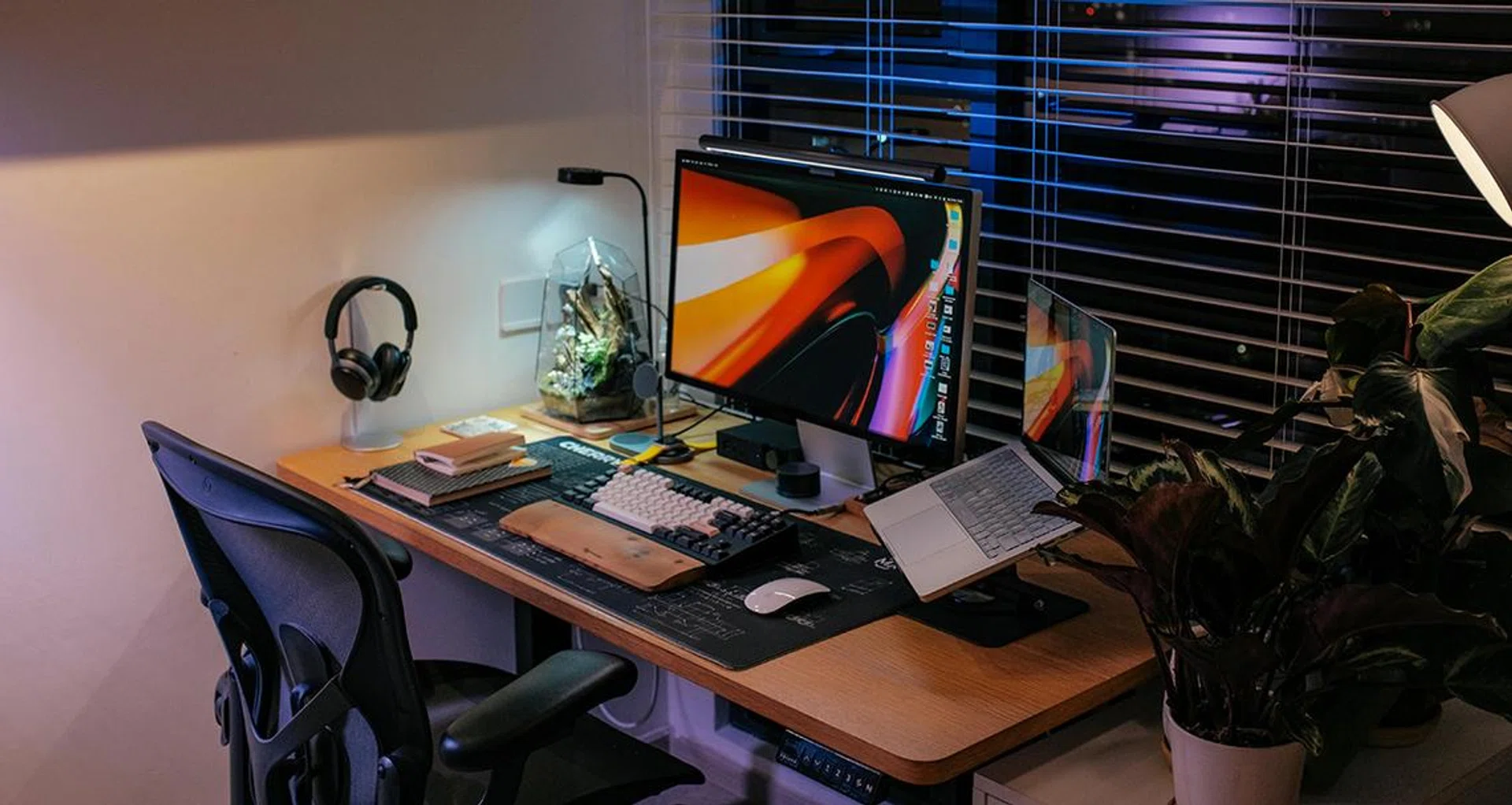
Desk setup guide for watching sports at work

Desk setup guide for watching sports at work


We’re at the tail end of the 25/26 sporting season, but that doesn’t mean it’s all over yet. As we enter the latter half of May, there’s still a host of competitions and finals to look forward to, including the NBA Playoffs, and a certain major global football competition beginning in June.

As this season reaches its climax, however, it’ll be difficult to catch these games live in person, not just because of the flight and accommodation, but also the exorbitant ticket prices for some of these matches. In that case, where else better to enjoy the game than in the comfort of your own home, particularly at your desk? 

  1. 1. Why watch at the desk?
  2. 2. Audio
  3. 3. Microphones
  4. 4. Apps for statistics
  5. 5. Secondary displays
  6. 6. Ergonomic furniture

Why watch at the desk?

It’s always best to watch the game with loved ones, but if inconvenient timings make that impossible, you might want to turn off the TV and head to the desk.

It’s always best to watch the game with loved ones, but if inconvenient timings make that impossible, you might want to turn off the TV and head to the desk.

Image: Pexels.

First things first – if you can catch any of these games on your TV, that might be the more attractive option. Watching sports is a good way of bonding with the family (or with friends), so if you can, spend those two hours in the living room catching the game with loved ones. 

However, not all matches are going to be at family-friendly timings. You’re probably well aware of this by now if you follow any competitions happening on the other side of the world. In those cases where the matches are in the wee hours of the morning, watching at your desk may be the easiest way to catch them. It’ll certainly be the least annoying if your workspace / PC setup is in a separate room from sleeping family members.

Watching at your desk also confers other benefits. If you are watching on a PC, it’s easier to keep track of other things such as the latest news and stats. Thanks to the multitasking capabilities of PCs, it’s possible to watch two (or more) matches simultaneously. For hardcore fans, we would make the argument that watching at the desk beats the TV.

Now to help you out with setting up your desk, here’s a list of tips and items you might need to enjoy those games to the fullest.

Audio
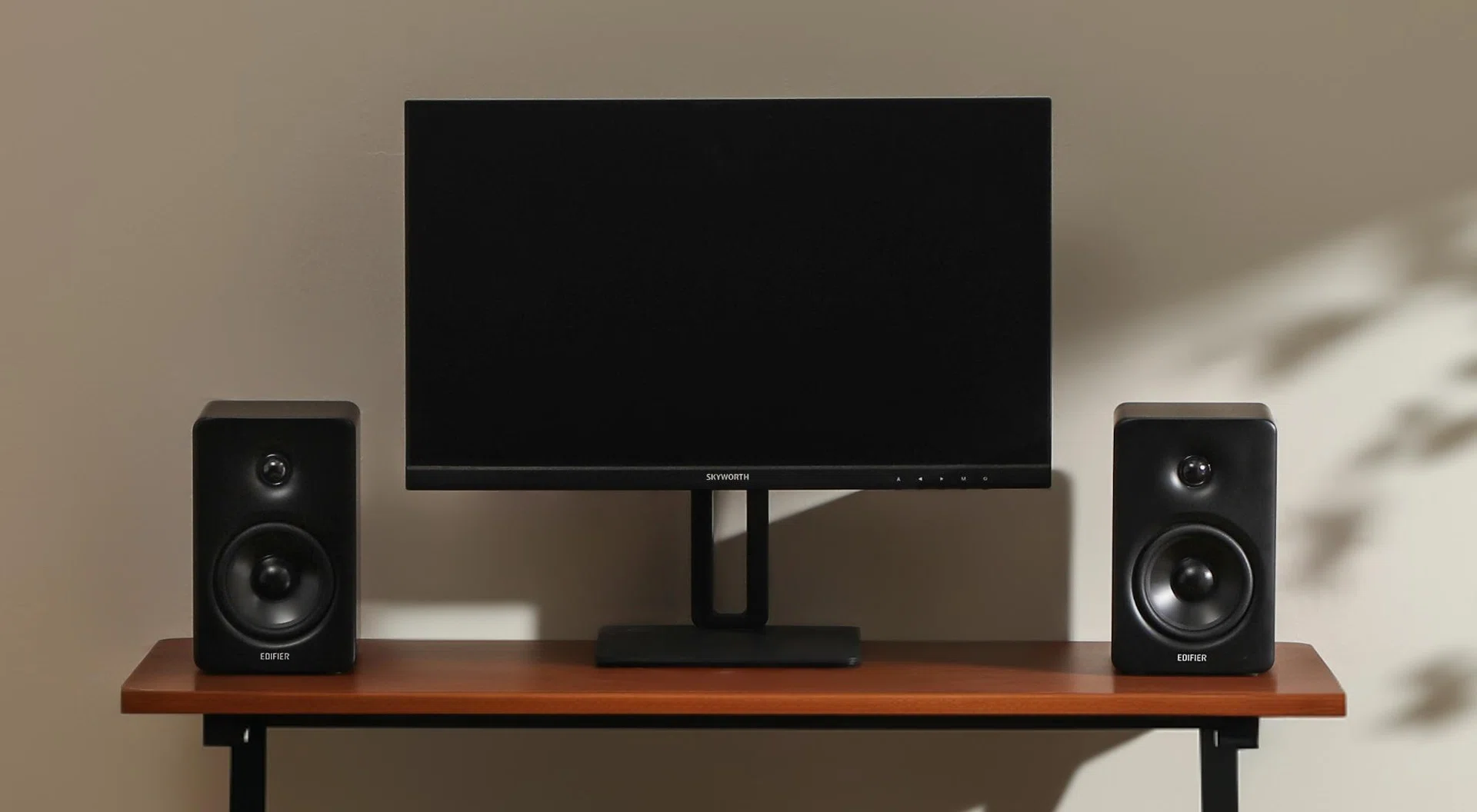
The Edifier M90 is a recently-released set of bookshelf speakers that are great as a starter pair.
The Edifier M90 is a recently-released set of bookshelf speakers that are great as a starter pair.
You’ll want to start with a good audio setup. Not only to hear the commentators (assuming you like them) or to hear the refs give a call you absolutely disagree with, but just because the game is always better when you can hear the crowd at the stadium / court / arena chanting, cheering or booing at everything that happens.

If you’re watching at a time that doesn’t interfere with other people’s sleeping schedules or if there isn’t anyone around you, you can invest in audio gear like speakers or even a sound bar. There are great options from names like Audioengine, Creative, Edifier, Kanto, just to name a few. One that looks really promising is Edifier’s new M90 speakers, which offers rich connectivity so you could hook it up to your PC, TV, or even gaming console.

If you need to keep it down, then you need headphones and earbuds, and there’s certainly no shortage of options. You can get wireless headphones like Sony’s WH-1000XM6 or earbuds like Creative’s Aurvana Ace 3. You could also consider IEMs if you prefer something more discreet and that can double up as a high-fidelity personal listening device. Listing out all the options here would make this piece way too long than it should be, so I’ll just leave you with this perennially relevant piece about how a good audio setup acts as a long-term investment, and a link to our Tech Awards Best Wireless Earbuds article below.

Microphones

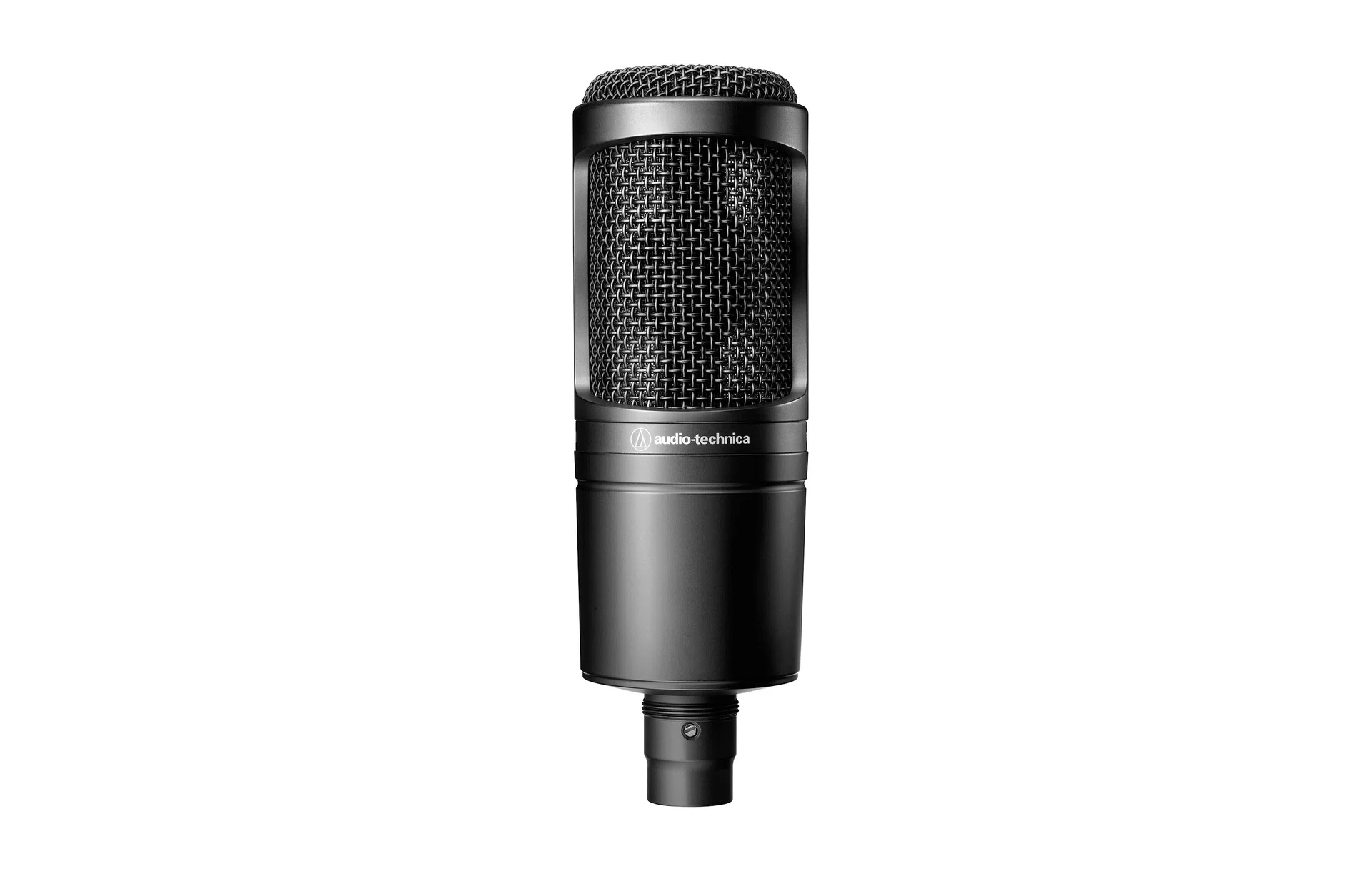
The AT2020 is a USB condenser microphone that’s a notably affordable option amongst budget microphones.

The AT2020 is a USB condenser microphone that’s a notably affordable option amongst budget microphones.

Image: Audio Technica.

Watching a game at your desk doesn’t mean you can’t have some company around. A call is a perfectly fine way to enjoy a match – or at least a better way than simply watching it on your own. In this case, the standard mics that come with your headsets or earbuds may suffice (though some microphones on TWS buds may not be of such great quality).

As we mentioned above, though, the act of upgrading your audio gear can be a worthy investment for your setup, and decent microphones don’t even have to be particularly expensive. You can find great ones starting at just over a hundred dollars. One thing to look out for is that more high-end mics might use an XLR connection, so make sure your system is ready for it.

In addition, do take note of the polar pattern of microphone you’re looking at, as well as whether it’s a condenser or dynamic microphone. In short, the former dictates which part of the microphone is the most sensitive – a cardioid pattern indicates that the front of the microphone will pick up your voice the best, while an omnidirectional pattern means that your microphone is equally as sensitive from all directions. The latter, meanwhile, is concerned with how a microphone converts soundwaves to electrical signals. To put it very briefly, condenser mics are more sensitive, while dynamic mics are less sensitive, and more suited to picking up loud sounds as a whole.

Apps for statistics

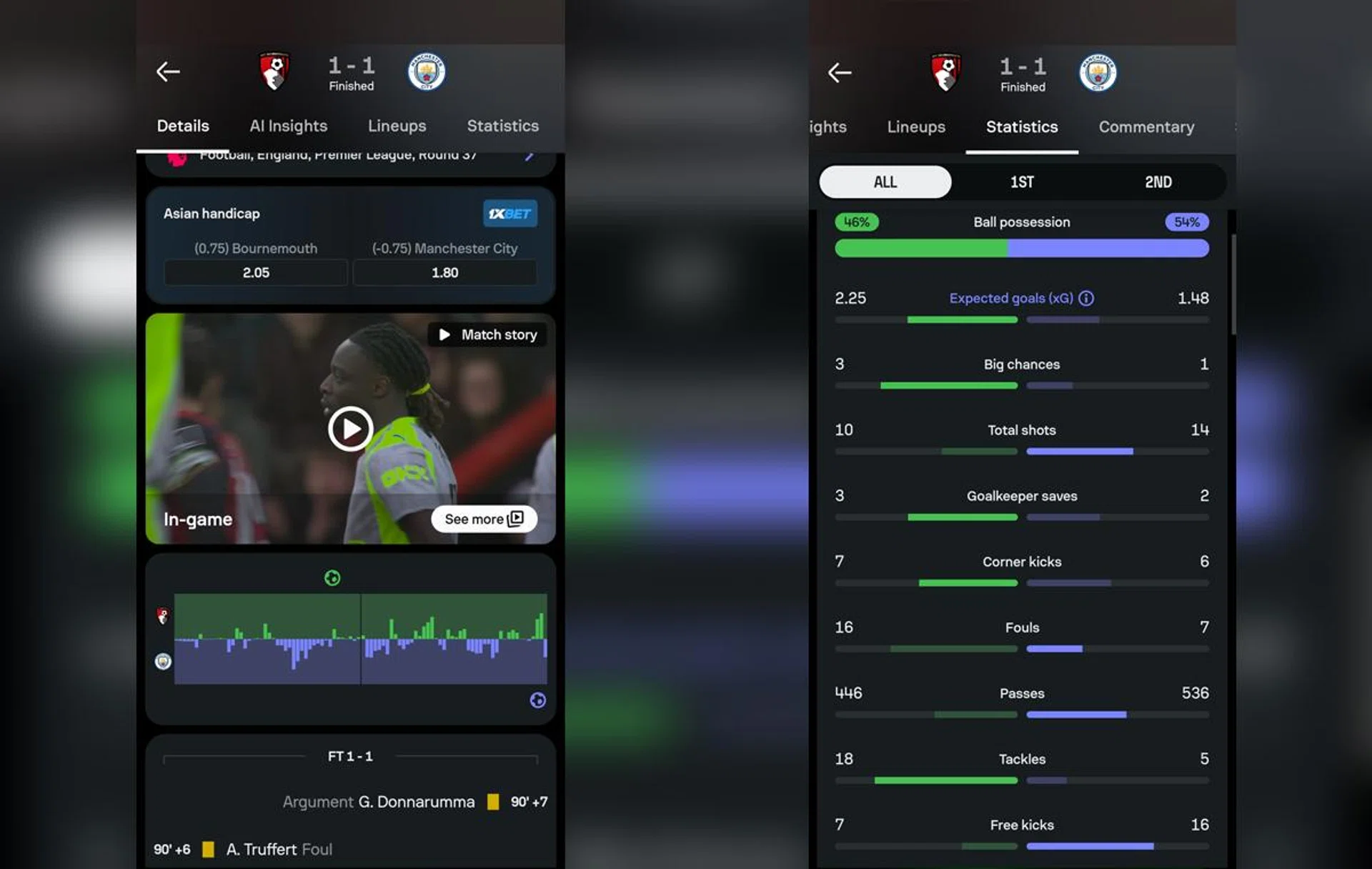
Apps like Sofascore (pictured here) can go pretty in-depth in the match stats it shows you.

Apps like Sofascore (pictured here) can go pretty in-depth in the match stats it shows you.

Photos: HWZ.

It may seem a little overkill, but if you’re a statistics nerd, it’s not a bad idea to get some kind of secondary monitor/display so you can stat-watch whilst watching the actual game. If you’re a football fan, certain sites like FotMob and Sofascore shows you the key numbers like possession ratios, shots on target and player ratings, but also more in-depth statistics like Live xG, attacking momentum and passing maps, to show you which player is performing well and who isn’t. The two above-mentioned sites are also available as apps.

What doesn’t come as an app, but is still useful all the same, is Basketball Reference for NBA stats. It shows you a play-by-play that’s incredibly detailed given how fast a basketball game moves, shot charts, as well as a series of advanced stats for the performance of starting and reserve players for how they played in a single game.

If you do need an app on your phone for basketball, the above-mentioned Sofascore, as well as LiveScore, also have analytics for basketball leagues around the world, alongside other sports such as tennis and hockey. Apple also recently made its Sports app available here and it’s worth checking it out.

Secondary displays

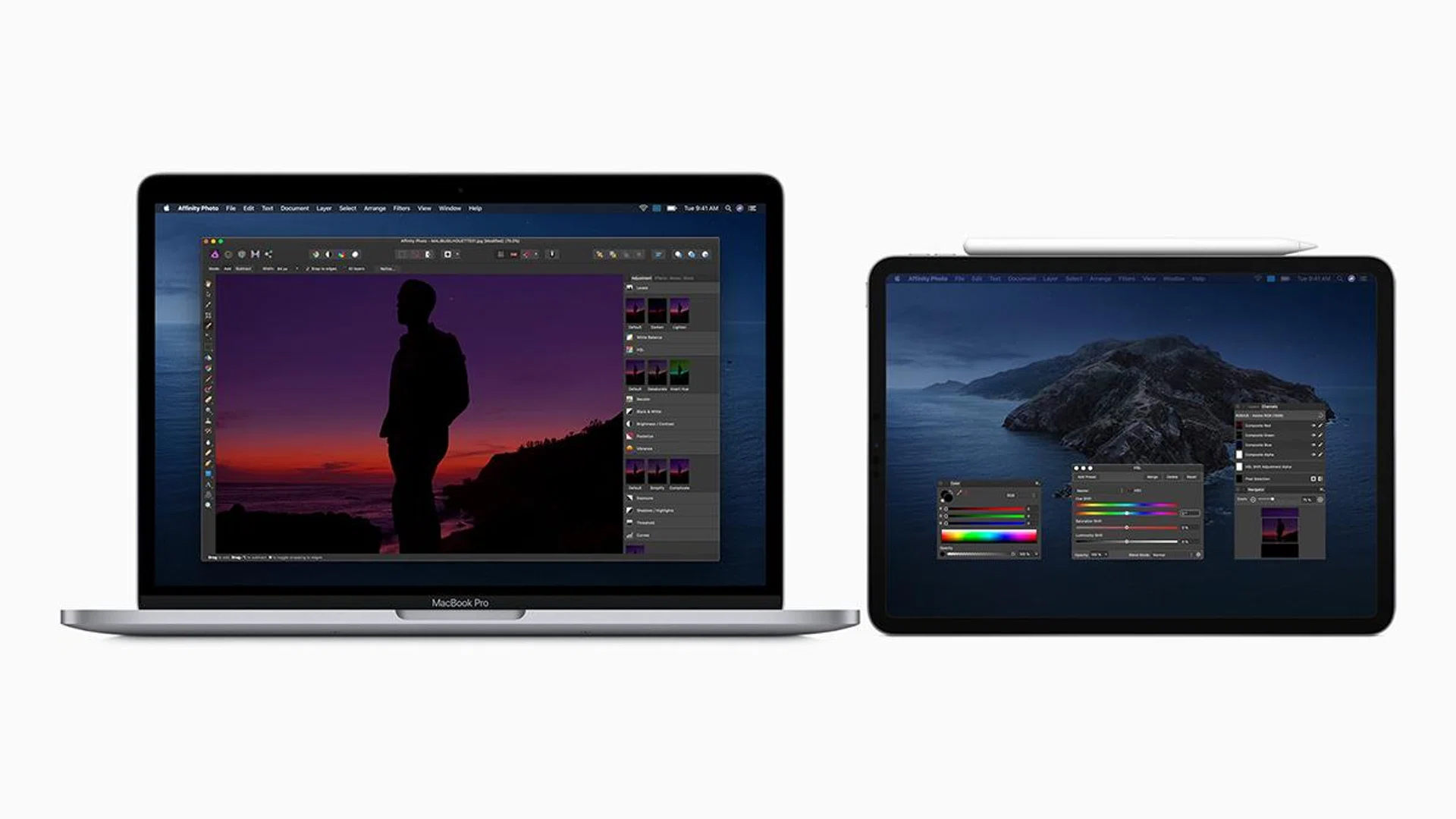
If you’re a Mac user with an iPad, you can also use your tablet as a secondary display via Sidecar, saving you some cash. Using your phone also works, too.

If you’re a Mac user with an iPad, you can also use your tablet as a secondary display via Sidecar, saving you some cash. Using your phone also works, too.

Image: Apple.

A secondary display may seem like a bit overkill for just watching sports, but if you like live stat-watching (see above), then that may not be such a bad option. That’s also the case if two matches that you’re invested in are going on concurrently – particularly pertinent if, say, two teams facing relegation are fighting for their lives in separate matches. It’s also just a pretty good addition to any setup in general. 

If you already have a pretty kitted-out monitor as your primary display, you could look to getting something cheaper. Happily, there’s no shortage of affordable and decent monitors these days. You can find great 27-inch 4K monitors with high refresh rates from around S$500. The Gigabyte M27U is a great 27-inch 4K monitor with a higher than average refresh rate of 160Hz that’s worth checking out. If you on a tighter budget, consider 24-inch displays. A decent one can be found for around S$200 – like AOC’s 24G4HX. Here’s a quick reference to monitor prices from a recent tech show.

Of course, not everyone needs a dual monitor setup. If you’re only interested in having a second screen during games, you can still use your smartphone or better yet, via a tablet that has a much larger screen. If you use a Mac and have an iPad, you can also use the latter as a secondary display via Sidecar.

Ergonomic furniture

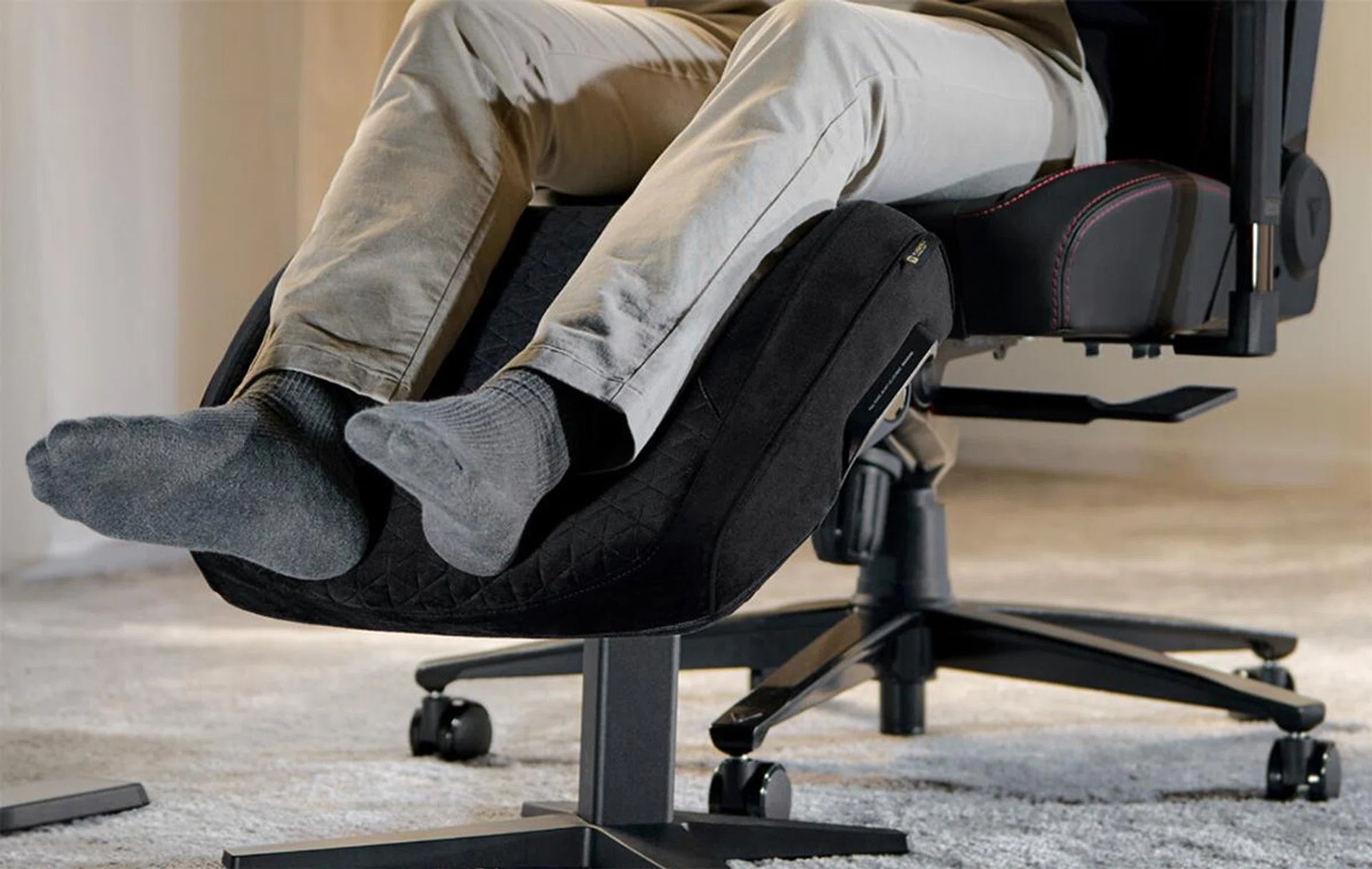
Secretlab’s Otto Adjustable Legrest is a pretty luxurious option if you’ve got money to spend on an ottoman.

Secretlab’s Otto Adjustable Legrest is a pretty luxurious option if you’ve got money to spend on an ottoman.

Image: Secretlab

How much you enjoy a game can be affected by a lot of things (not least how well your team is performing), but one of those factors is comfort. For that, you might want to check out our guide to chairs. Now, assuming you already have a decent chair, instead of putting your feet up on your desk as you watch your team score, you can take a look at ottomans for a more comfortable option.

Secretlab’s Otto Adjustable Legrest is certainly an option if you’re willing to splurge on a stool to rest your feet on – we certainly thought so in our review of it. But if that price is turning you off, and you don’t need a fancy option, you could do just as well with any cushioned footstool. It may be cliche, but Ikea certainly has a plethora of choices for you, starting from the Kjuge, if you want to just stick a stool under your desk.

Other things you can look for to enhance your comfort include lumbar pillows; Tempur-Pedic makes some really high-end options, like the Transit Lumbar Support pillow, though realistically, you can just find other pillows around your home (or even other reasonably soft items) and use them for lumbar support instead. Lastly, don’t forget that even Secretlab has support pillows for just about any chair, including several special collab editions.


Read Full Article At Source

Share. Save. Don't Miss The Buzz: XFacebookRedditLINETelegramWhatsAppGmail