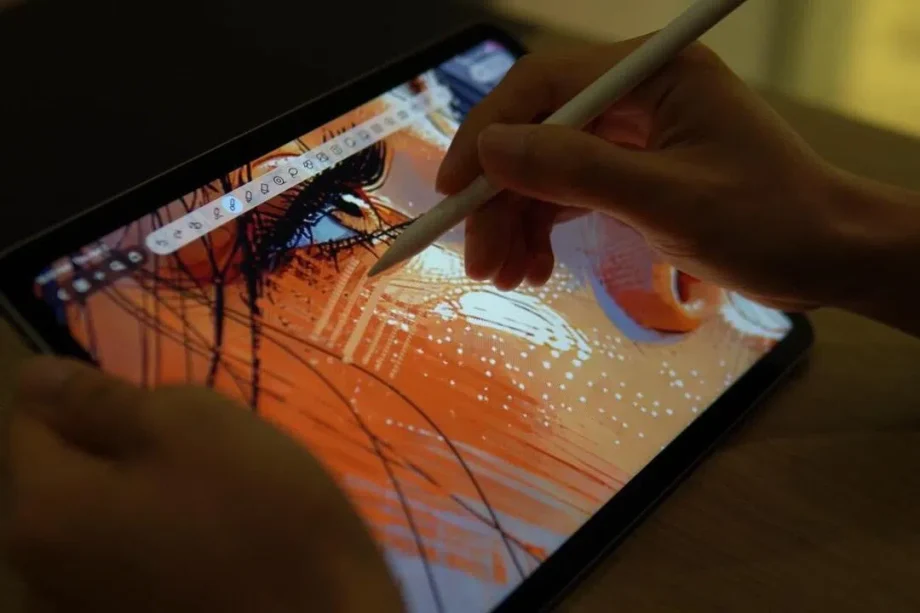
Singapore app makers are showing what Apple’s on-device AI can do

Singapore app makers are showing what Apple’s on-device AI can do


AI is finding its way into almost every app now, but not every app needs to feel like a chatbot. In some cases, the feature can feel tacked on – a summary button here, an “ask me anything” box there – without really changing how useful the app is. So Notewise and Basil are more interesting because they take a more practical approach by using Apple’s Foundation Models, Apple Intelligence and system-level tools to make existing workflows feel lighter without pushing users out to a generic assistant or compromising on data privacy.

This last point is especially important because productivity apps often deal with personal information. A note-taking app may contain lecture notes, research papers, sketches, meeting notes or client feedback. A finance app deals with spending habits, payment patterns and budget information. These are not necessarily information you want sent to the cloud. Apple’s on-device AI push gives developers another route: make AI useful but keep as much of the processing as possible on the device.

And Notewise and Basil come at this from different directions.

Notewise is an Apple Design Awards-nominated note-taking app for iPad and iPhone, with close to 1.3 million monthly users. Basil is a newer finance-tracking app built by Singapore-based Swapnil Bapat who started the project after becoming frustrated with the laborious work involved in tracking expenses.
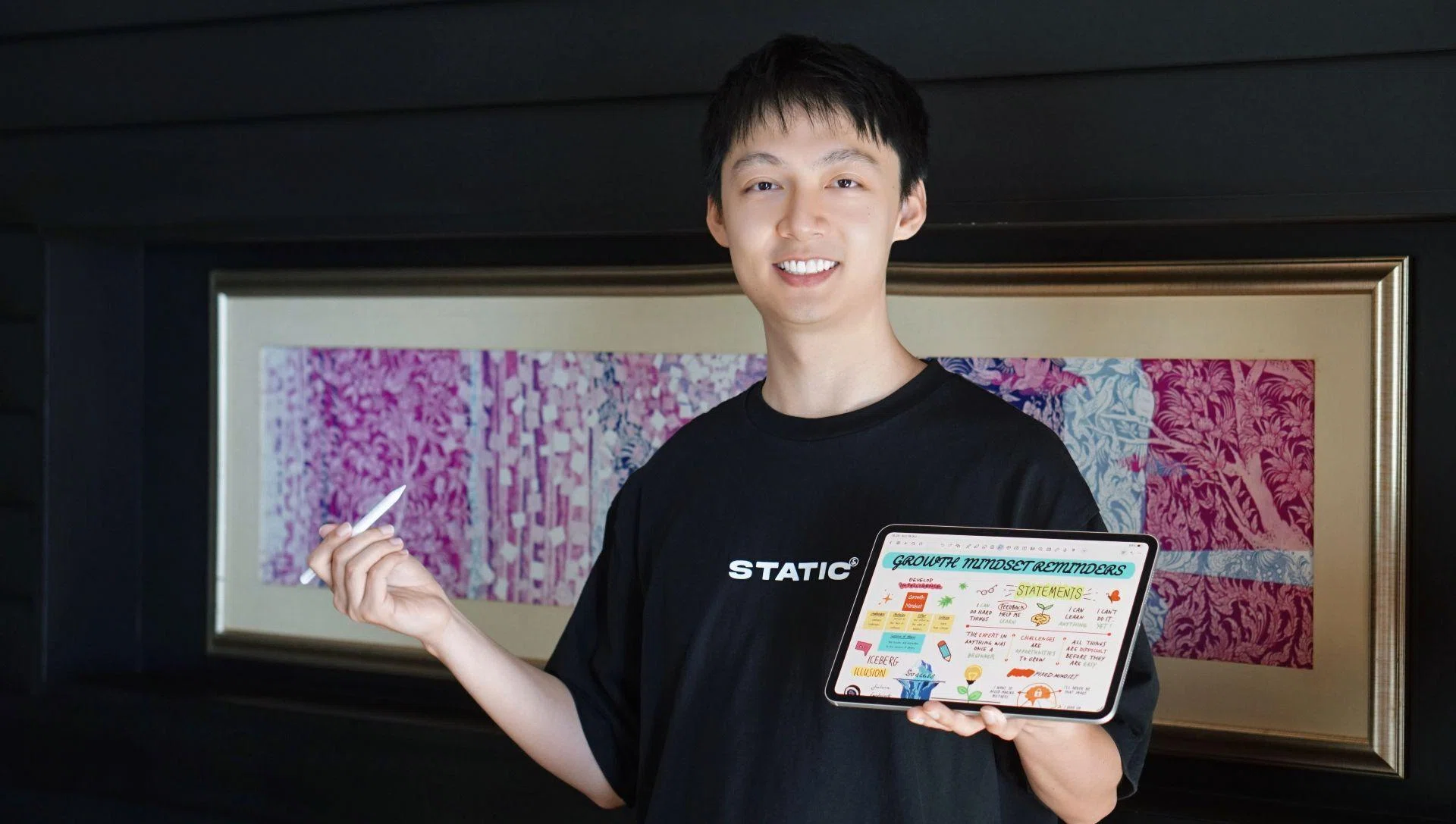
Fan Weiguang

Notewise founder Fan Weiguang.

Photo: Notewise

For Notewise founder Fan Weiguang, the idea began with collaboration. Weiguang graduated from NUS Computer Science in 2019 and later worked at Google as a software engineer on Search. During the Covid period, when teams were working remotely across countries, he found it harder to communicate visual ideas to product managers and UX counterparts without the shared whiteboard experience of an office. That eventually led to Notewise, a live, shared canvas where users can draw, annotate and collaborate together.

“As an engineer, I have a lot of visual ideas and I tend to think visually,” Fan says. “Conveying the same visual idea to my product manager or UX counterpart became difficult. I kept wishing we had a whiteboard, like we used to have in the office. That led me to think: what if everyone could draw together on a live, shared canvas?”

That visual foundation still shapes the app. Notewise supports handwritten notes, PDFs, scans, DOCX files, Markdown files and nearly 30 import formats. Users can sketch, annotate, record audio and work together in real time. Fan says the app is used by students, teachers and “visual professionals” such as designers and architects. For an architect on-site, Notewise can replace a stack of physical plans with an iPad, allowing corrections to be marked up in the field and seen almost immediately by colleagues or clients elsewhere.
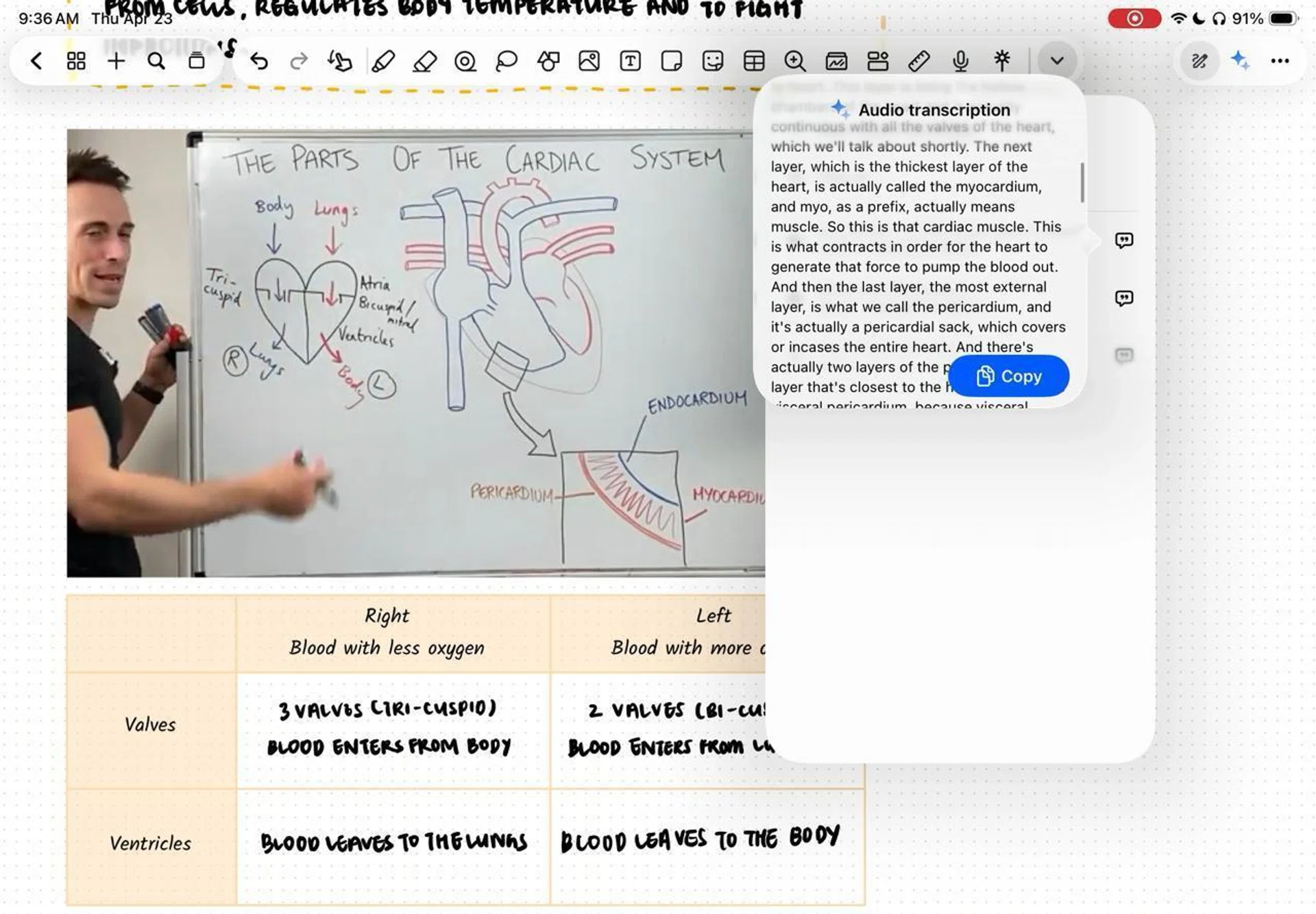
Notewise handwritten note support

Image: Notewise

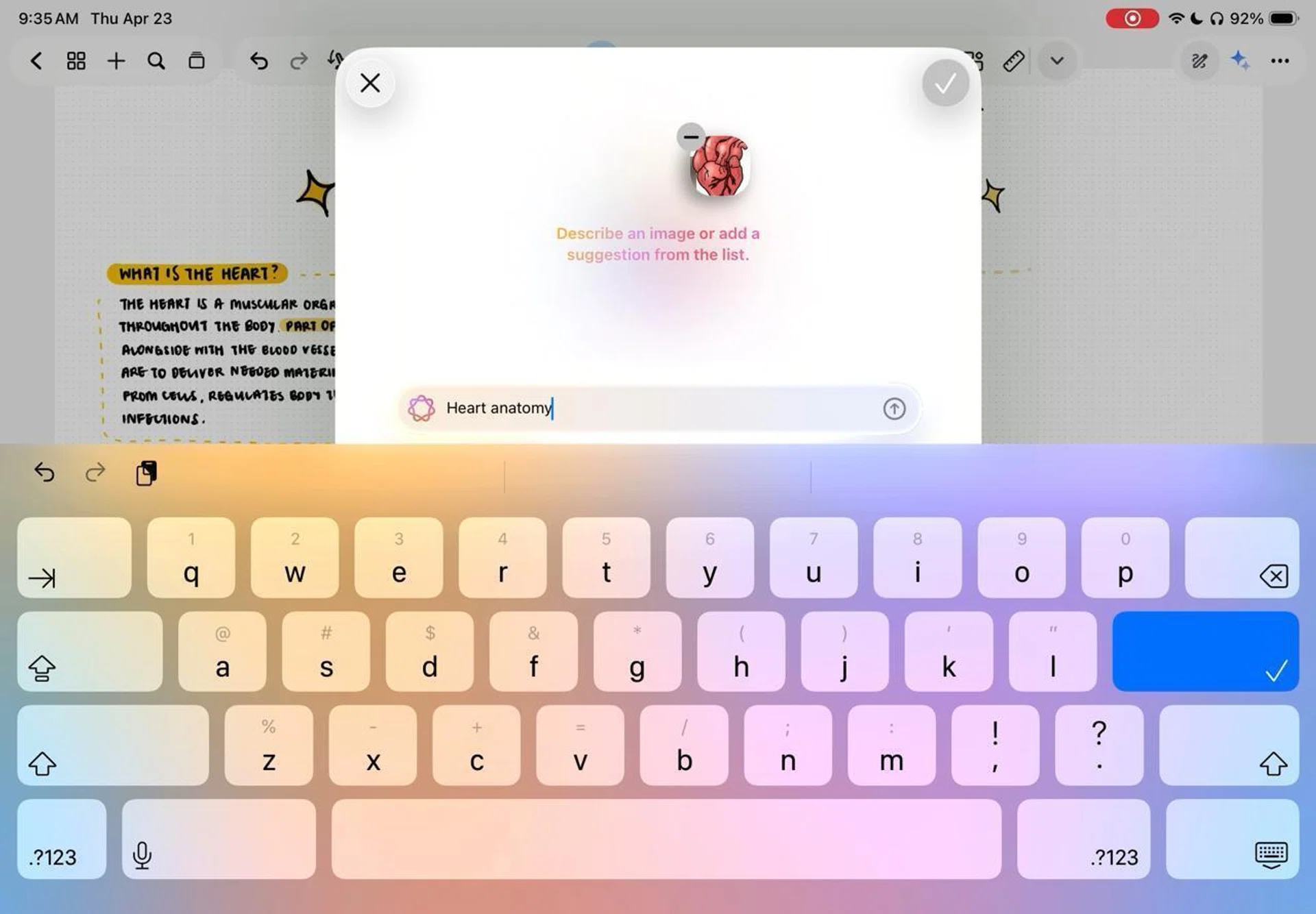
The AI layer builds on that same workflow. With Notewise AI, users can chat with their notes, ask for a quick recap of what is on the page, or select a specific portion of the canvas using Magic Slab and ask the app to explain it. This is more complex than summarising a plain text document, because a Notewise note may include handwriting, diagrams, drawings and imported files.

“One thing that is very different from typical notes is that it is visually rich,” Weiguang says. “It is not just text, tables or structured information. It can include people’s drawings. Not every app in the market is capable of understanding this properly.”

Another feature of the app, Guided Podcast, turns notes into an audio explanation that behaves more like a guided lesson than a simple text-to-speech reading. Weiguang describes it as useful for a student trying to understand a 100-page lecture note, or a research assistant going through a long paper. As the podcast plays, Notewise can scroll to the relevant part of the note and focus on the section being explained.

Notewise Guided Podcast

Image: Notewise

Notewise does not claim that everything can happen on-device all the time. Weiguang says the app uses a hybrid approach, relying on Apple Intelligence and Foundation Models where possible because they offer low latency, availability and stronger privacy protection. If a document exceeds what Apple’s on-device models can handle, Notewise may route the task to online models. The aim is to keep the experience responsive while preserving local processing whenever it makes sense.

The new generation of Apple Foundation Models could make that easier. Weiguang is especially interested in multimodality, because Notewise is built around visual information. With Foundation Models moving beyond text input to support image and audio input, more visual understanding could potentially happen offline. He is also looking at Siri’s onscreen awareness, App Intents and app actions, which could allow a user to ask Siri for a recap of notes from a specific class, or start a note by voice without opening Notewise first.

In a market where AI tools are becoming easier to build, Weiguang believes the difference will come from product understanding rather than just access to the technology. “AI has made a lot of things much easier for everyone,” he says. “The advantage now comes from your understanding of the space you are in, and whether you are able to keep up with the pace of innovation. Are you able to come up with features like the podcast feature? Are you able to deliver something before people even think of that kind of feature?”

Swapnil Bapat

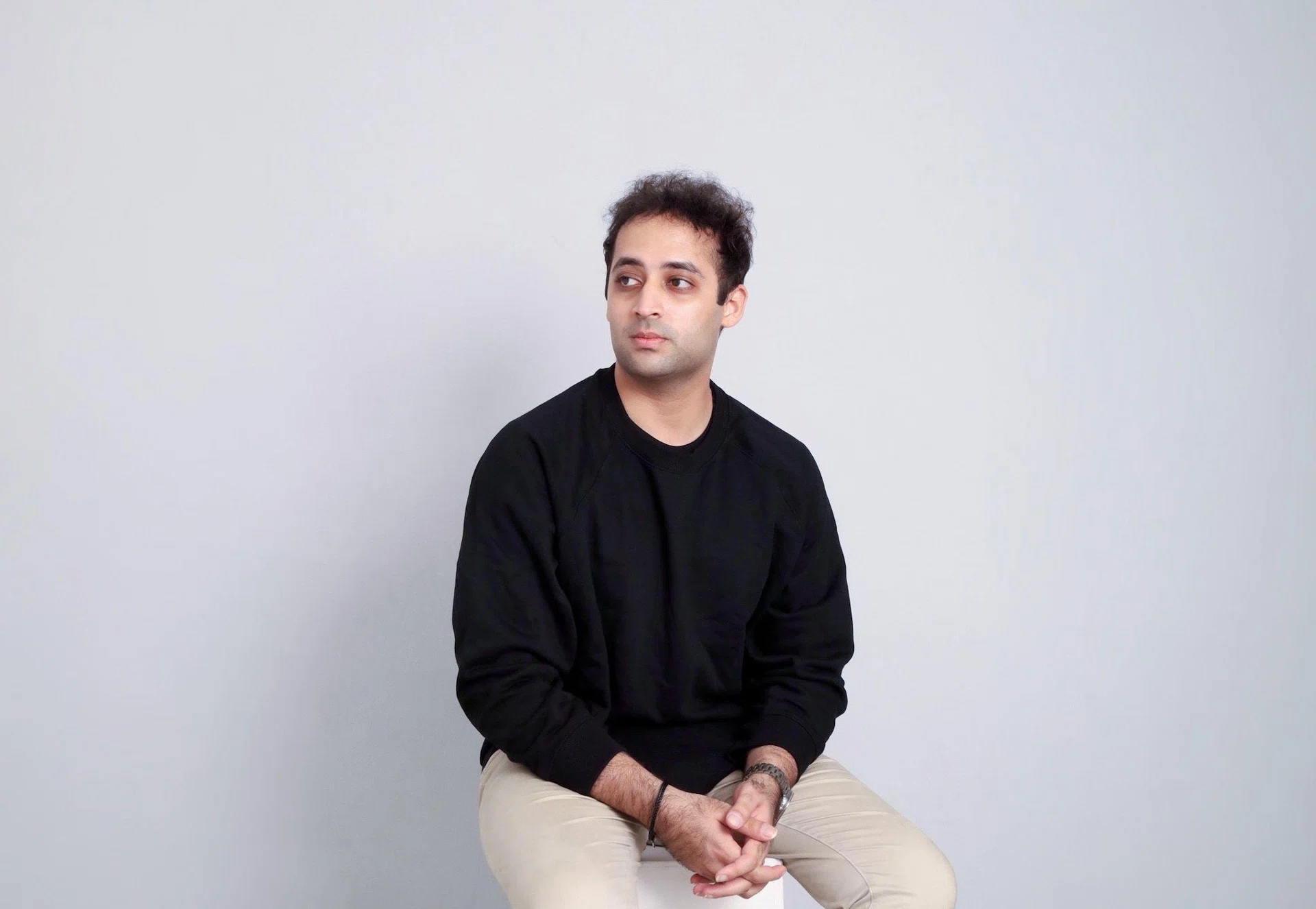
Basil’s developer Swapnil Bapat.

Photo: Basil

Basil applies the same thinking to personal finance. Swapnil, who works as an AI data product designer and has a background in engineering from NTU and service design from the UK, built Basil because he was already logging expenses but rarely returned to the data in a meaningful way. The problem was not just the lack of insights. It was the logging itself. According to him, if users have to manually enter every transaction at the end of the day or week, many will eventually stop.

“When I came back from the UK, I found myself thinking about how I had been tracking my expenses all this time,” Swapnil says. “I would just keep notes of them in another app, but I always wondered why I was doing it, because I did not really go back and do anything with the information. I was logging things down, but for what?”

Basil screens

Image: Basil

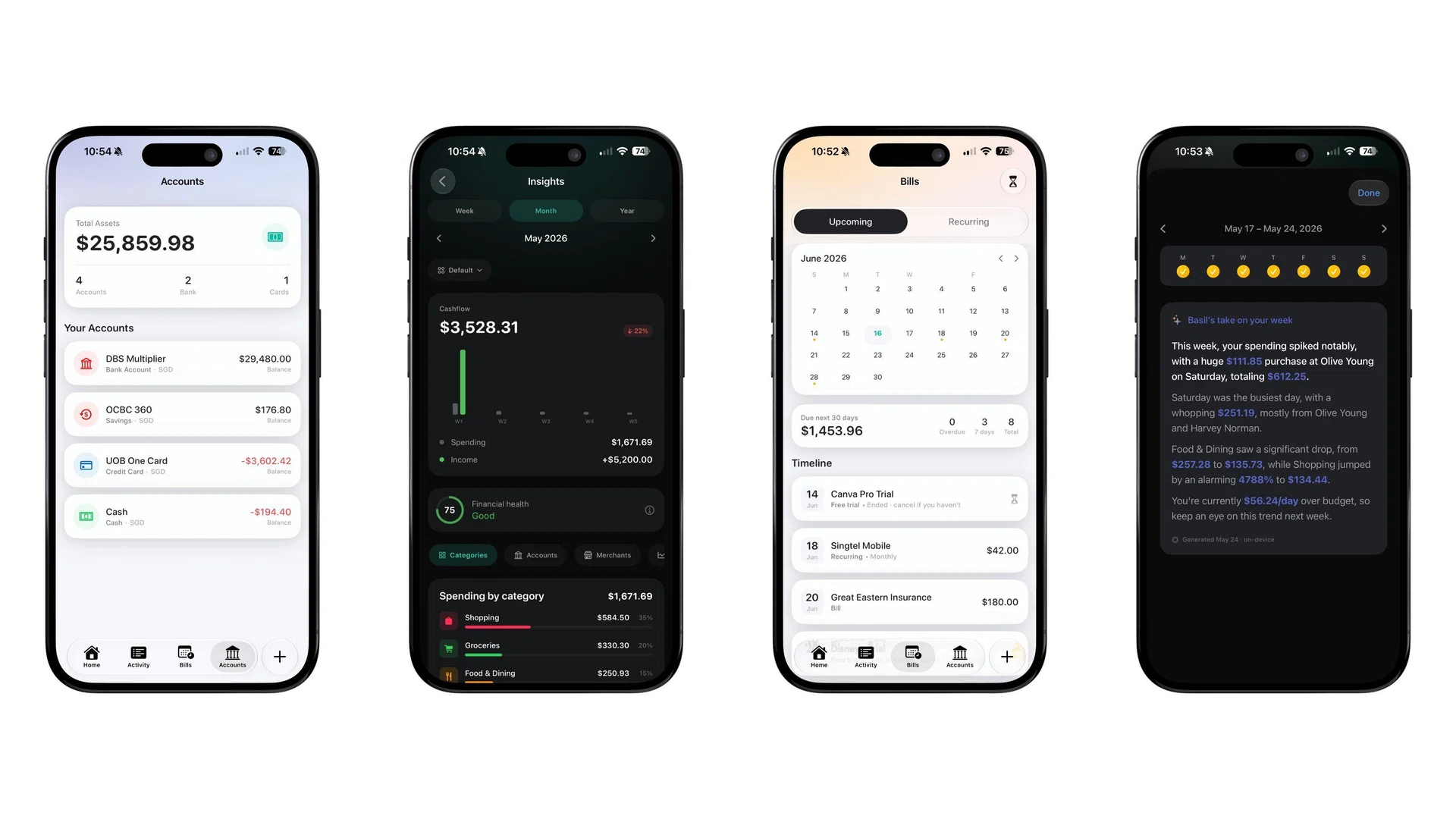
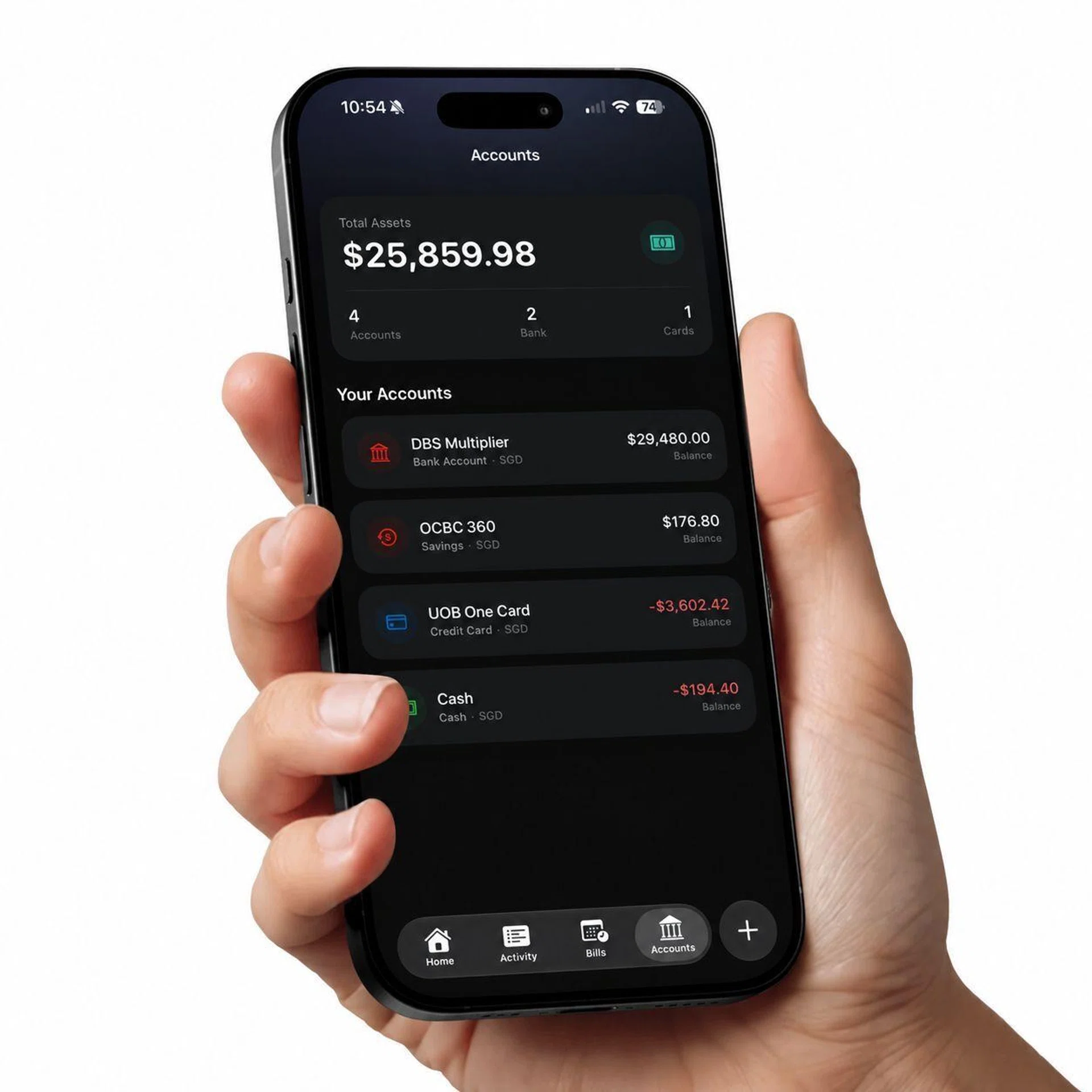
Basil’s answer is automation. The app is designed to log expenses from common payment methods such as Apple Pay, PayNow, PayLah!, GrabPay and ShopeePay, reducing the need for manual entry. Early test users responded to two things: the cleaner interface and the fact that Basil removed much of the hassle from expense tracking. In an App Store filled with budgeting apps, that was enough to suggest there was still room for something simpler.

Privacy is just as important. Swapnil says he does not want to integrate OpenAI or Anthropic models into Basil because he does not want sensitive financial information sent to a server just to generate a better response. Apple Foundation Models allow Basil’s AI features to run on-device, work without an internet connection, and avoid API costs, which matters for an app he intends to keep free.

“Because I promised users privacy, nothing leaves your device at all,” he says. “I am not going to integrate OpenAI models or Anthropic models into the app. I do not want your sensitive information to be sent to a server just so I can get an AI response that sounds better. To me, that is not privacy.”

Basil UX

Image: Basil

That thinking also shapes Basil’s business model. Swapnil says he does not want to charge users just so they can save money, nor does he want to hide useful tools behind a subscription. “I made a promise that Basil will always be free,” he says. “The features will always be free. I will never gatekeep them behind subscriptions, because that is not what I want.”

Basil’s AI features are framed as coaching rather than instruction. The app can look at spending, income and budgets to warn users if they are on track to overspend, or generate a Weekly Recap that highlights changes across categories. Swapnil is also working on a feature that would let users chat with their expenses, asking questions such as whether coffee spending has increased over the past few weeks. The app can answer using the user’s own data without that information leaving the device.

What stands out here is the restraint. Swapnil does not think every part of Basil needs AI. Charts, merchant breakdowns and cash-flow views can still be handled through good interface design. For him, AI should only appear where it adds something useful. “Sometimes people say you should just give everything to AI and let it calculate things for you,” he says. “I do not think that is the right approach. AI has to be used intentionally. It should be a coach; it should not simply tell you what to do.”

Notewise and Basil are available on the App Store. Click here to download Notewise and click here to download Basil.


Read Full Article At Source

Share. Save. Don't Miss The Buzz: XFacebookRedditLINETelegramWhatsAppGmail