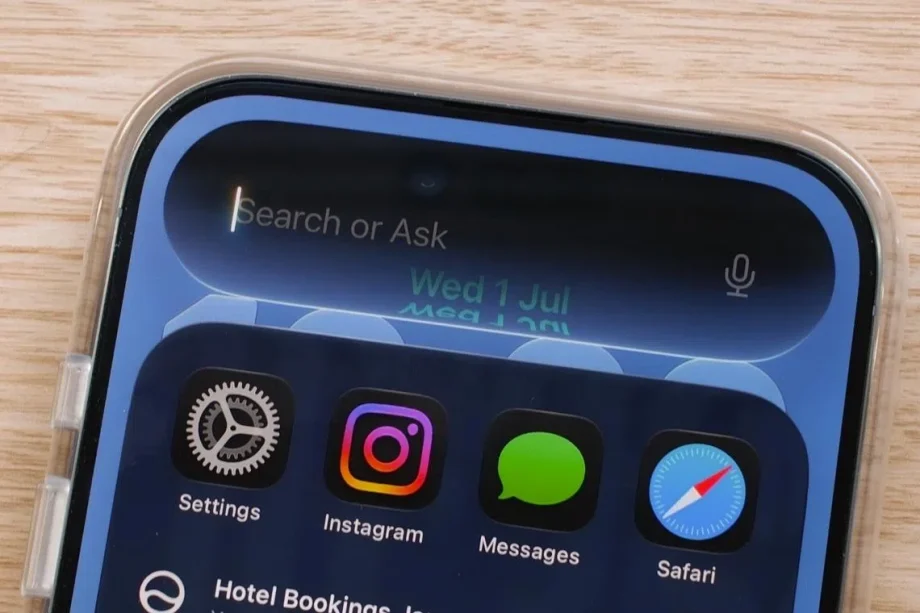
The first thing I did after getting back from WWDC 2026 was install the developer betas of iOS 27, iPadOS 27, and macOS Golden Gate on my devices. I was very keen to put the new Siri AI to the test.
Siri AI was unquestionably the star of this year’s WWDC. And it’s a big deal because it’s really the reboot of the “more personalised Siri” that Apple first announced two years ago, and then had to scrap and redesign from the ground up because it wasn’t delivering the results the company had wanted. I cannot remember another time Apple had such a public blunder.
Happily, the start of Siri AI is on much firmer footing. Apple was clearly very keen to show everyone that it was working, and I saw plenty of live demos at WWDC 2026 – and almost all of them worked smoothly. But the thing about these demos is that they’ve been rehearsed tirelessly. I wanted to see how Siri AI worked in the real world.
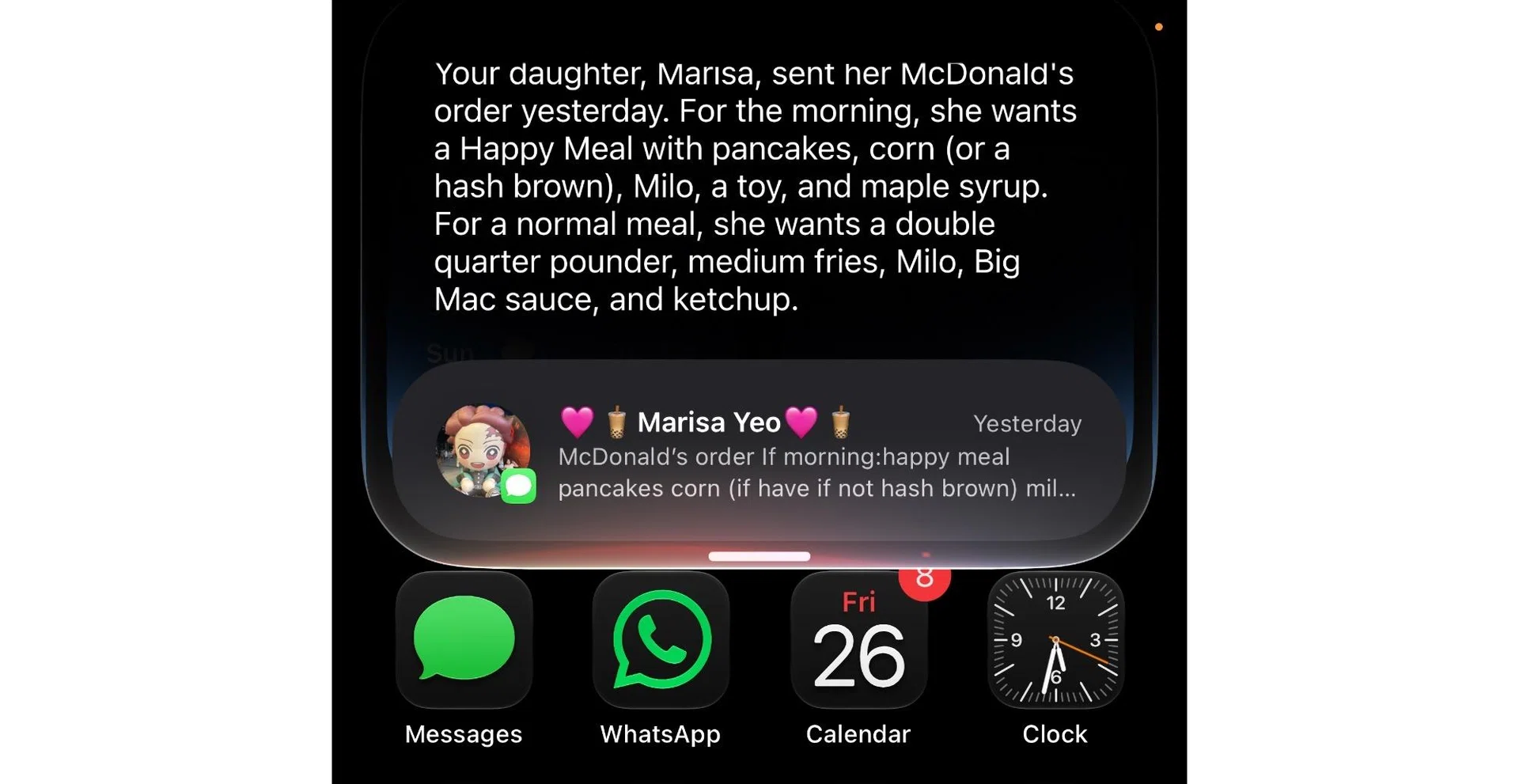
Siri could tell me my daughter’s McDonald’s order from a text message she sent me earlier.
Photo: HWZ
To put it very briefly, and perhaps to no one’s surprise, it works as advertised. In my two weeks with it, I used Siri AI across my iPhone Air, MacBook Pro, and iPad Pro to recall details that my wife and kid texted me, create notes and reminders, add entries to my calendar, look for photos in my Photos app library, check the nutritional value of food I ate, and even ask for terminal commands to enable hidden macOS features.
What was most impressive to me was that Siri was able to retrieve details of the flight and hotel bookings of my trips to Japan last year and later this year, and then create a note that was complete with my check-in and check-out details, including booking numbers. Siri is undoubtedly a whole lot better and more helpful than it ever was.
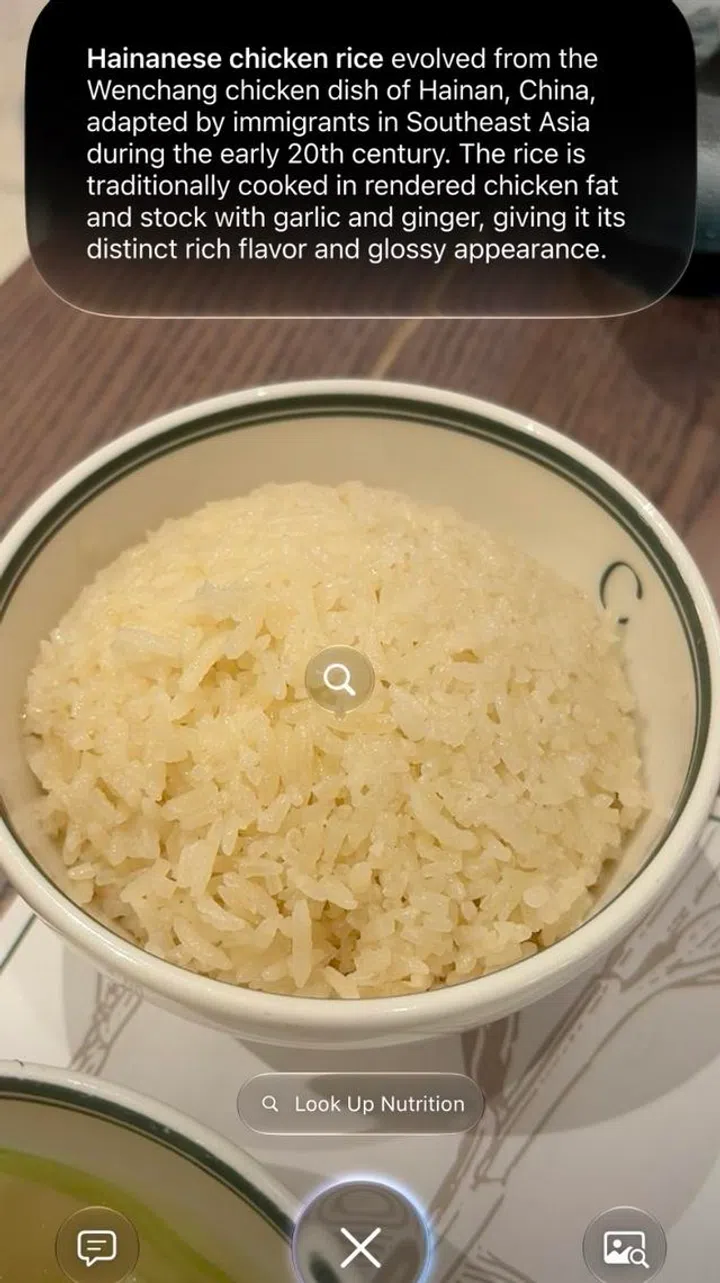
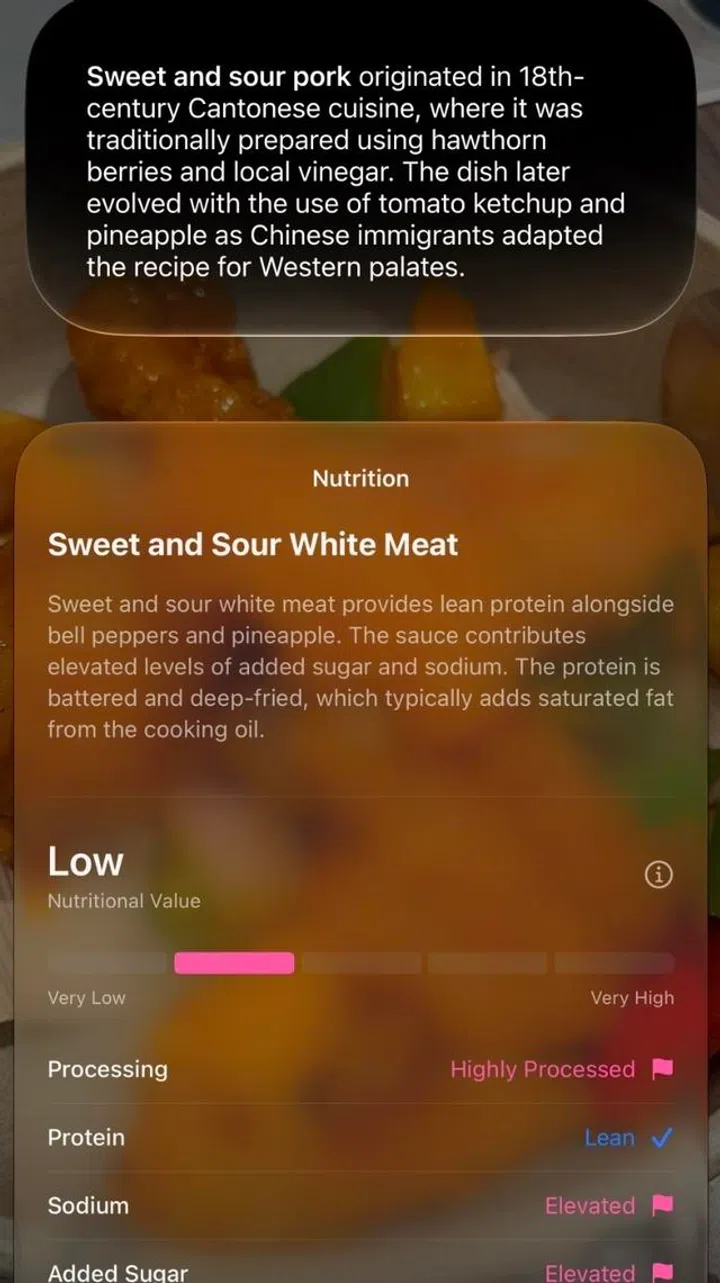
Siri can also tell you the nutrition level of foods. You can also tell it’s a bit confused. While the label below says white meat, the Siri text bubble at the top says it’s sweet and sour pork.
Photo: HWZ
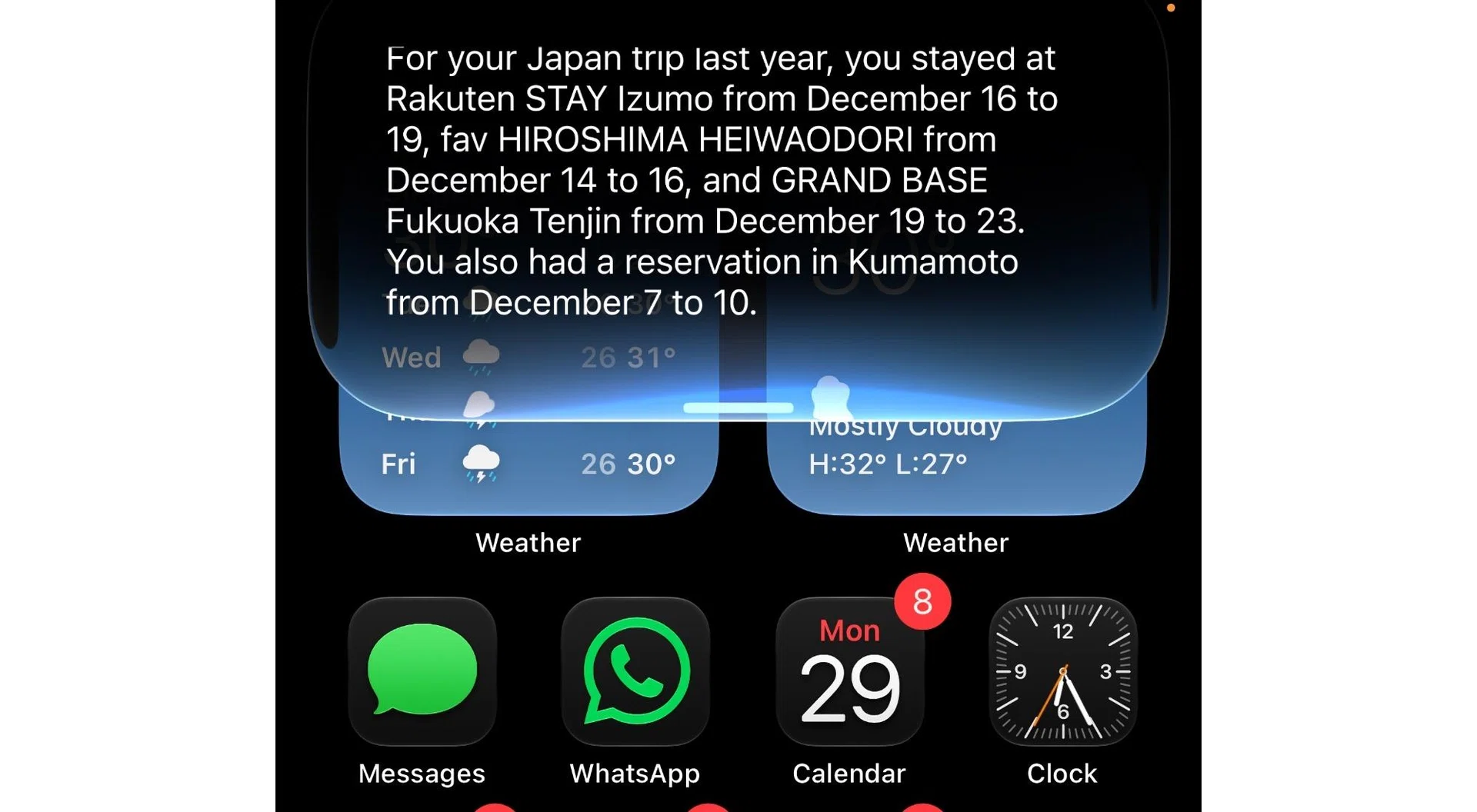
Siri was able recall my hotel bookings from my trip to Japan last year and later this year.
Photo: HWZ
But it’s not perfect. Though it can create notes, summarise documents, and even find photos from years ago, I found that it can’t do some seemingly simple things. For example, I couldn’t get it to filter songs out from my Apple Music playlist to clean it up, and it can’t duplicate my playlist.
Even so, these features will likely be added in due time, given that Apple Music is a native app. What is questionable, even as Siri AI rolls out to the public in the near future, is support for third-party apps. Siri only works with native apps for now, so it can’t search your emails in Gmail or chats in WhatsApp. And as things stand, it’s improbable that the likes of Google and Meta will let Siri work with their apps – given their own AI ambitions.
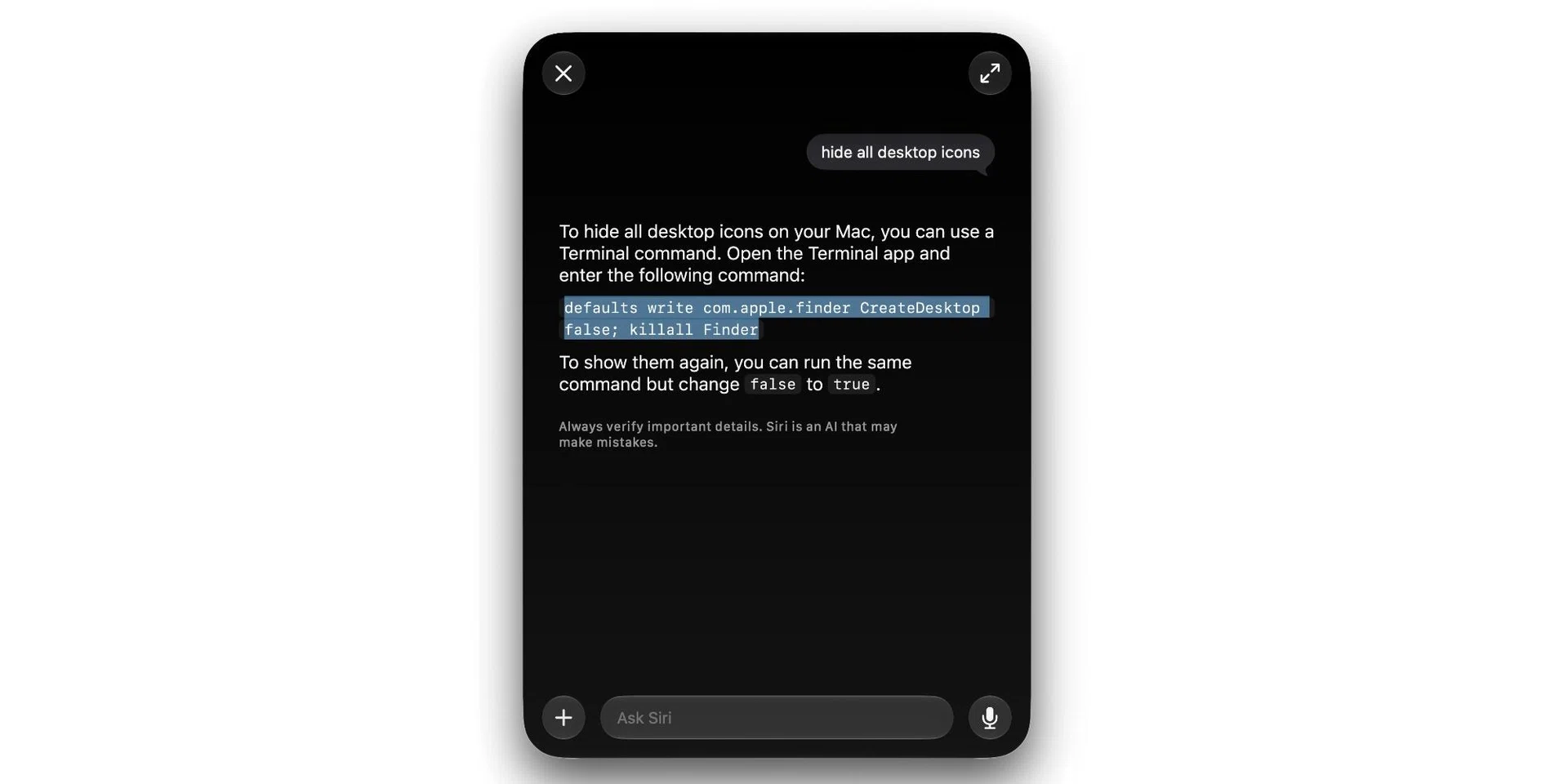
Siri could provide me with the correct Terminal command to make macOS’ dock hide instantly.
Photo: HWZ
As is the case with most things about Apple, Siri gets better the deeper you are in Apple’s ecosystem. This means the Messages app needs to be your primary app for chats, and the Mail app needs to be your default email app. I have no problems switching to the Mail app, but getting my family and friends to use Messages will be tough.
Though it’s still early days, I feel optimistic about the new Siri. Admittedly, it’s quite basic compared to its rivals, but perhaps this is Apple playing it safe, and considering what transpired after the announcement of Apple Intelligence two years ago, I can see why. Crucially, it works and has real utility if you are a heavy user of Apple’s apps and services. I think users will be pleasantly surprised and very pleased when Siri AI launches to the public with iOS 27 later this year.
Note: If you want to try Siri AI now, you’ll have to create a developer account, then download and install the developer beta. The public beta will be available sometime in July. We recommend you only install betas on a secondary device. Siri AI will launch officially with iOS 27, iPadOS 27, and macOS 27 later this year.
Read Full Article At Source