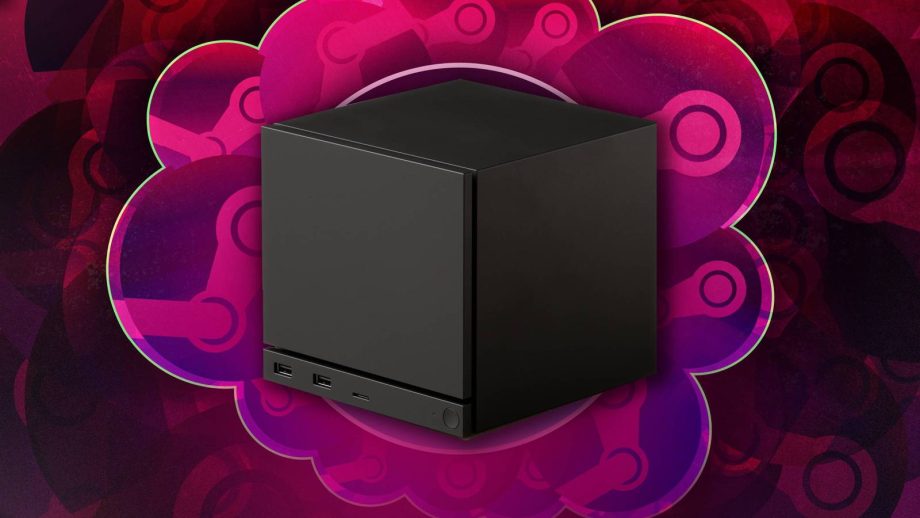
With the Steam Machine, Valve is attempting to make the daunting world of PC gaming more approachable than ever. The little gaming box isn’t so much made for hardcore tech enthusiasts who push all of their specs to the max; it’s more alluring to console owners looking for a way into PC gaming without having to learn the nuances of cooling systems.
If that describes you, then you might have some questions about what exactly the Steam Machine is. How exactly is it different from an Xbox Series X? No question is stupid when you’re a newcomer to the sometimes complicated world of PC gaming. In the spirit of demystifying the tech, here’s a rundown of some 101 questions you might have about the Steam Machine. Consider this a judgement-free crash course.
If you still have burning questions, drop them in the comments! We’re currently testing the Steam Machine and will update this article as we find answers.
1
Is it a console or a PC?

Both, kind of! The Steam Machine is technically a PC in a small form-factor, built with gaming in mind. It’s like buying a prebuilt machine where you don’t have to worry about updating the components every few years. What makes it different from a Windows computer, though, is SteamOS. This is a streamlined, custom interface that makes the Steam Machine look and feel like a traditional plug-and-play console. You can simply click on a game to start playing, rather than navigating through file paths to find what you’re looking for on a desktop. That ease of access bridges the gap between PC and console gaming to make the latter more familiar to anyone who is used to playing on an Xbox or Nintendo Switch.
2
How hard is it to set up and start playing?

It’s mercifully simple. The package comes with the power supply and HDMI cable you’ll need to get it hooked up to a TV or PC monitor. (Though you’ll need to bring your own controller if you didn’t buy a bundle that included one.) When you boot it up, it will run you through some basic setup sets: pick your language, join a Wi-Fi network, download a system update, and sign in to your existing Steam account. From there, I downloaded and launched a game successfully within one minute of signing in to my account for the first time.


Read Full Article At Source