An AI that actually helps you?
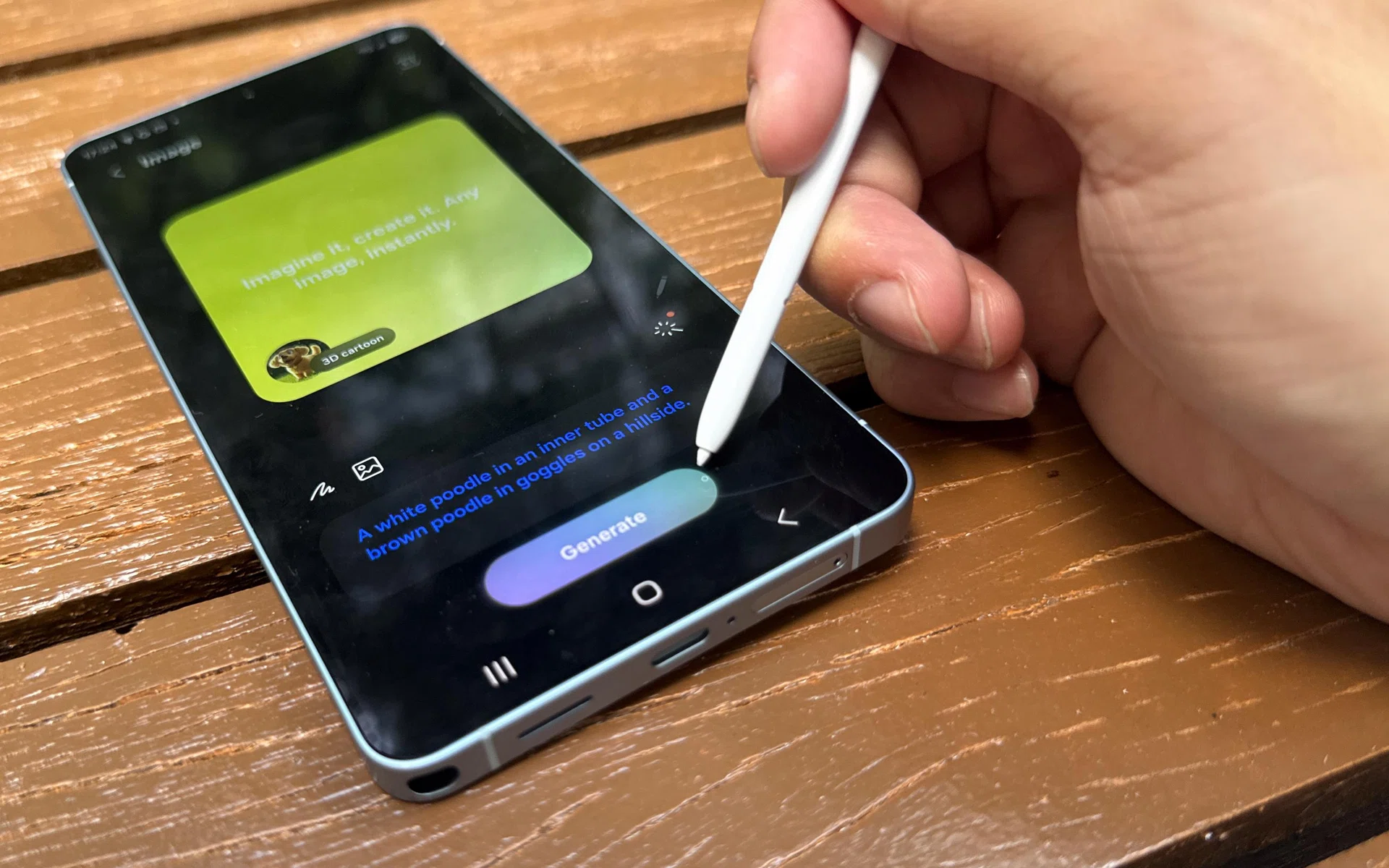
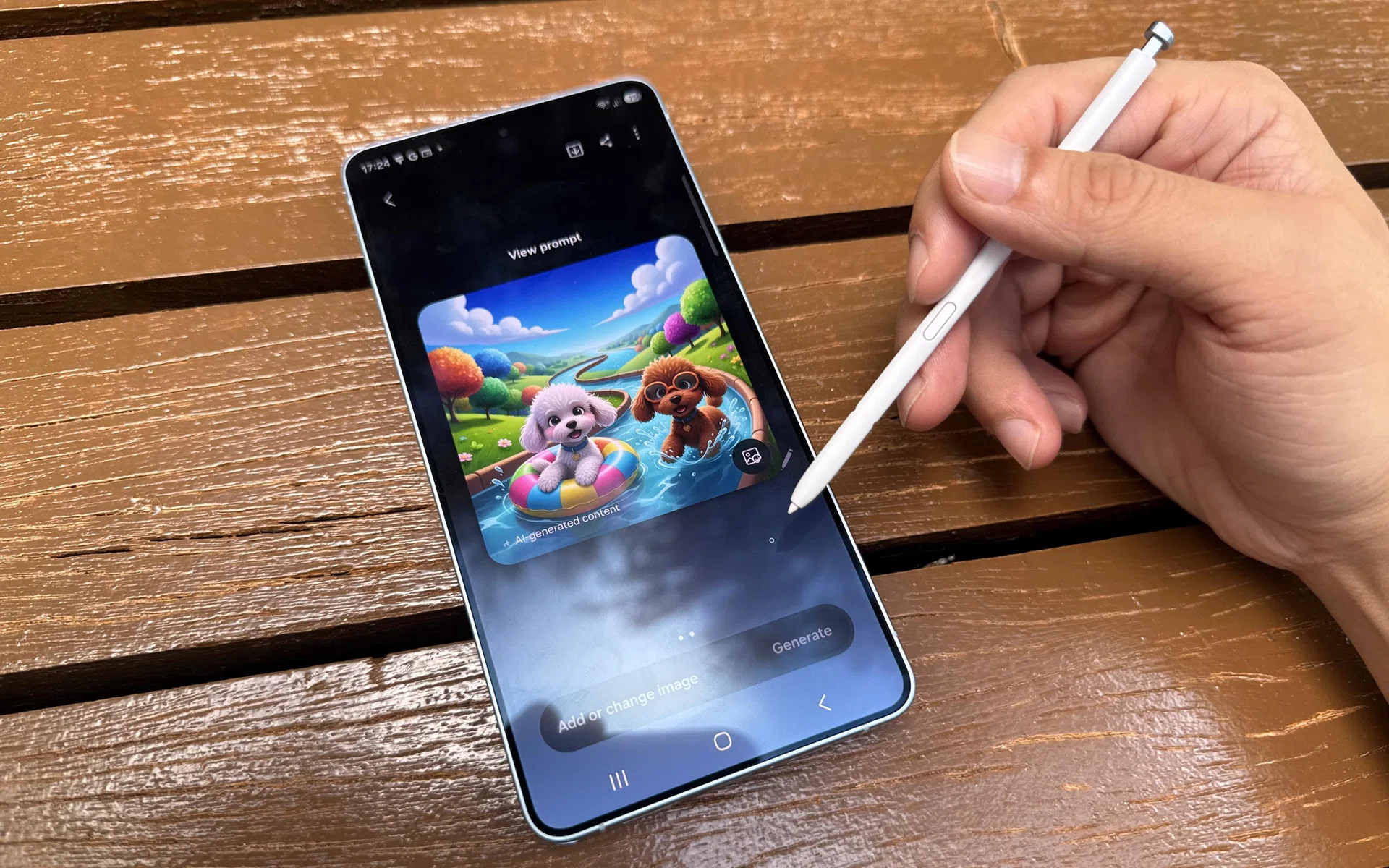
By now, enough people have experienced AI fatigue; it makes Samsung’s grand marketing plan of calling the Galaxy S26 Ultra an “AI Phone” all the more confusing. If it were up to us, we wouldn’t try to sell a phone by reminding users of the tool that threatens their rice bowl and causing lopsided expectations at work. Surely, it’s a mistake, right?
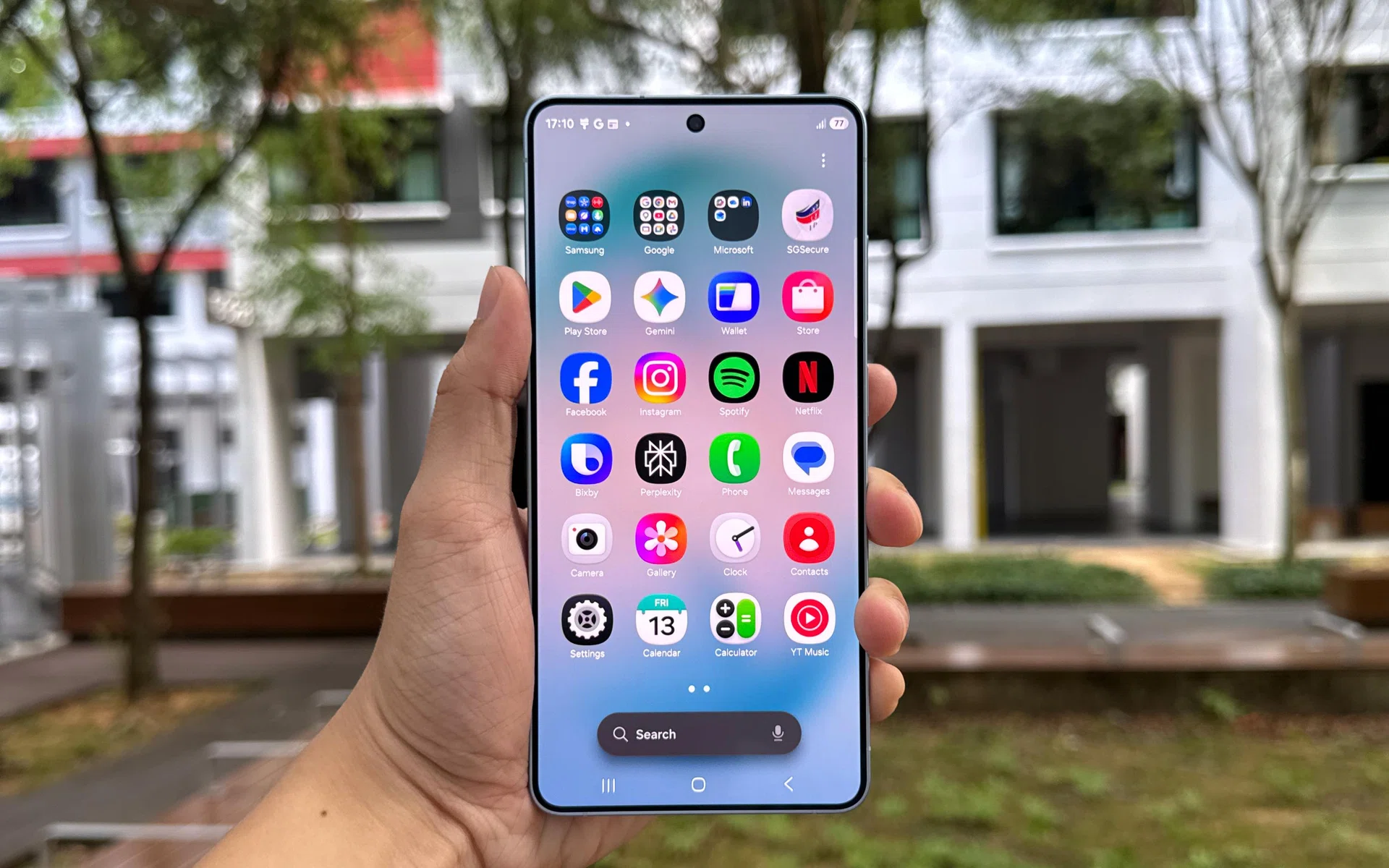
Samsung Galaxy S26 Ultra, front.
Photo: HWZ
On the contrary, Samsung thinks the Galaxy S26 Ultra’s trinity of Galaxy AI, Google Gemini, and Perplexity comes together to accomplish “AI for everyday life”, making the phone more enjoyable to use. Not by exploitation, but by the reduction of daily drudgery.
This is on top of expected hardware upgrades (like Qualcomm’s Snapdragon 8 Elite Gen 5 for Galaxy) and unexpected ones (Privacy Display, 60W wired charging, and more).
Are a handful of new parts and software wizardry enough to justify its S$1,828 starting price? Here are our thoughts, in full.
Samsung’s most advanced Galaxy S display, yet
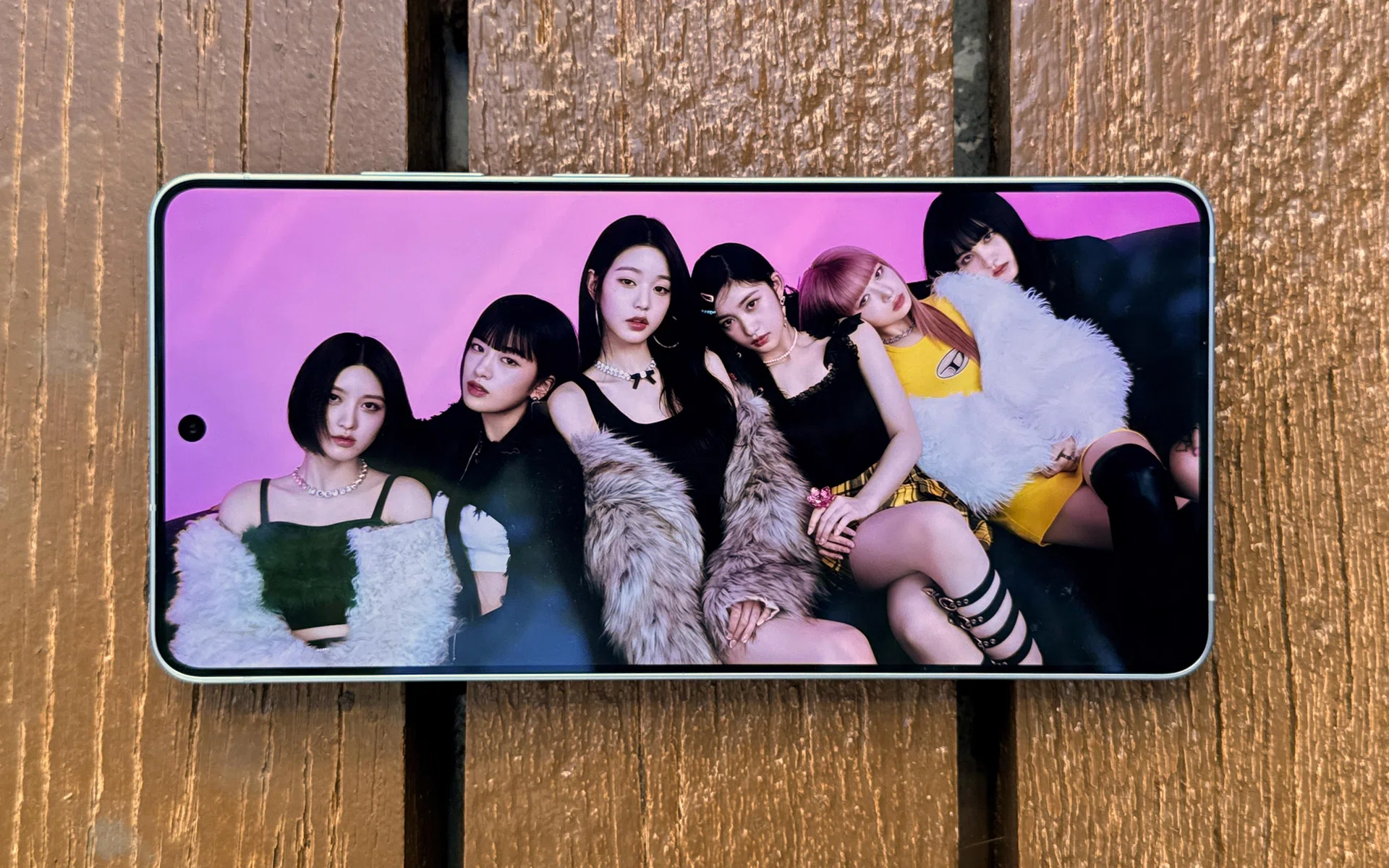
Galaxy S26 Ultra’s 6.9-inch display.
Photo: HWZ
If you’ve been following various content creators and tech publications on social media, you’d know that arguably the most important new feature on the Galaxy S26 Ultra lies within its display.
While it’s still a 6.9-inch Dynamic AMOLED 2X panel with a maximum refresh rate of 120Hz, Samsung has added Privacy Display. To put it briefly, it’s a feature that limits viewing angles to mitigate shoulder surfing.
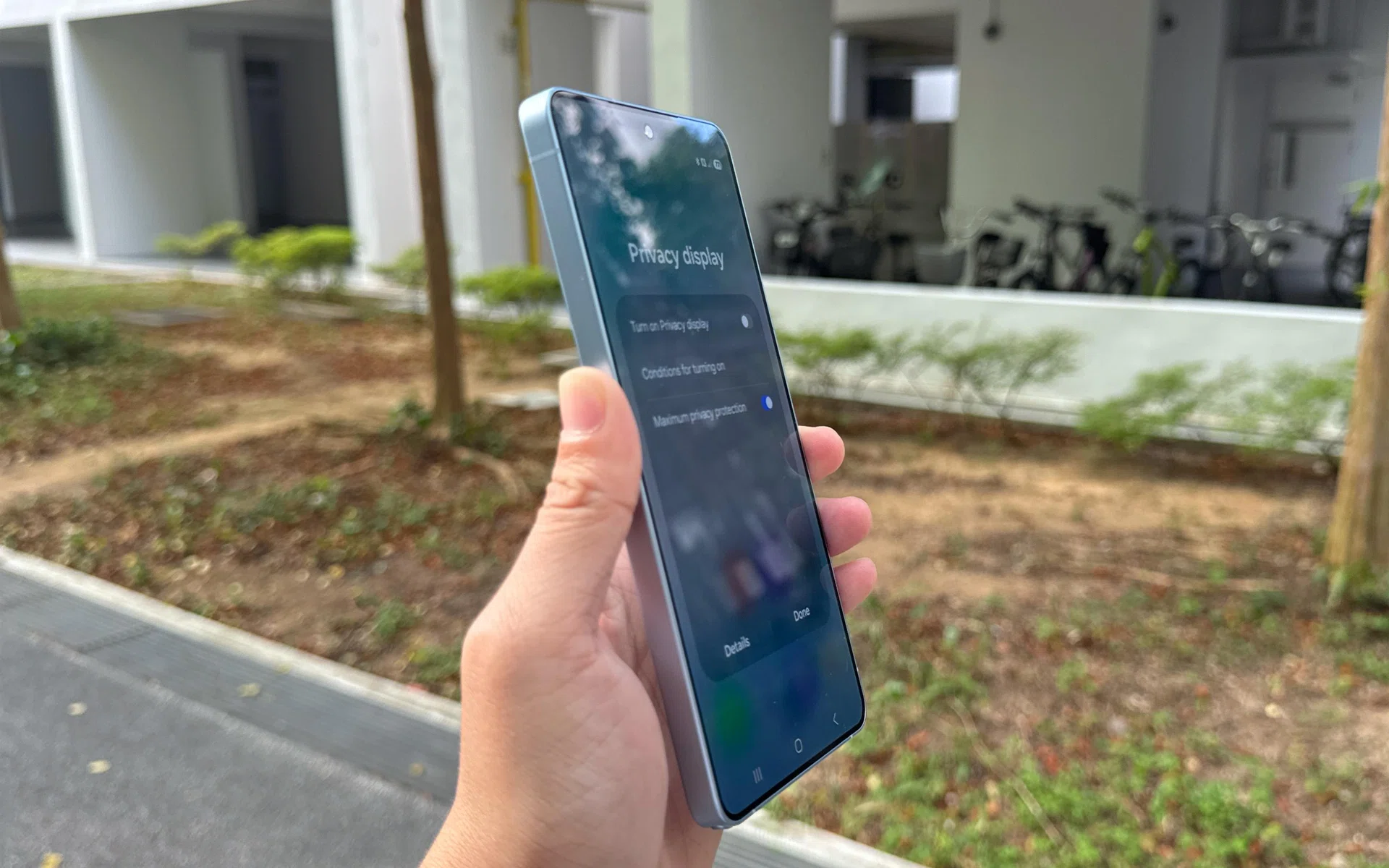
Normal view. Privacy Display is disabled.
Photo: HWZ
You can toggle it on/off, customise it to trigger on specific apps or credentials (passwords, PINs, etc.), and choose between “regular” and “maximum” privacy protection (more on that in a bit).
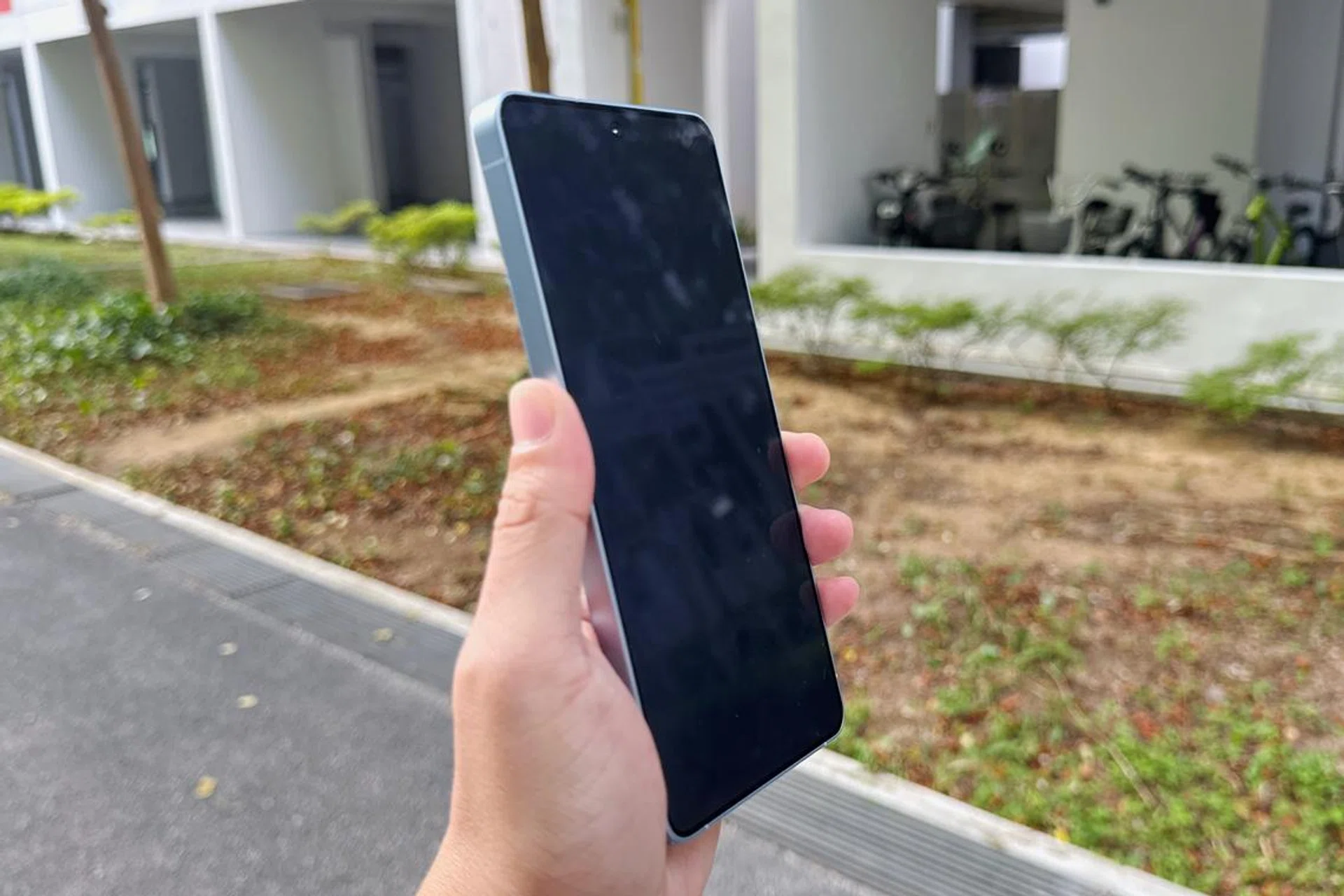
Privacy Display (maximum) is enabled.
Photo: HWZ
We know it’s hardware-based technology because of Samsung’s Privacy Display explainer. When the feature is enabled, it dims the pixels responsible for amazing viewing angles (the brand calls them “wide pixels”). The only pixels left activated are the forward-facing ones with narrower viewing angles.
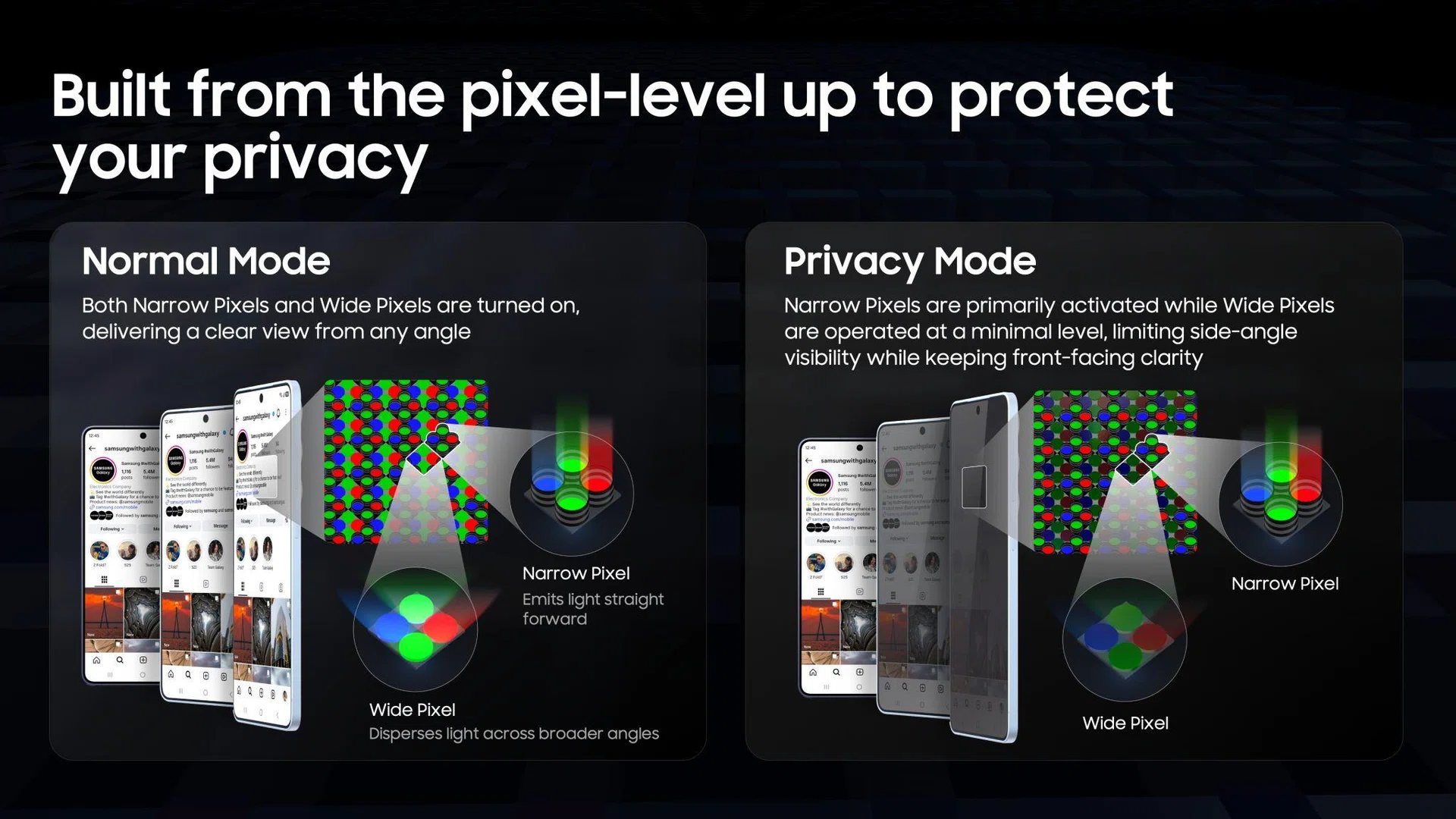
Samsung explains how Privacy Display is possible on the Galaxy S26 Ultra.
Image: Samsung
Hence, the “normal” and “maximum” privacy levels you choose are derived from the dimming intensity of those wide pixels. To a kaypoh bystander, “maximum” looks as if the Galaxy S26 Ultra user is smiling or laughing at a blank, greyish screen.
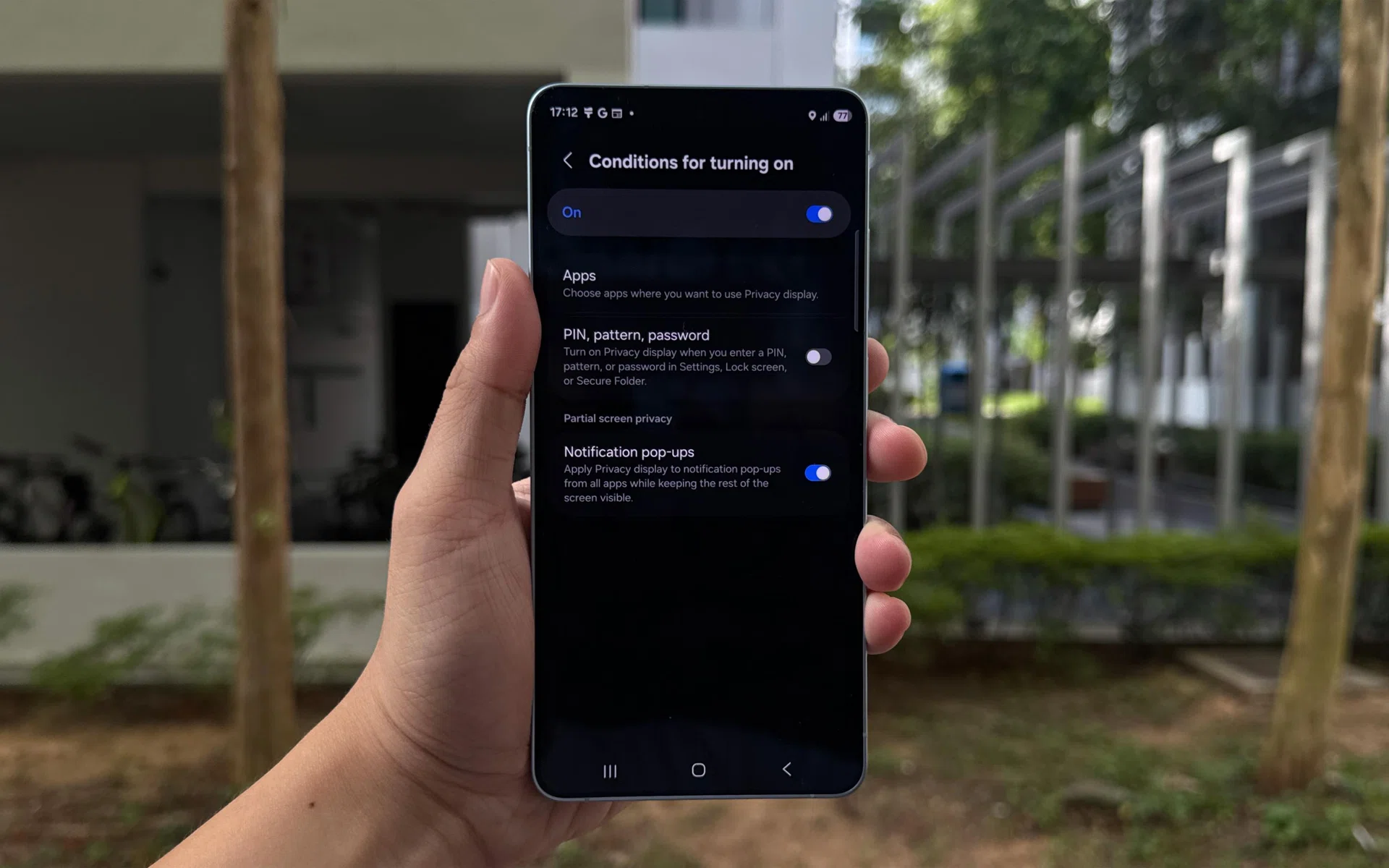
Privacy Display settings and adjustments.
Photo: HWZ
For users who don’t see why Privacy Display is a smarter solution than similar screen protectors, we’d like to offer that it’s quite a tidy feature if you’re nitpicky. For instance, we loved the selective dimming of notification pop-ups and certain apps. It was helpful when watching videos during a commute, and it doesn’t sacrifice the display’s clarity too much. It’s made sweeter by how the commuter next to us doesn’t get to see our messages, inbox, or pop-ups.
For users who are concerned about who is watching their screens, Privacy Display is easily one of the biggest and most important new features to appear in a phone. It could even be enough to persuade some users to upgrade to the S26 Ultra – it’s that good.
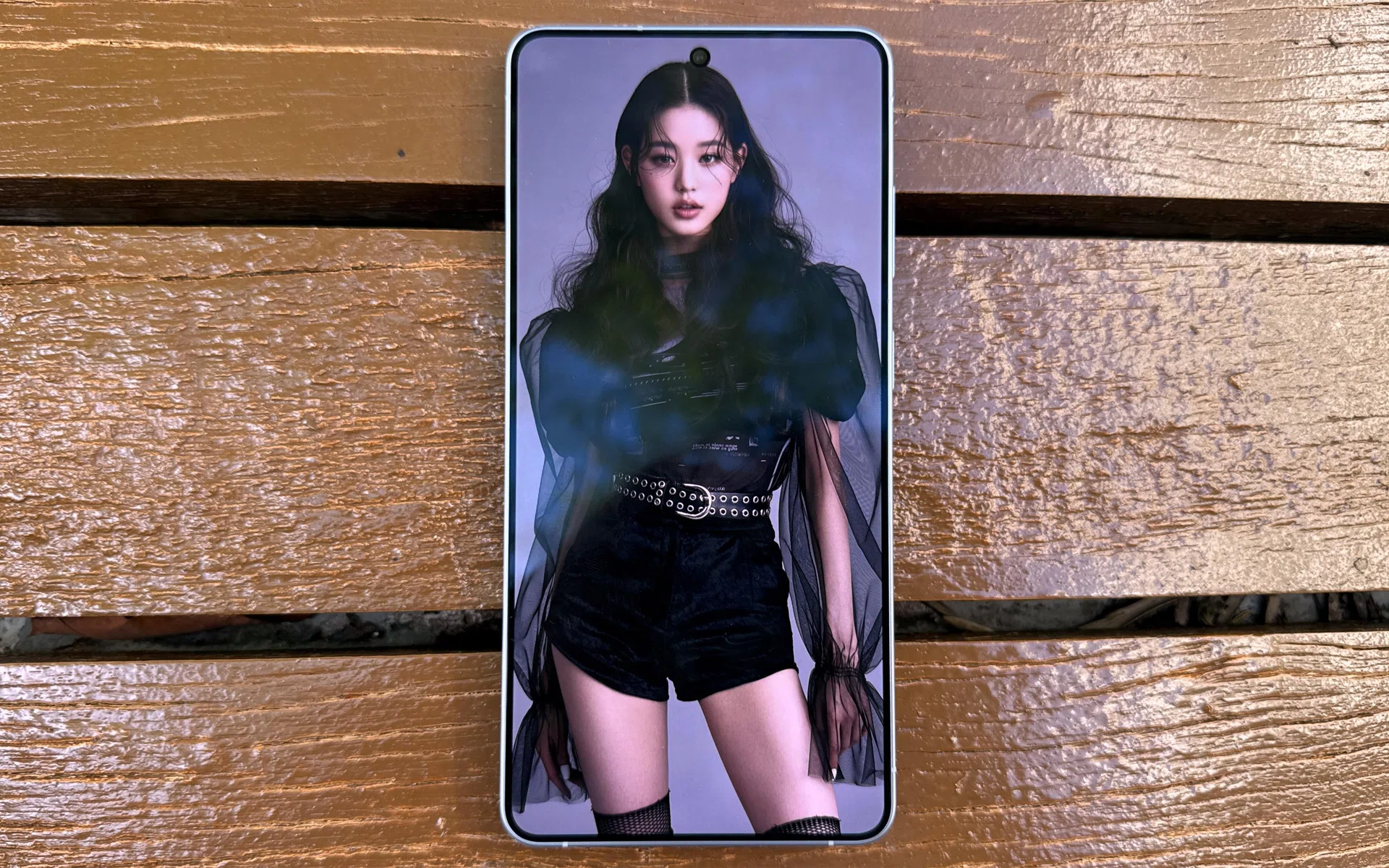
The 6.9-inch Dynamic AMOLED 2X still lives up to its reputation of being colour accurate, bright, and sharp, even under Singapore’s unforgiving sunlight.
Photo: HWZ
Making the Privacy Display a feature exclusive to the Ultra is fine for now, but given all the talk about how user privacy is important for its customers, it would be fantastic if Samsung extends this feature to its Base and Plus models in the future.
A more useful Galaxy AI
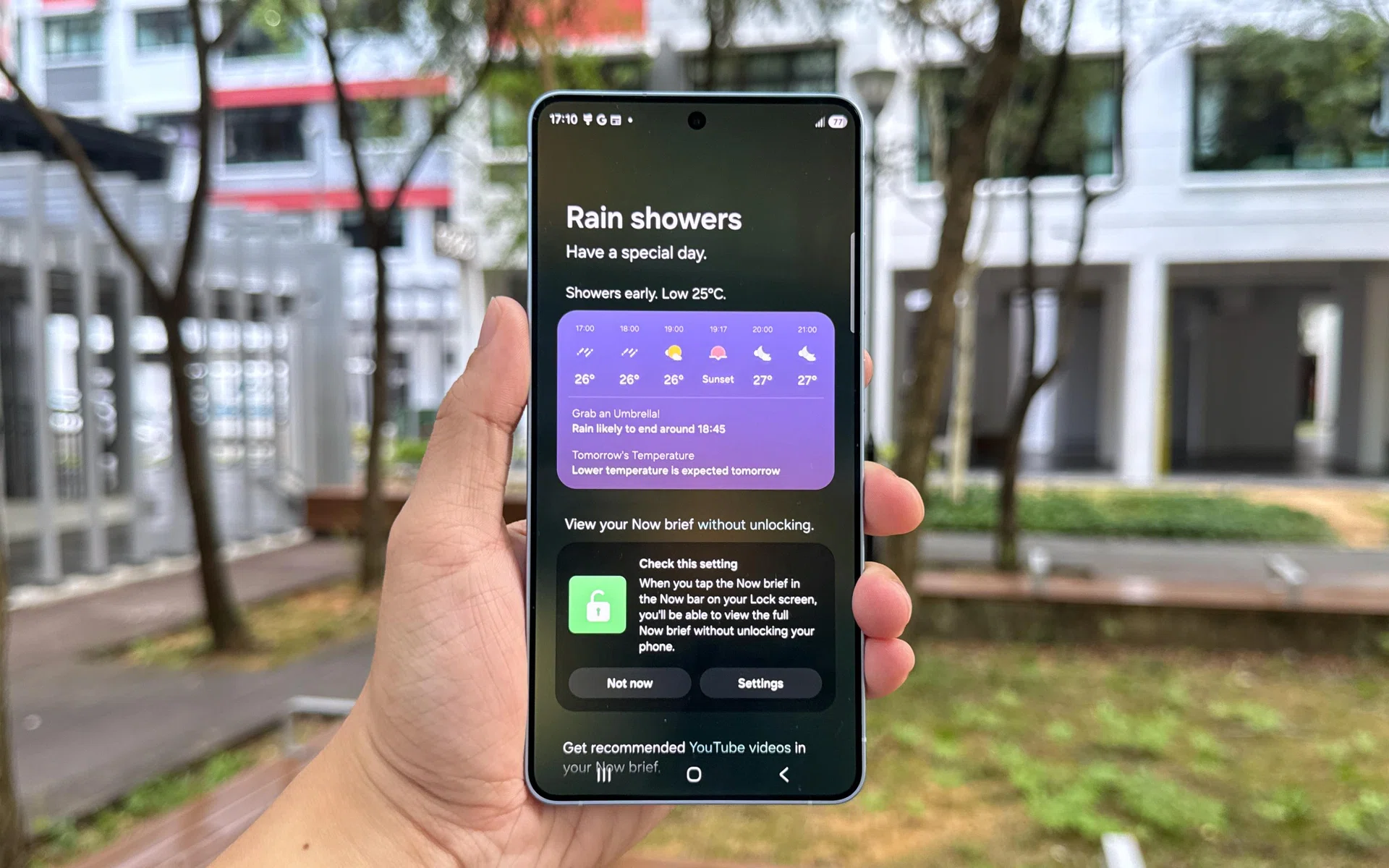
Now Brief, via Galaxy AI.
Photo: HWZ