Unlike typical software updates or bug fixes, new AI features in smartphones tend to be generational add-ons. It takes a fair amount of innovation, model training, and in-house testing before it can be safely pushed out to users. Even then, much of it hinges on the hope that they will find them useful in their daily use.
Since 2024, Galaxy AI has been a core component of the full Samsung smartphone experience, and the company has no plans to slow down. We think it would be fruitful to collate all the key updates since the last major Galaxy AI change.
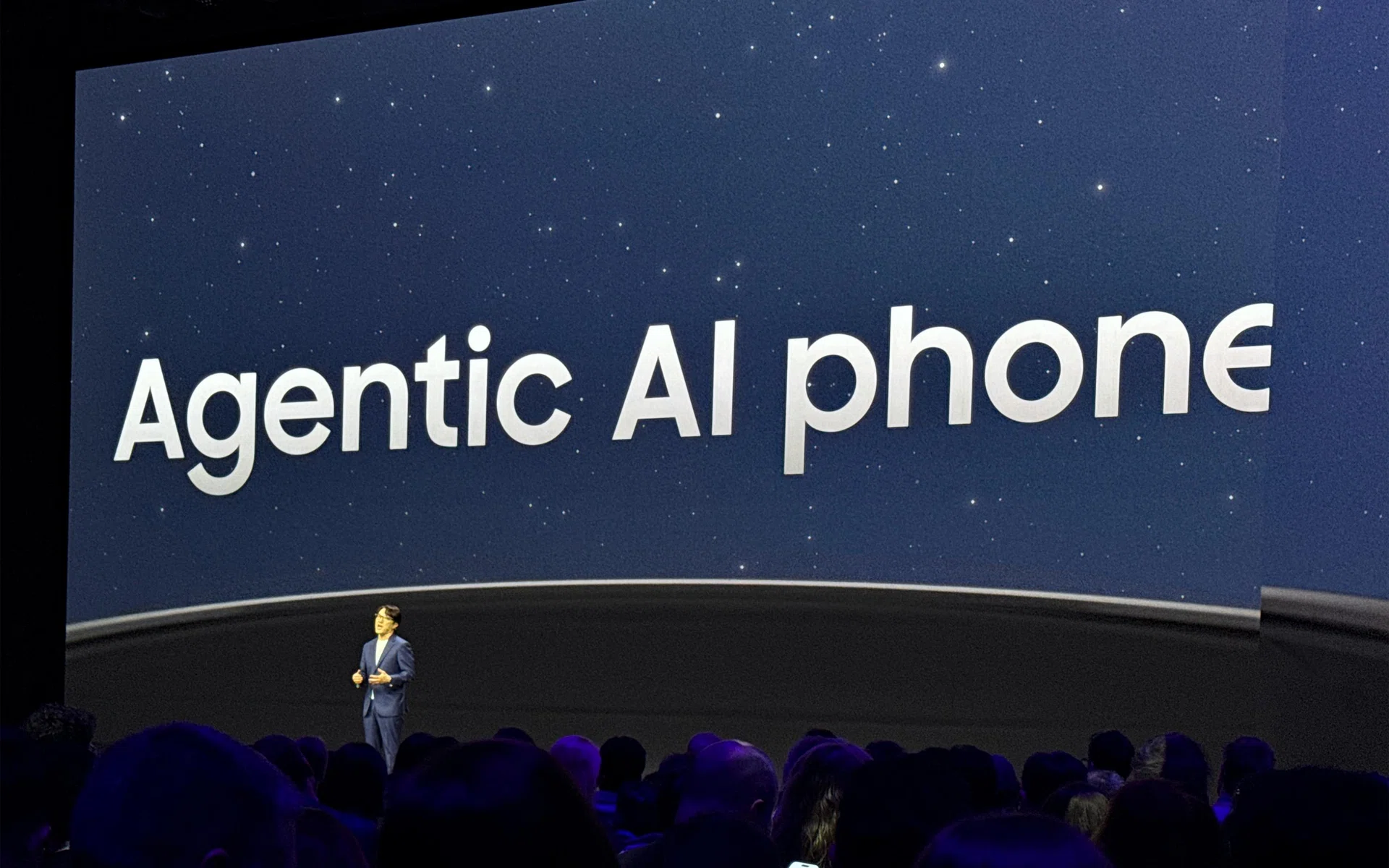
Samsung introducing Galaxy AI on the Galaxy S26 series phones at Unpacked.
Photo: HWZ
Here are all the important updates to Galaxy AI that are appearing together with Samsung’s Galaxy S26 series phones.
Now Nudge is the texting shortcut to everything else
Samsung has upgraded its AI capabilities in several ways, but it has one main goal. Ideally, the different AI parts should all work seamlessly together, so that you don’t have to browse a half-dozen different apps or repeat the same 20 steps just to get one routine thing done. It’s the closest thing Samsung has to getting agentic AI working on the Galaxy S26 series.
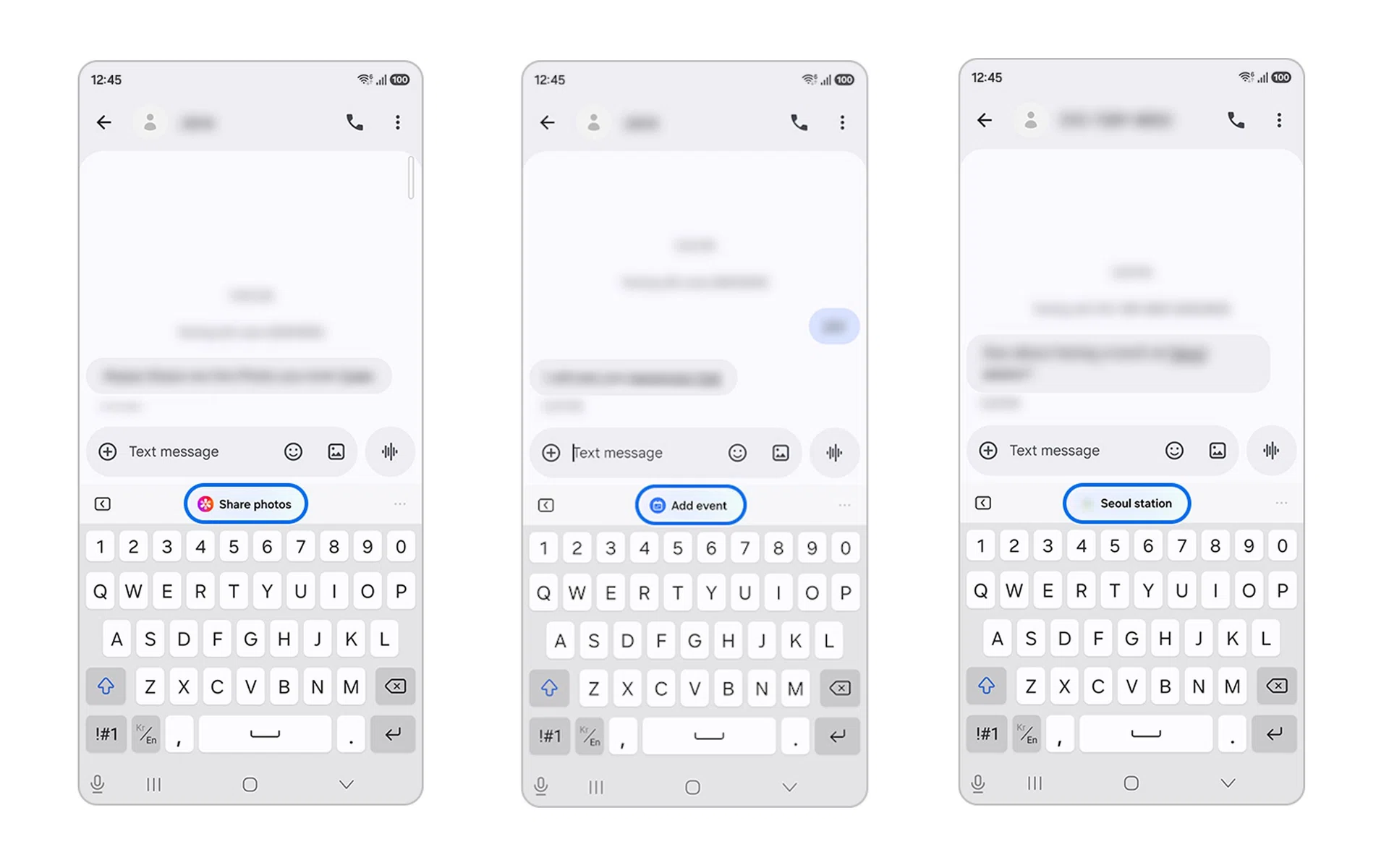
Example of how Now Nudge works. It infers from the screen and suggests the best action to take via Samsung Keyboard.
Image: Samsung
Galaxy AI’s Now Nudge is the phone’s smart shortcut tool. It suggests actions based on what it sees on your screen and gives you a recommendation as a pop-up in your Samsung Keyboard.
For example, if it detects a location shared in Messages, the shortcut in Samsung Keyboard leads to map app. Detecting a date and time would let you save those details into a calendar app. It can even give you shortcuts like sending photos and money when you’re chatting with a friend or family member.
Using it to its fullest requires some permissions given to Samsung and the device, which you can control under Settings > Galaxy AI > Now Nudge.
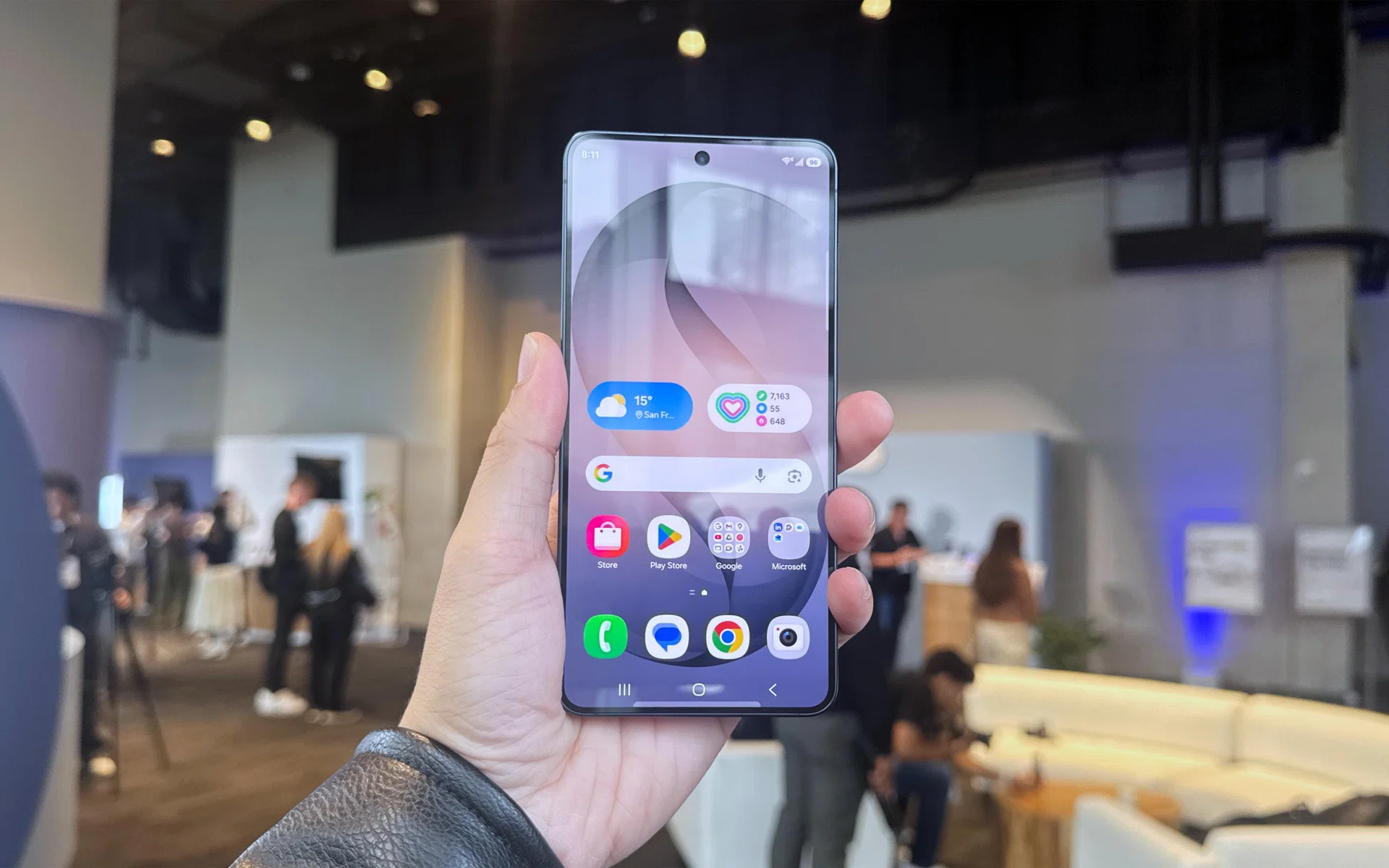
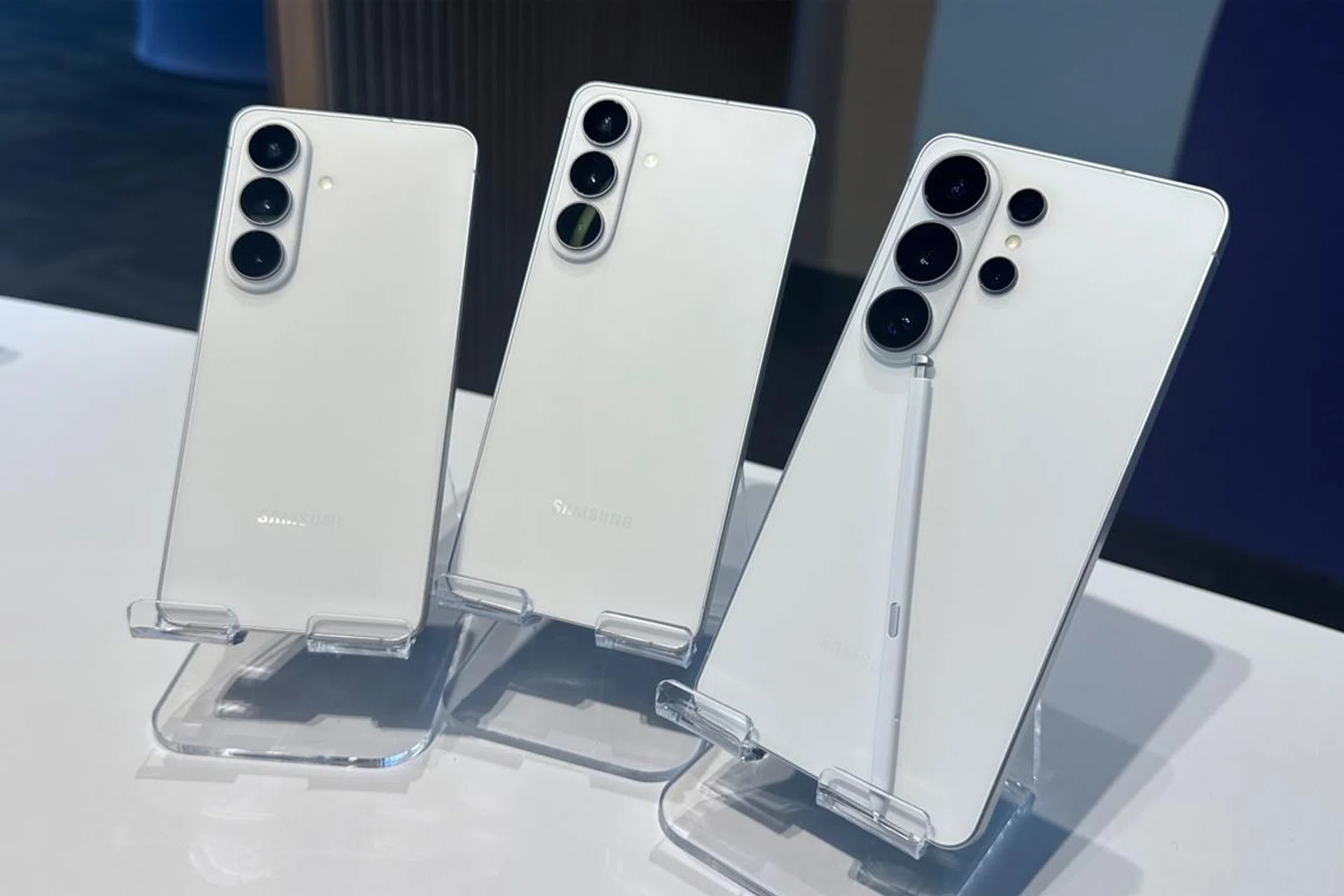
Samsung Galaxy S26 series.
Photo: HWZ
Taking advantage of contextual understanding is Now Brief, which now summarises your day based on all the schedule, appointments, and reminders, beyond personalised content.
Photo Assist’s text to edit
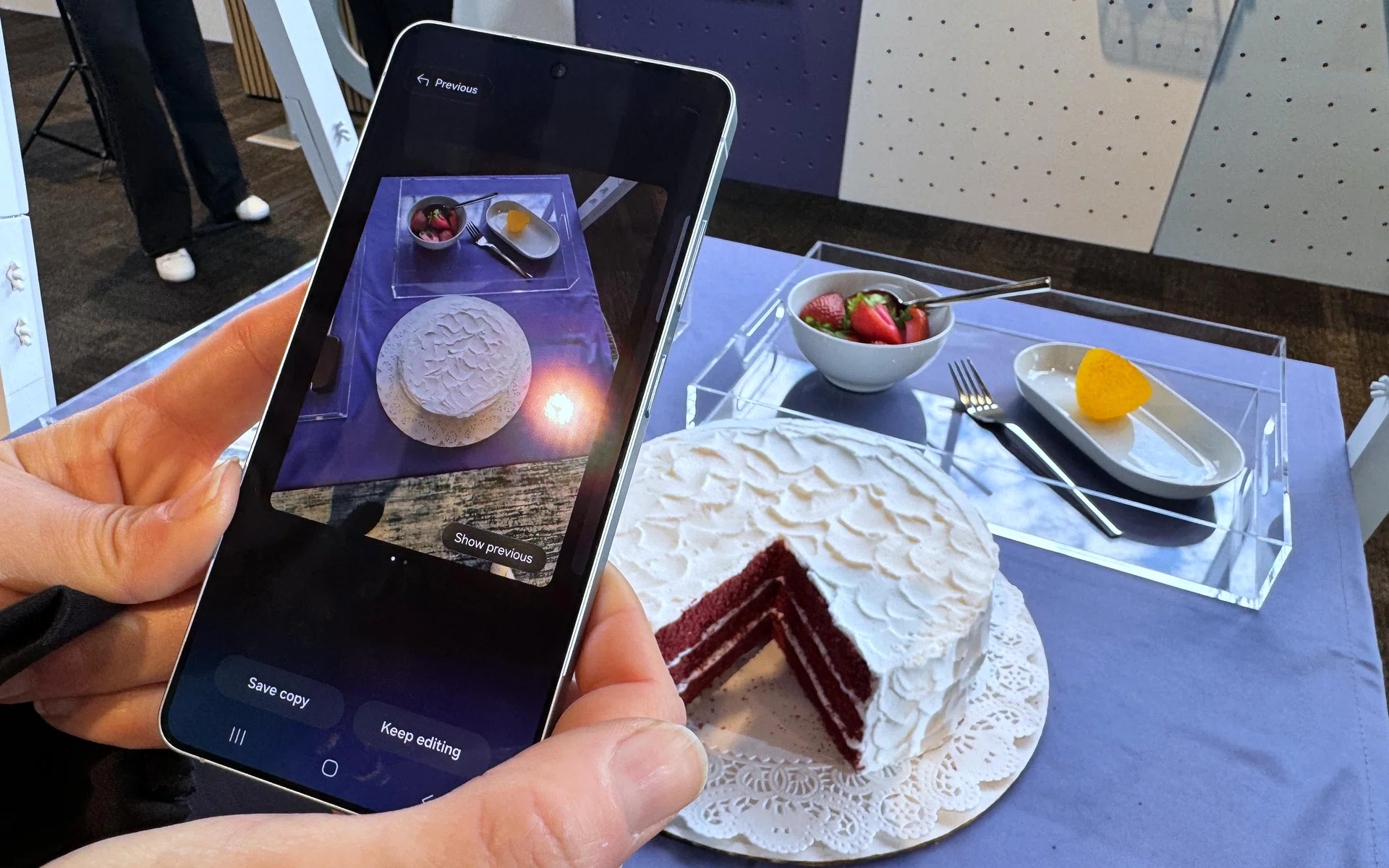
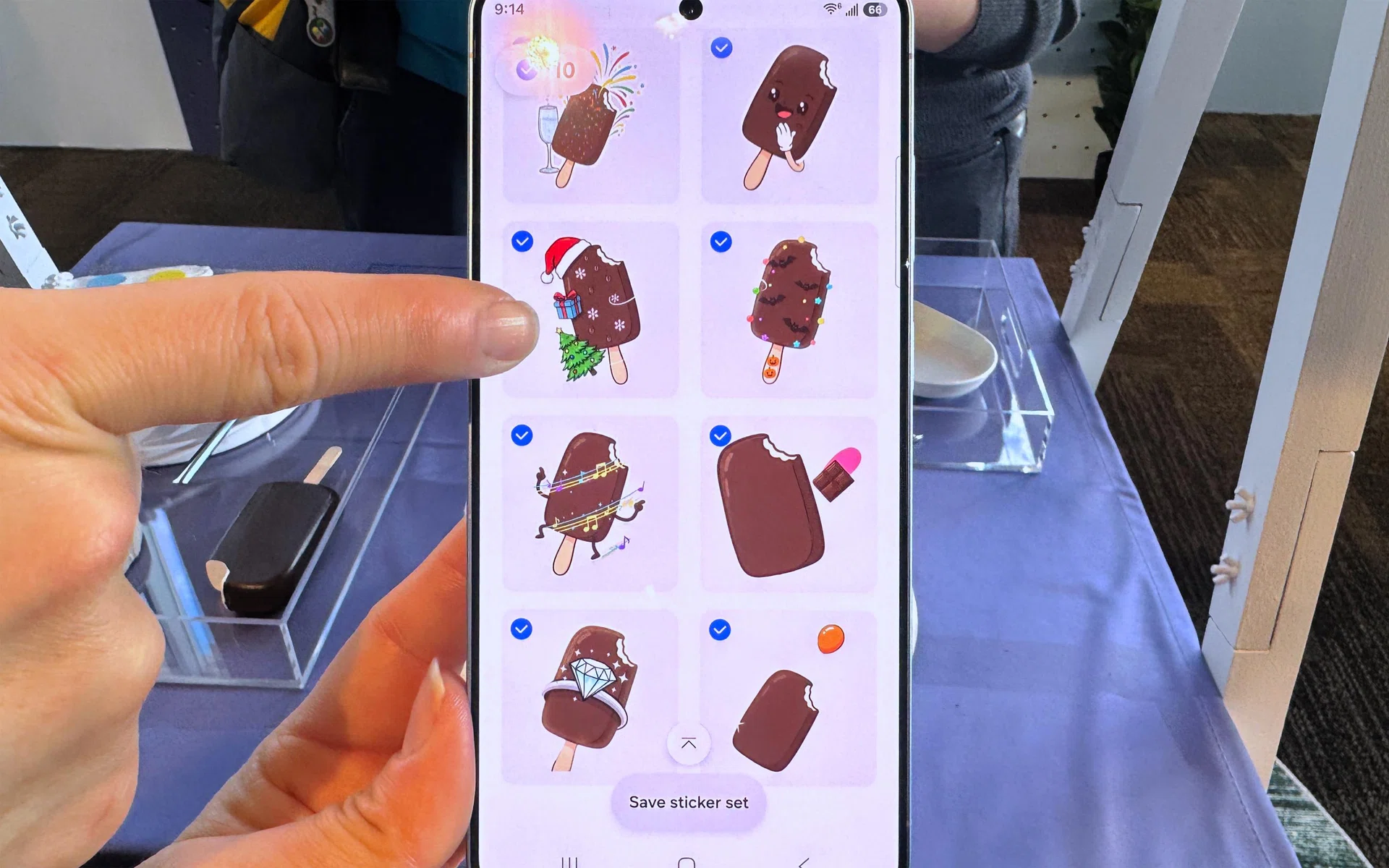
Text prompts can help you make really powerful generative photo edits, using Galaxy AI.
Photo: HWZ
Previously, Photo Assist was mostly focused on removals (photobombers, shadows, reflections etc.). Additive editing relied on drawing directly on the image and letting generative AI figure out what needs changing.