Samsung Galaxy Store apps for truly Ultra camera settings
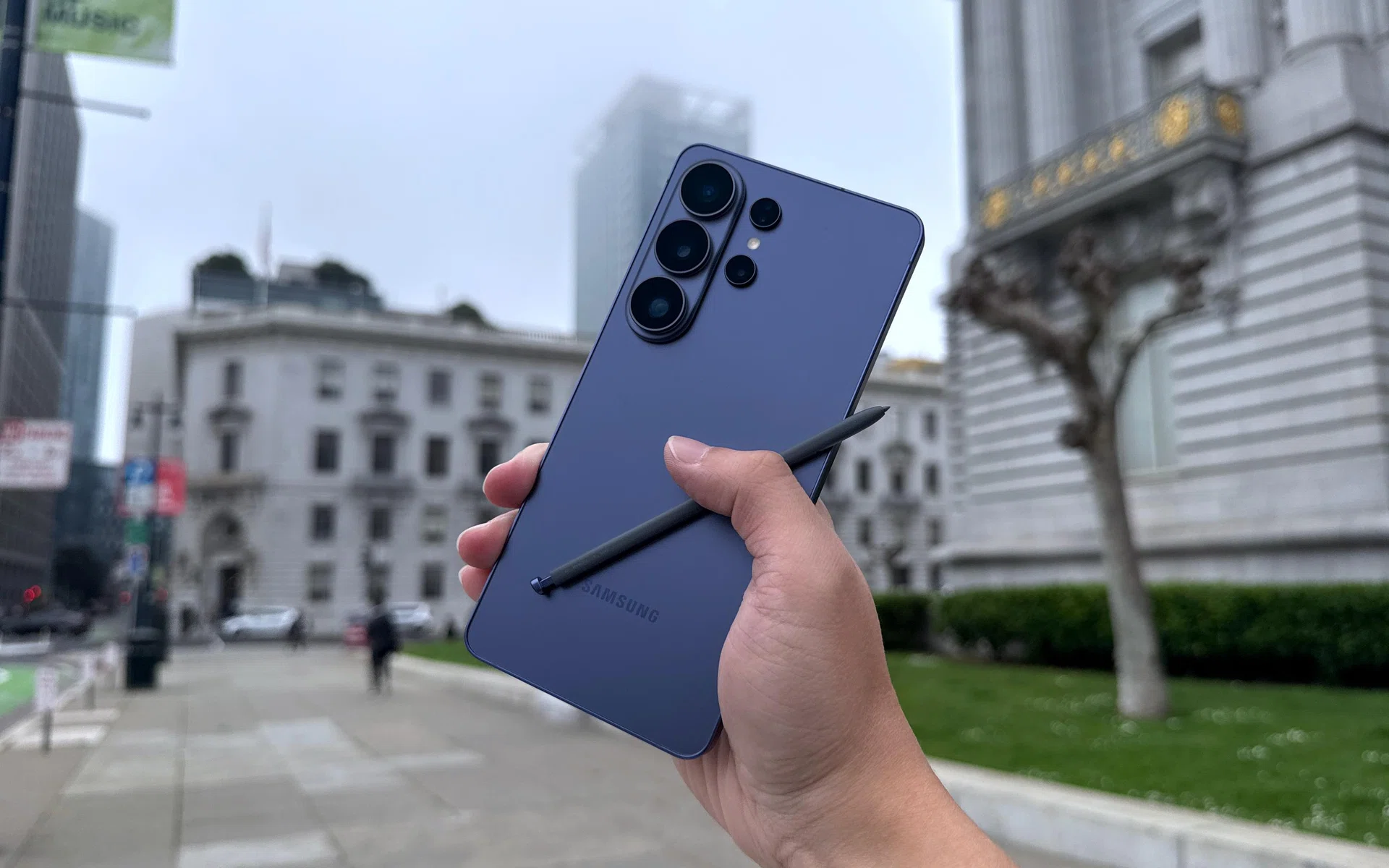
A big part of Samsung’s Ultra-tier Galaxy S phones is that the rear cameras can produce great photos with little effort, right out of the box. But did you know Samsung didn’t include all the possible settings in the default Camera app, because there are simply too many? You can pick and choose what you need via its other apps to push them further, or get greater camera control in the settings.
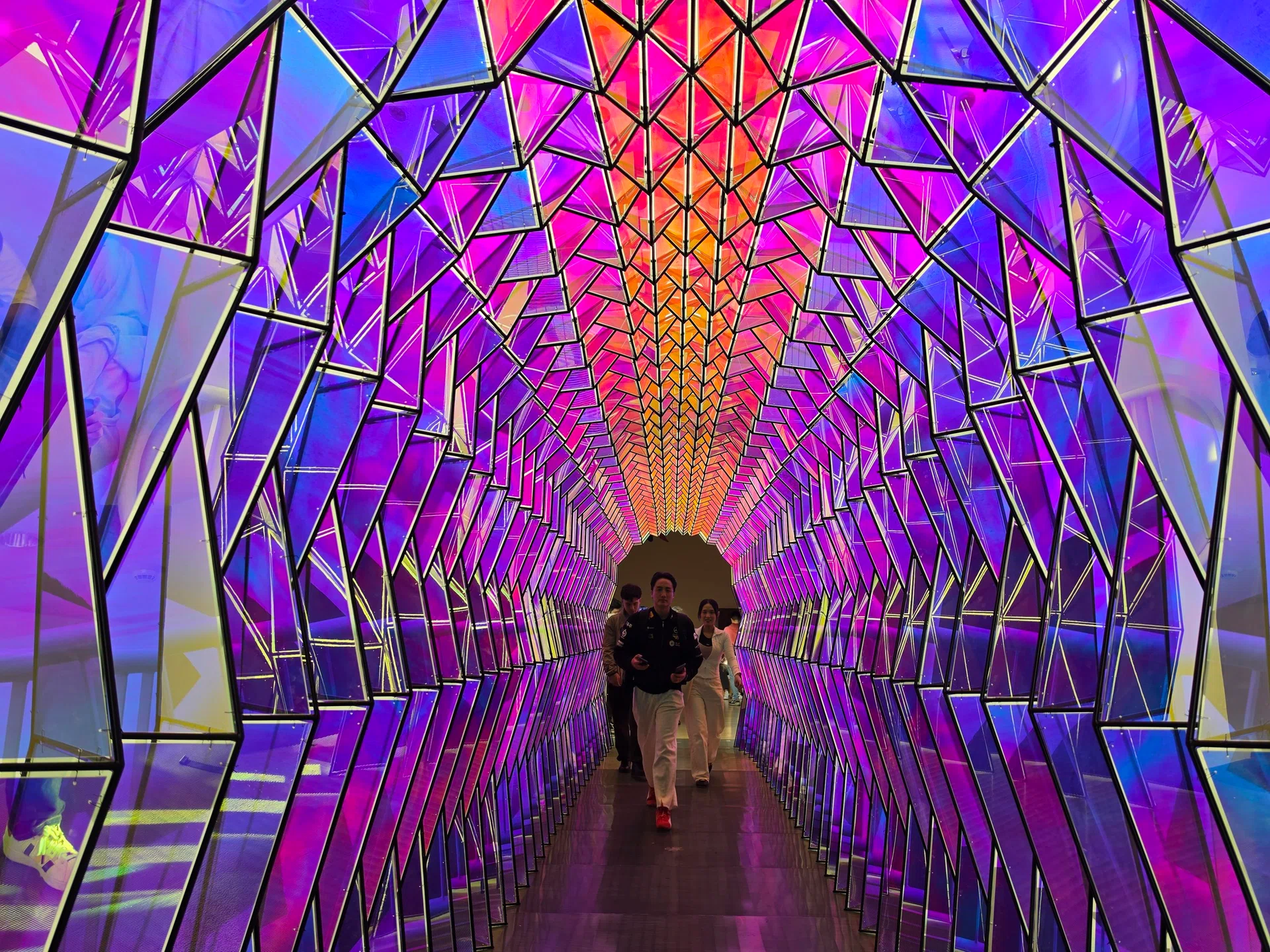
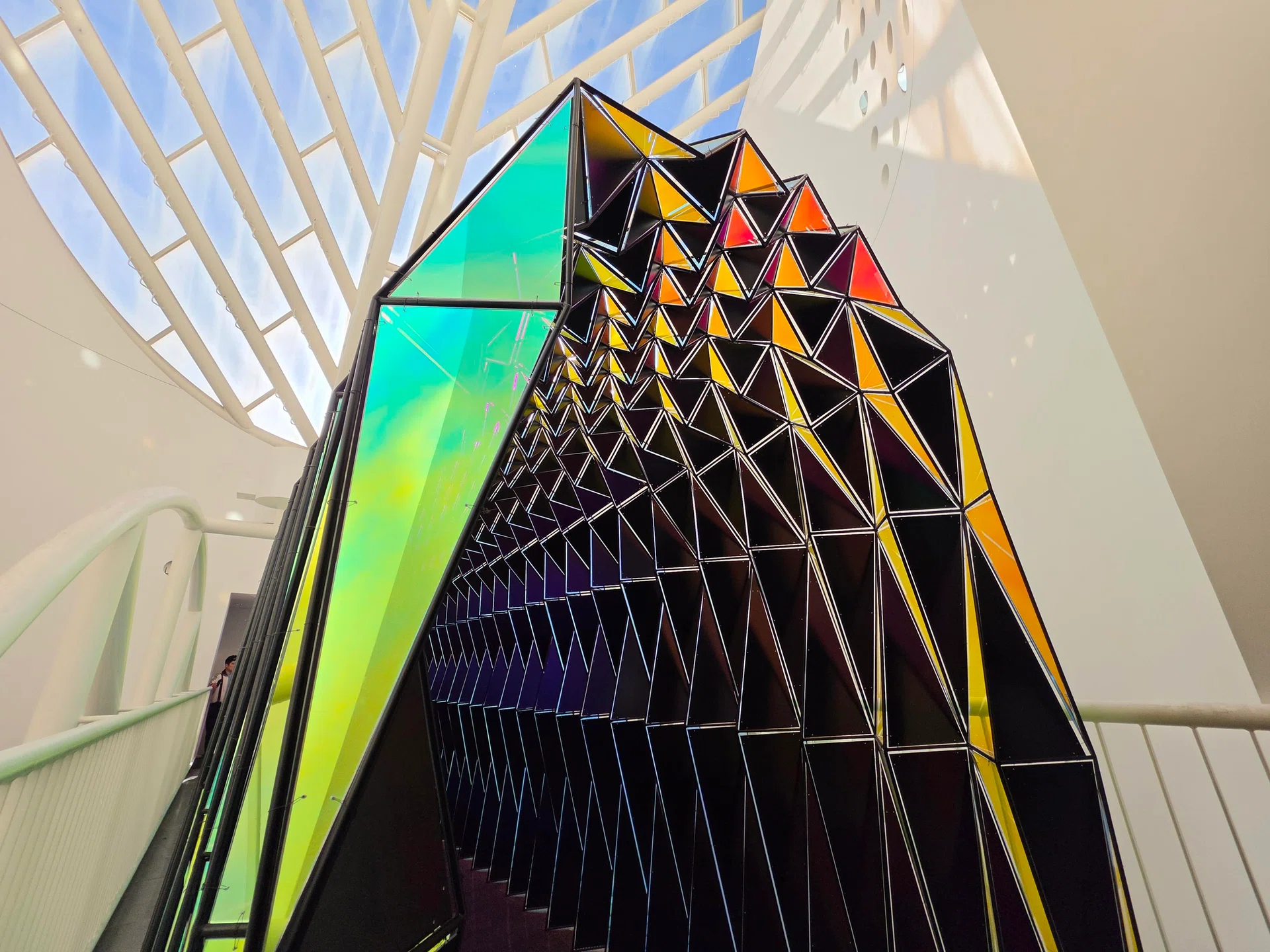
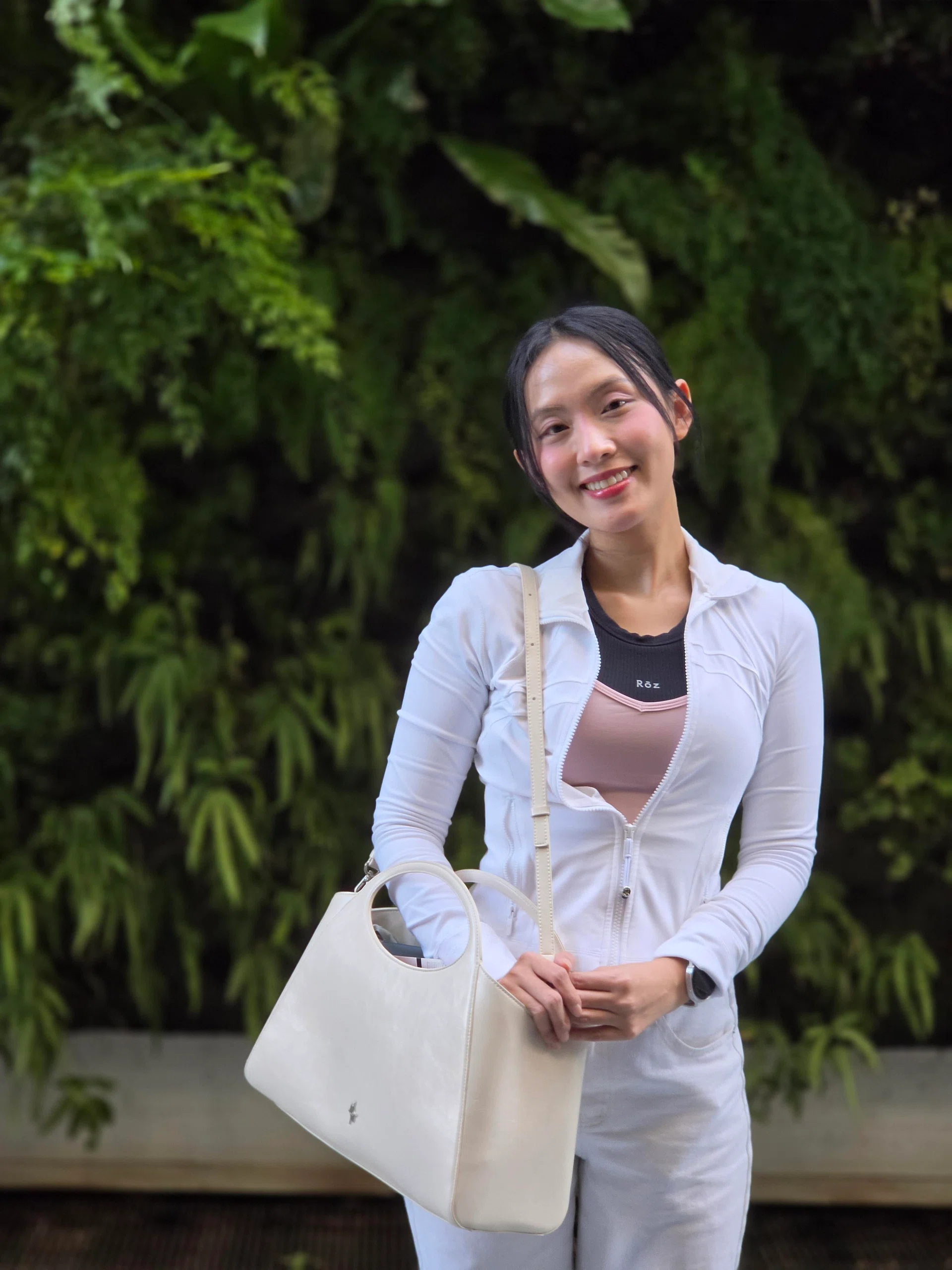
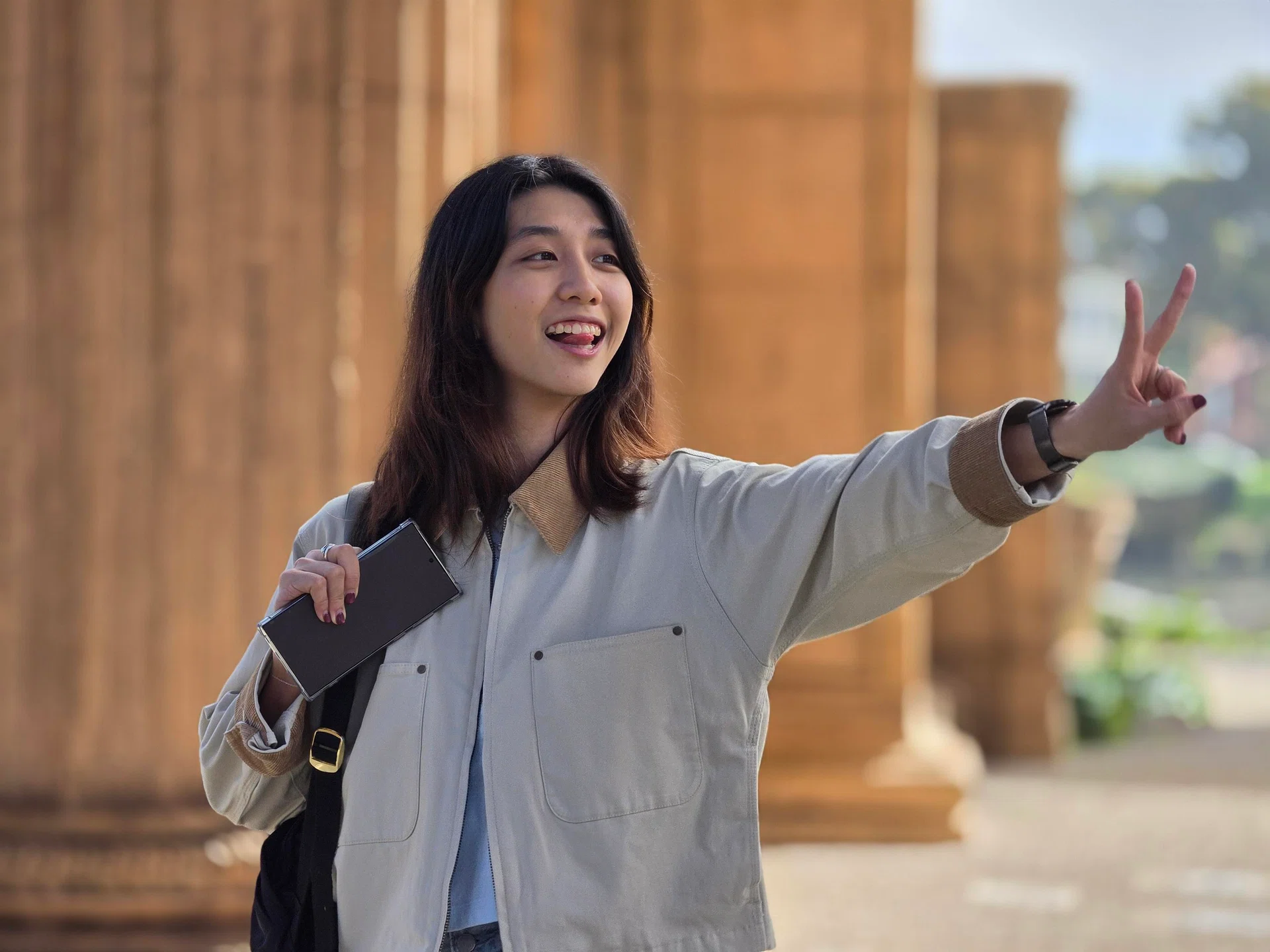
Here are the apps on the Samsung Galaxy Store that can help you maximise your camera settings. As a sweet bonus, we even had Samsung’s Visual Solution team walk us through the capabilities of these apps, and accompany us on the photo session below.
The best part of it all? it’s free of charge. (Well, you already paid for the phone… might as well use it.)
Note: Samsung’s self-made app store, Samsung Galaxy Store, comes pre-loaded on your Samsung phone. Find the app simply called “Store”, which contains some downloads that are unique to Samsung handsets. Please be careful and verify the apps before downloading.
Expert RAW
Expert RAW.
Screenshot: HWZ
Expert RAW grants full manual control that many amateur and professional photographers can’t live without. It’s the “other” Camera app by Samsung, but you get to control ISO (noise handling), aperture width (in f-value), shutter speed, exposure (using EV values), white balance (in Kelvins), on top of manually selecting the exact rear camera to shoot with (main, ultrawide, and both telephotos if it’s an Ultra model).
Go deeper, and you can even shoot in RAW (linear DNG, 16-bit) or select the image size (in megapixels). It even includes both Zebra Pattern and False Colour tools for monitoring brightness levels, a manual focusing slider, a virtual aperture menu for precise bokeh (creamy blur) control, an adjustable ND Filter, and three classic metering modes (spot, centre-weighted, matrix).
Users who love taking photos of the nighttime sky would also benefit from this app, because this is where Samsung hides its Astrophotography tools.
Honestly, it’s only missing focus peaking (used to ensure accurate sharpness levels) for it to be a truly robust package, but that’s also fixed in another app, as seen below.
Link to app (Samsung Galaxy Store): Expert RAW
Camera Assistant
Camera Assistant.
Screenshot: HWZ
Camera Assistant is also an app for highly granular camera control, but in a different way. It presents its menus and options like a classic Settings app, but the features offered aren’t for pedestrian users.
Here are some examples of how powerful the settings can get with Camera Assistant:
- You can place new or different zoom shortcuts into the default Camera app
- You can toggle on/off automatic lens switching, so you always shoot on your preferred rear camera
- You can toggle on focus peaking in Pro photo and video modes, and even select the colour of your peaking
- You can make autofocus perform faster or slower, along with the sensitivity required
- You can turn off distortion correction for a stronger fisheye effect
The list goes on. In a way, it’s an app where visual solutions devs use create really specific settings, based on user feedback and requests. If you have an uncommon shooting preference, this app might have the answer.
Link to app (Samsung Galaxy Store): Camera Assistant