Can’t find the application or file you’re looking for? Or has your Home Screen become too cluttered and messy to read? Either way, it sounds like it might be time to give your iPhone a proper spring-cleaning. Here are some simple and practical tips you can follow to make your phone more organized, run smoother, and feel like a new phone.
1. Delete duplicate and unnecessary photos
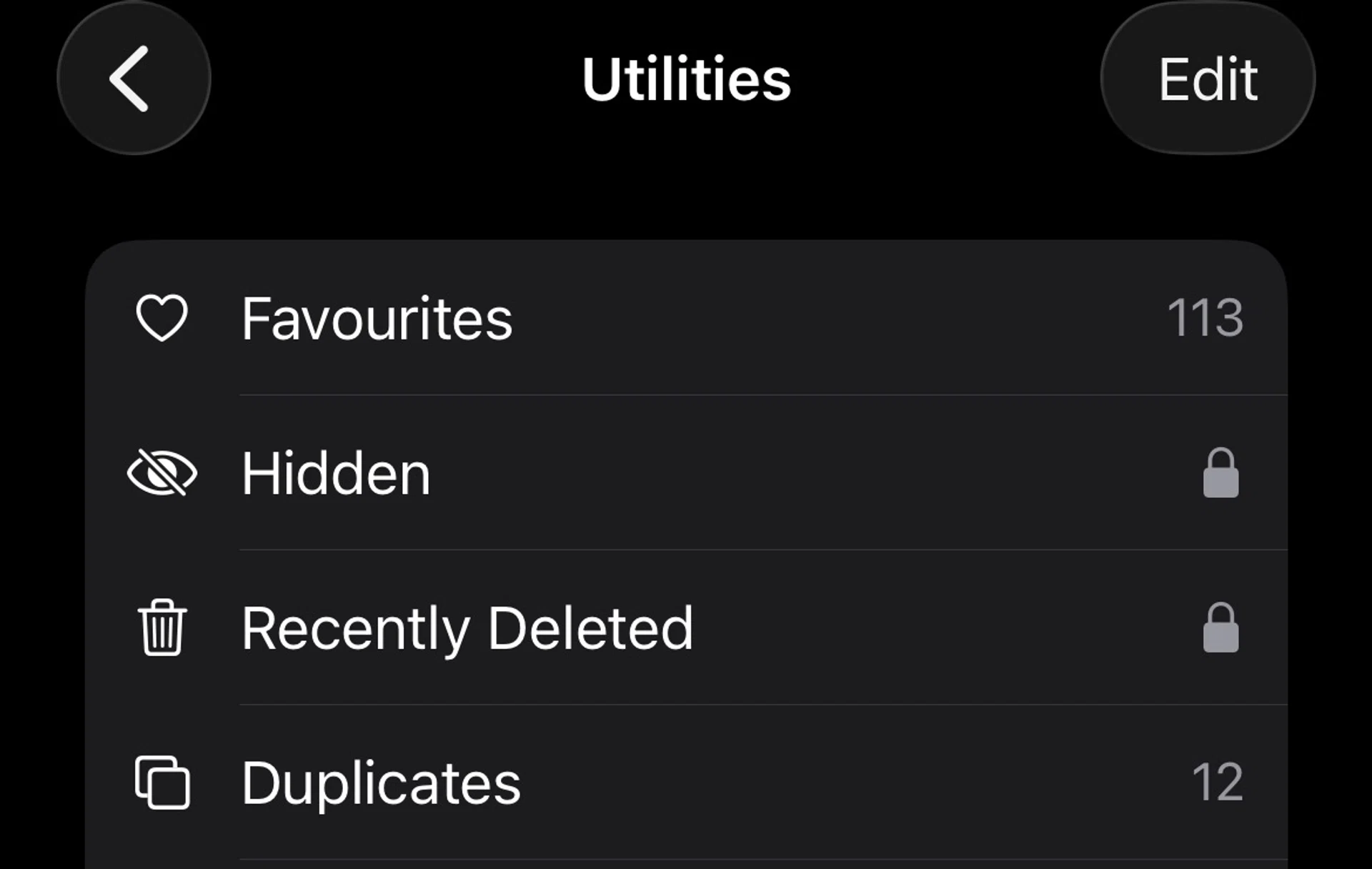
Don’t forget to clear your hidden folder as well.
Photo: HWZ
Photos and videos are often the biggest contributors to storage bloat on an iPhone. Over time, it is easy to accumulate duplicate images, burst shots, screenshots, and forwarded WhatsApp photos that you no longer need.
If you are on iOS 16 or newer, head to the Photos app, then Albums, and look for Duplicates. Here, iOS automatically detects duplicate photos and videos. It is also worth checking albums such as Screenshots, Screen Recordings, and Videos, where large and forgotten files tend to pile up.
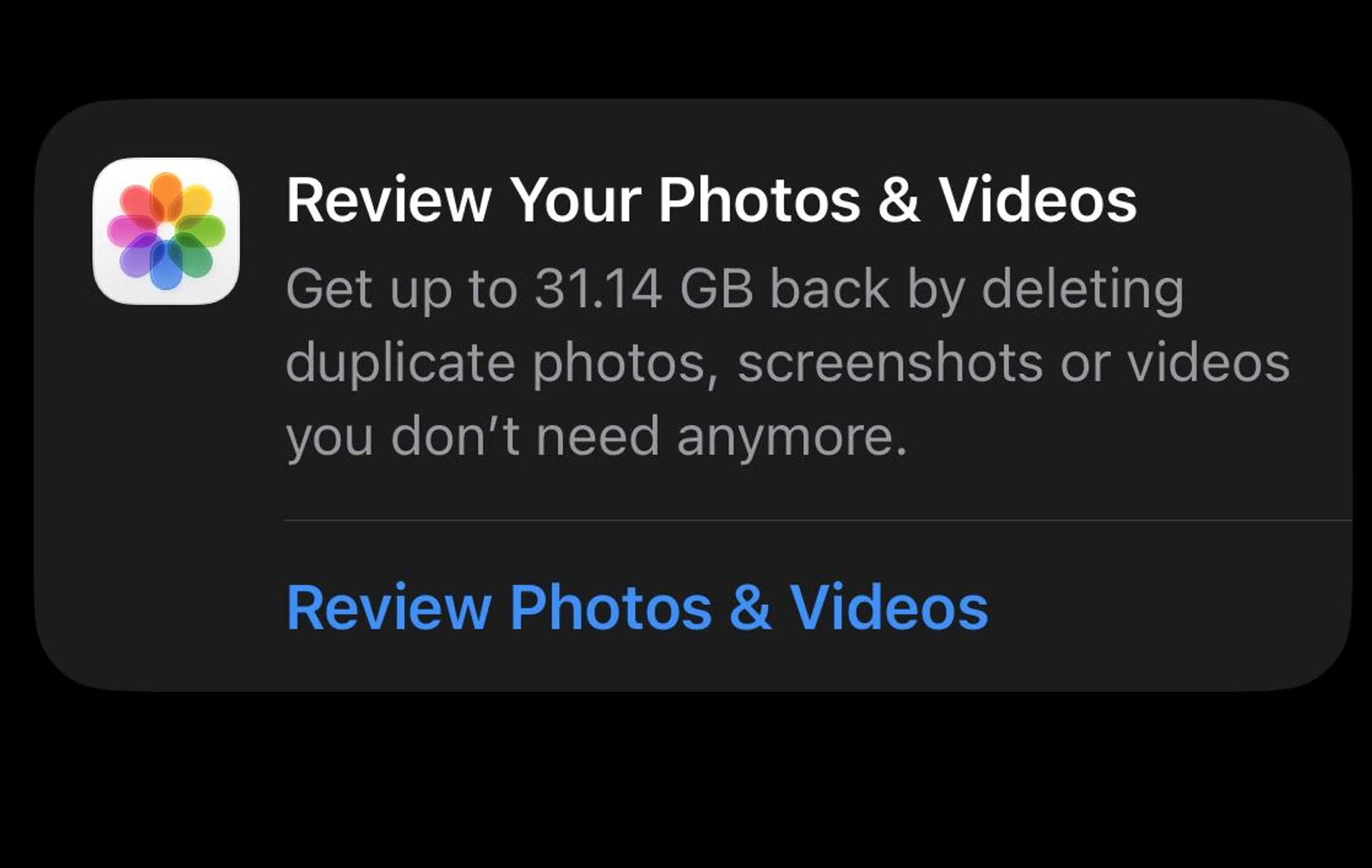
Head over to your iCloud to see the photos and videos that take up the most space.
Photo: HWZ
Duplicates aside, videos can take up a surprising amount of space, especially if they were recorded in 4K. For example, a minute of video recorded in 4K at 60 fps will consume approximately 400MB of storage. This explains why a couple of 4K videos (even short ones) can easily consume gigabytes of storage.
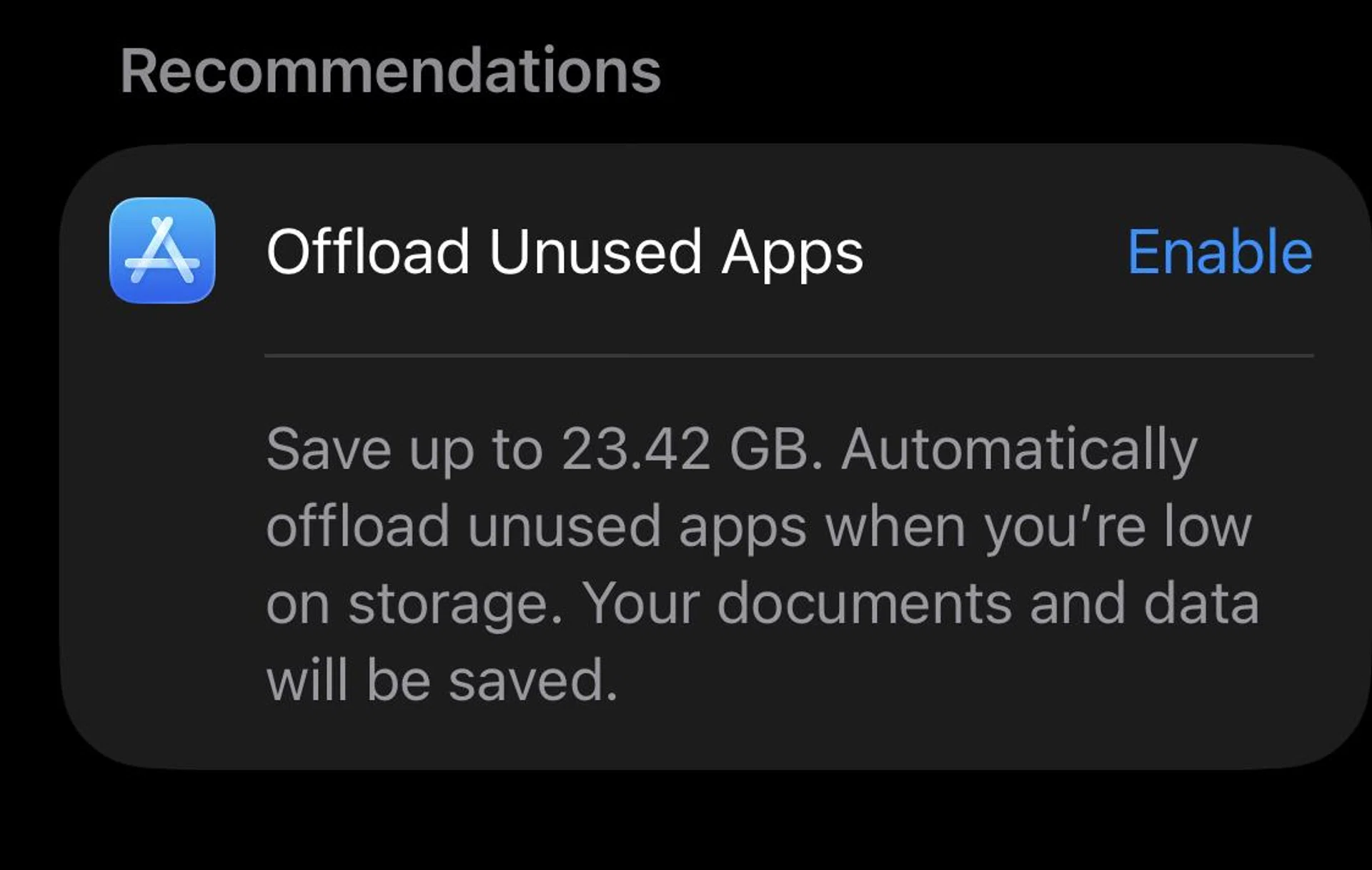
To identify storage-hungry files, go to Settings, General, iPhone Storage, where apps and media are sorted by size. From there, you can review large videos, delete ones you no longer need, or back them up to cloud storage before removing them from your device.
If you still find yourself troubled by storage issues, you can also clear media from messaging services like WhatsApp and Telegram. Both apps have options to manage and delete files within their Settings menus.
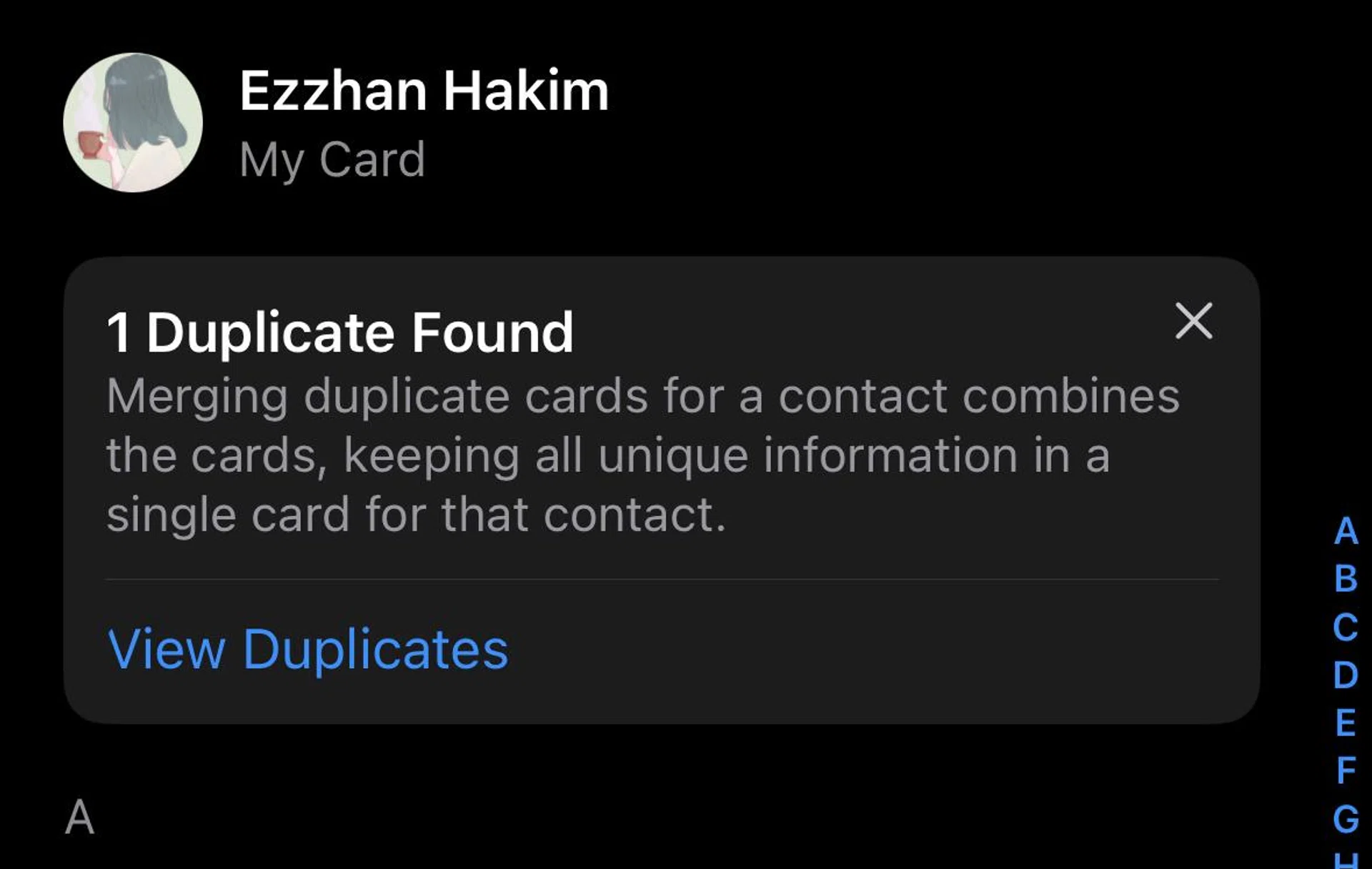
If you have the time, I recommend going through your contacts to update and delete unwanted ones individually.