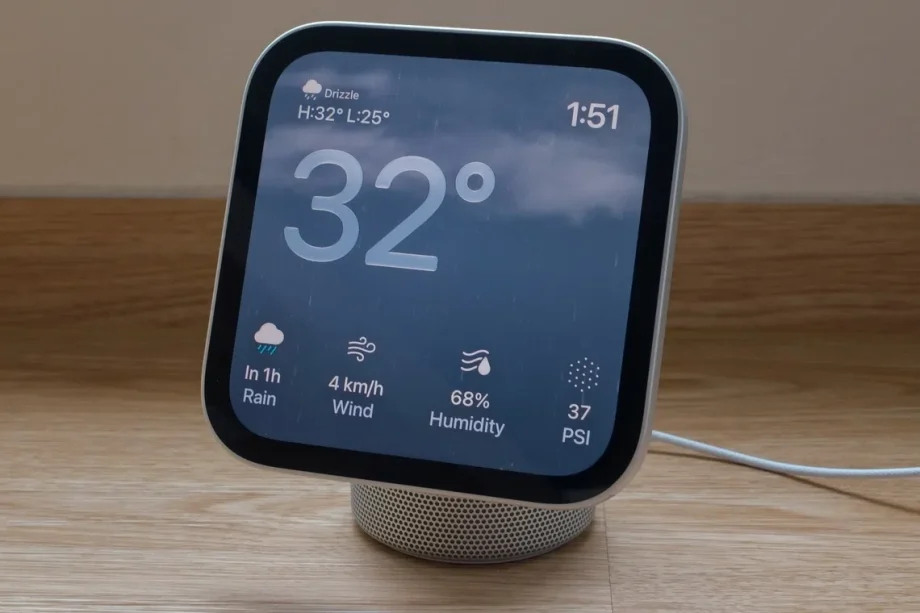
The HomeView is Apple’s first smart display. It’s Apple’s answer to devices like the Amazon Echo Show and Google Nest Hub, and a sign that the company wants to take smart homes more seriously. Like those devices, HomeView aims to be the centre of your smart home. But even if your home isn’t very smart (like mine), the HomeView, at S$399, can still find a place in your dwelling.

Design
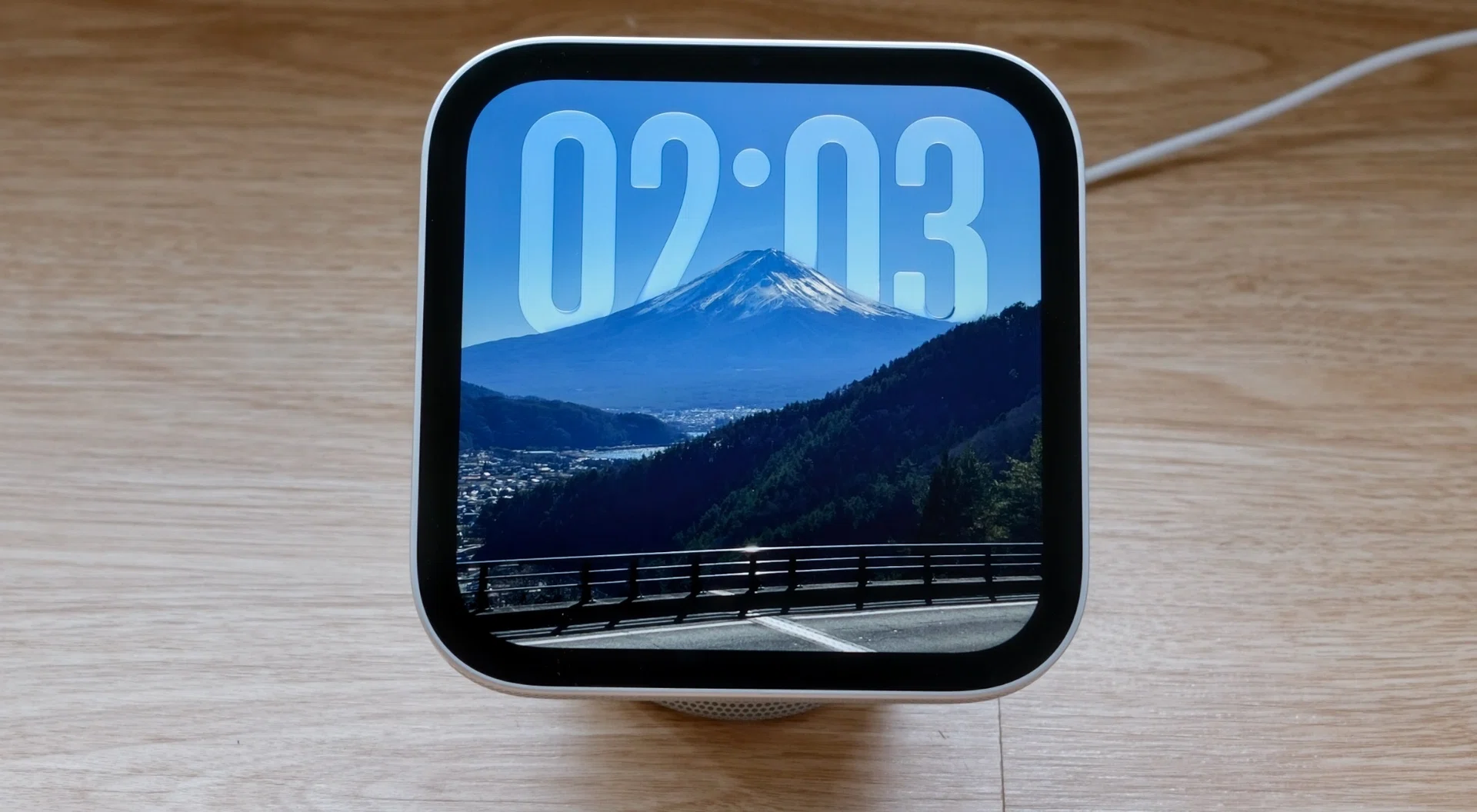
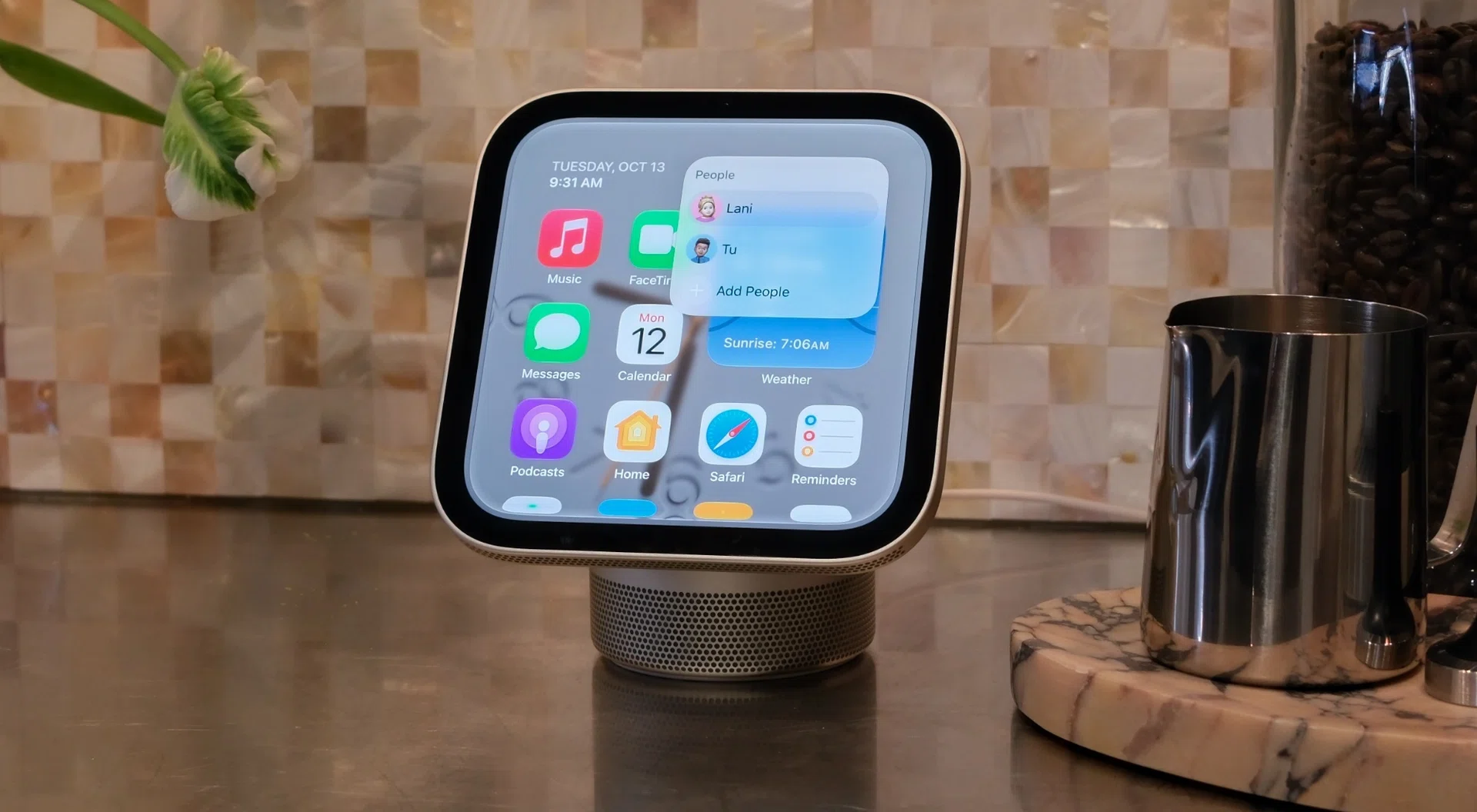
The 7-inch LCD display has a square aspect ratio. It can get as dim as 0.3 nits.
Photo: HWZ
As far as smart displays go, the HomeView makes a strong case for being the most stylish. Essentially, it’s a small display attached to a round aluminium base. It has a strong resemblance to the iconic iMac G4, which is no bad thing.
Measuring just 14.5cm wide and about 17cm tall, it’s a compact little thing too. The first time I laid eyes on it, I was surprised by how small it was. It also comes in four colours: Silver, Starlight, Rose Pink, and Space Gray. The colours are quite mild. Starlight, in particular, is very close to Silver. At any rate, the unobtrusive colours, coupled with the HomeView’s diminutive size, should make it an easy fit into most people’s homes.

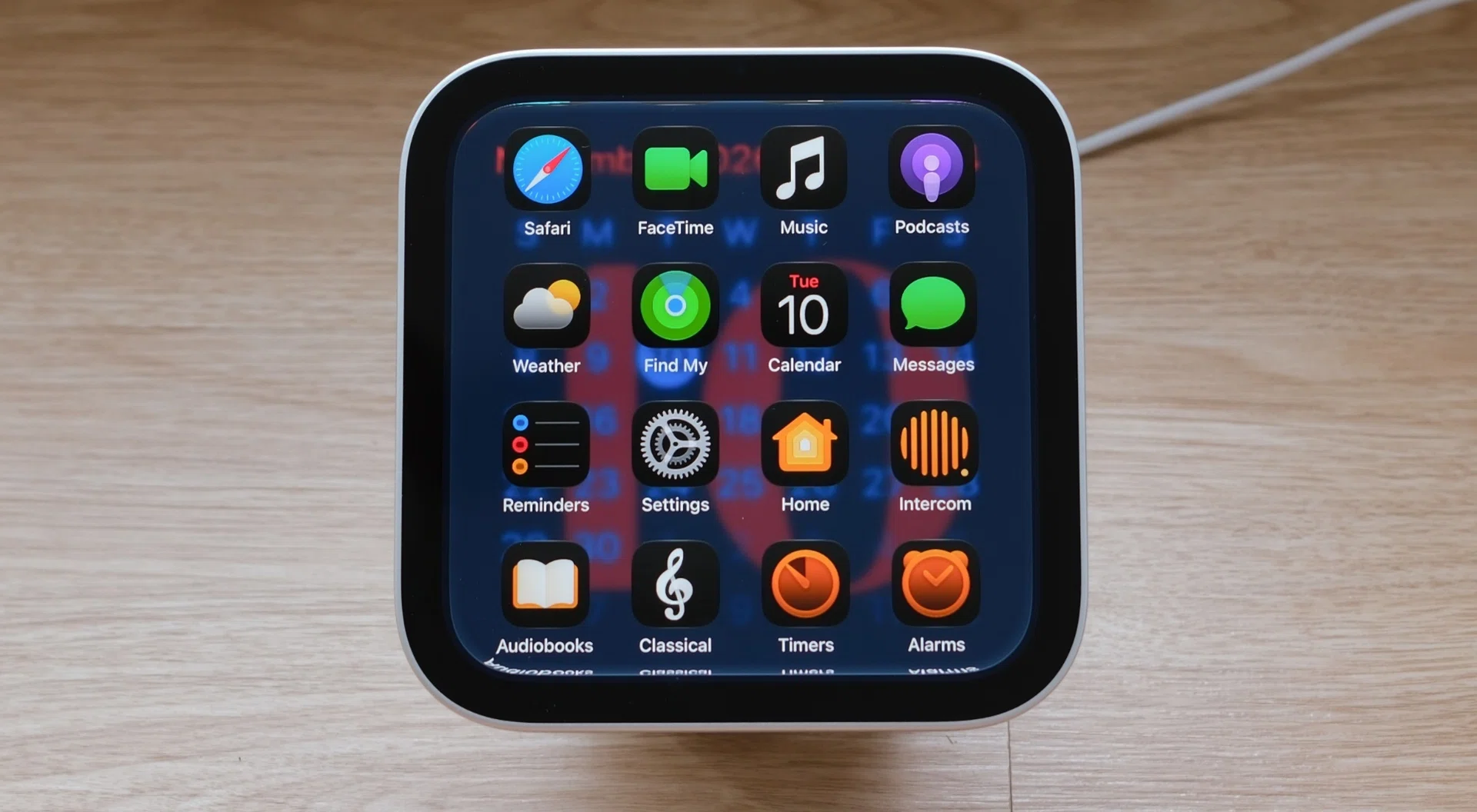
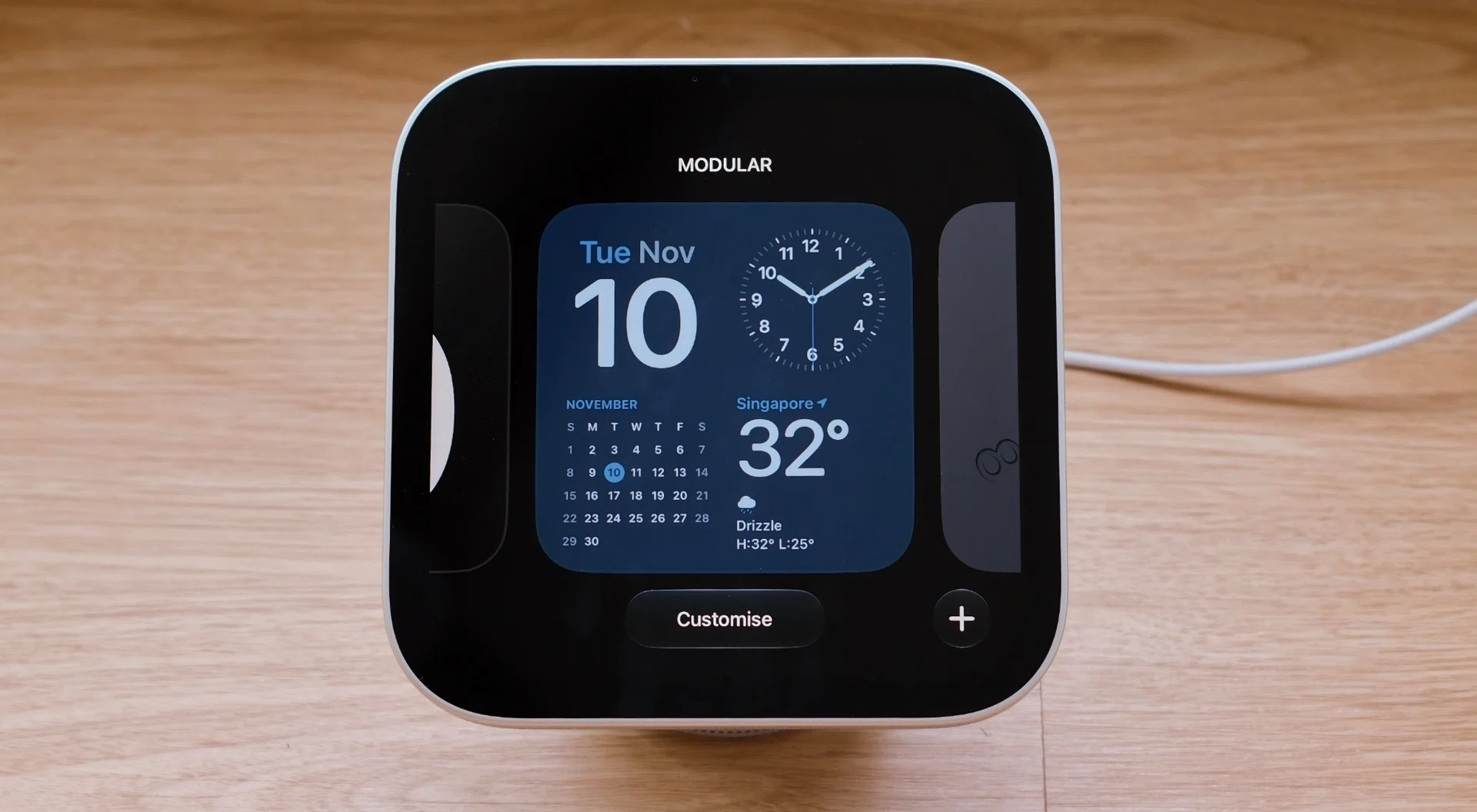
The screen is a 7-inch Liquid Retina display. It uses an IPS LCD panel and has a square aspect ratio and a resolution of 1088 x 1088 pixels. Its pixel density count is 220 pixels per inch. It’s a decent display that looks good when viewed in isolation, but it’s noticeably off the mark in terms of sharpness and colours compared to the ones you find on modern iPhones, iPads, and Macs.
Maximum brightness is 500 nits, and since the HomeView lives indoors, I’ve found it to be sufficient. Apple is keen to point out that this display can go down to just 0.3 nits, which it said was a conscious design decision because it wanted the HomeView to also work as a bedside accessory. Indeed, I didn’t find it distracting to sleep with, and this is coming from someone who loves blackout curtains and sleeping in absolute darkness.
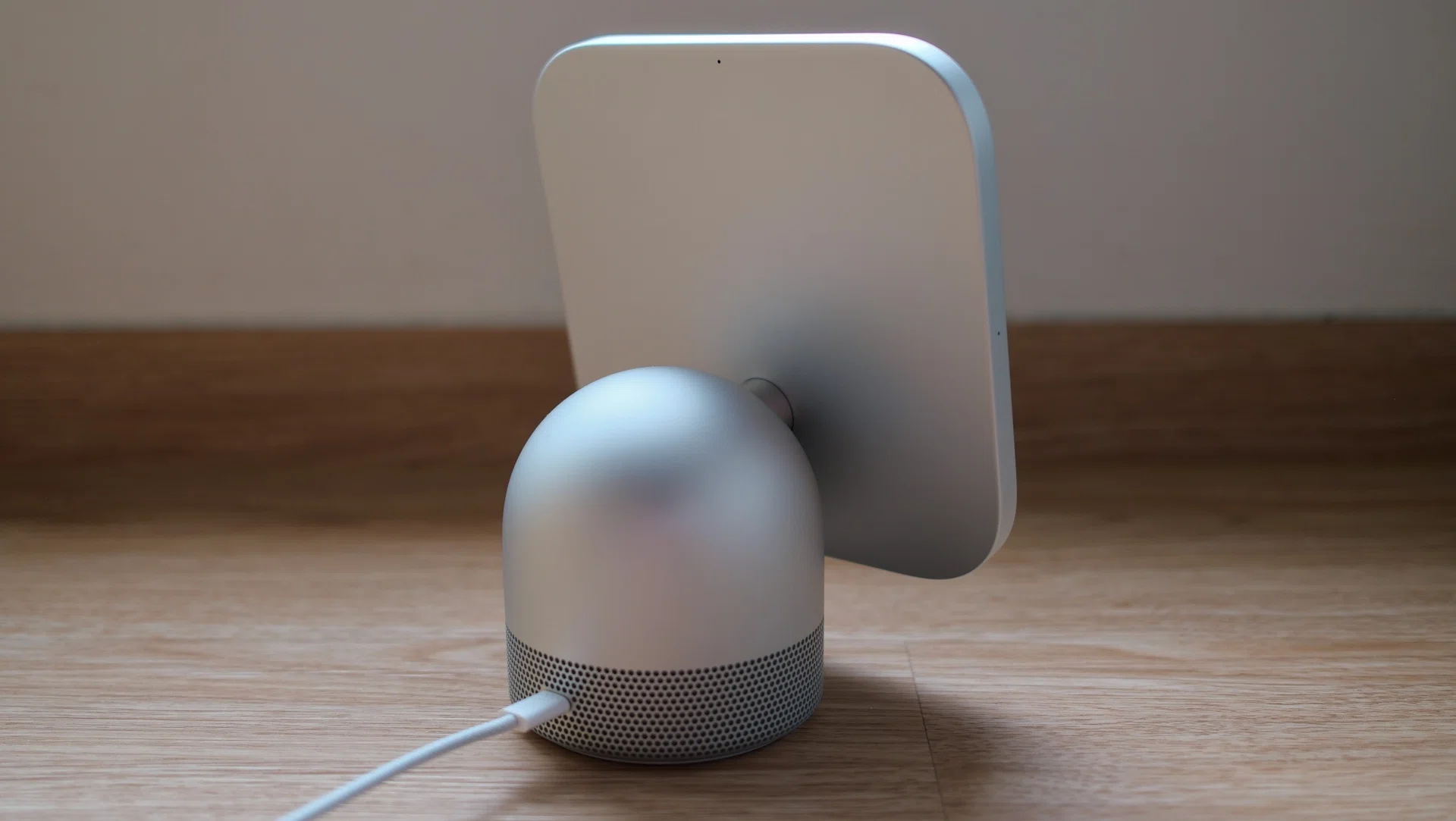
Like all Apple devices, the HomeView is made of premium materials and looks well-made.
Photo: HWZ
The display attaches to the base via a stubby polished stainless steel arm that lets users adjust the amount of tilt on the screen. Though the amount of tilt adjustment is sufficient, it’ll be great if it could also adjust for height.
You can also get the HomeView as a wall-mounted unit, but in that form it loses the base (which houses speakers), and you’ll need a separate power solution for it. It makes for a very clean setup, but it’s probably best for homes that are being built or in the midst of renovation.
How does it sound?
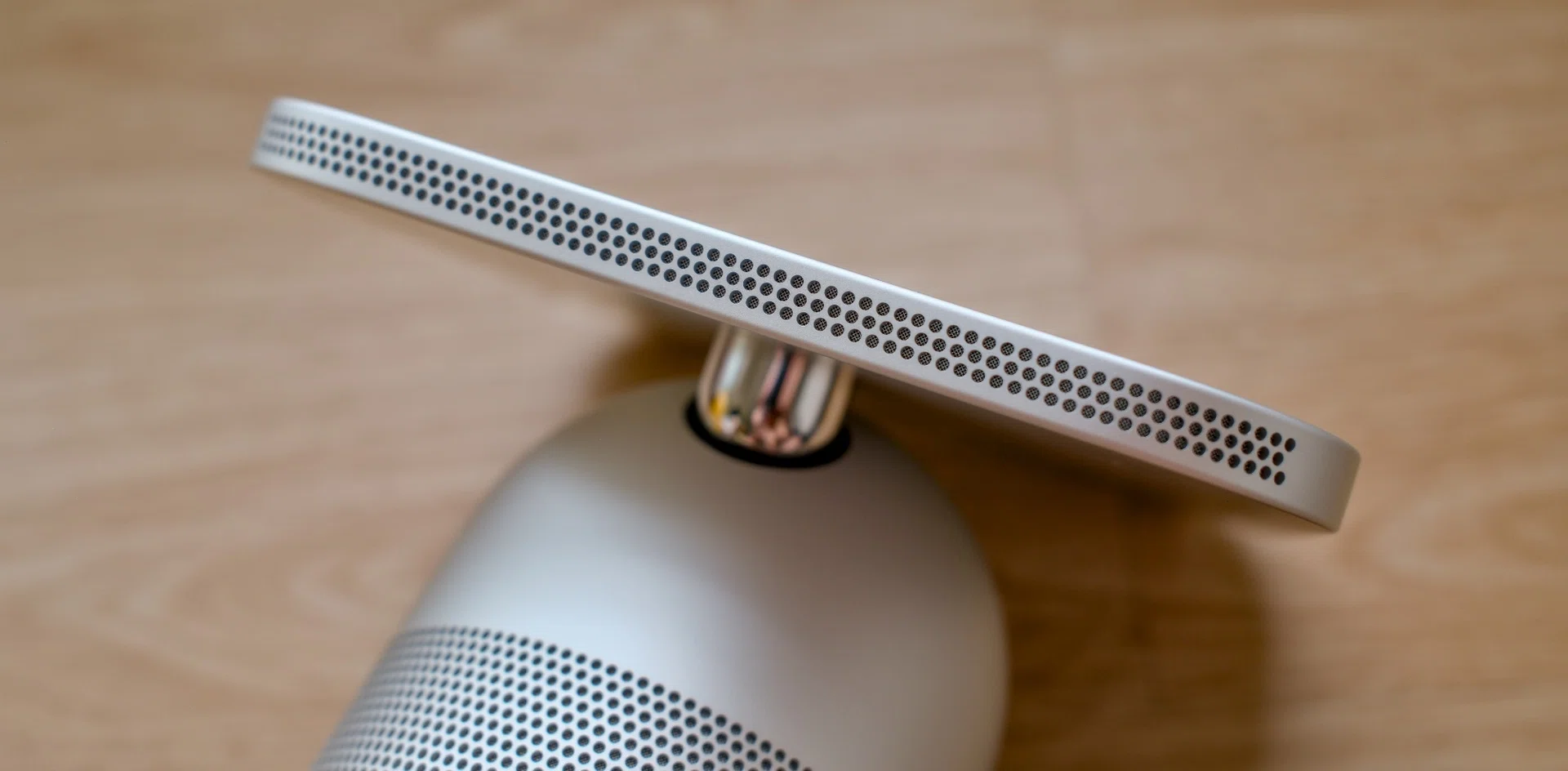
The display houses two full-range drivers, while the base is home to a down-firing woofer.


Read Full Article At Source