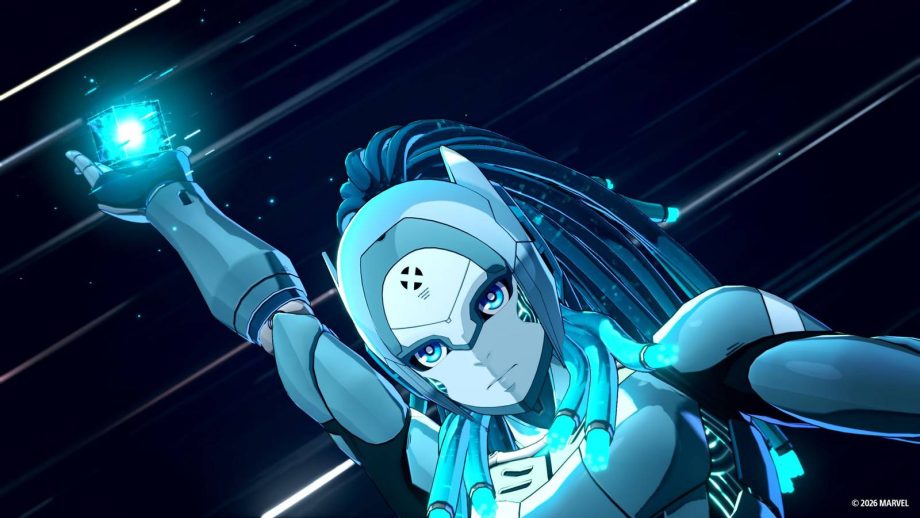
It’s no secret that Marvel Tokon: Fighting Souls‘ Windows PC port is having serious problems. Many players are running into performance issues that make the game borderline unplayable thanks to stutters and frame drops. The game’s Steam reviews are currently sitting at a dismal 40% approval, with most detractors criticizing these technical hiccups.
Because of these widespread issues, players are taking some very interesting (i.e., somewhat desperate and/or unhinged) steps to try and fix the latest Marvel game. The most difficult-to-believe suggestion — reposted by the X account WheelsFGC from an unspecified Discord chat — is that players should run Epic Games Store (EGS) once in the background, even if they are playing on Steam. Since Marvel Tokon uses Unreal Engine 5 and communicates with Epic Games’ backend services, running EGS in the background at least once is supposed to make these integrations run more smoothly. It’s unclear whether this strange workaround actually does anything, as some players wrote it did the trick in the post’s X comments, while others said the opposite.
Fighting game streamer Chris F surfaced another weird suggestion to fix the game’s problems with microstuttering: use the software Riva Tuner Statistics Server (RTSS) to set the framerate to exactly 59.9 frames per second. While one of RTSS’s main features is limiting framerates to reduce microstutter, it’s a bit odd that setting it to 59.9 is what it takes to fix the problem. Beyond this, there’s a long list of suggested fixes: using the in-game “Set Graphics Automatically” feature, manually reloading the shaders, and so on.
Read Full Article At Source