The ultimate guide to iPhone tips and tricks

The ultimate guide to iPhone tips and tricks


iPhones are everywhere. According to Counterpoint, Apple’s share of the smartphone market has been hovering around 20% for the past few years – and the company can thank the popularity of the iPhone 17 for that trend continuing into 2026.

And yet, a lot of us may not know just how much an iPhone can really do, from the hardware level down to the software.

To help you, we’ve dug up all the iPhone-related tips, tricks and guides we’ve done in the past and compiled them in this convenient article for you. It’ll cover both features that were implemented recently, alongside those that may have been implemented years ago, but are still relevant and usable today.

You can find the list below, as well as links that’ll take you to the relevant articles that we’ve written, split into multiple categories.

  1. 1. Software & Workflow Optimisation
  2. 2. Cybersecurity
  3. 3. Cameras
  4. 4. Health and Quality-of-Life
  5. 5. Messaging

Software & Workflow Optimisation

iPhone Optimisation Tips

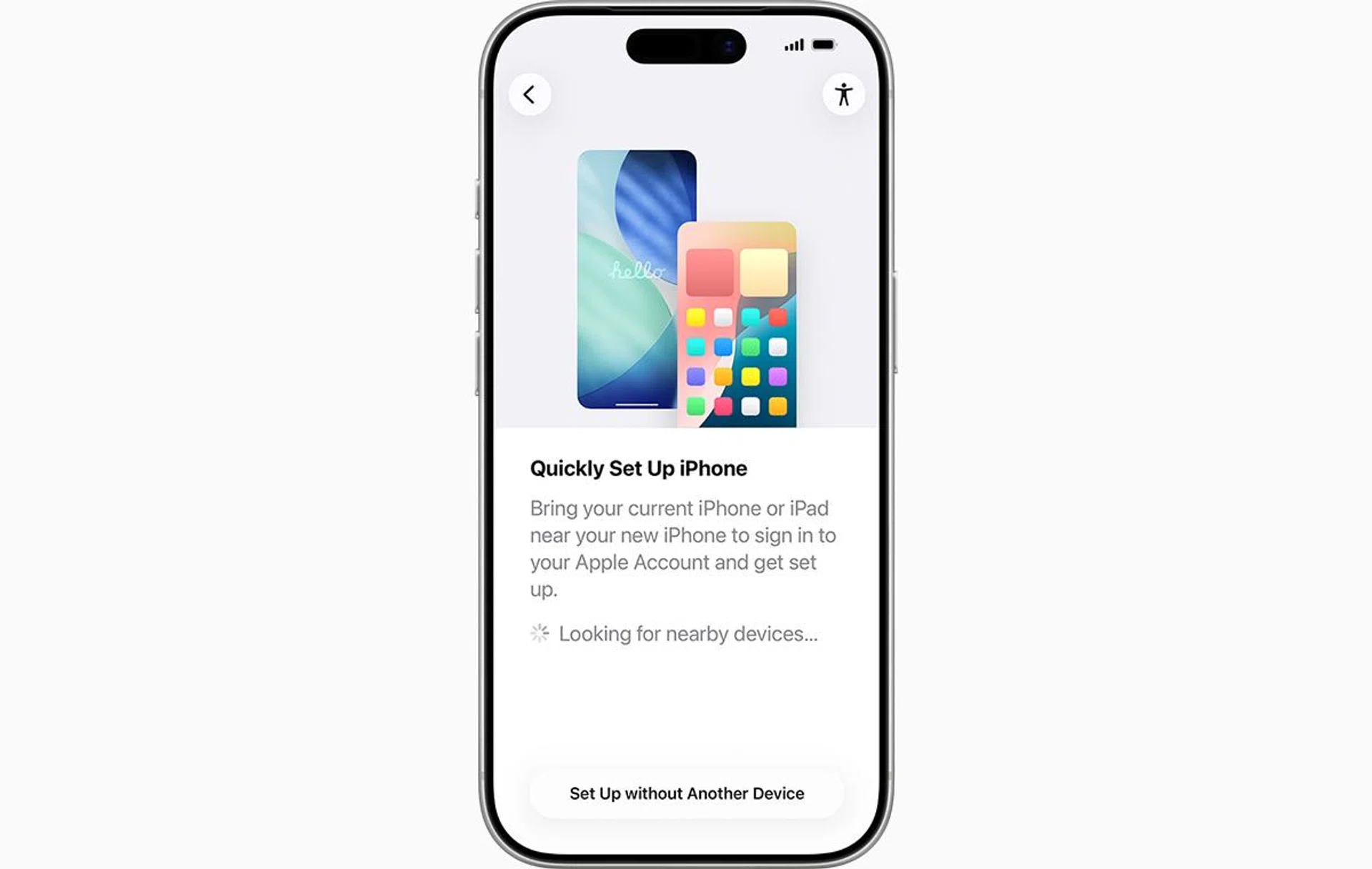
It all starts with optimising how you can migrate to a new iPhone.
We’re all searching for ways to make things more efficient, including the ways we interact with our phones. This category will cover how you can do exactly that, from device migration and improved Shortcuts automation, to smaller some of the smaller tweaks you can make to get a smooth-sailing iOS experience, whether it’s a brand new iPhone or one that’s been in your pocket for a while.

Cybersecurity

iPhone Cybersecurity Tips

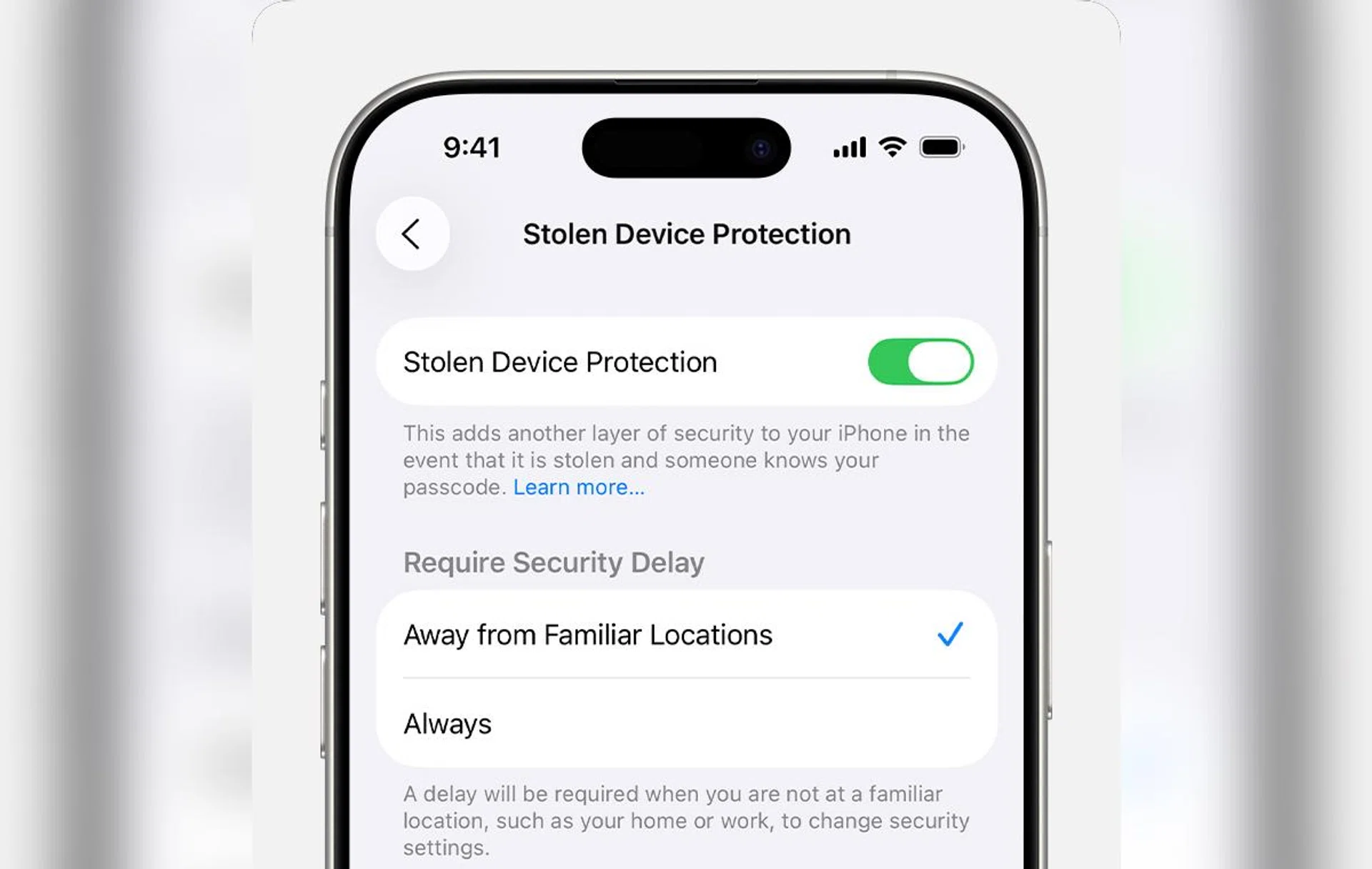
Stolen Device Protection prevents thieves from easily changing your iPhone passcode.

Image: Apple.

Scams, malware and data protection have always been big issues when it comes to mobile phones, and it looms large to this day. While iPhones have typically been seen as more secure compared to their Android counterparts, this is not without reason. Here, you’ll find how your iPhone can protect you against malicious actors, contingencies for protecting your data if your iPhone gets stolen, and how to know if Apple Intelligence is actually processing requests on-device.

Cameras

iPhone Camera Tips

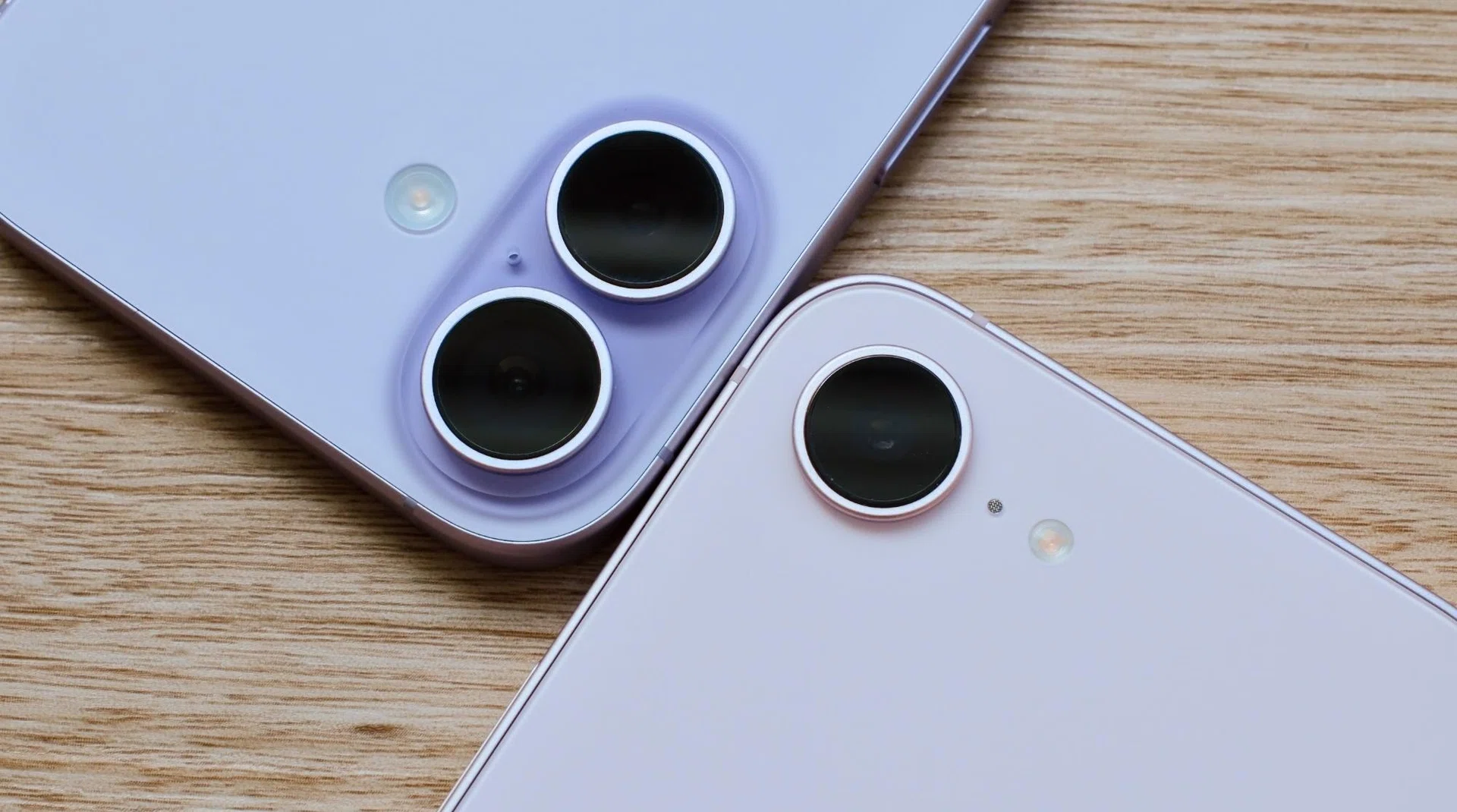
We know how good iPhone cameras can be, but how can you make photo-taking easier, and what else can those cameras do?

Photo: HWZ.

It’s no secret that iPhones have great cameras, so instead, we’re dedicating this section to some other camera features on them. Two of the most notable are the introduction of the Camera Control button on the iPhone 16, and Visual Intelligence, which turns your camera into a helpful daily tool. This category covers how you can use those features to their fullest potential.

Health and Quality-of-Life

iPhone Health and Quality-of-life Tips

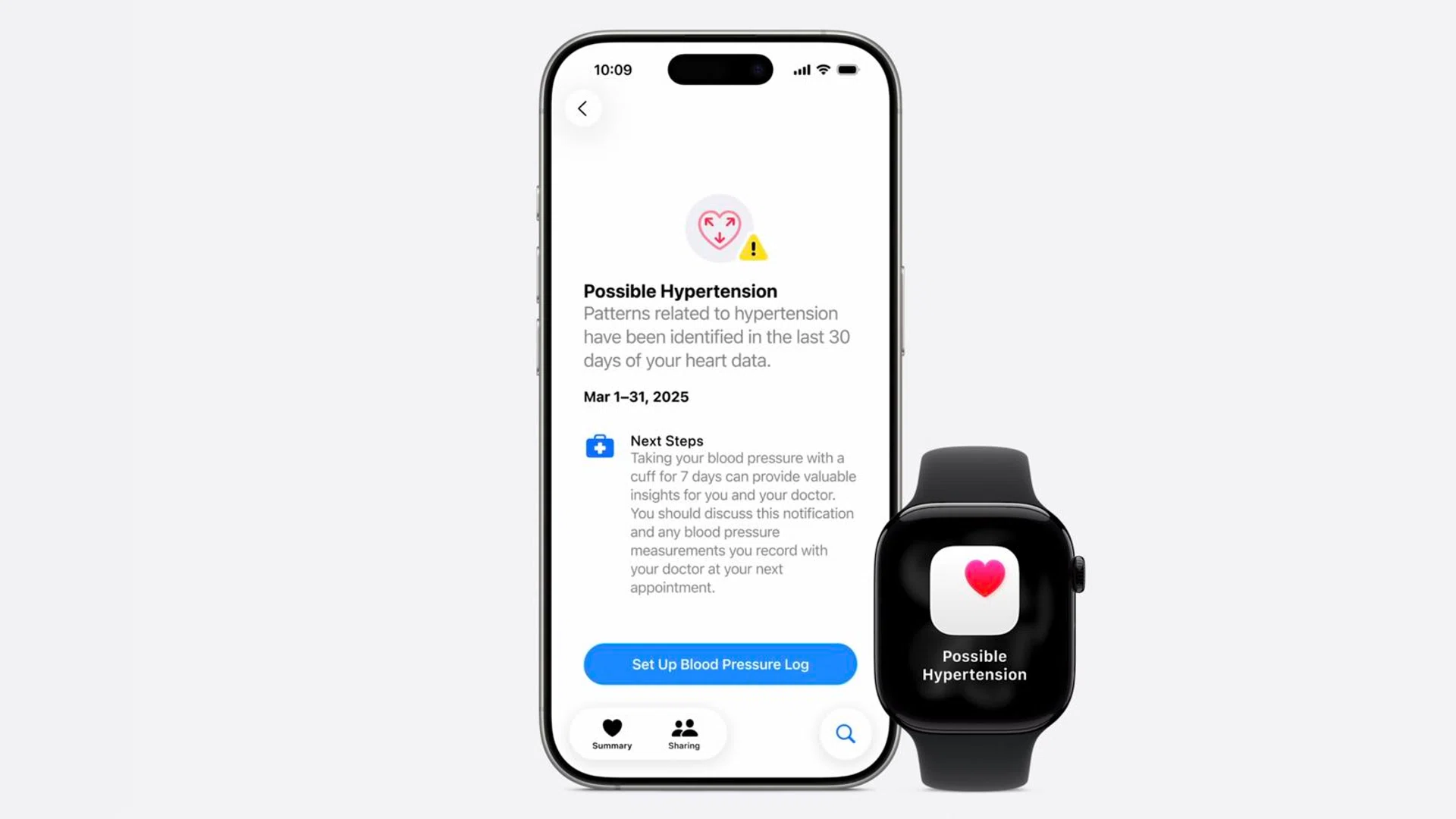
This section would be especially useful if you own another Apple wearable, such as an Apple Watch.

Photo: HWZ.

This section encompasses how your iPhone can help you in terms of your health, and will be particularly relevant if you’re deep in Apple’s ecosystem and own the company’s other products. Accessibility features on the iPhone are another rabbit hole full of hidden but useful features that can make your life just that little bit more comfortable, too.

Messaging

iPhone RCS

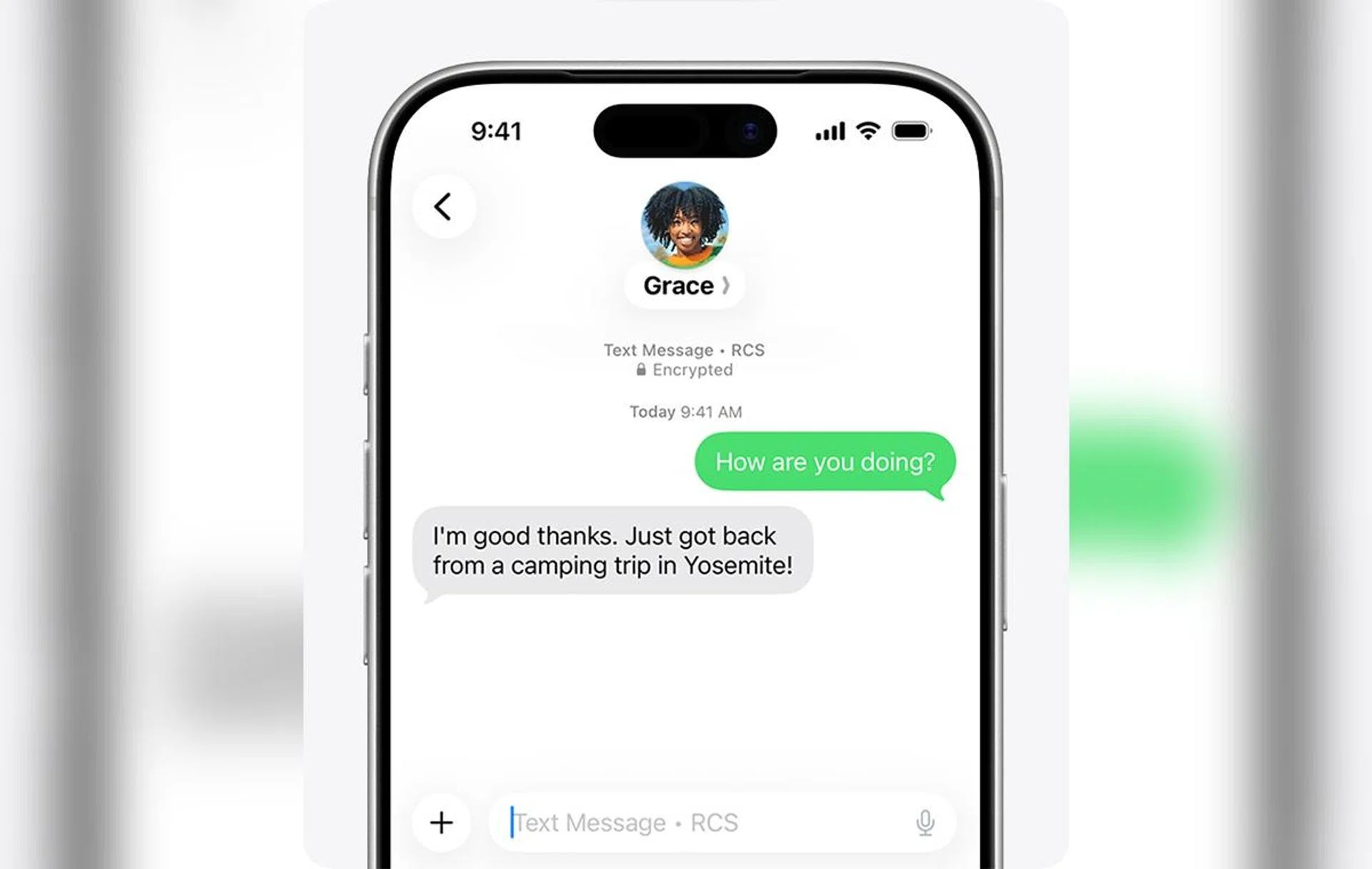
Most of us use messaging apps nowadays, but it’s still good to know what RCS can do, now that iPhones support it.

Image: Apple.

There may not be too many articles in this section, owing to the fact that most of us use external apps like Whatsapp or Telegram, but it’s still good to know what iOS is capable of with its basic RCS messenger, and some fun tricks it can do in your group chats.


Read Full Article At Source

Share. Save. Don't Miss The Buzz: XFacebookRedditLINETelegramWhatsAppGmail