Sony Reon Pocket Pro Plus review: Subtle cooling

Sony Reon Pocket Pro Plus review: Subtle cooling


  1. 1. Cool off, warm up
  2. 2. Put it on, forget about it
  3. 3. Final thoughts and buying advice
  4. 4. Pricing and availability

With temperatures set to rise in the upcoming months thanks to El Nino, most of us will probably be desperately looking for ways to keep cool. While air conditioning is one solution for us office-bound folks, that won’t work for people who need to be outside in the heat or for those who have long walks to the MRT station or bus stop.

That’s where the Sony Reon Pocket portable personal coolers come in. Now in its sixth generation, we tested both the Reon Pocket 6 and the Reon Pocket Pro Plus models. We’ll mostly talk about the Reon Pocket Pro Plus in this review, but we’ll highlight what has changed for the Reon Pocket 6. 

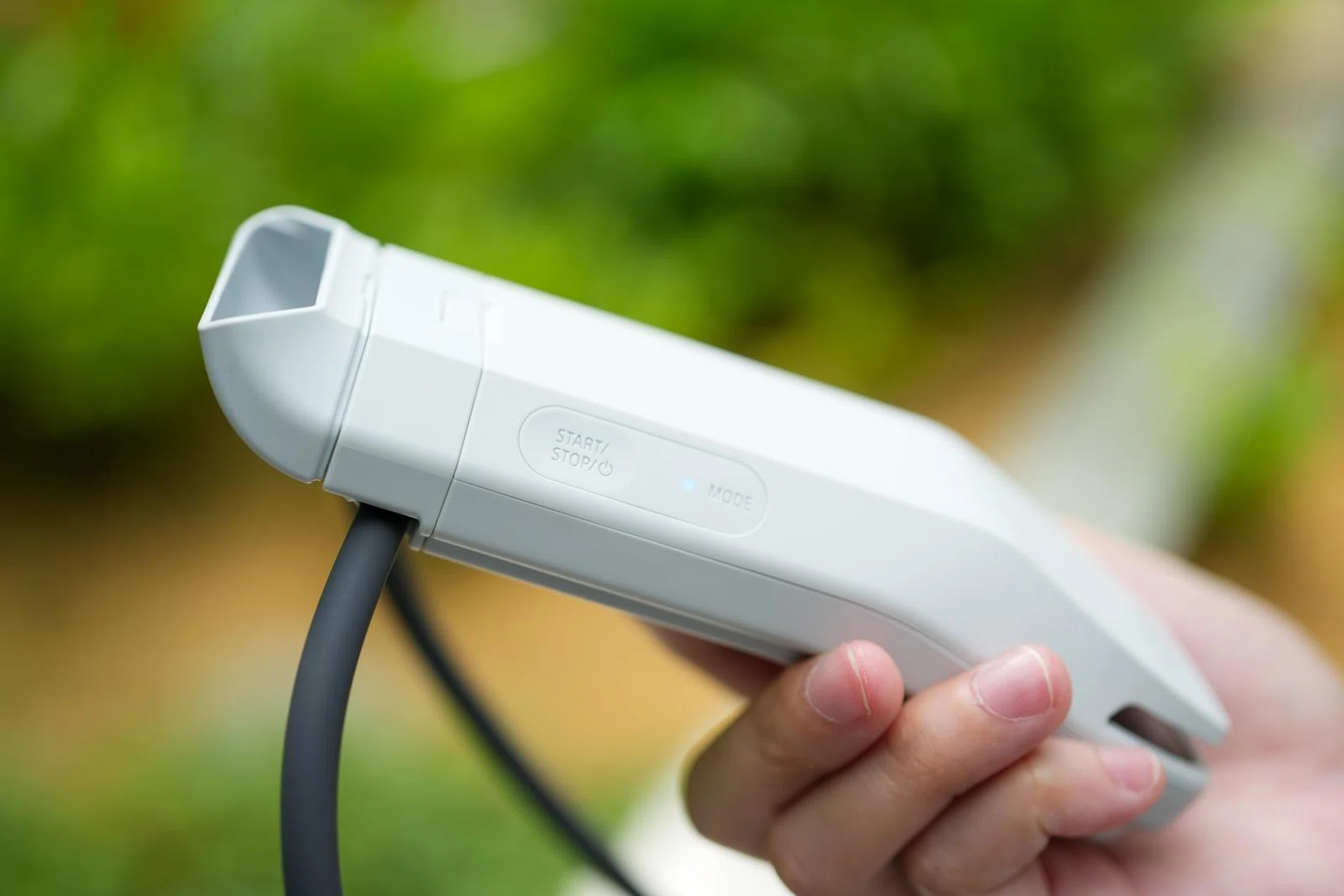
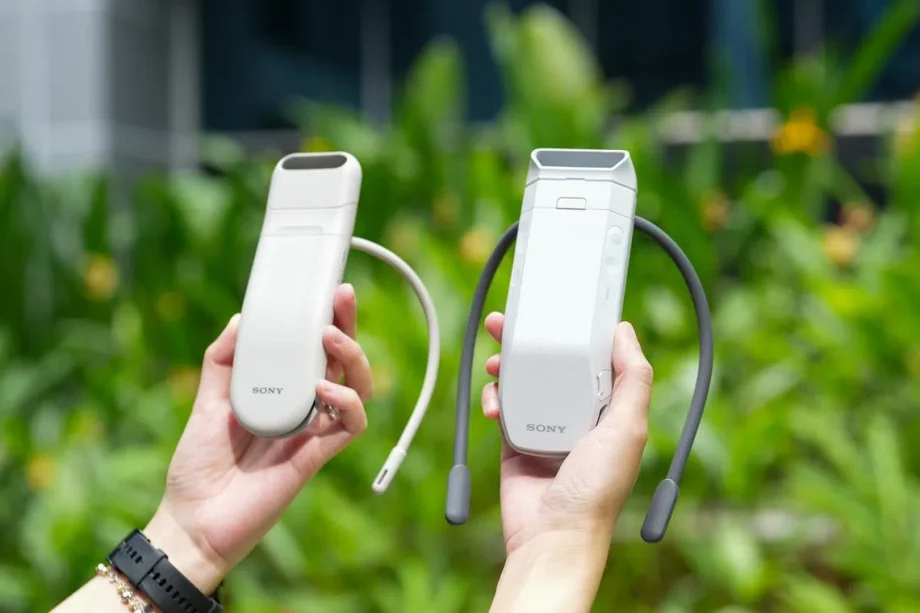
In terms of design, there’s very little that’s changed from the previous Reon Pocket Pro to the new Reon Pocket Pro Plus. In fact, the only thing that is outwardly different is the included adjustable exhaust vent and a re-engineered neckband that follows the contour of your shoulders so that the cooler sits more securely. 

Internally, there’s a new cooling algorithm, and in tandem with the hardware changes, Sony claims the Reon Pocket Pro Plus will have better cooling performance by up to 20%. 

As for the Reon Pocket 6, the changes are a bit more substantial, with a claimed battery life of up to 15 hours, dual thermo-modules inherited from the Reon Pocket Pro, a new vapour chamber and heat sink, and faster charging alongside the new algorithm. The neckband has also been redesigned for a more comfortable fit around the neck with better flexibility. 

Both models come with buttons on the sides to switch between cooling and heating modes, as well as to adjust the intensity. The buttons are straightforward and easy to use, but as you might have guessed, it can be tricky to reach them if you are wearing the device. Thankfully, there’s a way to make it automatic.
Sony Reon Pocket Pro Plus

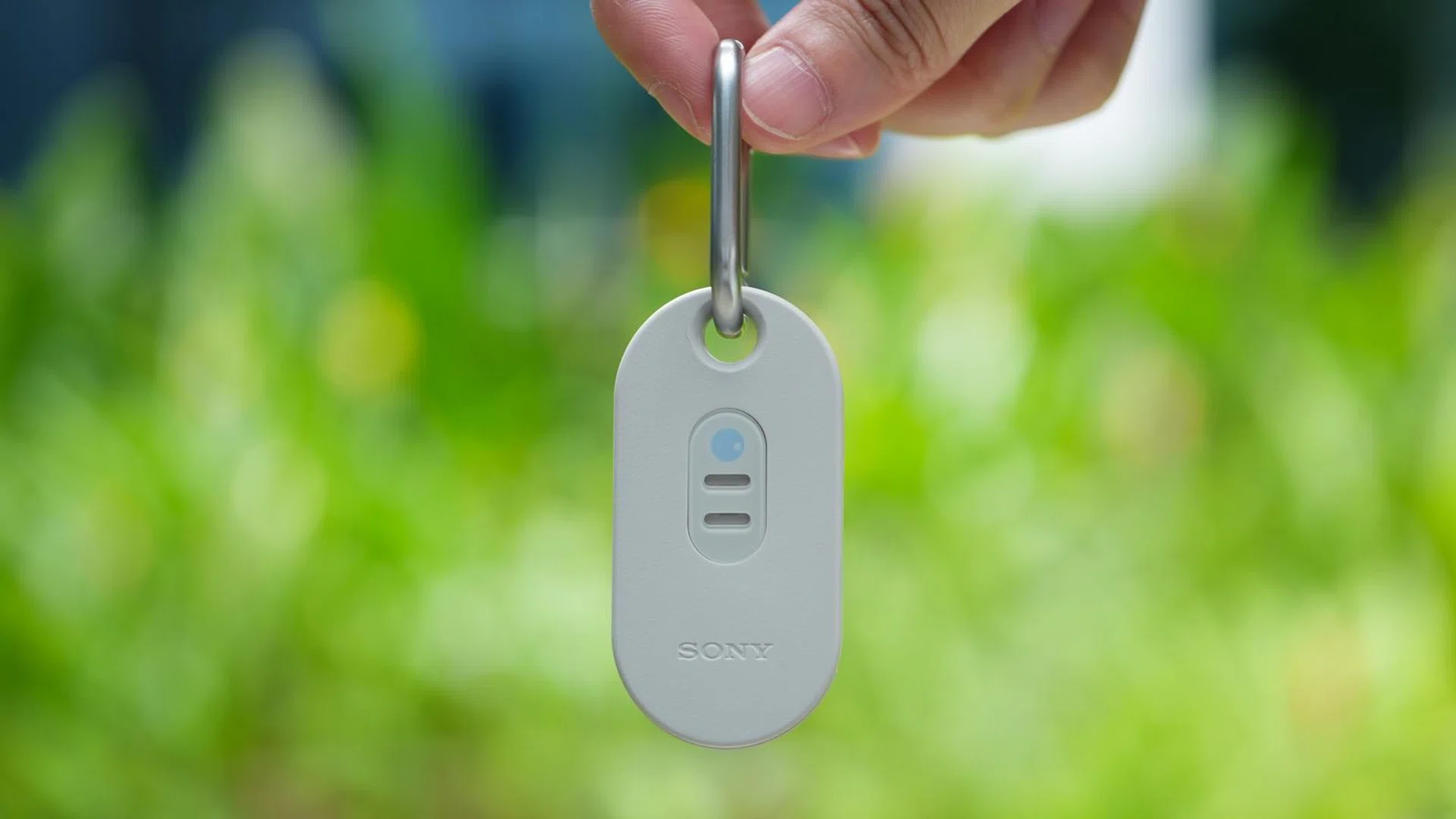
The Reon Pocket Tag 2 is included in the box.

Photo: HWZ

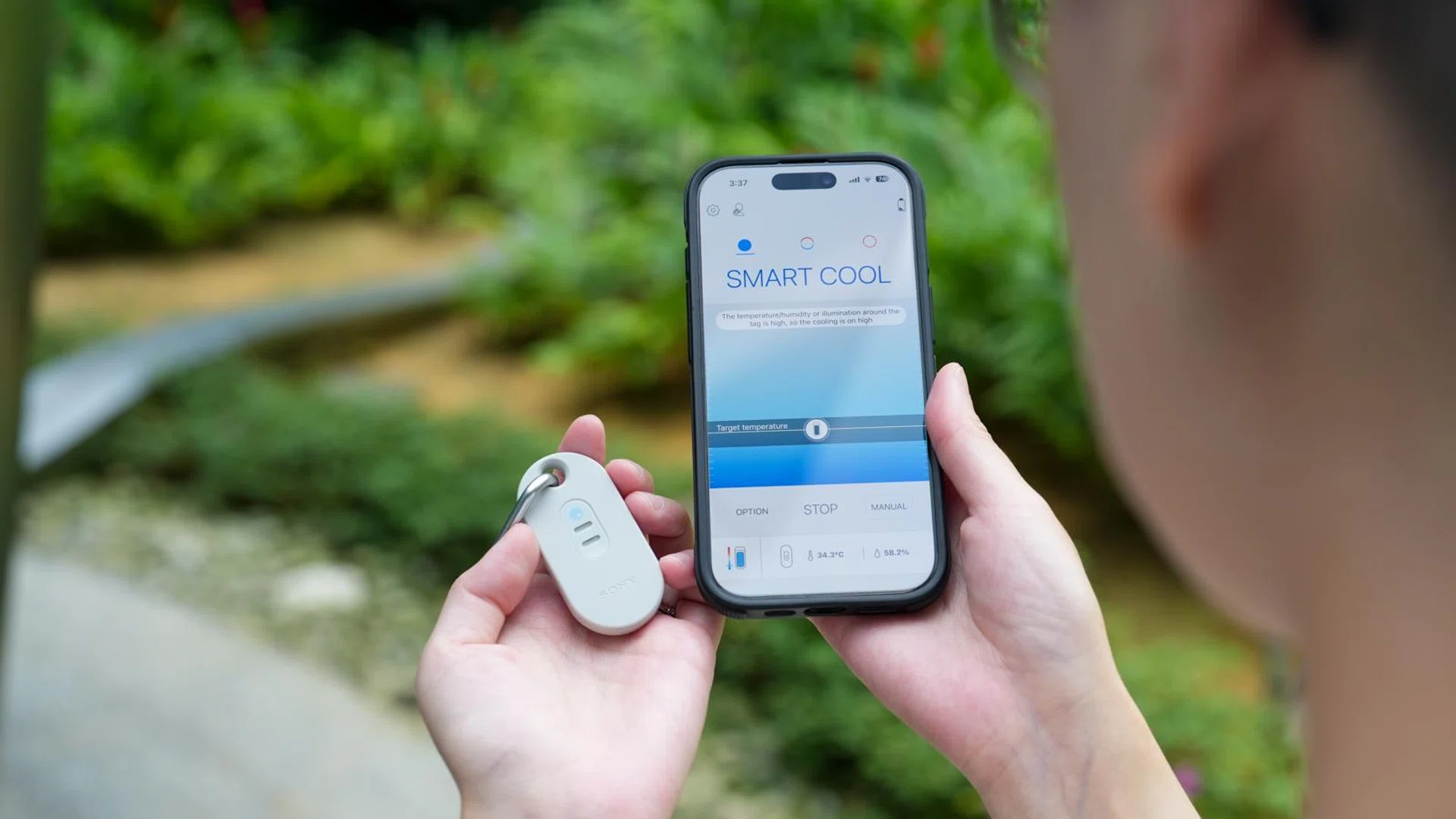
Both models come with the new Reon Pocket Tag 2, which is a sensing device that can measure ambient temperature and humidity for automatic adjustment of cooling or heating levels for the Reon Pocket Pro Plus and Reon Pocket 6. 

Unlike the original Reon Pocket Tag which has a rear clip, this new model has a strap hole and carabiner so you can attach it to a bag, lanyard or belt loop. While it’s nice in theory, I found that when attached to anything, the sound of the metal carabiner clicking against the plastic housing is quite noisy. It would have been nice if Sony had used rubber for the edges of the hole to prevent it from making so much sound. 

Cool off, warm up
Sony Reon Pocket Pro Plus

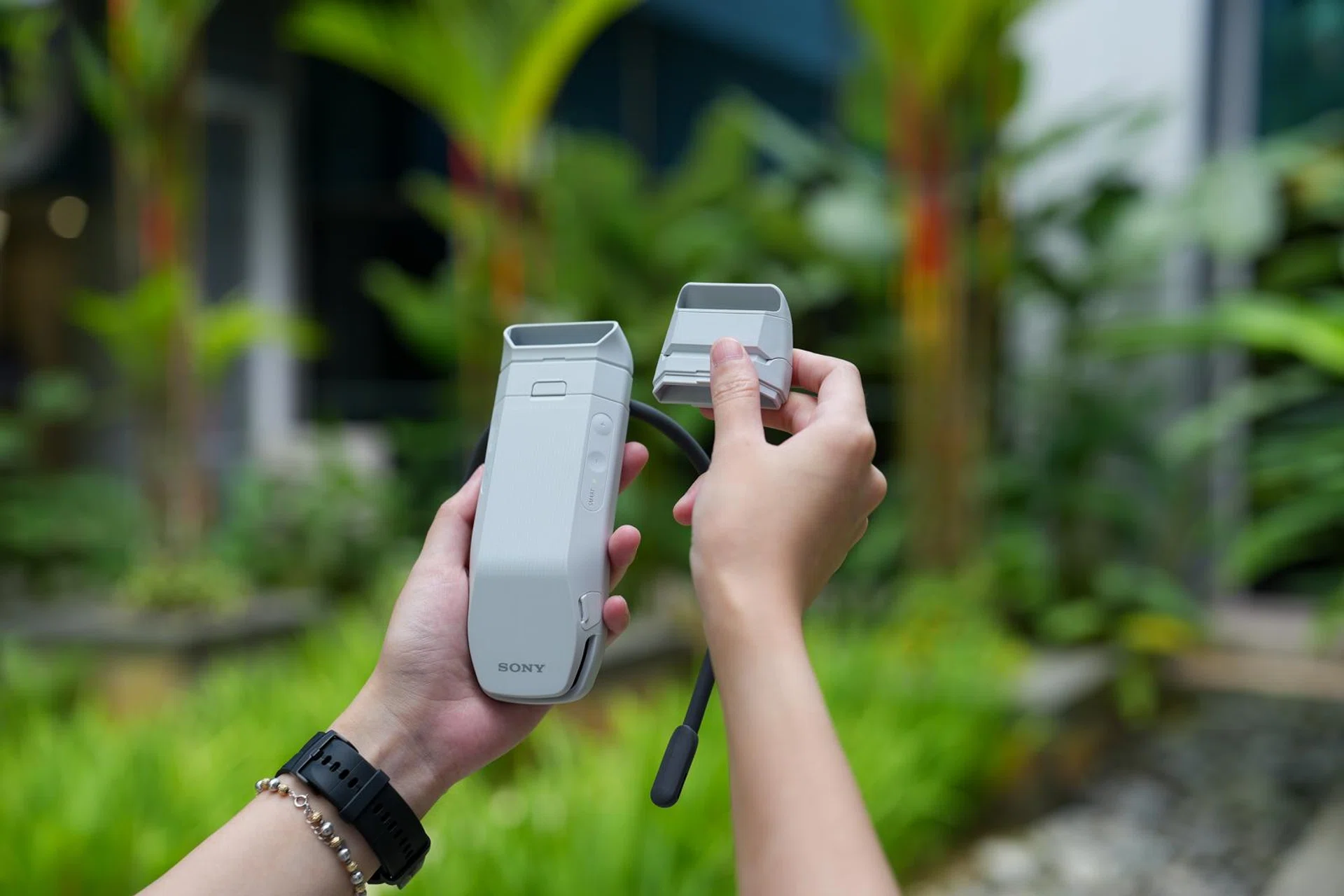
You can choose between two vent lengths depending on your outfit.

Photo: HWZ

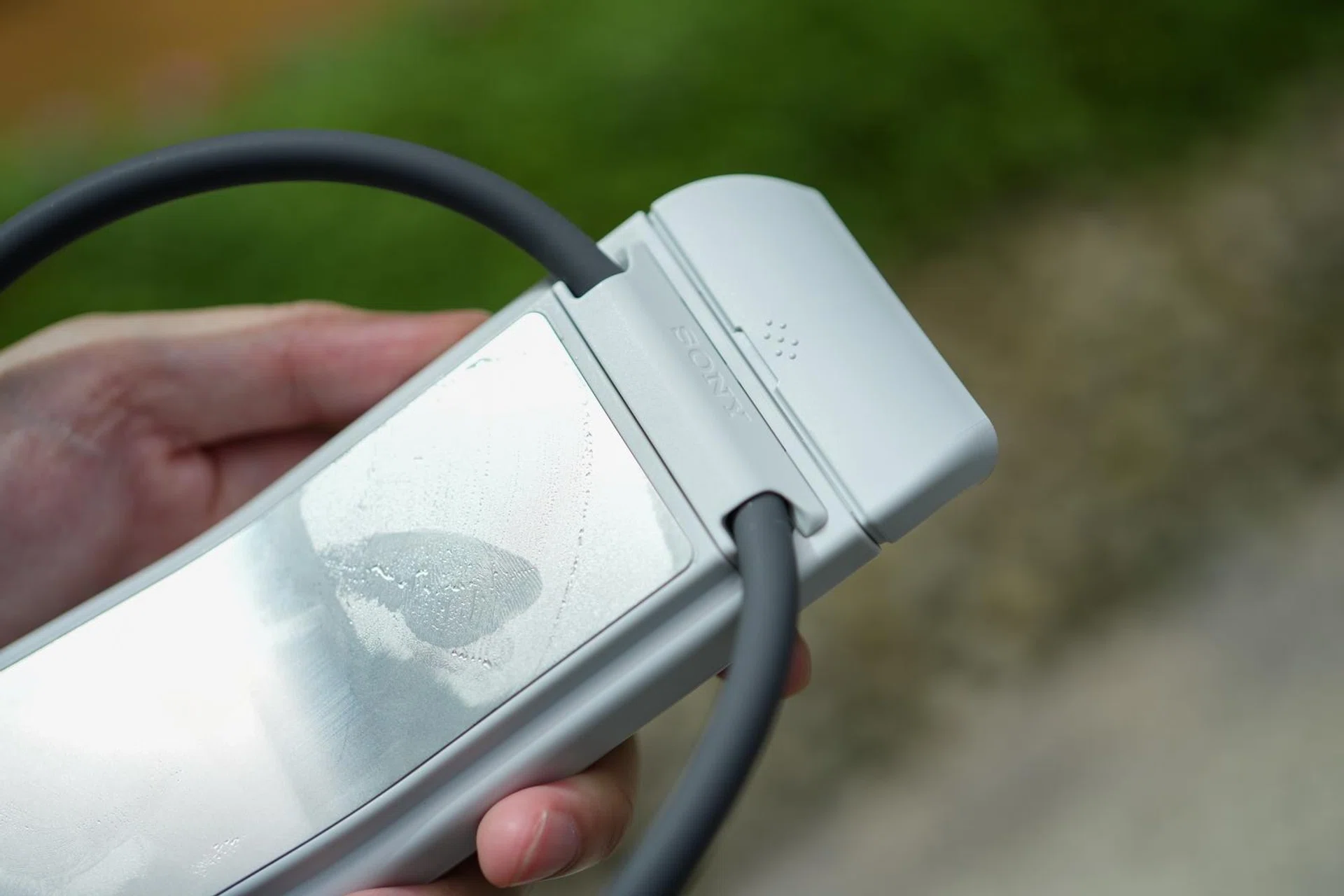
To set expectations going into this section, it’s necessary to explain how the Reon Pocket devices work. Firstly and very importantly, they’re not air-conditioners and they do not use fans to blow cold or hot air. The only fans present are the ones used for heat dissipation to cool the internal components. Instead, the way the Reon Pocket cools you down is via a metal plate that comes in contact with your skin.

To put it more specifically, the Reon Pocket devices all utilise the Peltier effect for heating or cooling, through a metal plate that comes into contact with the skin at the base of the neck. Because it works using the Peltier effect, reversing the circuit effectively turns it into a warmer, which is why it can be used as a heater when it’s cold.

Therefore the vent that you see isn’t there to blow air on you; it’s to remove keep the internal circuitry from overheating. Both models also come with two different exhaust vents. One is the standard length, which works well for clothes like a t-shirt or even a crewneck sweater.
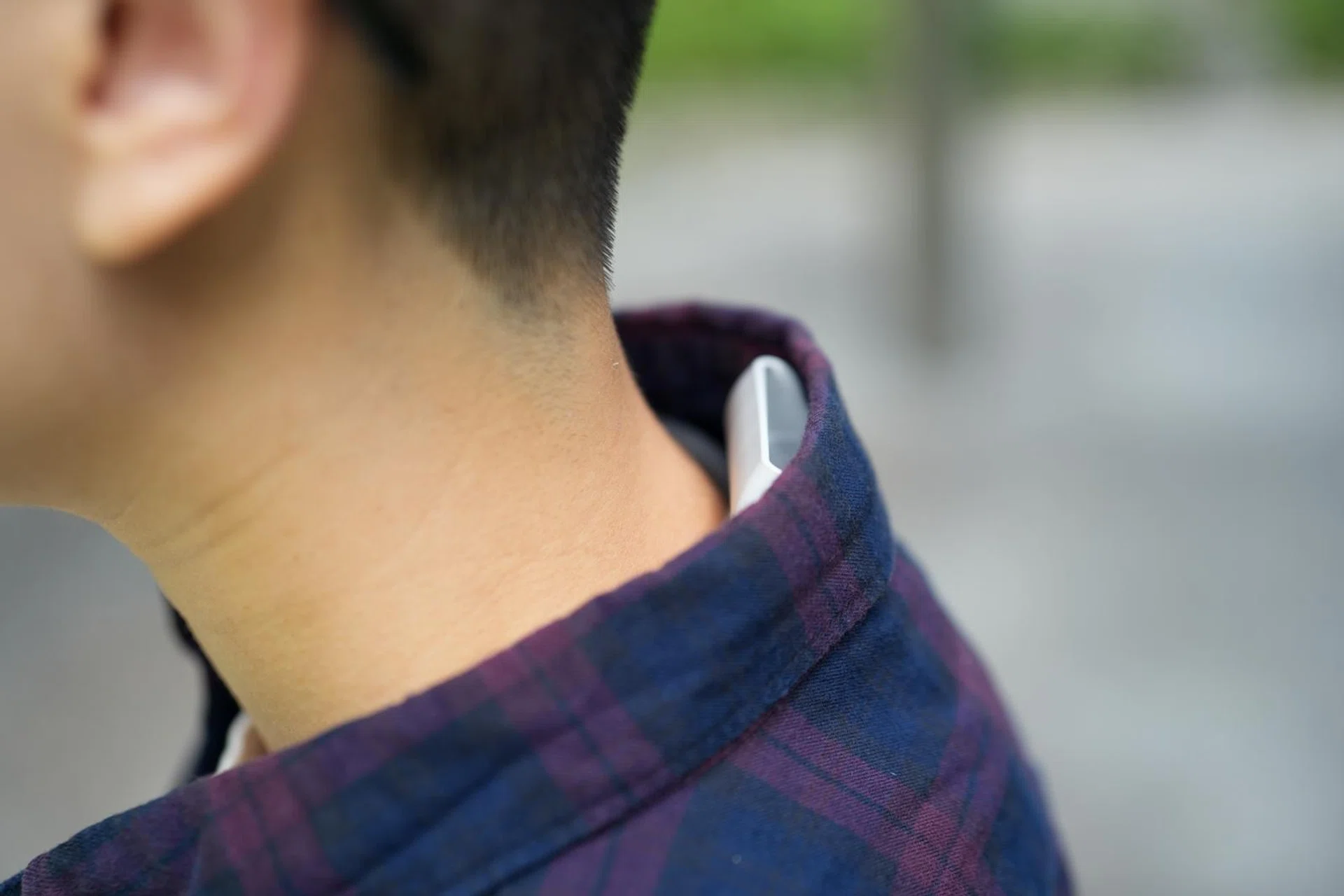
Sony Reon Pocket Pro Plus

If you wear shirts frequently, you’ll want to switch to the extended length vent.
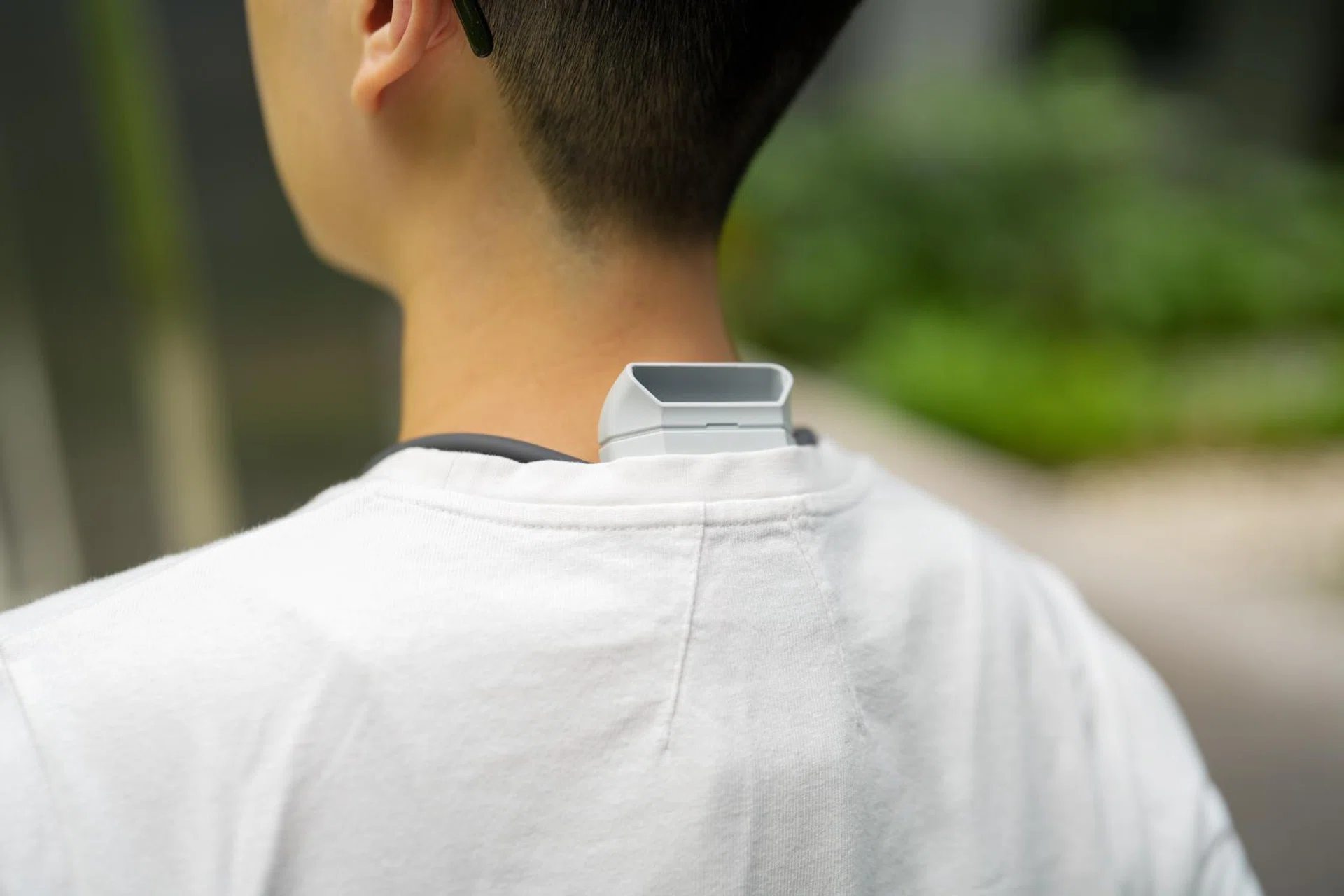
In the box, there’s also an extended length vent for when you’re wearing a shirt or a suit jacket, since the standard vent will likely get blocked, as shown above. And you definitely do not want this to happen, since the hot air from the vent will get trapped inside your clothes, negating any benefits of the cooler.

While you can most likely get a much more pronounced cooling effect from neck fan-type coolers like the Torras Coolify range, those are very bulky and loud. The Reon Pocket Pro Plus, in comparison, hides under your clothes, and the fan is basically inaudible. 

In exchange for that subtlety and discreteness, the tradeoff is that you don’t get the same level of cooling performance. But that’s not to say that it doesn’t work. 

I’ve had multiple opportunities to really put both models through some intensive stress testing, since the temperatures in Singapore and overseas have been skyrocketing recently. 

When I was in Taiwan at the start of June 2026, the Reon Pocket 6 made it much more comfortable for me to walk around during the day, with a minimal amount of sweat and discomfort during an hour-long walk between 11am to 12pm. 

Sony Reon Pocket Pro Plus

The smaller vent is more appropriate for t-shirts.

Photo: HWZ

Back in Singapore, the 10-minute walk from the MRT station to the office which usually leaves me sweaty and massively grumpy from the heat was much more bearable thanks to the Reon Pocket Pro. However, I did realise that the cooler was less effective when it was particularly humid, like after a storm, since there’s no airflow. 

A particular moment that stands out was when I was mixing some cocktails at home, in my kitchen, without any active airflow. I usually end up sweaty and even more in need of a cold, stiff drink, but with the Reon Pocket Pro, I made four cocktails consecutively (not all for me) without even breaking a sweat. 

And before you think it’s only for cooling, both models can also be used as heaters. In the office, which can sometimes feel like a frozen wasteland thanks to the enthusiastic central cooling, the heating feature is a lifesaver. 

Sony Reon Pocket Pro Plus

Unfortunately, running the cooler at max means you get condensation.

Photo: HWZ

The one downside I’ve encountered is that if you’re running the cooler at the maximum cooling setting, condensation will gather on the Peltier element and start trickling down your back. I’ve wondered occasionally why I’m sweating even when I’m not feeling that warm, only to realise it was condensation from the cooler and not actual perspiration. As long as it’s not on the max setting, this issue doesn’t occur.

Put it on, forget about it

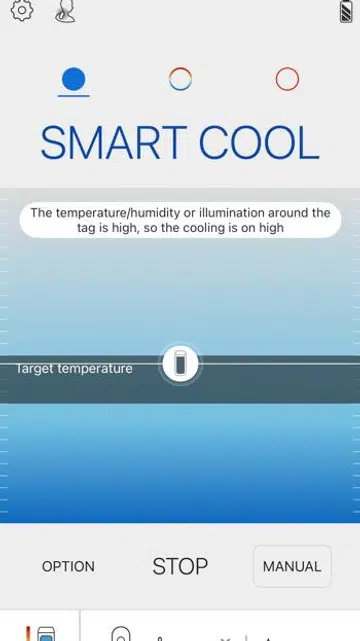
Sony Reon Pocket app

The screen that us Singaporeans will see most of the time.

Photo: HWZ

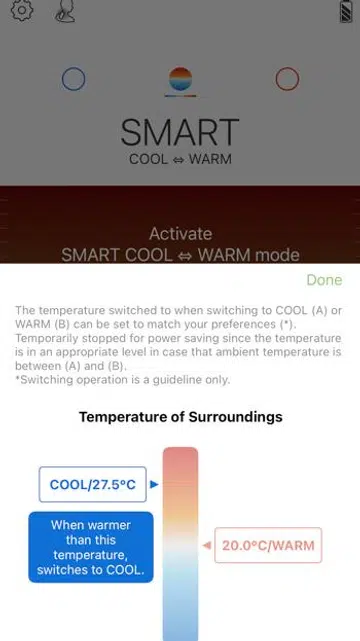
Sony Reon Pocket app

You can adjust the temperature cut-off for switching between modes.

Photo: HWZ

You’ll have to download the Reon Pocket app to get the most out of the cooler. In the app, you get software updates, automatic switching between cooling and heating modes, and the toggle for features like auto start/stop, which turns the cooler on or off whenever you wear the cooler or take it off. 

It’s quite accurate with detection, and unless you’re actively trying to trick the cooler like we were, it will be able to detect being taken off and placed in a bag or on the table. 

Sony Reon Pocket Pro Plus Reon Pocket Tag 2

Automatic temperature adjustments is a very nice QOL feature.

Photo: HWZ

We have to circle back briefly to the Reon Pocket Tag 2, since it comes into play here. That automatic adjustment of the cooler’s output comes in extra handy since it lets you set temperature limits to switch between heating or cooling. Once you set the limits, you don’t have to pull your phone out or fiddle with the physical buttons to manually adjust the intensity levels. 

In fact, if you don’t have a Reon Pocket Tag (either the first or second gen), you can’t even select the mode that switches between heating and cooling automatically. 

Thankfully, both models come with the newer Reon Pocket Tag 2 in the box, so there’s no need to spend more money and purchase it separately. 

Final thoughts and buying advice

Sony Reon Pocket Pro Plus

The question is: how much is your comfort worth?

Photo: HWZ

You might think that S$349 for a personal cooler is too expensive, and while it is undeniably pricey, I think I’ve come to appreciate it enough in the month spent with it that I’m willing to pay for the comfort it affords. 

Admittedly, it’s probably not quite as powerful or effective at cooling as conventional portable fans. But the upside to the Reon coolers is that they are more portable and discreet, and that makes them worthwhile in our books. While most people nowadays might not blink twice at a neck fan, it doesn’t go with every outfit, and carrying it around isn’t particularly convenient either – since you need to carry them with one of your hands. 

Sony Reon Pocket Pro Plus

The cooler is also comfortable enough that you’ll just forget it’s there after a while.

Photo: HWZ

Even if you’re not actively using the cooler, it can sit under your clothes and out of the way until you activate it again. And with up to 15 hours of battery life in Smart Cool mode, it’s more than enough to power you through a full day. Furthermore, it can double up as a heater, which can be useful if you find yourself travelling to colder climates.

Our only real quibble is the noisy plastic clack of the Reon Pocket Tag 2. If future models could be made quieter, it would be perfect.

Pricing and availability

The Sony Reon Pocket Pro Plus retails at S$349 while the Reon Pocket 6 is priced at S$299. Both models are available at Sony’s online store, as well as the brand’s Shopee and Lazada shopfronts.


Read Full Article At Source

Share. Save. Don't Miss The Buzz: XFacebookRedditLINETelegramWhatsAppGmail