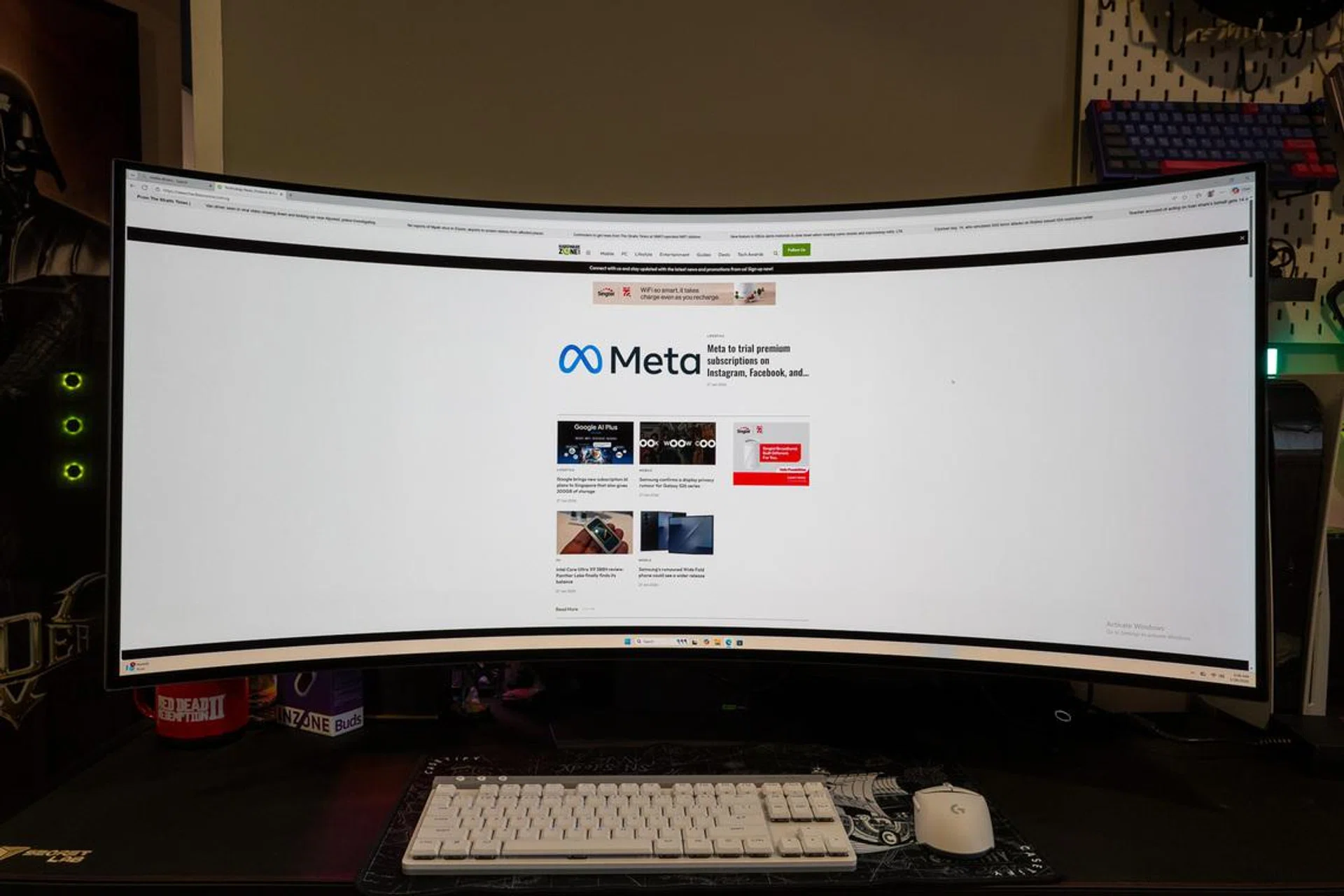
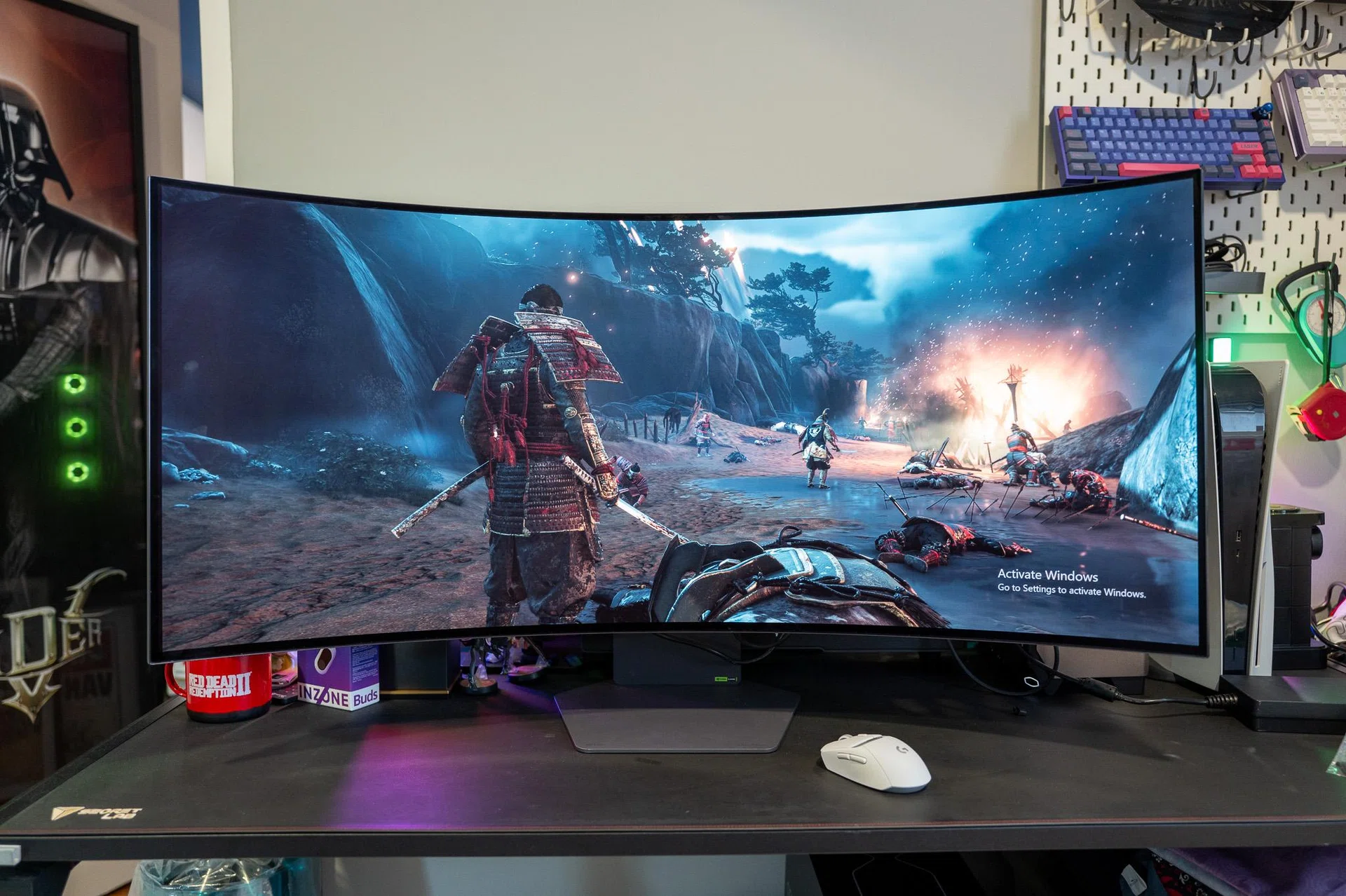
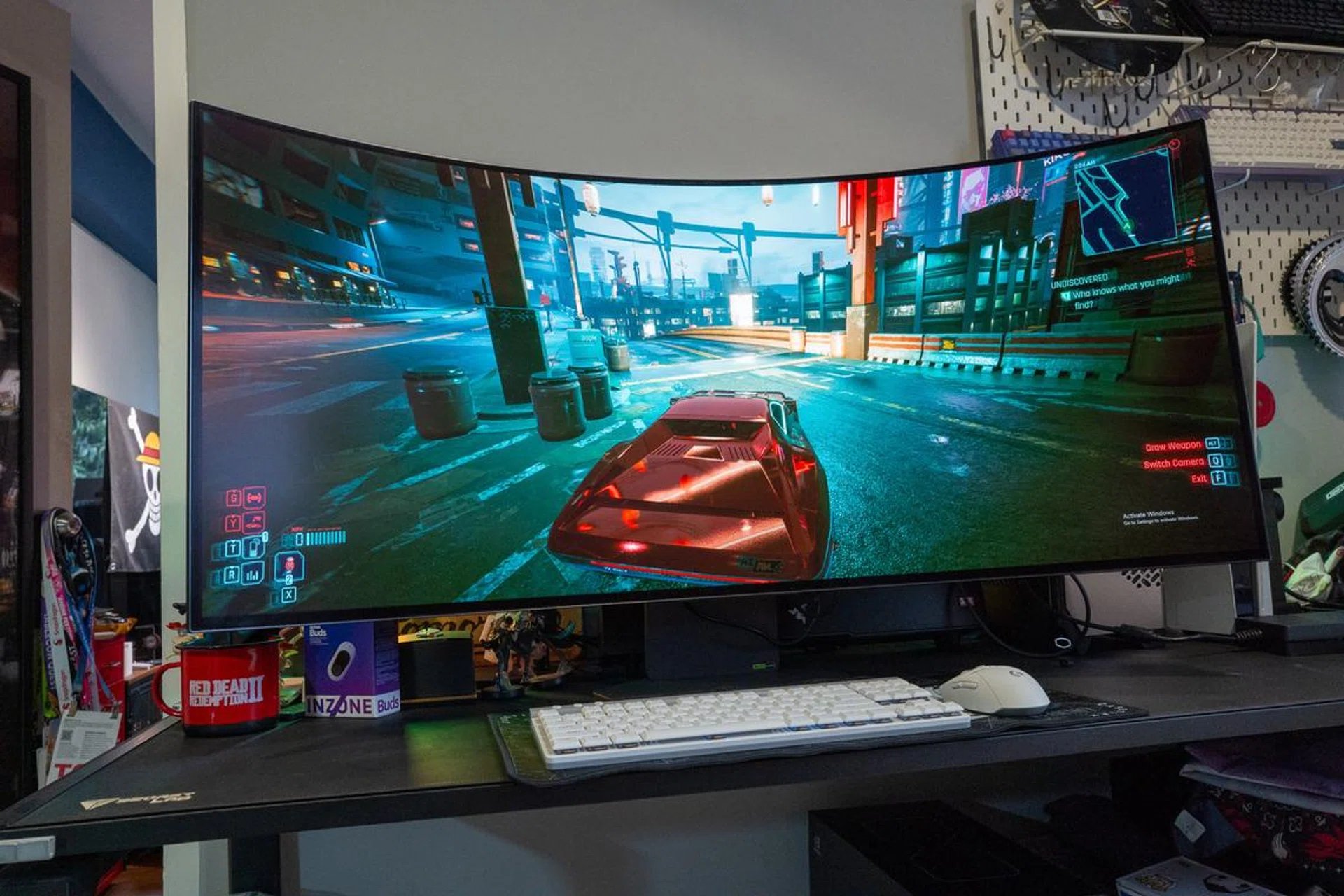
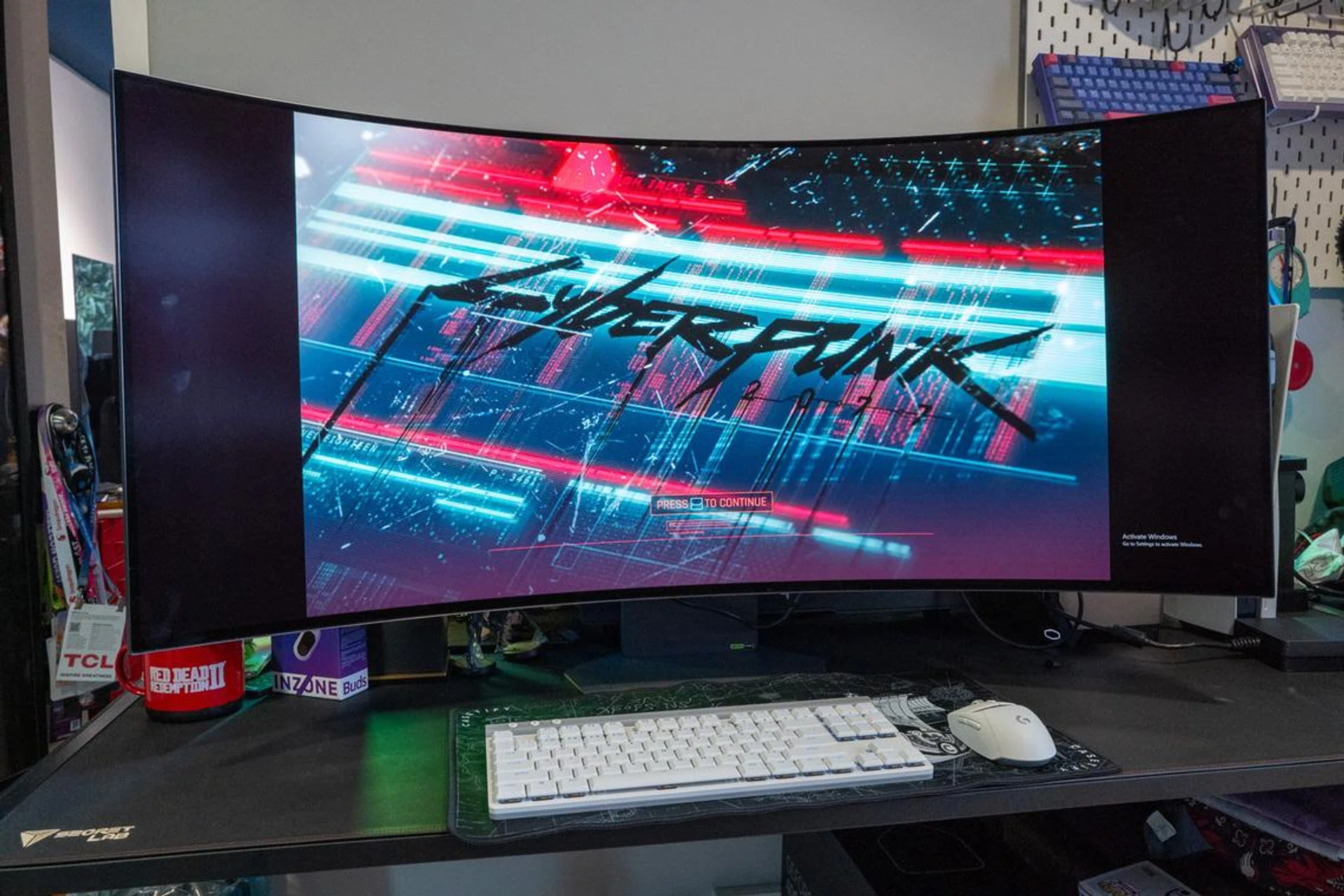
Size does matter. It’s probably the simplest way to sum up the LG UltraGear GX9, a 45-inch curved OLED gaming monitor running at a 21:9 aspect ratio and a 5K2K (5120 x 2160) resolution. On paper, it already sounds like a bit much even for a gaming monitor, and in all honesty, it kind of is. But if you’re the sort who’s already running a high-end PC and looking for something that actually lets it stretch its legs, or looking to change up the way you work on your daily productivity tasks, this is very clearly the kind of display LG had in mind.
Trivial: The model reviewed here is the 45GX950A, which features a fixed curved display. LG also sells another model, the 45GX990A, that comes with a “bendable” screen that can change from flat to a 900R curve. The latter model, however, is not available in Singapore.
Specifications and design
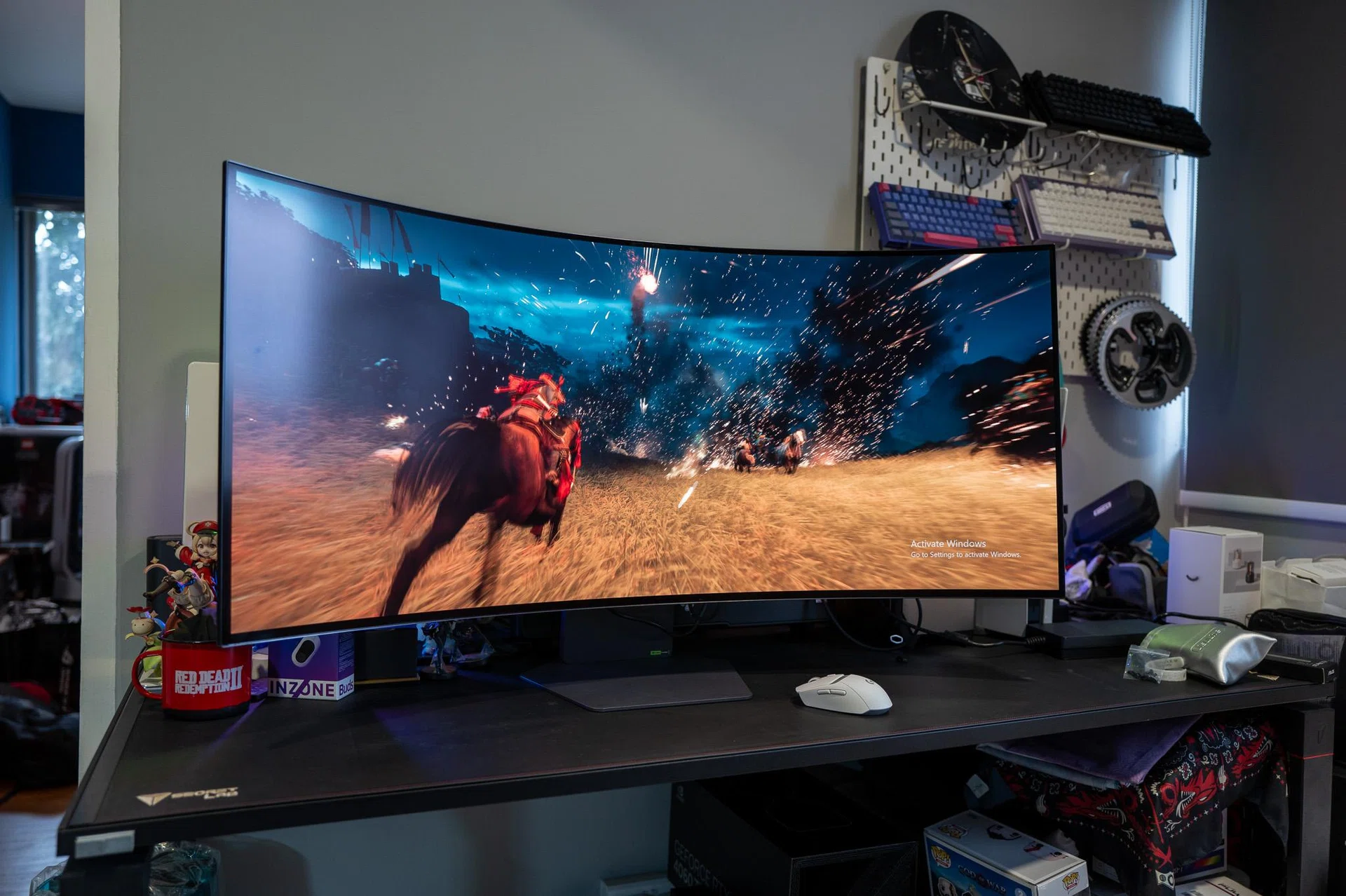
The UltraGear GX9 is big enough to swalllow your standard desk.
Photo: HWZ
| Key Specifications | LG UltraGear GX9 (45GX950A) |
|---|---|
| Screen size | 44.5-inch (Curved) |
| Resolution (native) | 5K2K Ultra Wide (5120 x 2160) |
| Panel type | WOLED (Matte finish) |
| Refresh rate | 165Hz (Up to 330Hz in Dual-Mode) |
| Response time | 0.03ms (GtG) |
| Curvature | 800R |
| Contrast ratio | 1,500,000:1 |
| Colour gamut | DCI-P3 98.5% |
| HDR | VESA DisplayHDR True Black 400 |
| Connectivity | 2x HDMI 2.1, 1x DisplayPort 2.1, 1x USB-C (90W PD), 2x USB-A |
| Adaptive | NVIDIA G-Sync Compatible, AMD FreeSync Premium Pro |
| Speakers | Built-in 10Wx2 stereo |
The first thing you realise once the GX9 is actually sitting on your desk is that 45 inches is likely to be bigger than any display you ever have in front of you. I’m not kidding! Unlike a 65-inch television that’s a few metres away from you in a living room, a 45-inch monitor is big in a way that changes how you sit, how far back you lean back, and how you look at the screen naturally. Cleverly, LG has made the GX9’s display an 800R curved one and that helps with that more than I expected, because instead of feeling like you’re staring at something flat and oversized, the display sort of wraps into your field of view. It doesn’t completely eliminate the need to move your head, but it makes the whole experience feel more intentional rather than just excessive. I can’t emphasize enough that you do need a fairly deep desk to make it work, though – anything too shallow and it starts to feel like the GX9 is a bit too close for comfort.
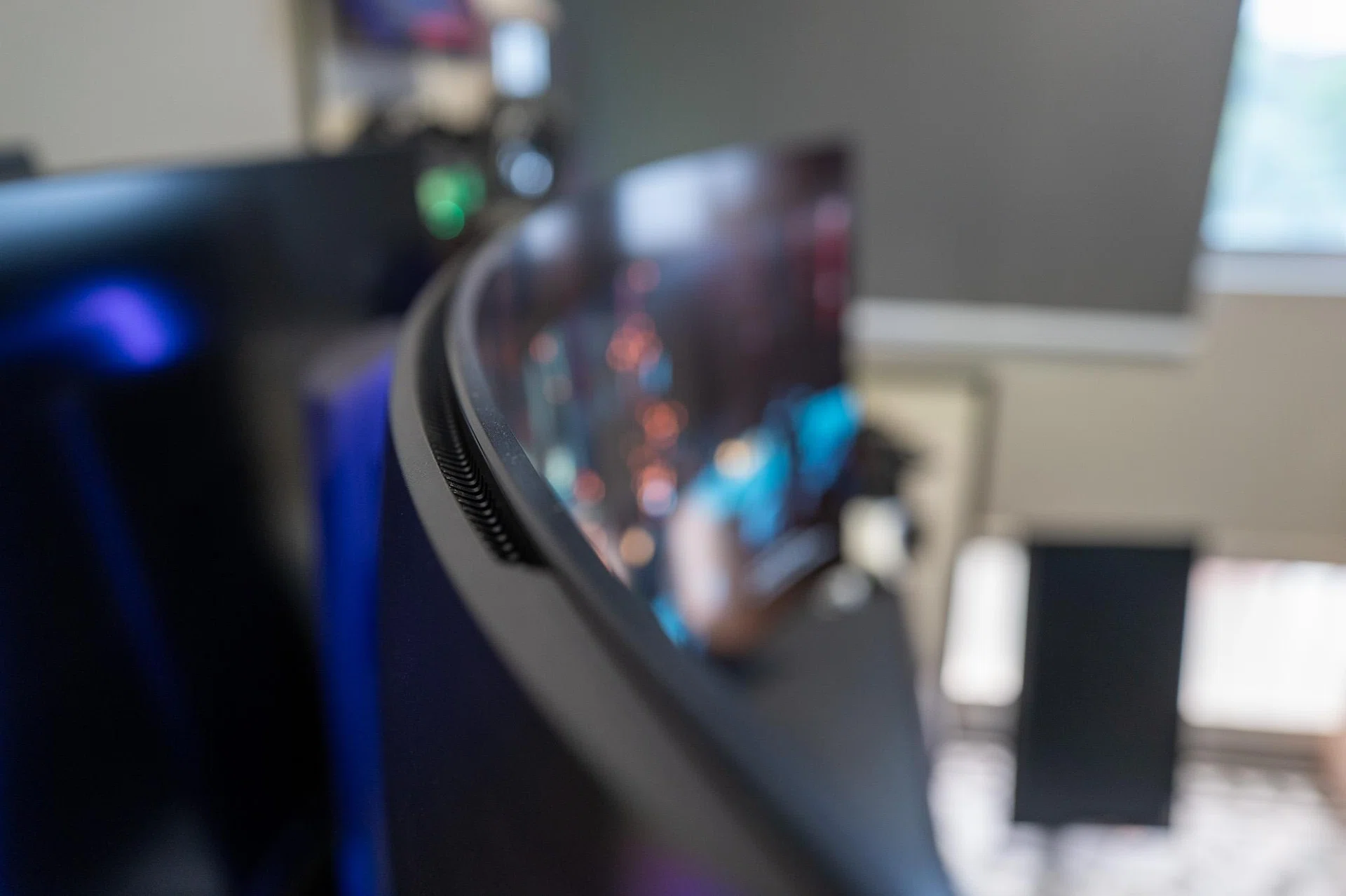
The UltraGear GX9 sports an 800R curvature. Photo: HWZ
What surprised me more is how usable it is outside of gaming. Ultrawide monitors sometimes feel like they’re all about width and not much else, but here, the extra vertical space makes a difference in ways that are hard to appreciate until you’ve used it for a while. Windows don’t feel cramped, and you’re not constantly resizing things just to make everything fit. It ends up feeling closer to a dual-monitor setup without the break in the middle, which is probably why I ended up doing more work on it than I initially expected.
Design-wise, LG keeps things fairly straightforward, which honestly works in its favour. The panel itself is already doing most of the talking, so the rest of it stays relatively understated. The stand is solid without being overly bulky, and there’s some thought put into cable management at the back, although once everything is plugged in, this is still a setup you’ll notice from across the room. There’s no real way around that – it becomes the centrepiece whether you planned for it or not.
The more interesting part is LG’s Dual Mode feature, which allows you to switch to any of the eight preset screen options via the monitor OSD, with five screen sizes (24-, 27-, 34-, 37- and 39-inch) and aspect ratios as well as 4K or 1080p resolution. Refresh rates are dynamic too, going up to 330Hz for 1080p and 165Hz when switched to 4K. So despite its larger-than-usual display, you’re not locked into one type of experience, which makes it easier to justify using it for both slower, more cinematic games (like RPGs) and faster, more competitive ones (like esports shooters) without feeling like you’re compromising too much either way.