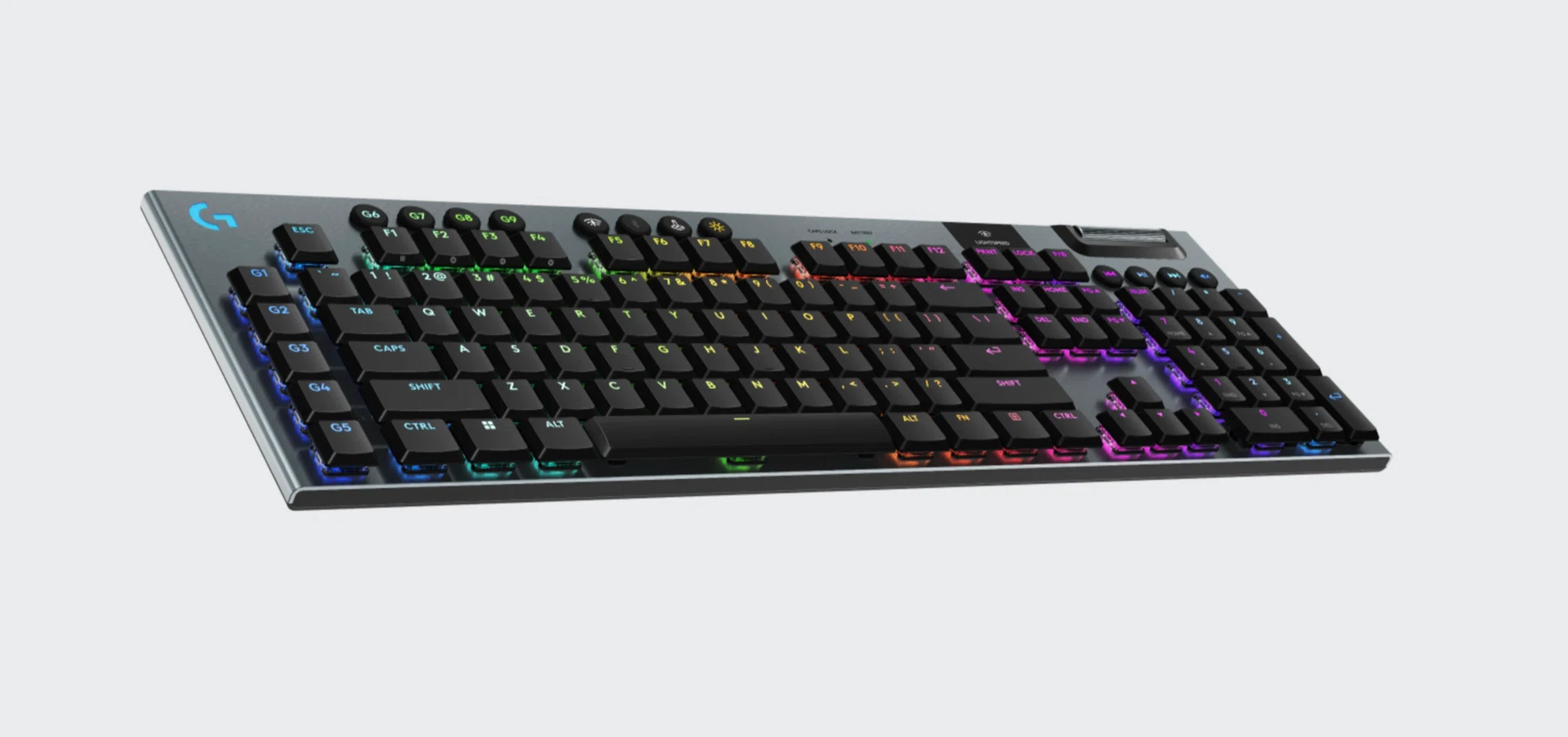
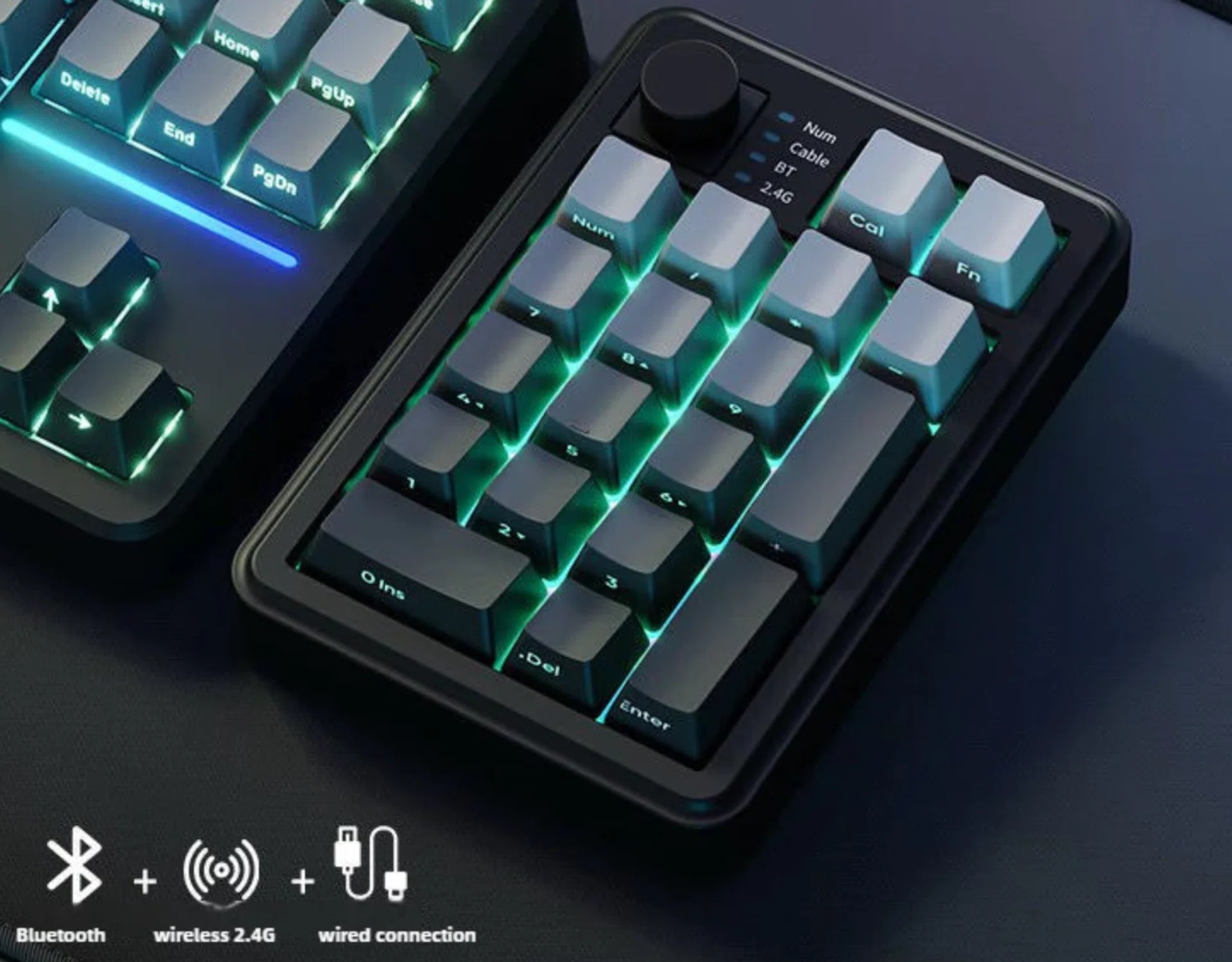
Thinking of getting a new gaming keyboard to upgrade your setup?
If you’ve been holding off on upgrading your gaming keyboard, now’s probably a good time as any to do it. There’s a fair spread of deals going around, whether you’re eyeing something compact like a tenkeyless keyboard for a cluttered desk, a full-sized one with all the bells and whistles, or just a no-nonsense mechanical keyboard that gets the job done.
The usual brand names like Razer, Logitech, ASUS ROG and SteelSeries are all in the mix, alongside a few lesser-known options that are worth a look. Wired, wireless, hot-swappable, clicky, silent – it’s all here, just a matter of figuring out what suits your setup (and how much you’re willing to spend).
Frequently asked questions about gaming keyboards
What should I look out for in a gaming keyboard?
Always look for the switch type first Linear switches are usually the go-to for gaming since they’re smooth and fast, while tactile ones feel a bit more satisfying if you’re also typing a lot. After that, it’s the usual stuff, such as build quality, how the keyboard sounds, and whether it flexes or feels solid on the desk. Additional features like hot-swappable switches are nice if you like to tinker, but this is going up to an enthusiast level. Layout plays a part too. Smaller boards free up mouse space, which can actually make a difference depending on what you play and your table space.
Is a 60% or 75% keyboard better?
This one is less about “better” and more about how much you’re willing to give up. A 60% keyboard clears up a lot of desk space, which is great if you’re playing shooter games and need more room to swing your mouse around. But you’re also losing arrow keys, the function row, and a bunch of shortcuts, so expect a bit of relearning. A 75% layout feels like the more sensible middle ground. You still get your arrow keys and function row, albeit those are squeezed into a tighter footprint. If you don’t want to think too hard and just want something smaller that still behaves like a normal keyboard, this is usually the safer pick.
Should I spend more on a wireless keyboard?
If your budget allows for it, then yes. Wireless not only afford your a cleaner desk (less cable clutter) but it’s easier to move around for use on different computers too. Modern wireless gaming keyboards these days are also responsive enough that you’re not really going to notice any lag in games. That said, you are paying extra for that flexibility. You’ll also have to deal with charging, and occasionally, connection quirks.
Wired gaming keyboards
Logitech G Pro X RGB Mechanical Gaming Keyboard
$143.65 $229.00 37% off
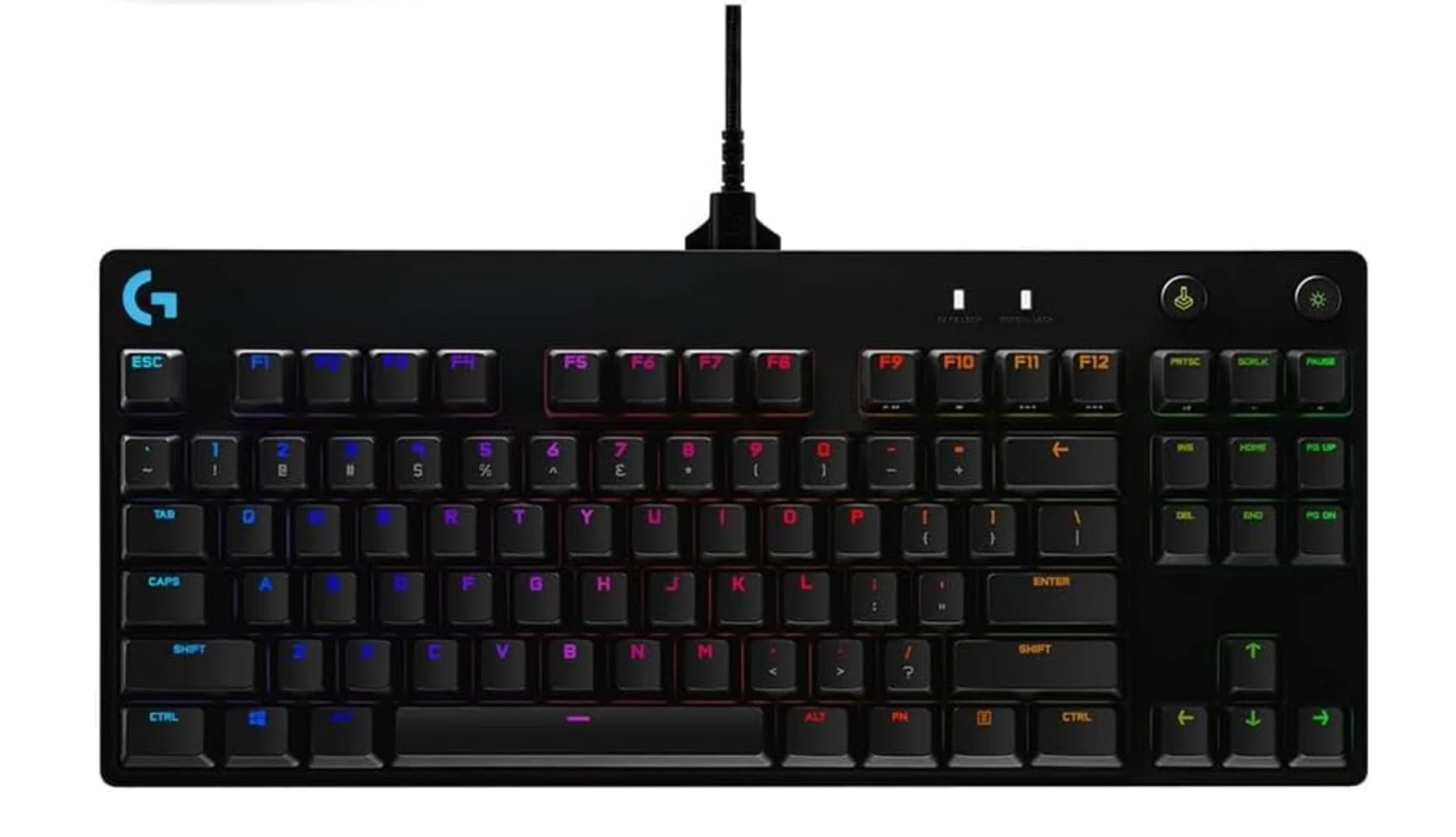
Image: Amazon
The Logitech G Pro X RGB mechanical gaming keyboard is popular among gamers; with its compact design and user-swappable pro-grade switches.
Razer Ornata V3 X Gaming Keyboard
$50.25 $64.90 23% off
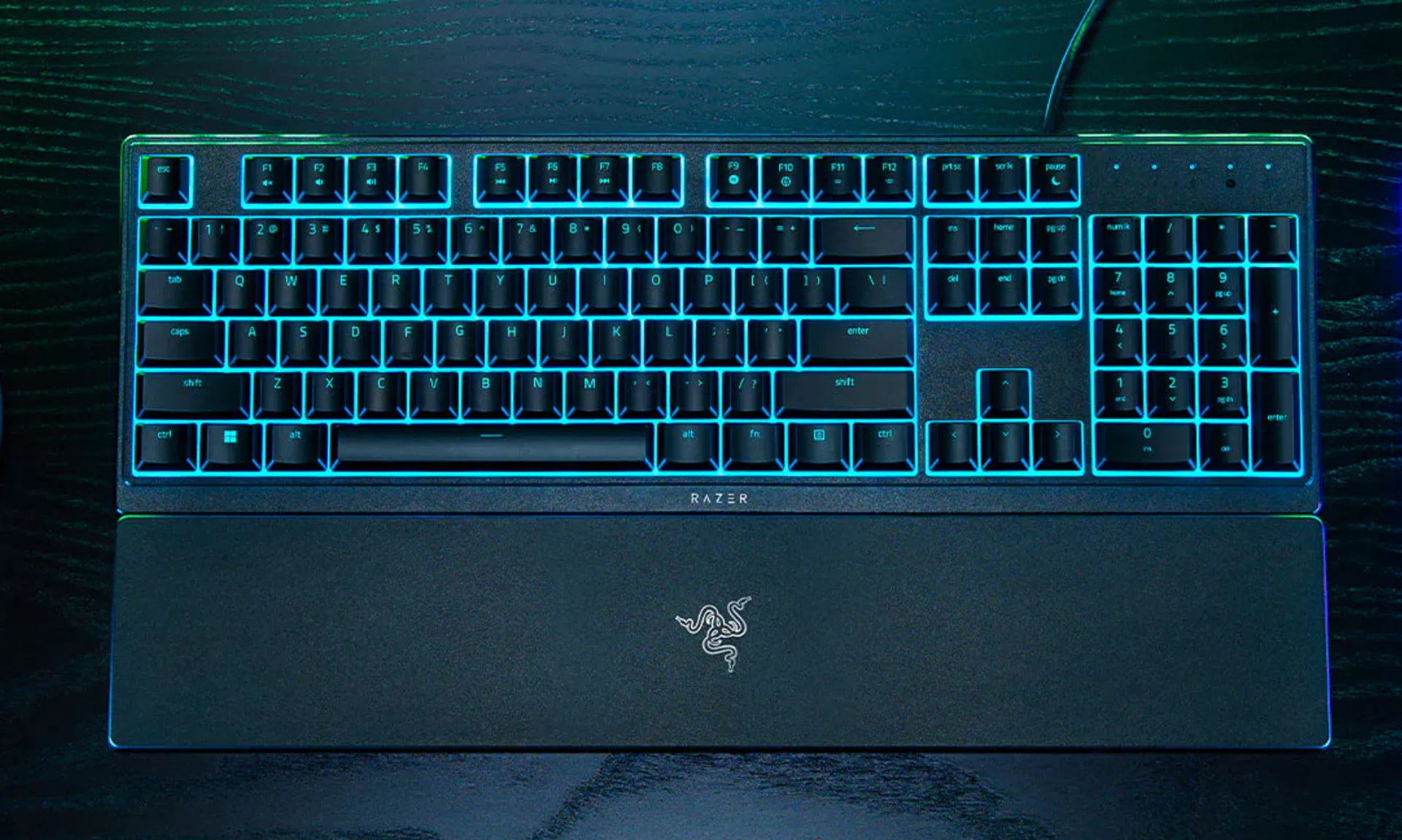
Image: Razer
The latest Ornata V3 is a low-profile ergonomic gaming keyboard, and the new “X” variant features an ultra-slim form factor, more durable keycaps and Razer Chroma RGB.
Logitech G G500 Series Bundle (G513 + G502)
$151 (with voucher)
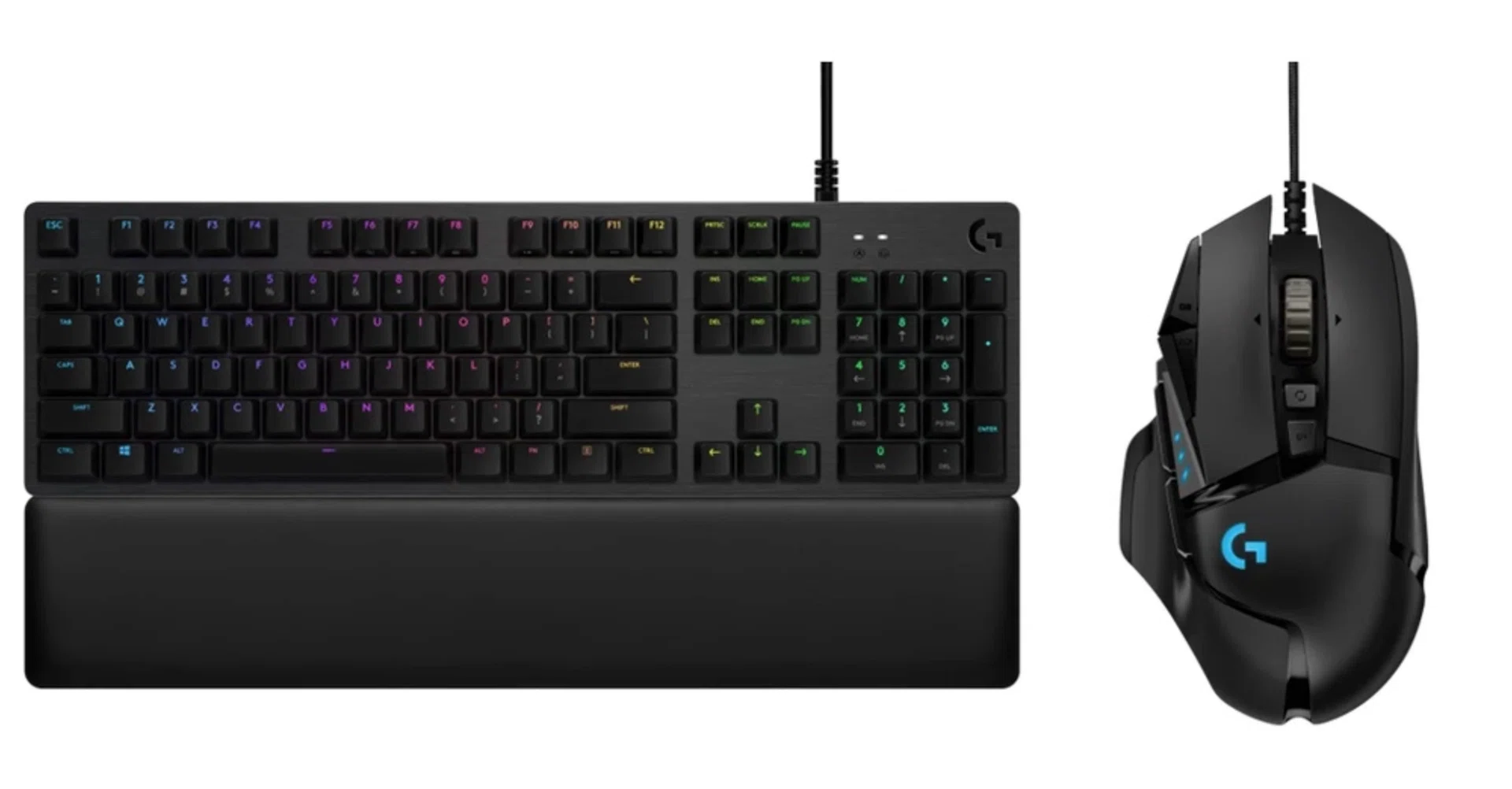
Image: Shopee