Students today are extremely busy. Not only do they have to balance class schedules, but they also need to juggle assignments, exams, CCAs, and other non-academic-related social activities all at the same time.
Keeping track of everything can be hard, and the unprepared can quickly become overwhelmed. That’s why keeping a clear and organized schedule is so important. And this is where to-do and scheduling apps come in. They help you stay on top of deadlines, visualize your schedule, and manage your workload more effectively.
Today, to-do apps and scheduling apps are more than just apps for users to create lists. Many apps offer additional features like reminders, grade tracking, exam countdowns, and much more.
Whether you prefer a minimalistic task manager, a detailed academic planner, or even a collaborative app for group projects, there’s an app designed just for you.
Below are seven apps worth checking out as you head back to school, each offering a different approach to staying organized and productive.
Google Calendar
Photo: Google Calendar
While Google Calendar is not a dedicated student planner, it is an essential aid, especially if your module uses Google Classroom.
Assignments and due dates from Google Classroom can automatically populate your Calendar, create events directly in your calendar from Gmail, and share calendars to coordinate group projects.
All these features mean less manual entry and more organization with minimal effort.
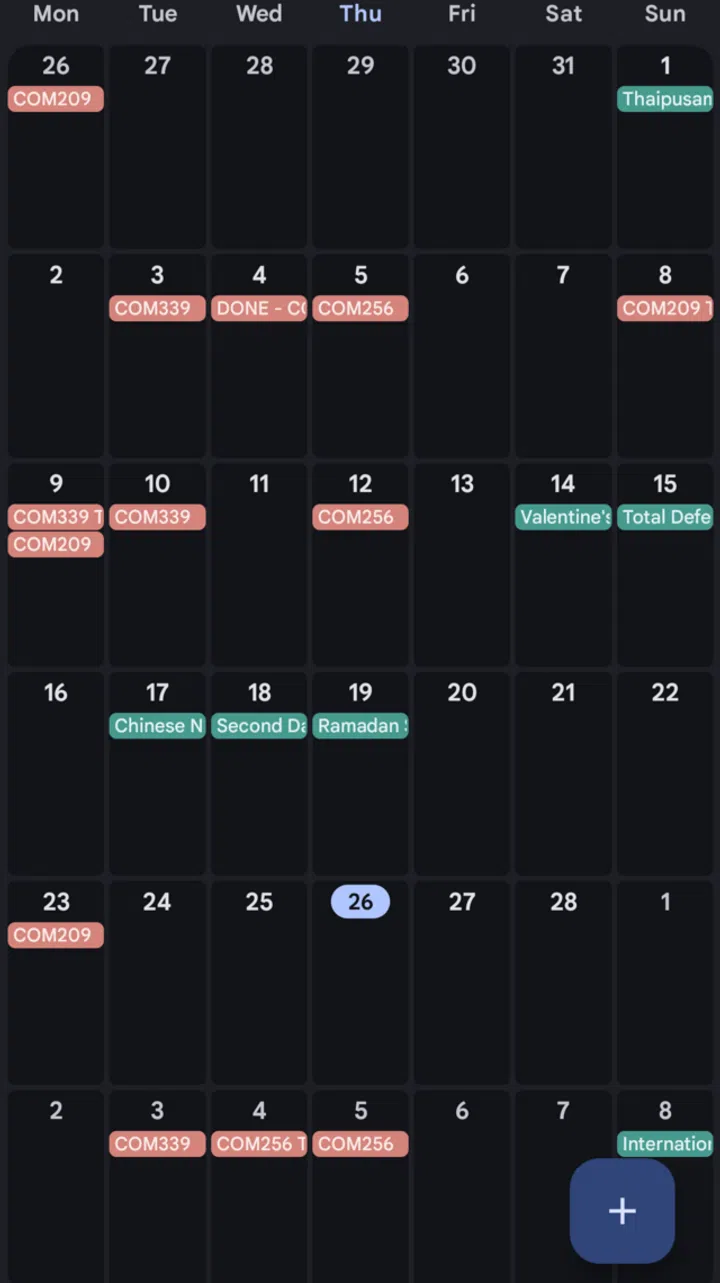
Google Calendar can be automatically populated and you can create events directly in your calendar from your Gmail account.
Photo: HWZ
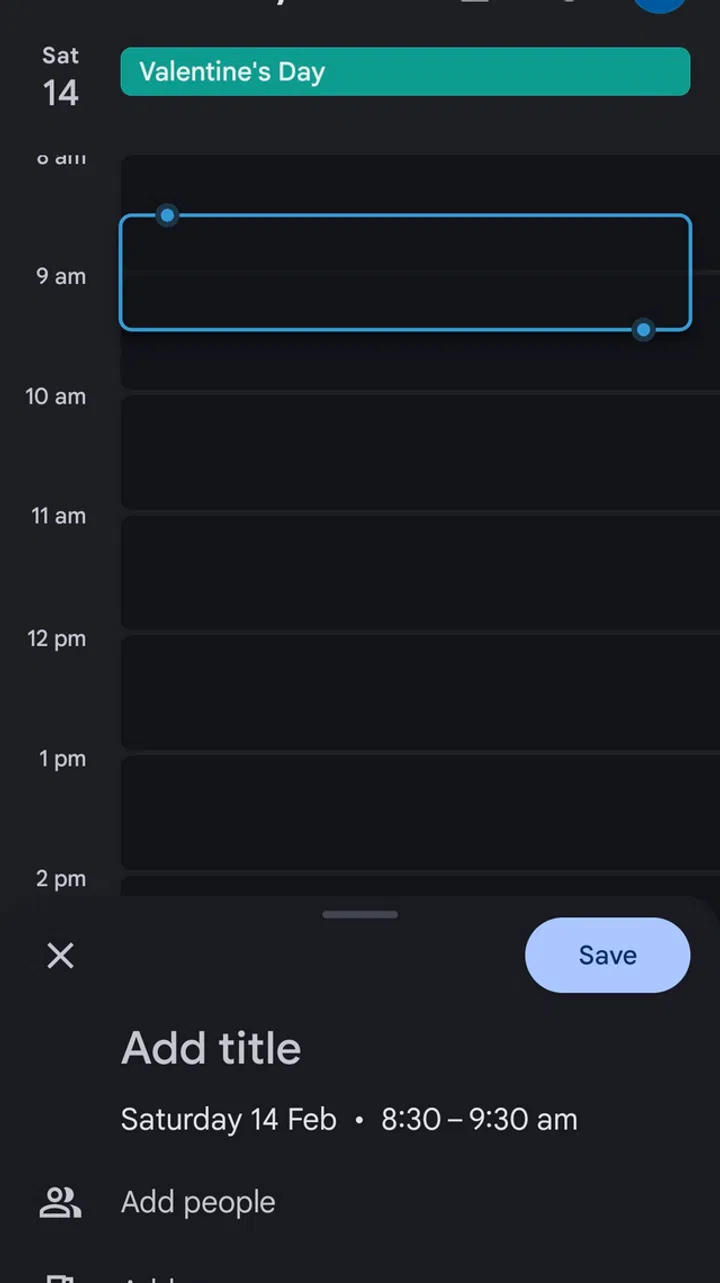
You can set recurring goals or even break down your day according to the time
Photo: HWZ
What’s more, Google Calendar comes with additional features such as the ability to set recurring study time goals, suggest meeting times for study groups, and give you insight into how much time you’ve spent weekly.
The best part? It’s free as long as you have a Google account.
Price: Free
Link: https://calendar.google.com/calendar/u/0/r (Can also be found on the Google Play Store and Apple App Store)
Todoist
Photo: Todoist
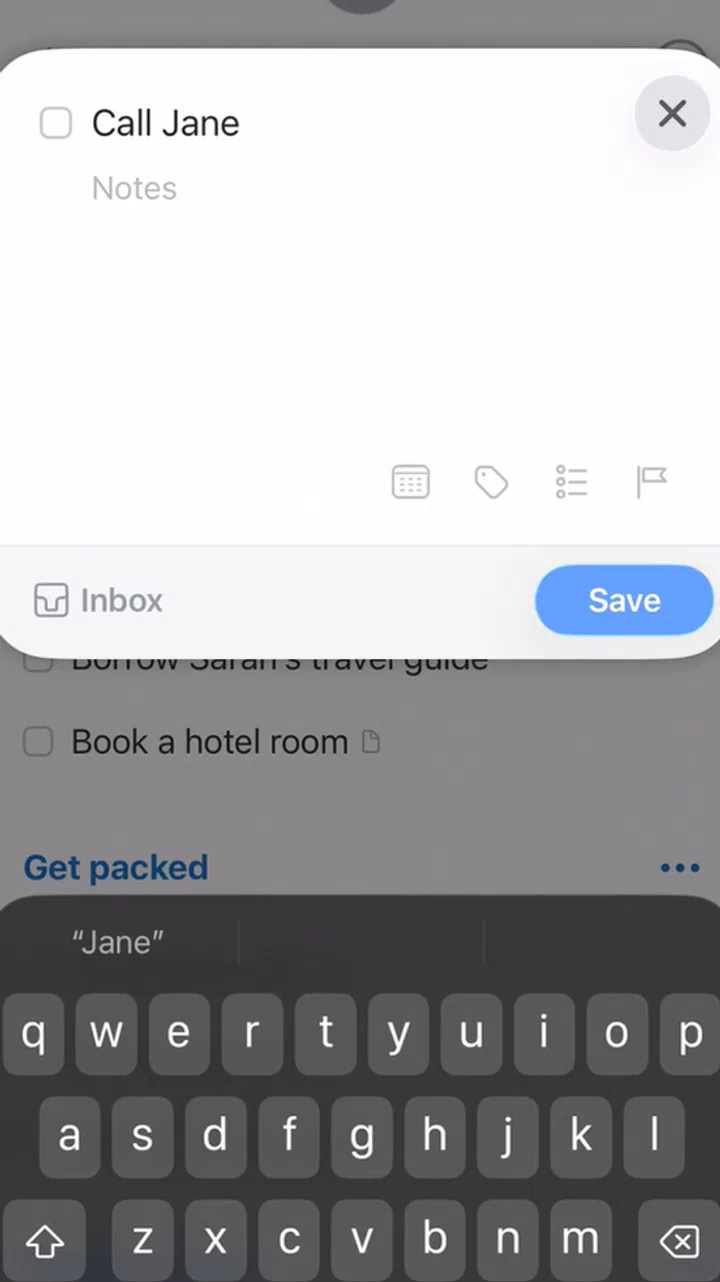
If you’re looking for a clean and fast way to capture tasks, Todoist is a great choice because it can read and record natural language inputs.
For example, typing something like “Finish assignment Tuesday at 8pm” instantly creates a task that is due on Tuesday at 8pm. Making it good for writing down assignments due dates mid-class, without having to enter and look through a date picker.
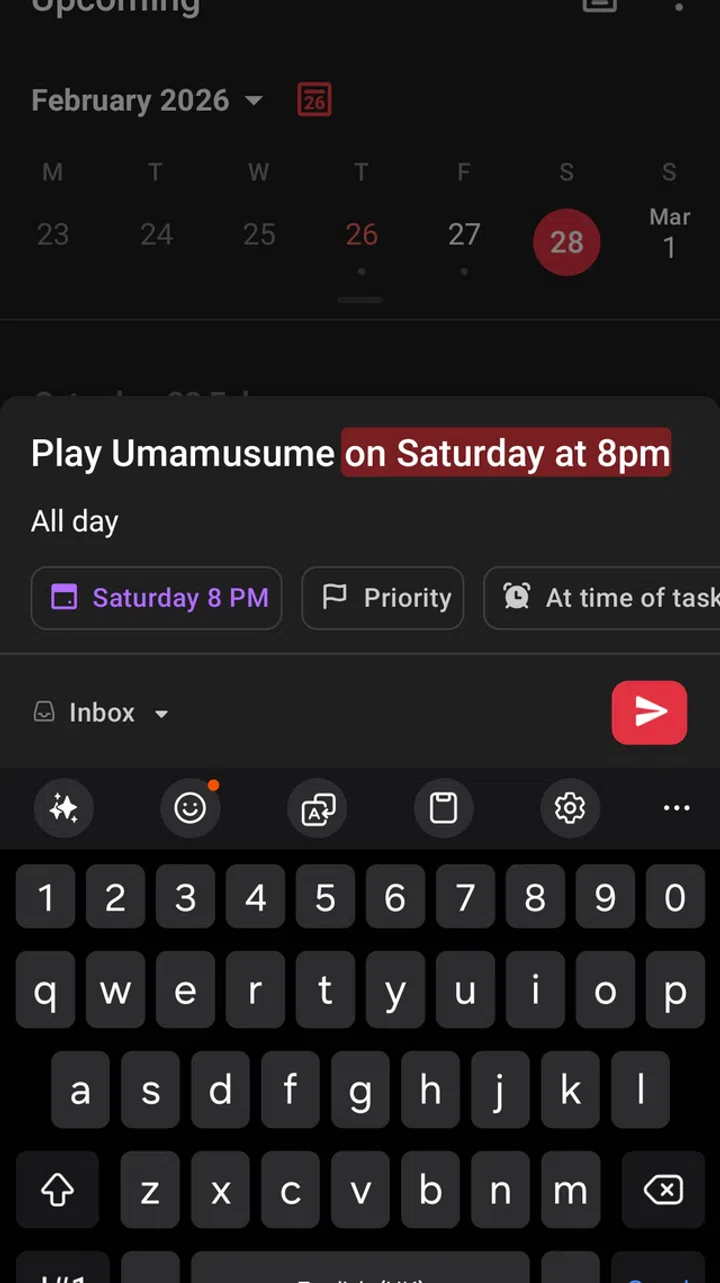
Just typing something out with the date and time will instantly create a task without having to manually enter the date picker
Photo: HWZ
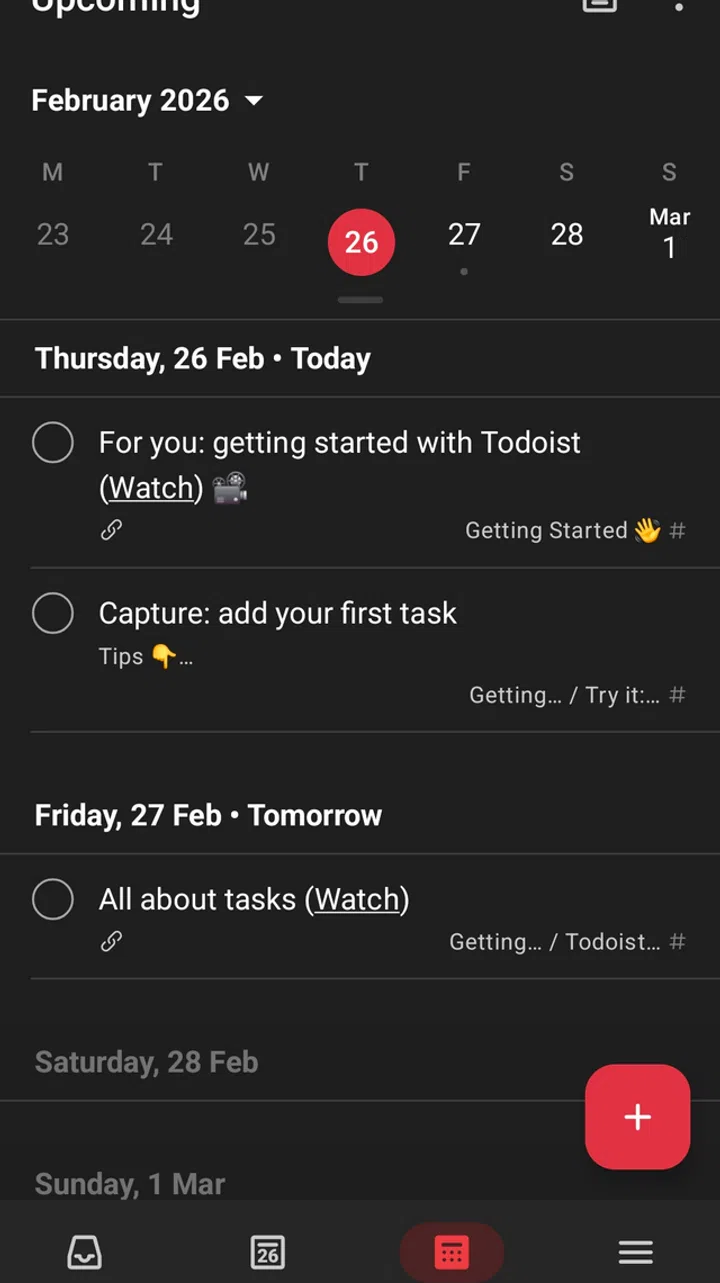
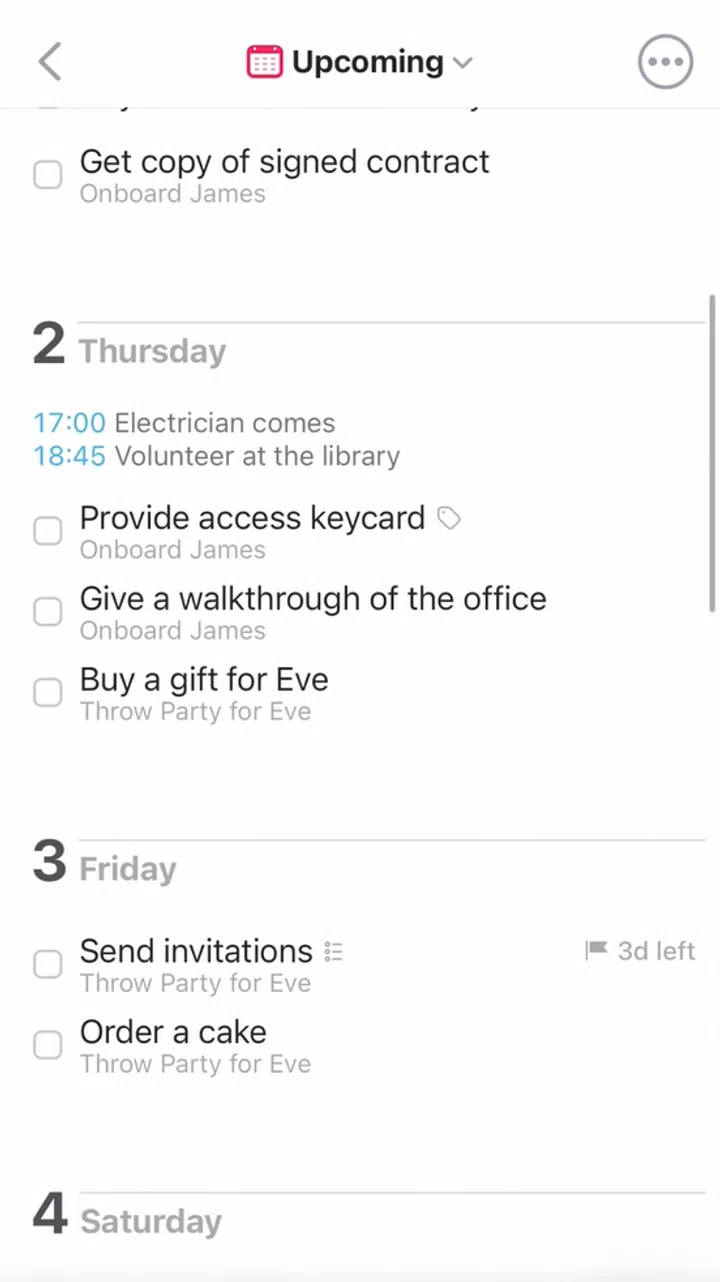
Task can be integrated alongside Google Calendar
Photo: HWZ
Todoist works offline and can integrate with Google Calendar, making it a great addition to your organisational needs.
While Todoist is free and users will have access to all the mentioned features, access to its premium features – such as reminders, labels, and advanced filtering – requires a monthly subscription of US$5 (~S$6.35).