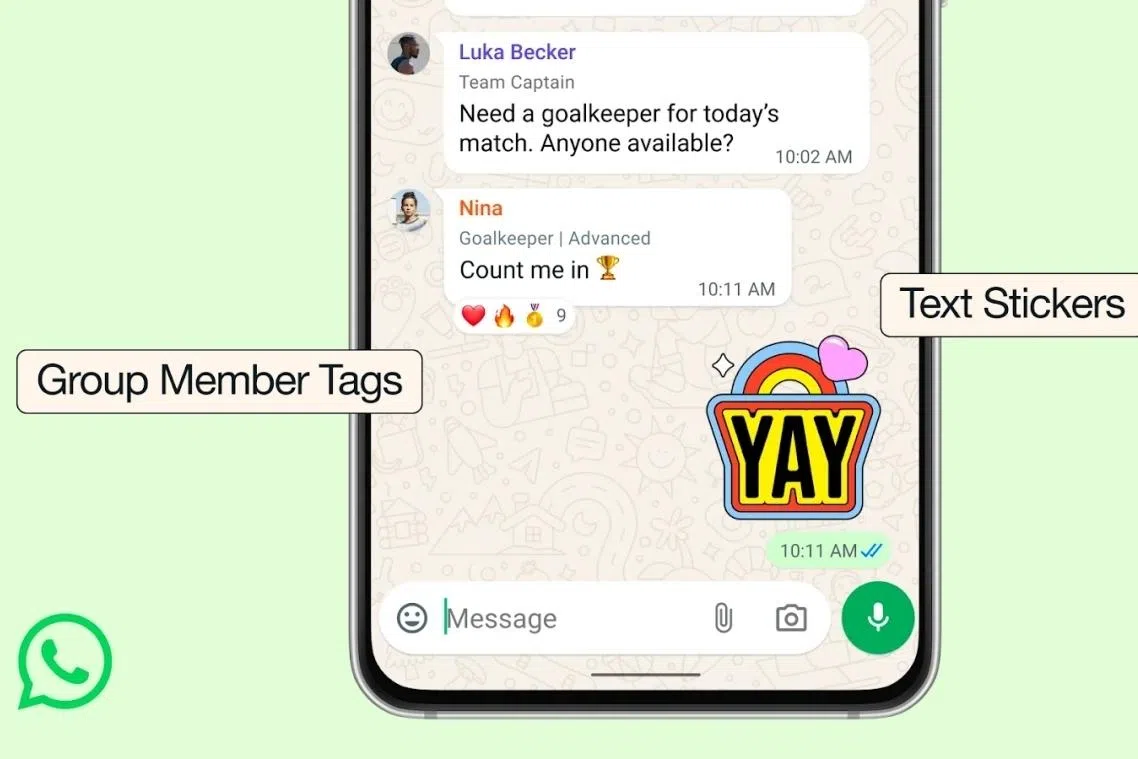
WhatsApp has announced three new group chat features aimed at making conversations clearer, more personal, and more engaging.
To add context within group chats, you can assign a custom tag that describes your role. For example, you could appear as “John’s Dad” in a family group and “Teacher” in a school-related chat, helping others quickly understand who’s who.
This feature can be accessed by opening a group chat, tapping the group name, and scrolling to the members list, where you will find the “Add member tag” option under your name.