Like most people experimenting with AI, you’ve likely run into a usage limit during the course of using your basic cloud AI subscriptions. One minute, you’re asking ChatGPT to summarise a document or generate some code. The next, you’re being told to wait for your allowance to reset or upgrade to a more expensive plan.
You could also be dealing with a growing number of AI subscriptions.
You might be paying S$20 or S$30 monthly for one AI service, another subscription for a different AI model, and perhaps even more for a coding assistant. None of these costs much on its own, but the bills add up quickly just for ‘classic’ Gen-AI usage.
Now, , people are increasingly experimenting with AI agents capable of performing entire workflows, from organising documents and analysing information to generating reports and carrying out repetitive tasks.
This results in higher costs because, unlike a chatbot, an AI agent might make hundreds or thousands of requests to complete a job. For users relying on paid cloud APIs, those requests might translate into an even larger growing monthly bill(s). There are also questions about where sensitive documents are processed, who has access to them, and how much control users have over their data.
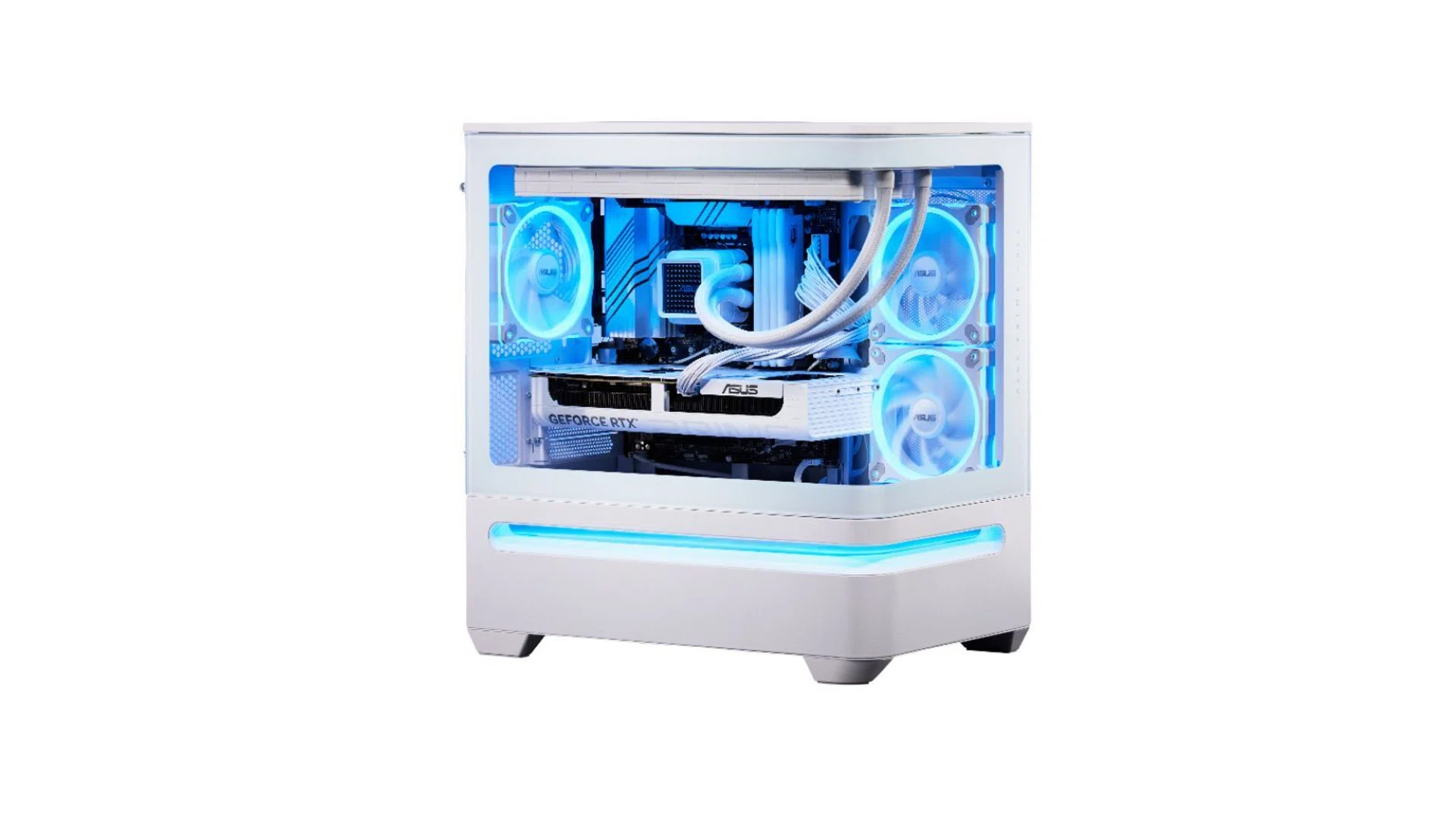
This is why the entire hardware industry is advancing to deliver ever more capable AI PCs that not only have the neural processing hardware chops, but also sport newer platforms that support faster pipes, more integrated memory of larger quantity to give local AI a bigger shot of taking off and being less reliant on cloud-hosted LLMs.
Rather than replacing cloud services such as ChatGPT, Claude or Gemini, hardware brands like ASUS see an opportunity for dedicated computers to handle some of the work locally. Users can run routine tasks and smaller AI models on their own hardware, with more demanding jobs handled by powerful cloud models when necessary.
Enter the era of “Hybrid AI”.
Why send every AI task to the cloud when some of them can be handled by a computer sitting on your desk?
The age of AI agents: Shifting the gear to getting work done
We’ve used AI tools like chatbots for a while now.
AI-generated image
In generative AI tools such as ChatGPT, you type a question, the AI responds, and the conversation continues until you’ve received what you need. AI agents take this further.
Think about having 200 video clips from an event. With a traditional chatbot, you might ask for suggestions on organising them or instructions on how to transcribe their audio.
With a suitably configured AI agent, you might instead give a single instruction: “Go through these 200 clips, rename them, transcribe the audio and prepare a summary sheet by morning.”
The agent would then attempt to work through the different steps, using whatever applications, tools and permissions it has been given. Depending on the system, it might create files, run commands, retrieve information or call other AI models as part of the process.
That’s the main difference. Traditional AI assistants generally focus on responding to user requests, although newer assistants increasingly include agent-like capabilities. AI agents are designed to plan and carry out multi-step tasks, sometimes with limited human supervision.
Some are also configured to work in the background. For example, an agent might check for new documents (or new updates on a website) every hour, process incoming information or prepare a daily report without waiting for someone to start each task manually.
Of course, an agent still needs access to the right software, permissions and computing resources. It also needs safeguards to prevent mistakes, especially when dealing with emails, private documents or applications capable of changing information.
Examples of AI Agents
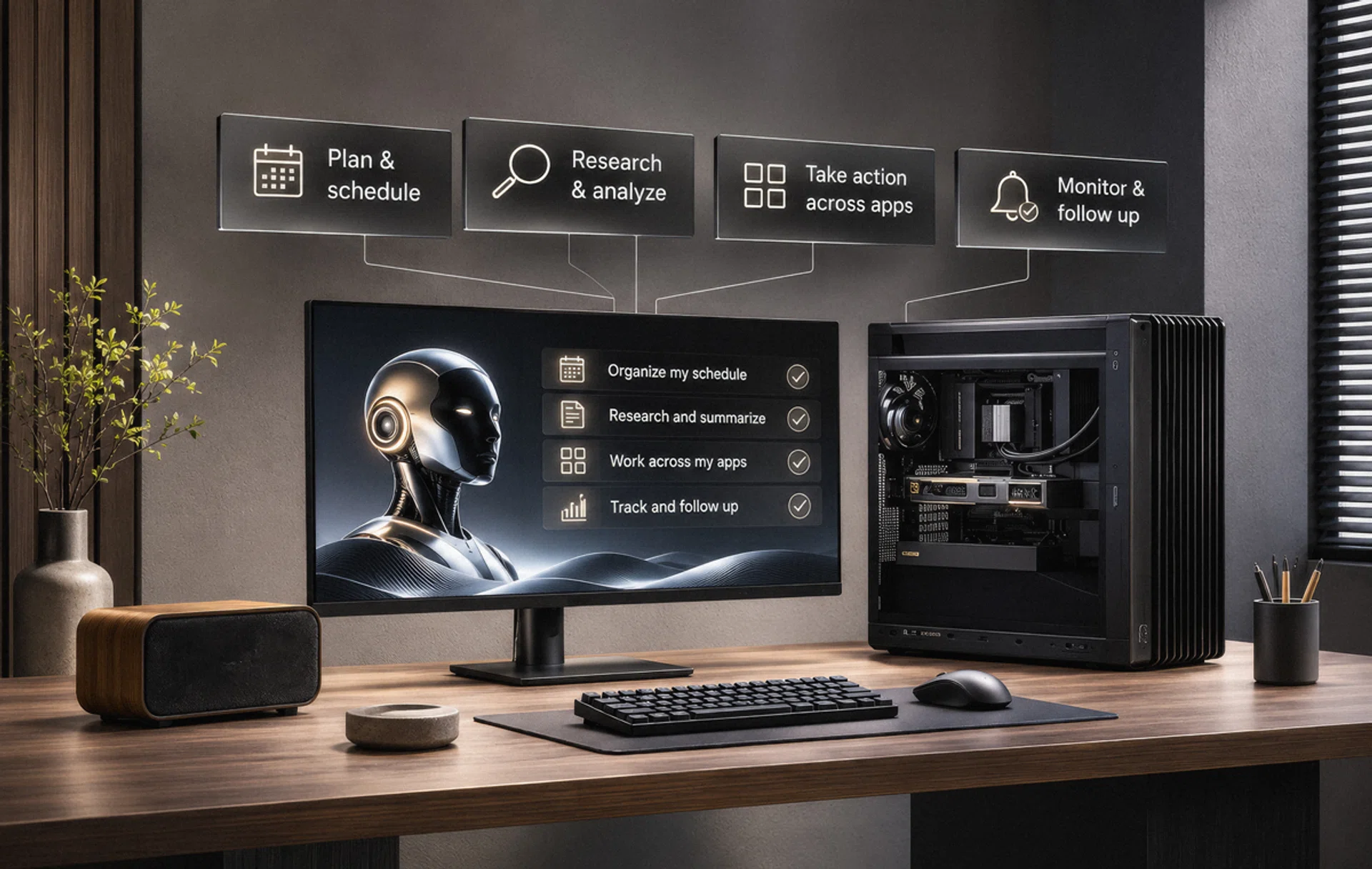
AI Agents can work for us 24 x 7.
AI-generated image
AI Agents are most commonly used for productivity, coding, and business workflows. The most common are:
- Meta Muse: An AI agent that helps manage everyday tasks such as reminders, calendars, shopping, bookings and forms, while working across connected apps and the web.
- Perplexity AI Pro: This handles complex research and multi-step tasks by drawing on more than 20 AI models, connected services and web tools, and can do things like plan trips, analyse files and complete longer workflows.
- OpenAI Dots: An always-on AI agent with its own cloud computer that keeps working on longer projects, researches information, uses connected apps and carries out web tasks between conversations. This is cloud-only.
- Claude Code: A coding agent that works directly inside a developer’s environment, reading large codebases, editing multiple files, running commands and tests, and handling jobs such as debugging and large-scale refactoring.
- Microsoft 365 Copilot: A workplace AI platform that works across Microsoft apps such as Outlook, Teams, Word, SharePoint and Planner, using your data in these apps to research, create content, analyse information and automate multi-step workflows through specialised agents.
- Gemini Agent: Google’s workplace AI agent that works across its apps like Gmail, Drive, Docs, Sheets, Calendar and other connected services to answer questions, create content, manage tasks and carry out work with data pulled from several apps.
- Vellum Assistant: This is a personal, always-on AI companion that goes beyond basic chatbots. Instead of just waiting for you to type a command, it works in the background to handle tasks and manage your digital workspace.
- Openclaw: An open-source AI assistant that runs on your own computer and automates everyday tasks such as managing emails, organising calendars and handling workflows through messaging apps like WhatsApp and Telegram.
These tools don’t all work in the same way. Some operate primarily in the cloud, while others can run on a user’s computer, but will still need to rely on cloud-hosted models for reasoning.
That distinction matters because running an AI agent on your own hardware doesn’t automatically mean you’re running AI locally.
An agent might live on a mini PC, organise files and interact with applications, yet still send every request to a cloud model. To reduce dependence on the cloud, the system needs to run a suitable AI model locally or use a combination of local and cloud models.
Cloud AI or local AI? Why not both?
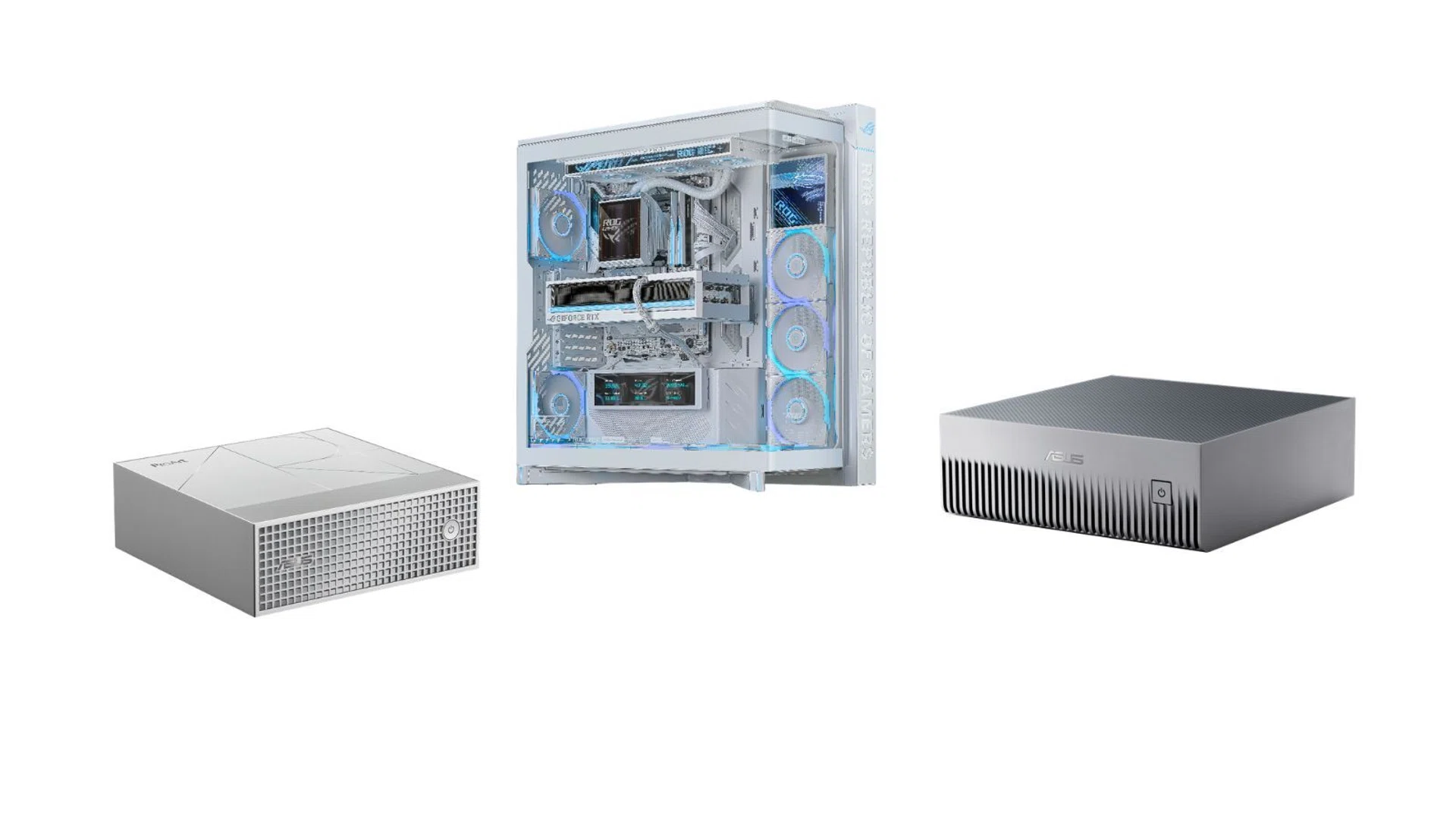
All the self-hosting options.
Photo: ASUS
One of the first questions people ask about local AI is whether a personal computer is powerful enough to compete with the cloud.
The short answer is that cloud AI still has a considerable advantage when it comes to accessing the most capable models and large-scale computing infrastructure.
Companies operating AI services use powerful data centre hardware, including enterprise GPUs designed for demanding AI workloads. These systems generally offer far more computing resources than a typical desktop, gaming PC or mini PC.
That’s why buying an AI computer shouldn’t be seen as a direct replacement for subscribing to ChatGPT, Claude or Gemini.
For someone asking a few questions, generating occasional images or getting help with everyday work, cloud AI is difficult to beat. There’s no need to purchase specialised hardware, maintain models or worry about whether the computer has enough memory to run them.
The sums change when an AI agent starts performing repetitive work throughout the day.
Consider a small business using AI to process invoices, extract information from documents, categorise customer enquiries and generate daily summaries.
Some tasks might require sophisticated reasoning, extensive context or a powerful cloud model. Others, such as extracting dates, classifying documents or formatting information, might be handled adequately by a smaller model running locally.
Under a hybrid AI setup, the business might use local AI on a laptop or PC to handle routine processing, but use the Cloud for more demanding tasks.
Developers could adopt a hybrid AI approach, using powerful frontier cloud models to analyse, for example, complex engineering problems, plan system architecture and map out development tasks. Once the groundwork is complete, smaller local AI agents could handle repetitive coding, testing and implementation over extended periods. This would reduce reliance on cloud services for routine work and help avoid exhausting the usage limits imposed by some consumer AI subscriptions, particularly during lengthy coding sessions.
The advantage isn’t necessarily speed. A local model might take longer to complete a task, and its output might be less accurate than a larger cloud model. But for suitable jobs, keeping processing local might mean lower recurring API charges, greater control over sensitive information, and more predictable operating expenses.
The challenge is deciding which tasks are performed where.
When running AI locally starts to make financial sense

The Cloud can be a worry-free method of AI hosting.
Photo: Pixabay
For occasional AI users, buying a dedicated computer purely to avoid a monthly subscription is difficult to justify.
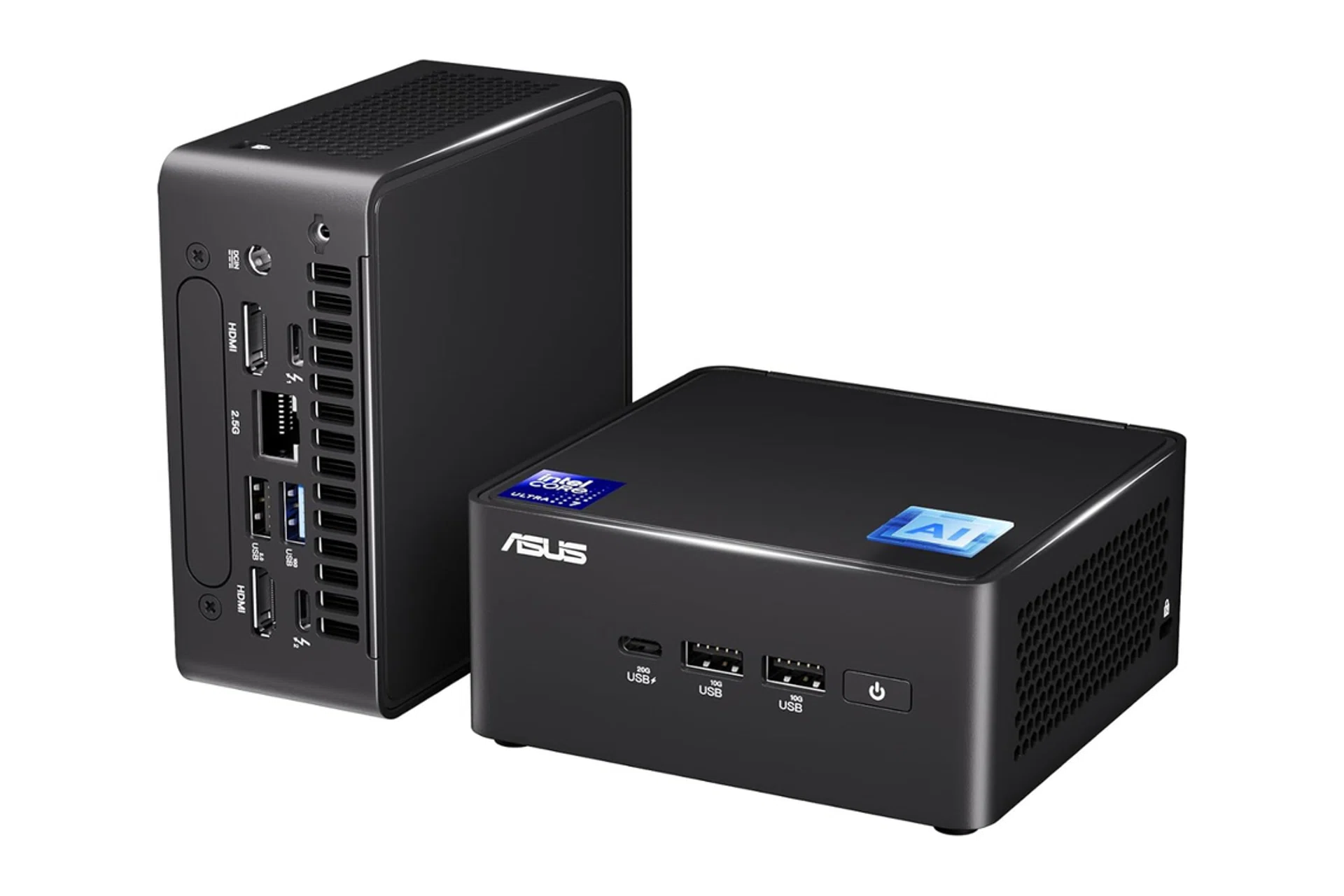
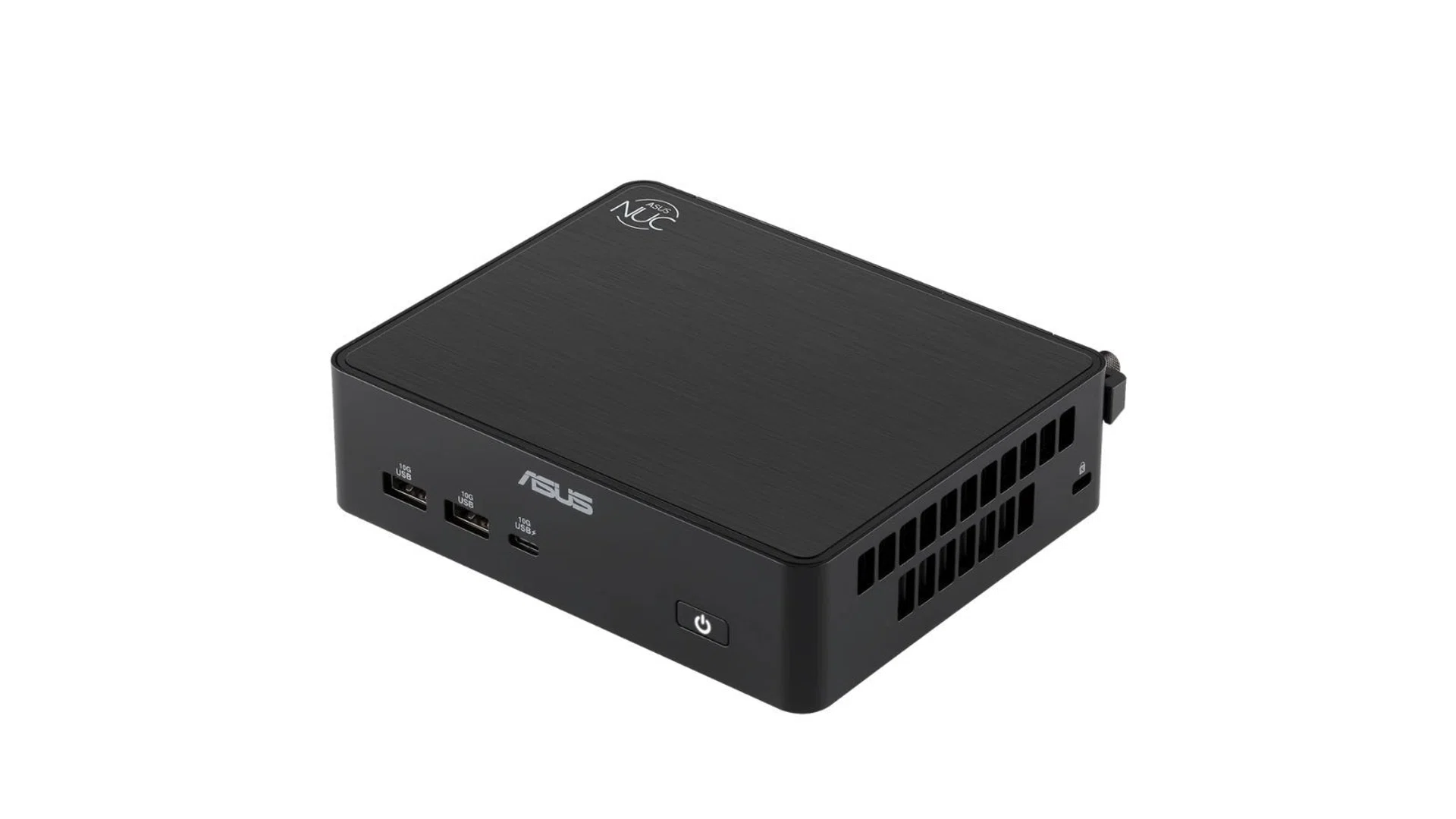
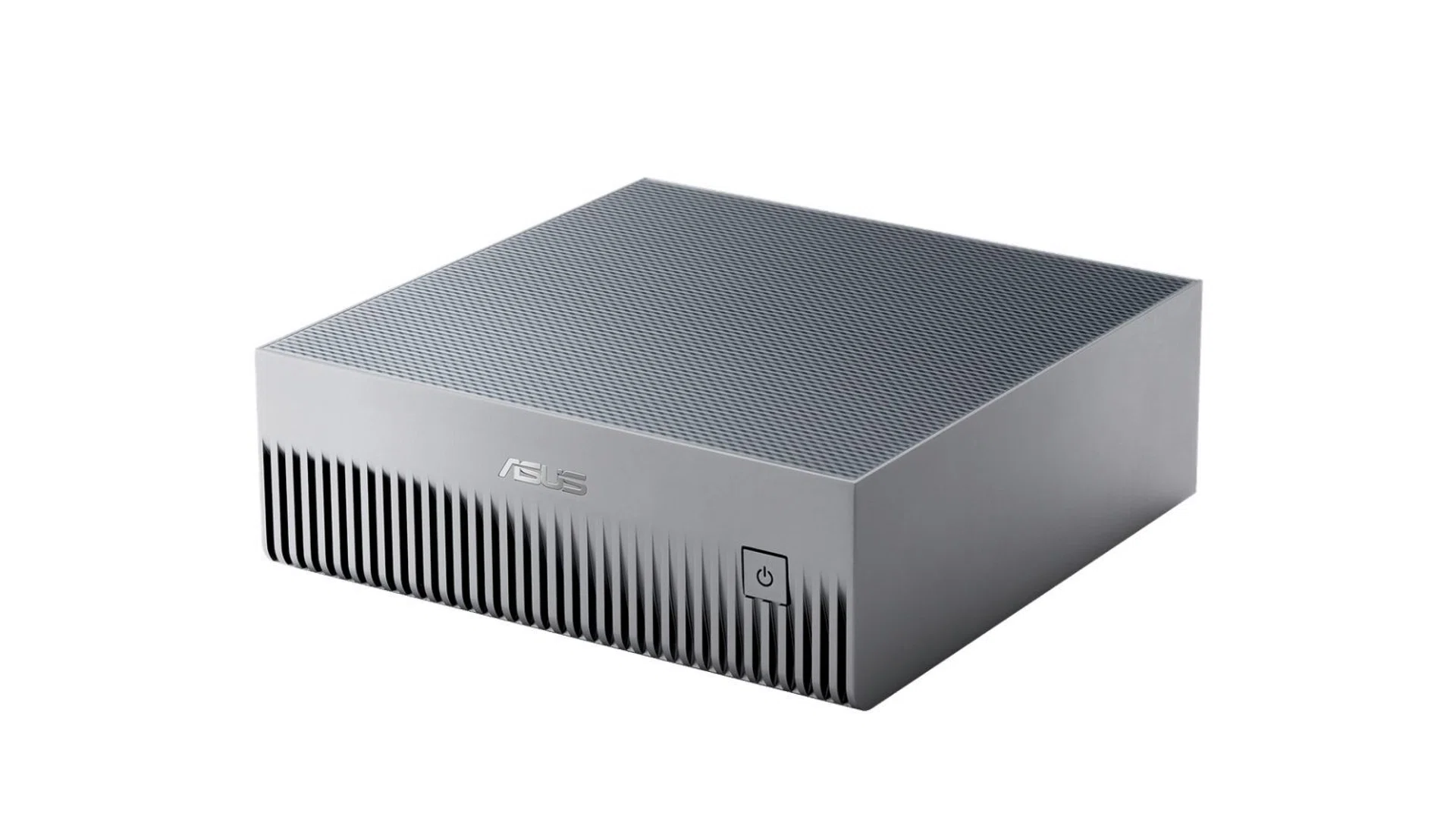
Take a S$30 monthly subscription. Over three years, it costs S$1,080. Compare this with an ASUS NUC costing roughly S$2,100, and the hardware purchase alone is almost twice as expensive.
The comparison isn’t entirely fair, either. A cloud subscription provides access to hosted models and services, while a mini PC provides the hardware on which users must install and run their own software and models.
If you’re a heavier user with two or more monthly subscriptions, then purchasing an agent computer starts to make more sense.
Where local AI becomes more interesting is in workloads that require additional tokens above what is offered in consumer plans through metered APIs.
Tokens are the units AI models use to process text and generate responses. AI providers typically charge based on the number of input and output tokens processed, with rates varying by model.
An AI agent performing several steps might generate multiple requests for a single job. Some requests might include lengthy documents or previous conversation history. Others might involve repeated attempts to complete a task or additional calls to supporting models.
Multiply these requests across hundreds of tasks, and the cost becomes an ongoing operating expense. Most consumer plans have token limits, and if you exceed those, you’ll be required to purchase more at the providers’ API pricing. Some providers, like ChatGPT, don’t even allow you to purchase extra tokens on consumer plans ( at least at the time of putting together this story, as the AI landscape shifts rapidly)
For example, consider a hobbyist consumer spending around S$180 monthly on two cloud AI plans ($149.99 for Claude Max and S$30 for ChatGPT Plus).
If the consumer uses local models and reduces their spending to S$100 monthly, the savings amount to S$960 over a year. If they manage to lower spending to S$80 monthly, the difference grows to S$1,200 in that same 12 months.
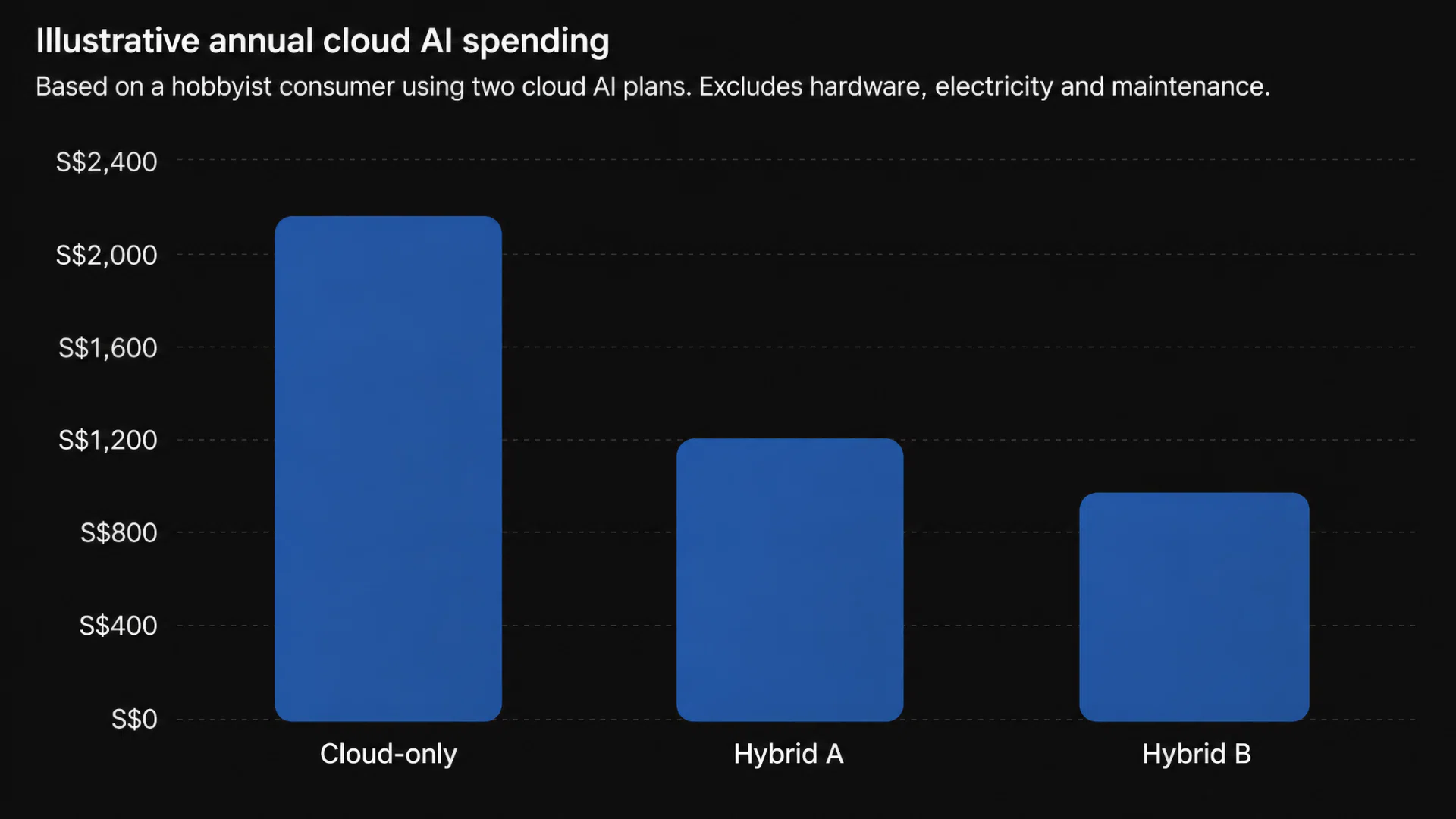
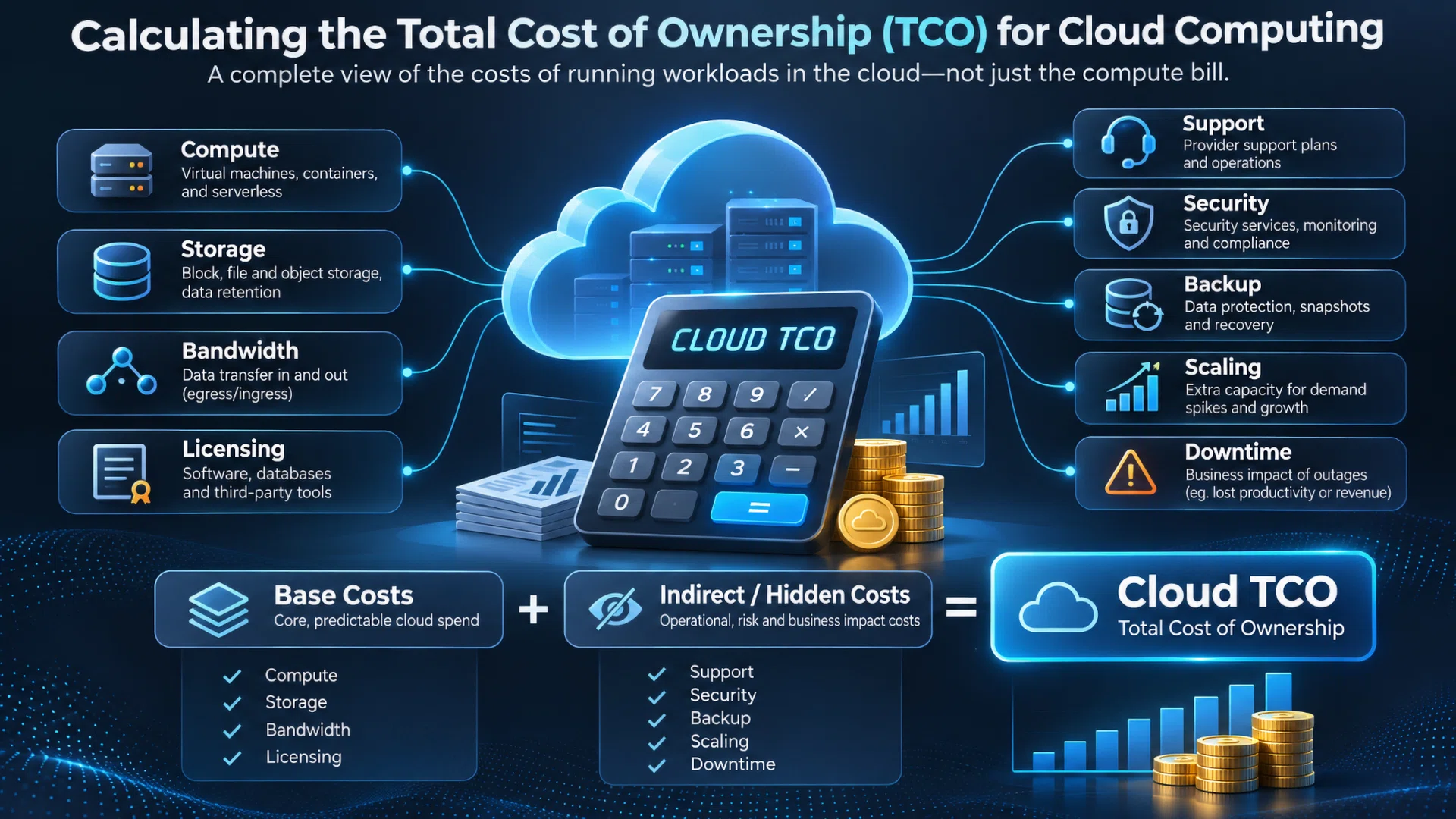
An illustrative example of Cloud computing costs.
Photo: HWZ
These are illustrative scenarios rather than measured savings. The amount saved depends on the models used, token consumption, the complexity of the work and how much processing moves to local hardware.
A smaller local model also needs to perform the task reliably. Saving money on tokens doesn’t help if you have to spend more time correcting mistakes or rerunning jobs.


Read Full Article At Source