More about the new MacBook Pro’s amazing display, and addressing the touch elephant in the room

More about the new MacBook Pro’s amazing display, and addressing the touch elephant in the room


Apple announced a new MacBook Pro yesterday. Yes, it has a touchscreen, which is significant because it’s the first MacBook to support touch, but that isn’t the main thing about it. 

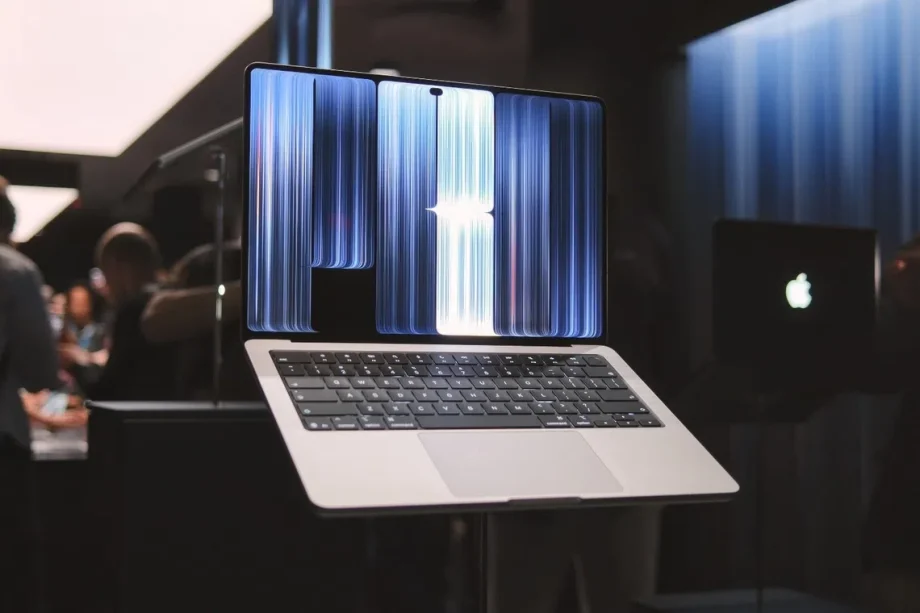
It’s called the MacBook Pro with PROLED XDR Display. I have strong thoughts about the name, but the important thing is that it’s not called the MacBook Pro Touch, because touch isn’t the whole point about this laptop; it’s the display. 

To recap, this is an tandem OLED display with eye-popping specs. Apple claims up to 2,000 nits peak HDR and SDR brightness, and that it has a 10,000,000:1 contrast ratio. That last bit is not a typo – it’s ten million. I had the opportunity to see it under very bright lights and compare it against a rival laptop that also has a tandem OLED display, and it’s impressive how the MacBook Pro with PROLED XDR Display remains completely legible while that rival laptop becomes washed out.

But brightness aside, the display also supports a wider colour gamut. On top of P3, it also supports Adobe RGB, which I’ve been told has a wider coverage of greens and cyans. And being an OLED, it can completely turn off individual pixels, so blacks are truly, well, black. All of this is to say that pro users can now have a first-class display on which to do colour-critical and sensitive work wherever they might be.
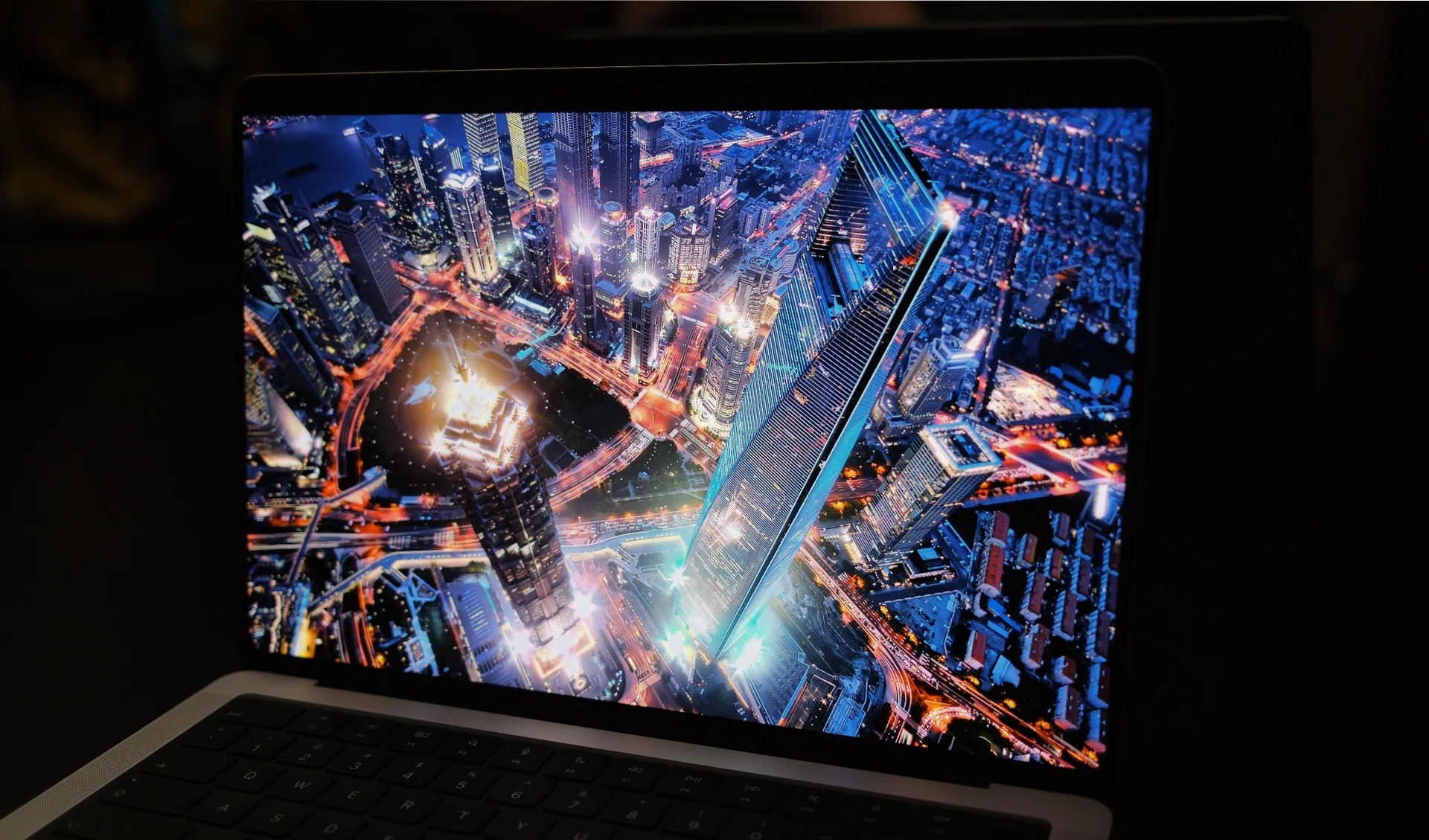
Apple MacBook Pro with PROLED Display XDR screen demo

Predictably, the display is stunning.

The display is also incredibly thin. On its own, it is less than 1mm thick, which is part of the reason why these new MacBook Pros are thinner. And since there are OLED panels, it means they don’t have backlights, which also means the glowing logo is actually lit by a separate lighting element – and not the backlight from the display panels like MacBooks are old. It’s cool that Apple decided to devote this much effort into bringing back the glowing icon, and shows that they take customer feedback seriously.

We do have to address the display’s touch capabilities, because in 2010, Steve Jobs famously said that touch surfaces in laptops don’t work because, fundamentally, they are not designed to be used vertically. There’s certainly some truth to that because in all my years testing all kinds of MacBooks, not once have I wished they had touchscreens.

Furthermore, I’m sure most professionals would have figured out keyboard shortcuts to get around most of the things that they need to do, simply because the less time you take your hands off your keyboard and/or mouse, the faster you can work. But that’s just me, and to be fair, Jobs’ comments came around 16 years ago when Macs were in a different place. With the power of Apple Silicon, today’s Macs are capable of more varied tasks – tasks that might have been impossible all those years ago. 

MacBook Pro with PROLED Display XDR demo

Touch can be useful at certain times for specific functions, but I don’t think it’s meant to be the main way you interact with these new Macs.

Photo: HWZ

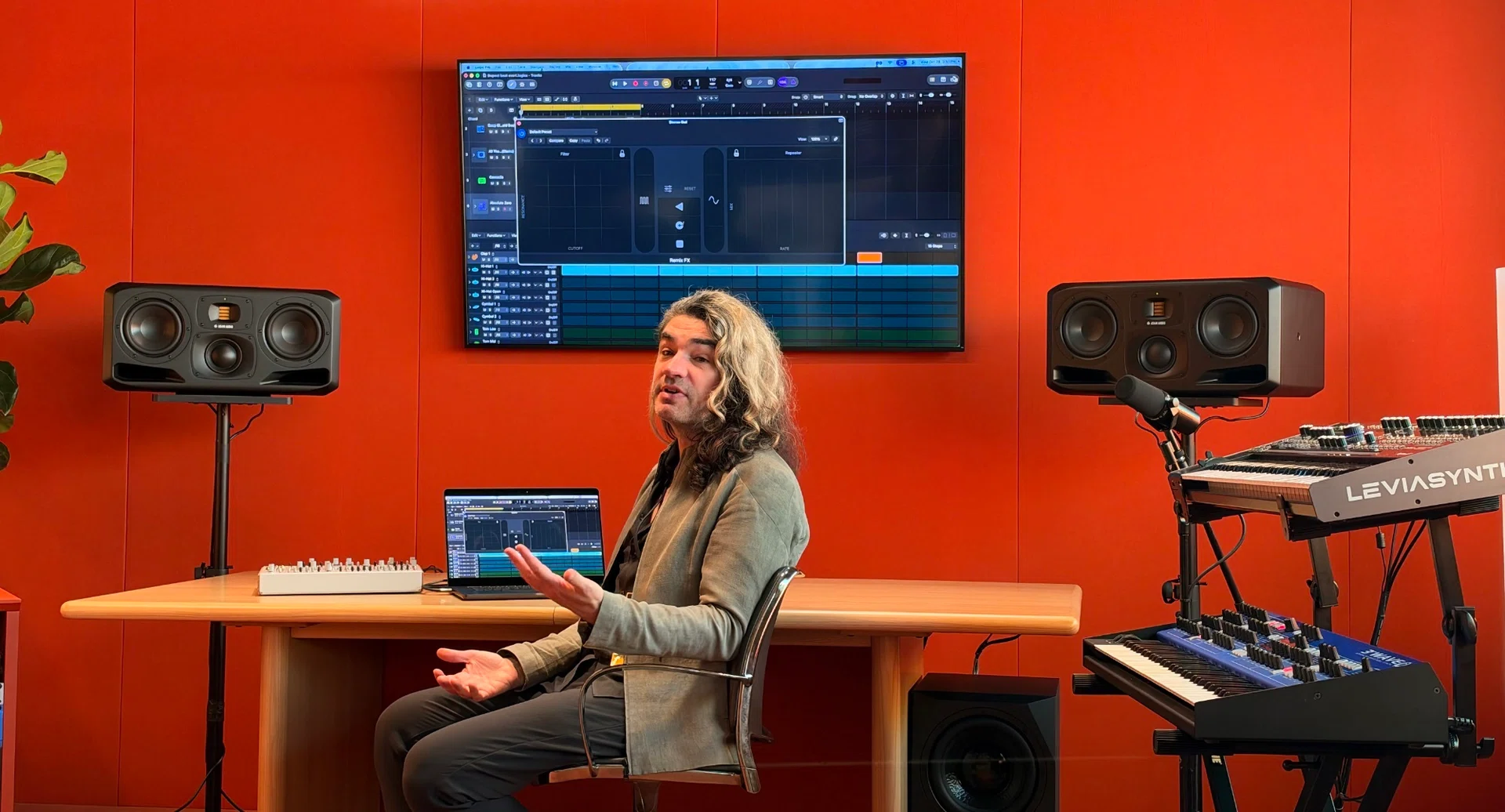
So to make a case for a touch-enabled MacBook Pro, Apple showed off demos of workflows where a touch display might make sense, and some were convincing. For example, I can see how a touch display might benefit users working in Logic Pro, where you can play or manipulate controls using the screen. A touchscreen is also really helpful if you were developing apps for the iPhone or iPad; being able to test your app directly on your MacBook Pro’s display with touch looks like it could be a huge deal. 

That said, for most people and most workflows, I don’t think touch is going to be life-changing. After all, Apple themselves didn’t make huge changes to macOS to adapt it for touch, which presumably means they don’t intend for touch to be the main way users interact with their machines.

At any rate, I can’t wait to get my hands on these new laptops, so if you want to know more about them, bookmark the site and stay tuned for my full review.


Read Full Article At Source


Share. Save. Don't Miss The Buzz: XFacebookRedditLINETelegramWhatsAppGmail

Leave a Reply

Your email address will not be published. Required fields are marked *