The easiest way to describe the Lenovo Legion Go 2 is this: it’s a PC gaming handheld I’ve used that repeatedly tries to convince you not to treat it like a handheld, thanks to what I felt are design decisions by Lenovo engineers that seem to quietly nudge you towards desks, tables and power sockets.
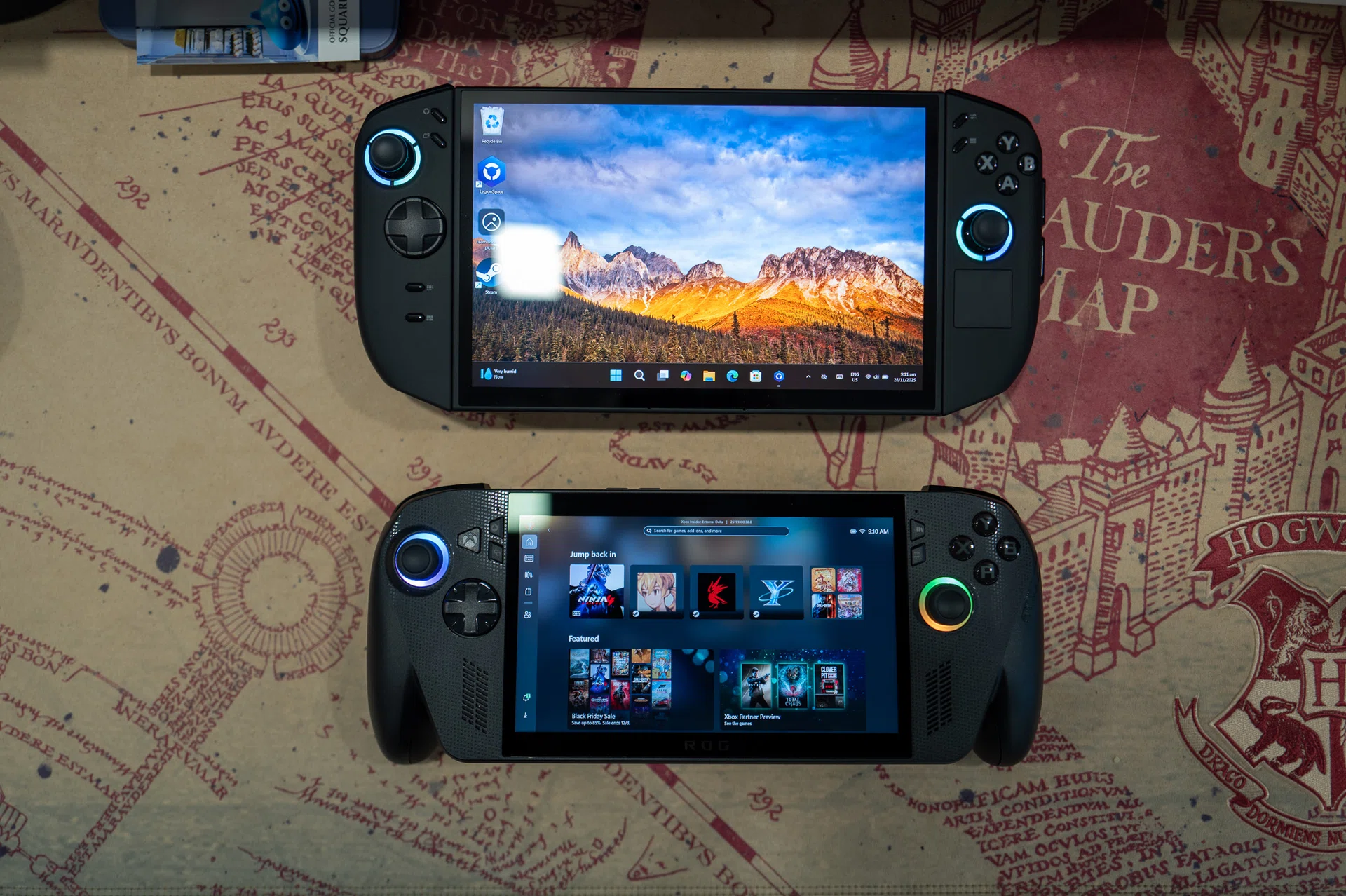
That already puts it on a very different footing from the ROG Xbox Ally X, which I reviewed previously (read it here). The Xbox Ally X always felt like a Windows PC that had been somewhat simplified to behave more like a console – better ergonomics, clearer intent, and a general sense that Microsoft and ASUS wanted you to forget there was a full desktop OS humming away underneath. Meanwhile, the Legion Go 2 doesn’t try to hide its PC roots at all. In fact, it leans into them aggressively.
Read on to find out why.
A refined version of the original Legion Go
There’s no sugar-coating the Legion Go 2’s size. It’s large, heavy, and immediately commanding in a way that no other mainstream PC handheld currently is. Or any gaming handheld, to be exact. Coming from the Xbox Ally X, which already pushes the upper limits of what I’d casually carry around, Lenovo’s Legion Go 2 feels like a conscious rejection of restraint.
This isn’t a device you absentmindedly toss into a bag like, say, the Nintendo Switch. It’s something you would have to pack deliberately. On the couch, it’s comfortable enough once you settle in, but you’re always aware of its weight and heft. On the move, the size becomes more noticeable. I found myself far less inclined to pull it out and game when flying in the tighter spaces of economy class or budget airlines compared to the Xbox Ally X, which still feels more portable in such scenarios.
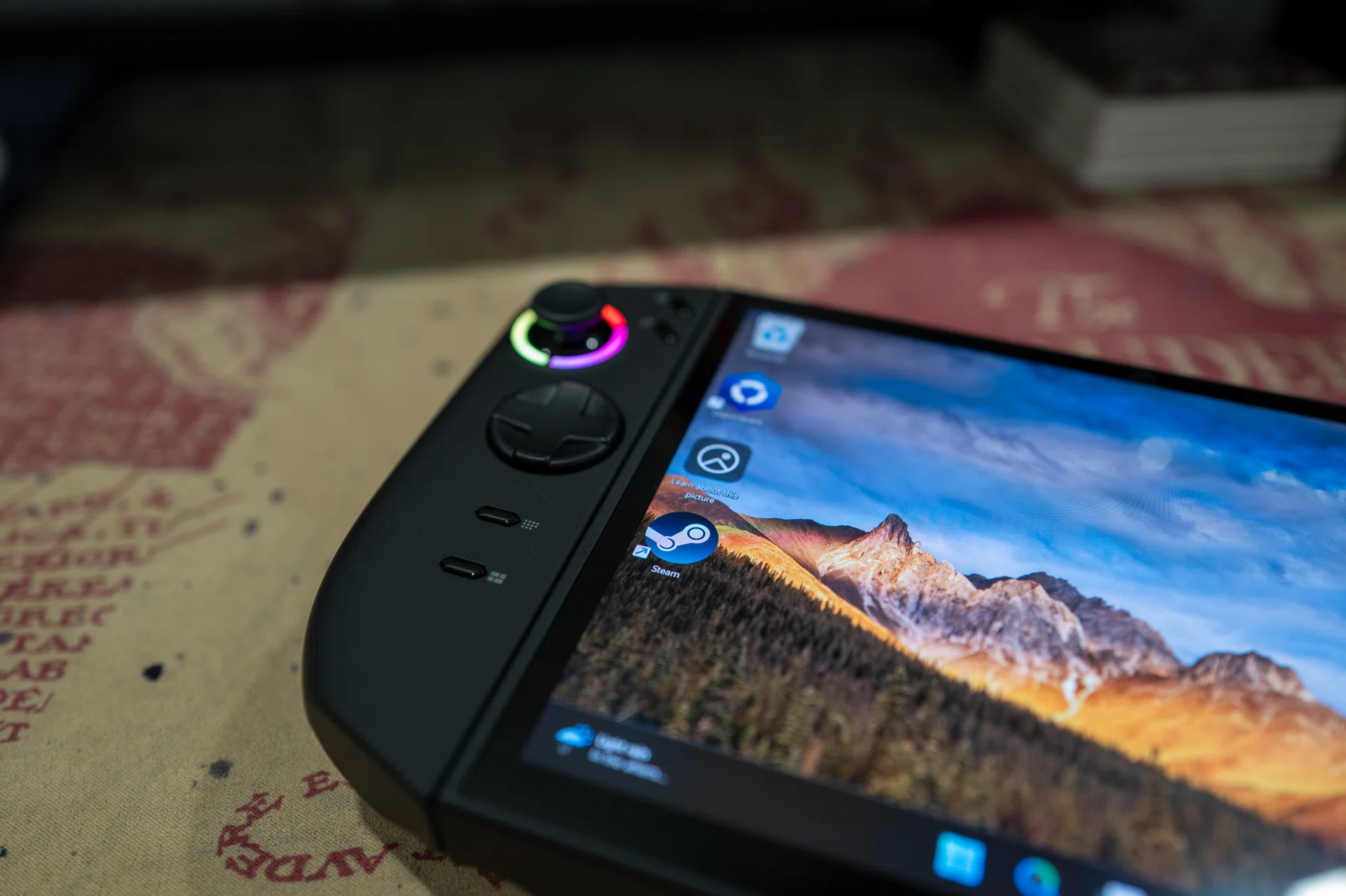
The Legion Go 2 retains some of its predecessor’s design elements.
Photo: HWZ
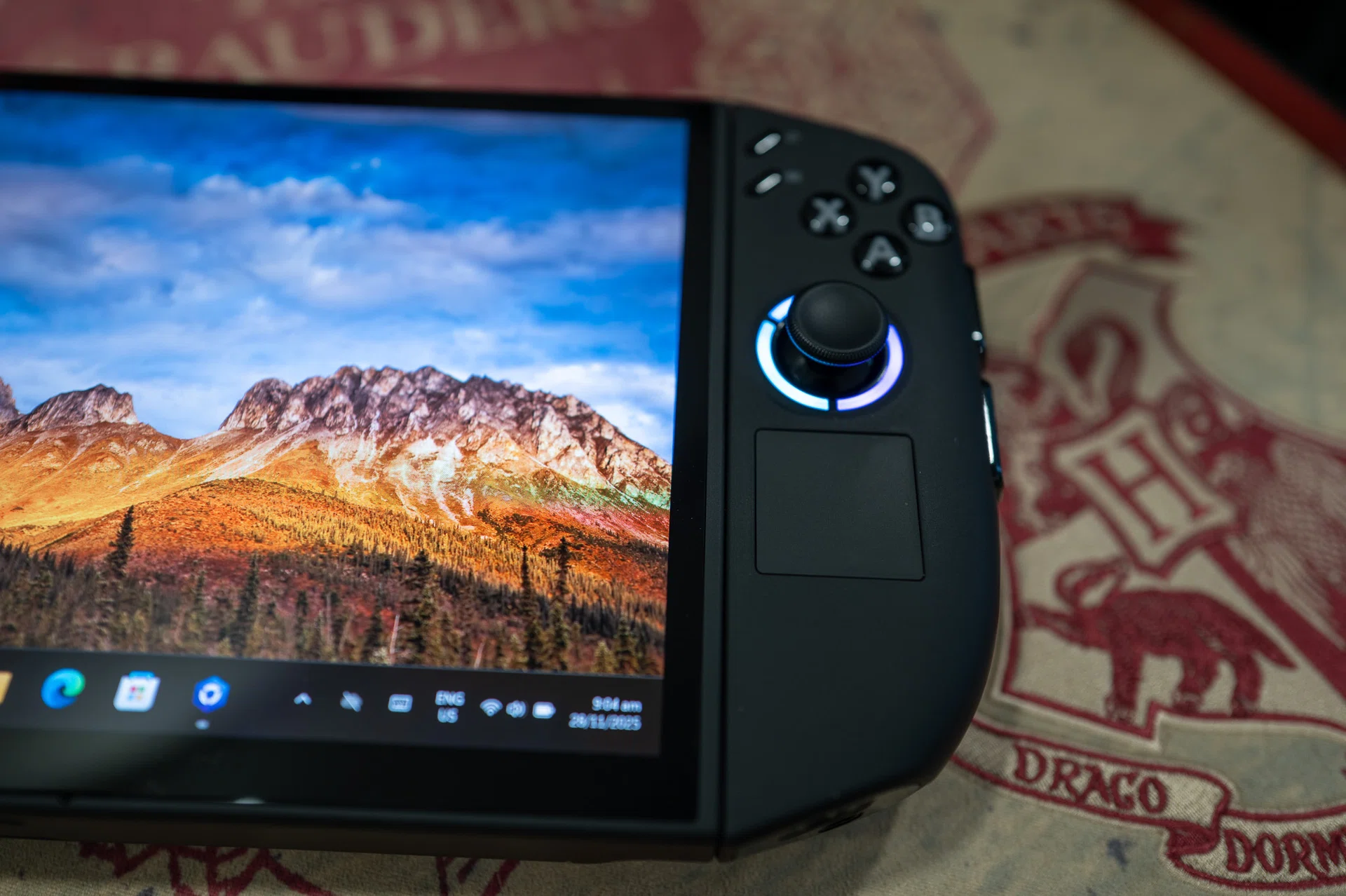
We like the touchpad on the right controller.
Photo: HWZ
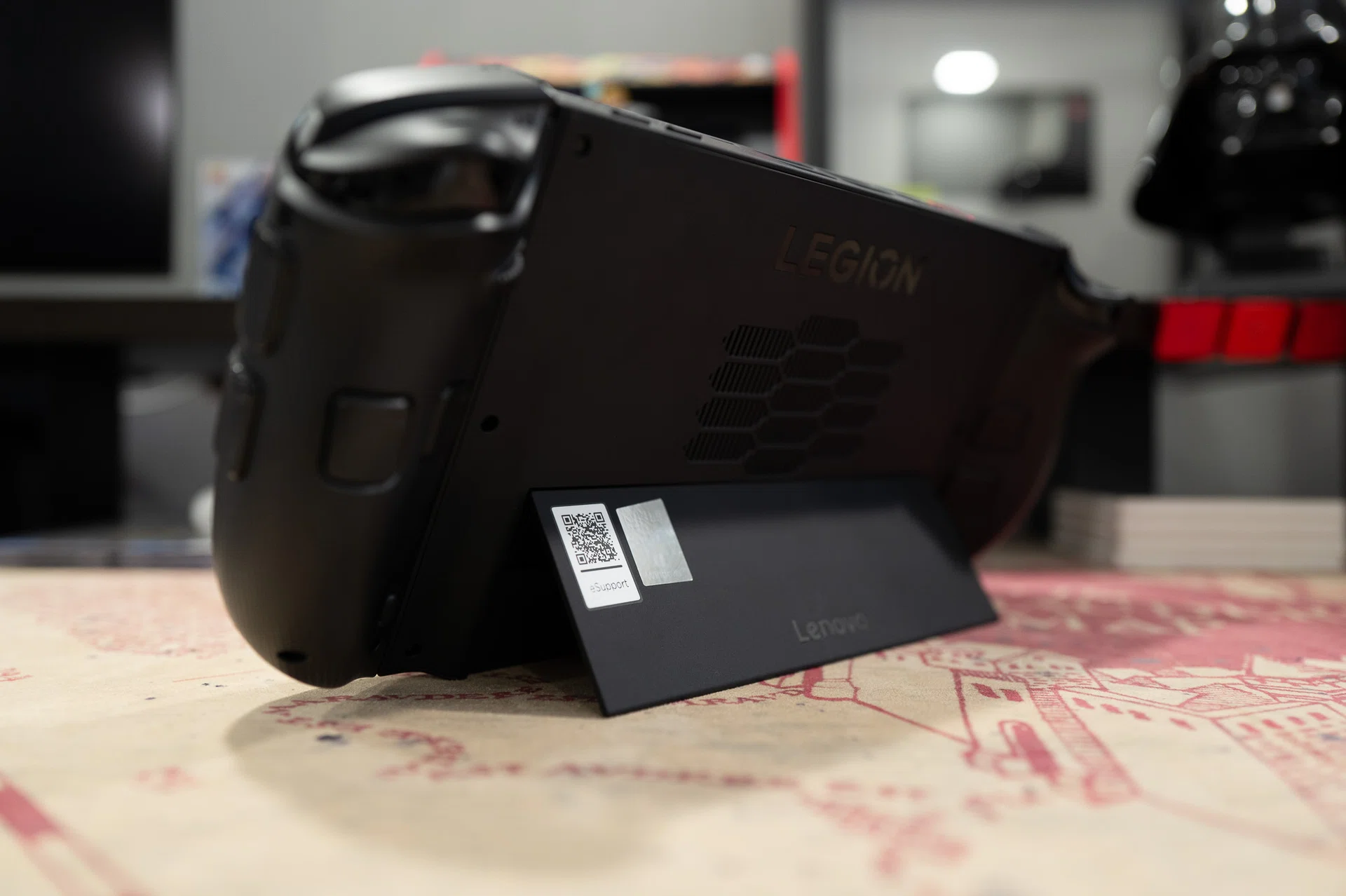
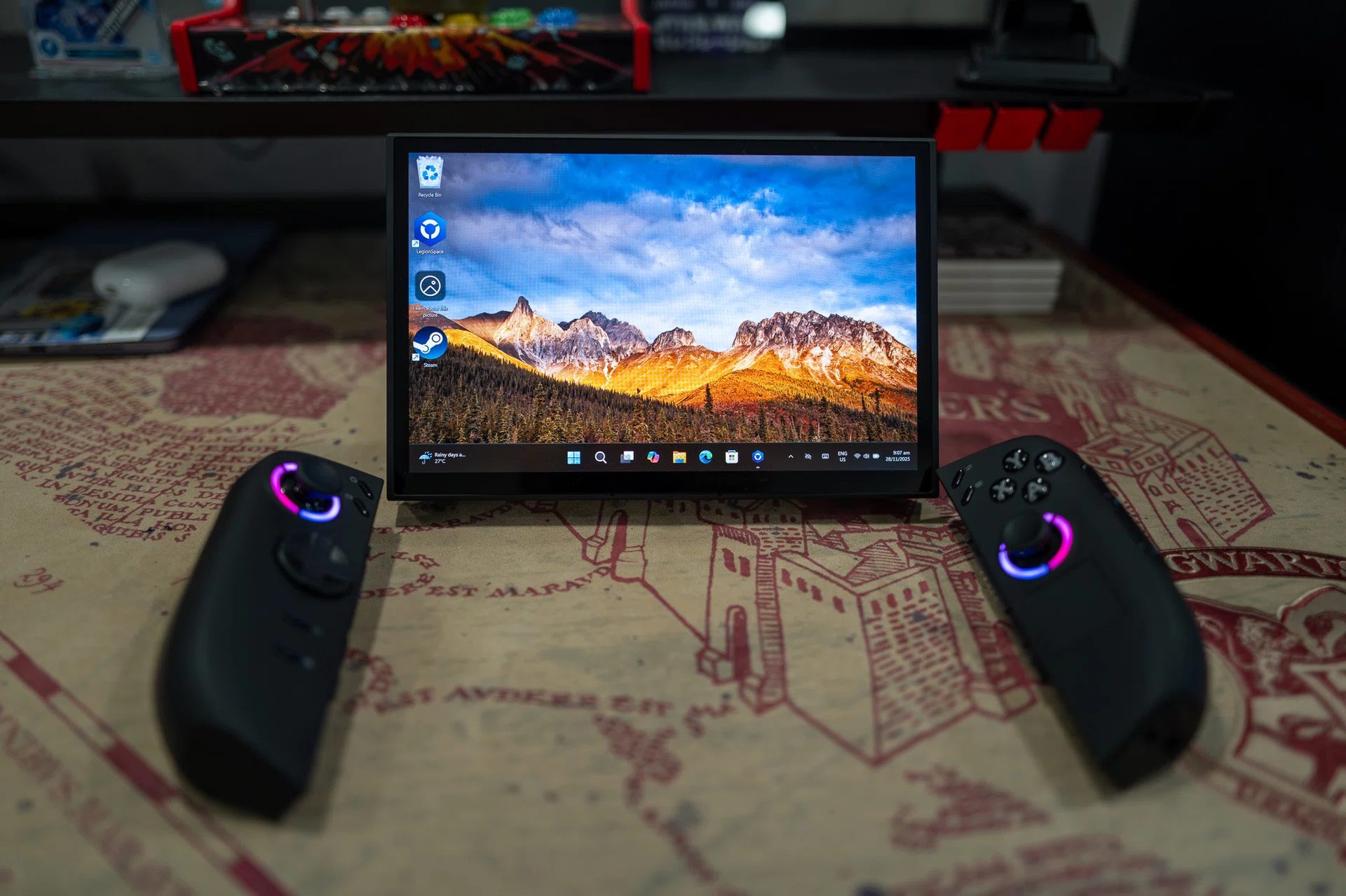
That weight, however, also brings stability. The Legion Go 2 feels planted in the hands, and extended sessions are less fatiguing than I expected, provided you’re seated and have your arms supported on a table (or a tray at the front of your coach seat). The detachable controllers from the original Legion Go make a return here. They’re not quite as slick to remove as Nintendo’s magnetic Joy-Con, but once detached, the Legion Go 2 immediately changes into a different mode of use. Prop it up with the built-in kickstand, and it stops feeling like a handheld console and starts feeling more like a compact gaming terminal.
This is something the Xbox Ally X simply doesn’t attempt. ASUS and Microsoft focused on making that device feel cohesive and console-like, from ergonomics to software flow. It’s built to be portable. Lenovo, by contrast, seems to want to give gamers optionality. Handheld mode, tabletop mode, pseudo-desktop mode – none of these feel accidental.