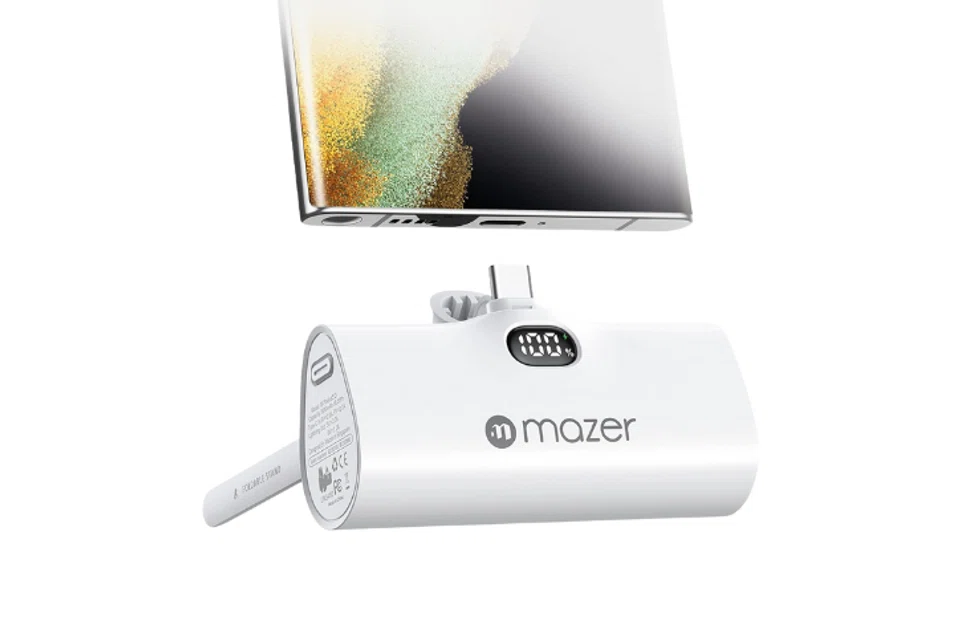
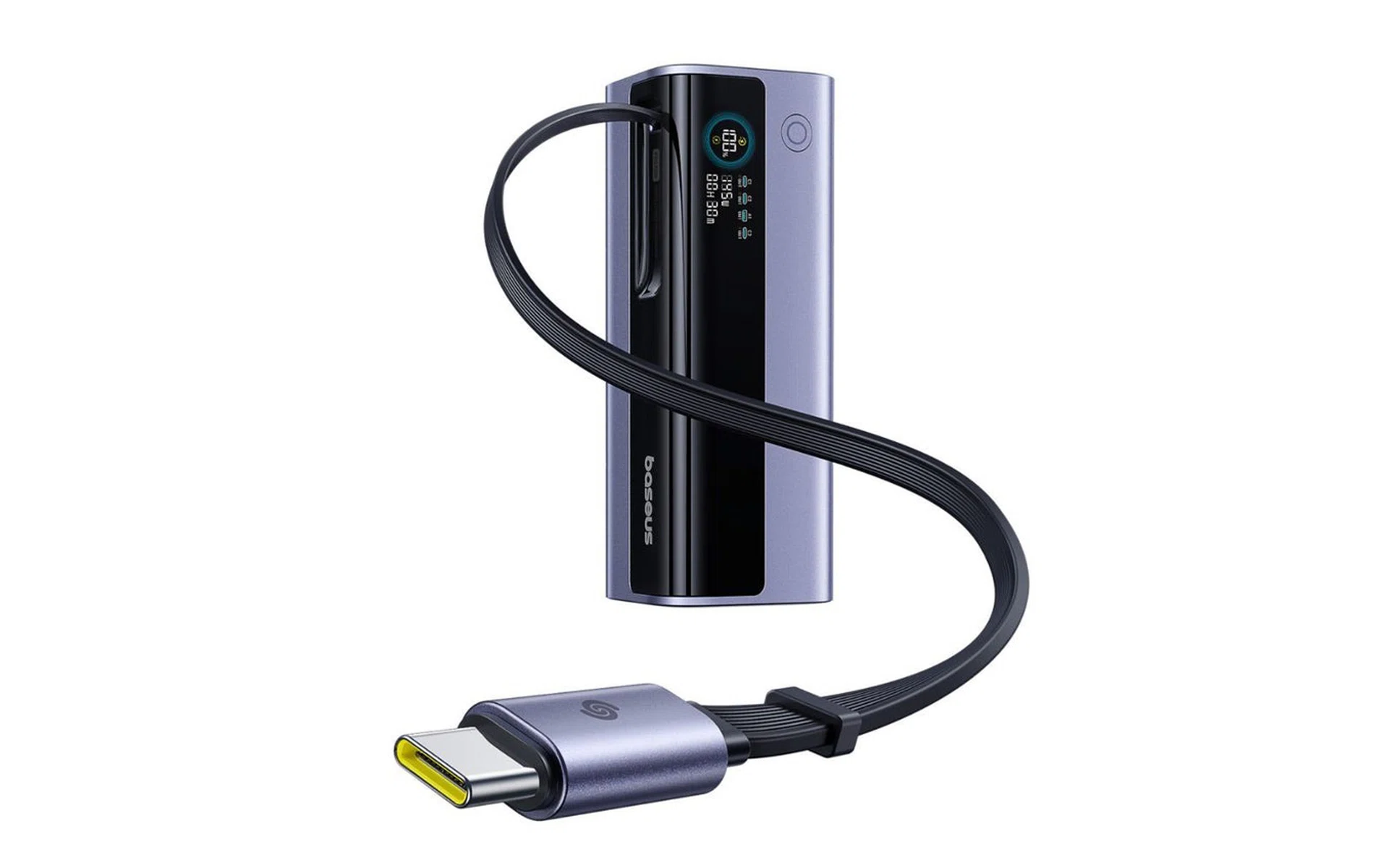
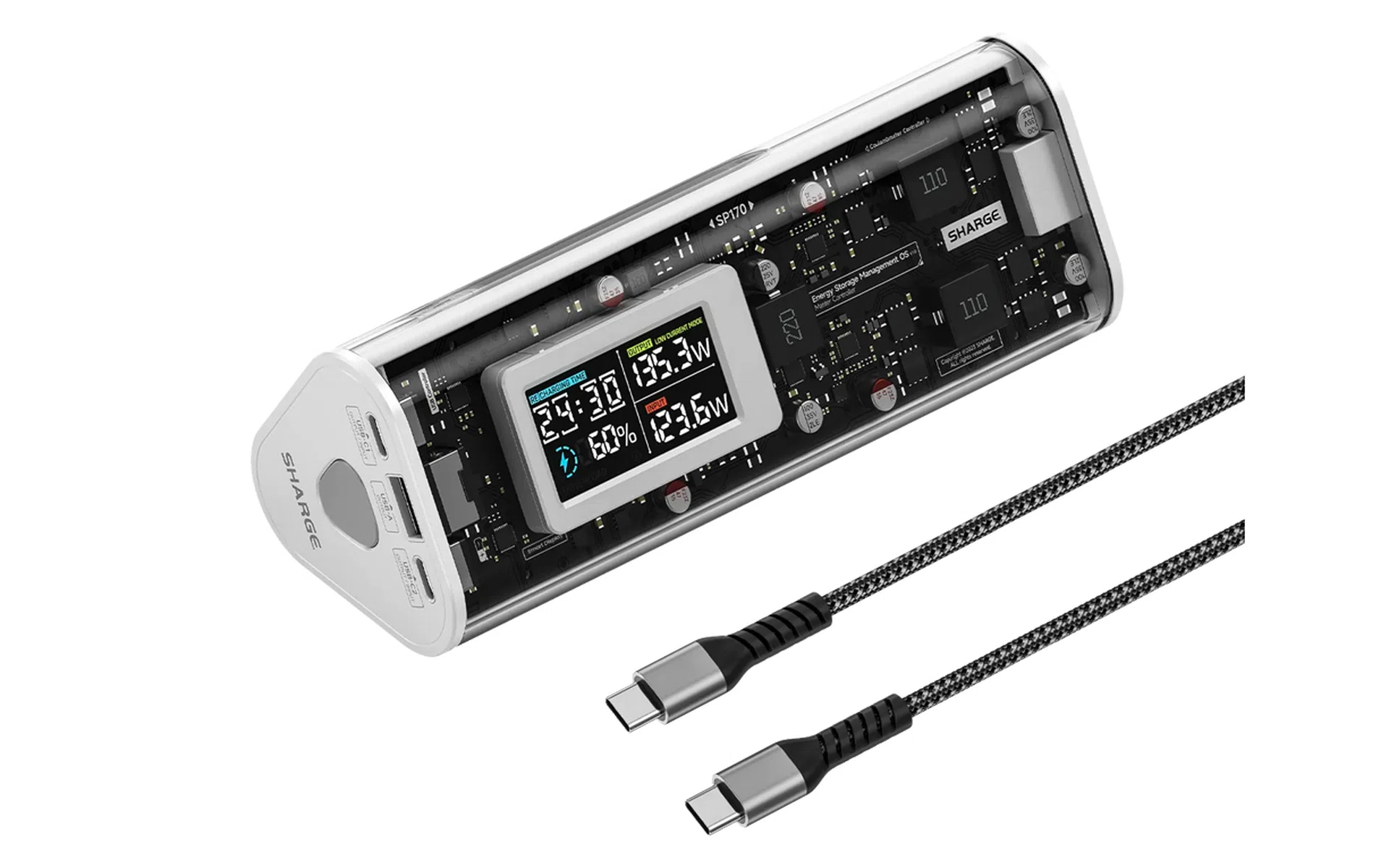
When you look at the mobile devices you’d likely carry on a productive day (smartphones, tablets, laptops, accessories like cameras or true wireless headphones), it becomes clear that a good power bank or portable charger is crucial to staying juiced up. Here, we can help you find the best power banks to fit your needs.
With more attention given to malfunctioning power banks in public spaces (like trains and planes), so knowing how to tell if a power bank is safe to use is just as important as getting a good deal on one.
How to pick the best power bank for yourself: 6 things to look out for
Here are some considerations to help you pick the right power bank, and to help you understand why they can have extremely disparate price points.
1. All about capacity (mAh)
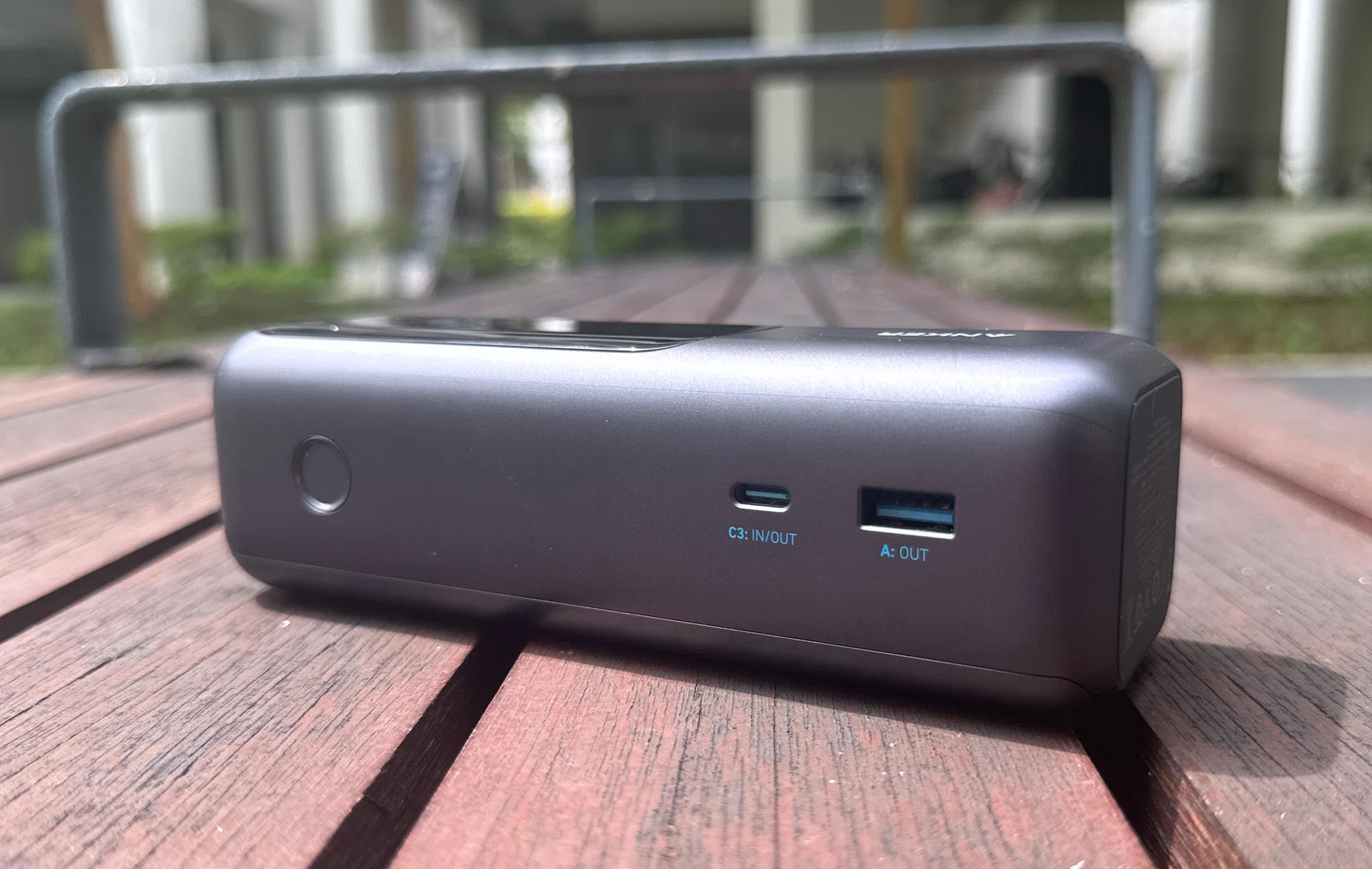
A large capacity power bank with ports at its rear.
Photo: HWZ
The capacity (written as mAh, or milliampere-hours), refers to the amount of stored charge inside your power bank. A higher number usually means it has a larger capacity, which in turn gives you more juice to charge multiple devices. Phones these days often come with 5,000mAh batteries, so that a 10,000mAh power bank can charge you at least twice.
However, there are regulations and limits to the maximum capacity you can carry. Note that IATA guidelines limit these batteries to 100Wh if you plan to carry one on board a flight without needing prior approval. If you assume the typical 3.7V seen in lithium-based power banks, that means you’re limited to ~27,000mAh if you’re travelling with one, and that is before accounting for airline- or territory-specific regulations.
Higher-capacity batteries might cost more and feel bulkier, and that’s usually because the power bank contains more of the above-mentioned battery cells. Other reasons (like features) can contribute to a power bank’s retail price, as seen below.
2. Ports: the type, the speed, and how many
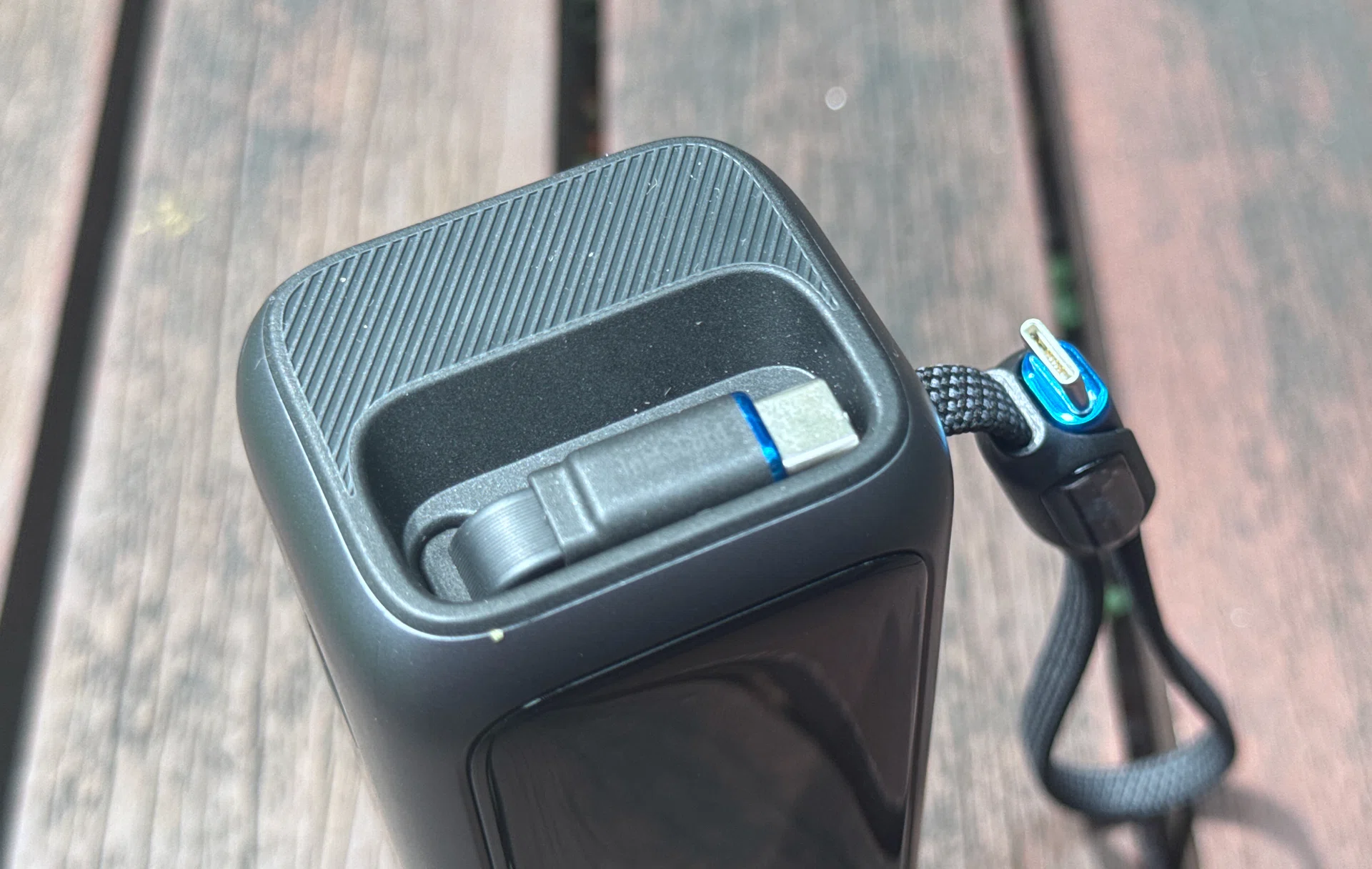
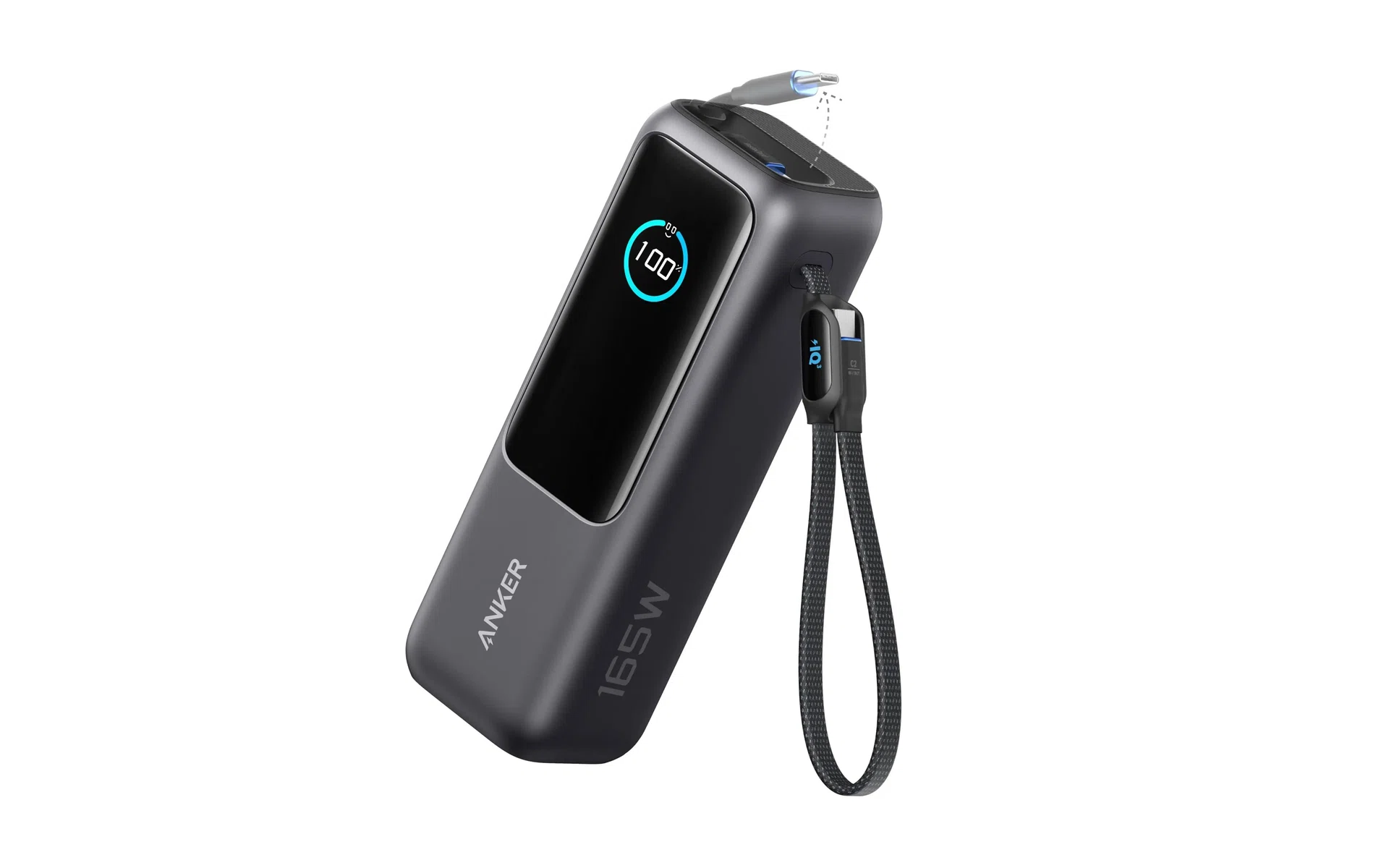
A power bank with built-in retractable cables. This isn’t commonplace and increases the price of the unit, but it’s a nice convenience feature.
Photo: HWZ
Look for power banks with enough ports to charge the devices you want to use. The maximum charging speed per port matters, and generally, good power banks will clearly state port charging speeds in their specifications. That also includes declaring the maximum charging speeds when multiple ports are in use; the maximum speed is not always the same when only one is used.
Also, make sure that the ports match your cables and devices (USB-A or USB-C, etc.). Some power banks come with built-in charging cables, and good ones will also indicate the expected speeds for them, too.
Better or newer ports and cables with certified speed ratings contribute to a power bank’s final cost.
3. Support charging profiles and standards
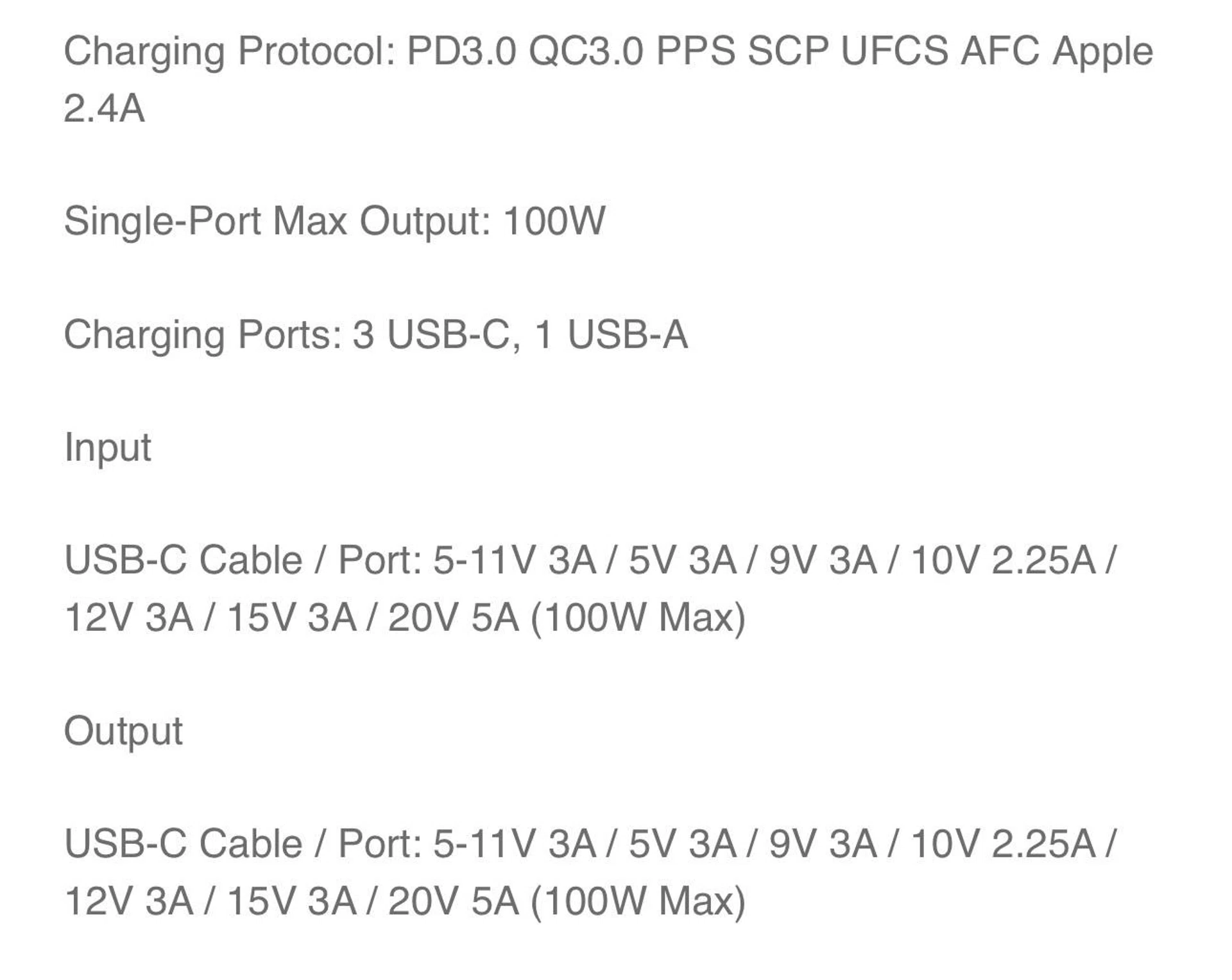
Charging profile support information is often plastered deep in the specs section of the respective power bank’s info page.
Image: HWZ
The maximum charging speed of your power bank is only half the story. Knowing its charging profiles is important if you use mobile or portable devices across different brands.
If you’re not too picky, you should still check the maximum charging speeds when a power bank is connected to multiple devices. This affects users who need to charge bigger mobile devices, like laptops. Most of the time, a power bank’s bare minimum profile would include industry-wide ones like Qualcomm’s (Quick Charge, a.ka. QC) and USB-IF’s Power Delivery (PD charging).