Yes, but there are caveats.
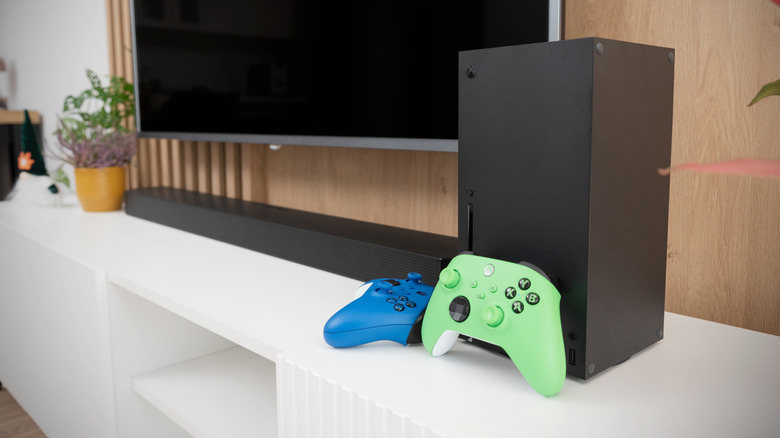
There’s no question the PS5 has handed the Xbox Series X and S their collective rear ends from a sales perspective this console generation. That’s a shame for Microsoft fans. Even though there are drawbacks you should understand before buying an Xbox Series X, for my money, it’s still an excellent console. It’s also one that supports a rich suite of accessibility options, as does its little sibling. One of the biggest? Fairly robust keyboard and mouse support.
Using traditional PC peripherals on a console might seem a bit outfield, but hey, the Dreamcast was doing it a quarter of a century ago, so there’s definite precedent. There are actually a ton of Xbox games that offer at least partial mouse and keyboard support. Let’s get into the mouse and keyboard options that should work with the Xbox Series X/S, and also discuss how to set them up. Plus, we’ll examine just how many games support non-gamepad control schemes on Microsoft’s current-gen consoles.
Can I run a keyboard and mouse on Xbox Series X?
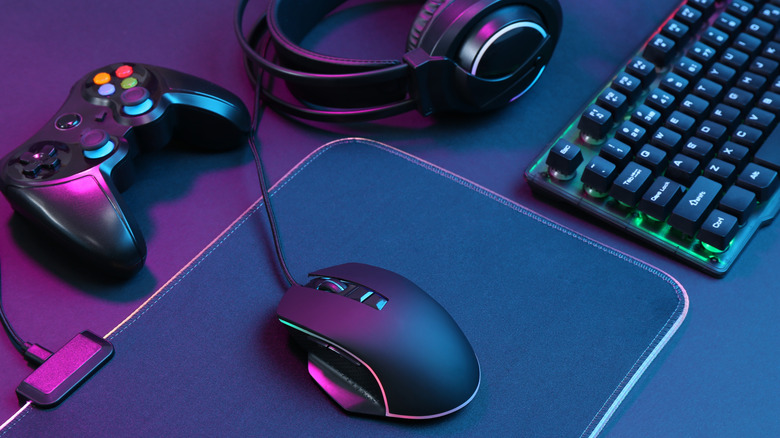
You sure can… but there are caveats. While Microsoft has done a commendable job at providing accessibility features for Xbox fans, mouse and keyboard support on Xbox Series X/S isn’t universal across all games. Additionally, of the titles that do work with PC-based peripherals, not all of them offer native support. That means certain actions in non-native titles will require you to have a controller nearby to progress.
There are more restrictions, too. There’s currently no way to connect a Bluetooth mouse or keyboard to either Xbox Series console. For those looking to hook up their favorite PC gizmos, you’re looking at either wired peripherals or ones that come with 2.4GHz dongles.
That’s slightly annoying. The best Xbox Series X/S accessories are generally wireless because you’re likely sitting a decent distance away from your TV while playing your favorite games. Unless you keep your Xbox at a desk like a PC, wired mice and keyboards are probably out of the question for everyday living room play. Dongles it is, then.
How do I get my keyboard and mouse to work on my Xbox?
Setting up a keyboard and mouse on an Xbox Series X/S is relatively simple, but functionality beyond that is going to vary based on the specific game. The easiest and most practical way to get started with PC peripherals on your Xbox is to plug in a wireless keyboard dongle and a mouse dongle: You can use the two USB-A slots on the back of either console, or the one at the front.
From there, you can utilize the keyboard for typing on the Xbox dashboard (though as previously mentioned, mouse navigation is a no-go). Once you launch a game, things are a tad up in the air. The title may recognize your PC-style peripherals immediately, and you can start pointing and clicking. Or, you may well need your trusty Xbox controller to navigate into the settings menu, where you should be able to select mouse and keyboard inputs, if the title supports them. Microsoft provides the platform, but accessibility options are up to the individual developer, so this workflow will vary game to game.
Basically, prepare to always have your gamepad in reach if you want to use typical PC peripherals with an Xbox Series console. Just in case.
How many Xbox games let me play with keyboard and mouse?
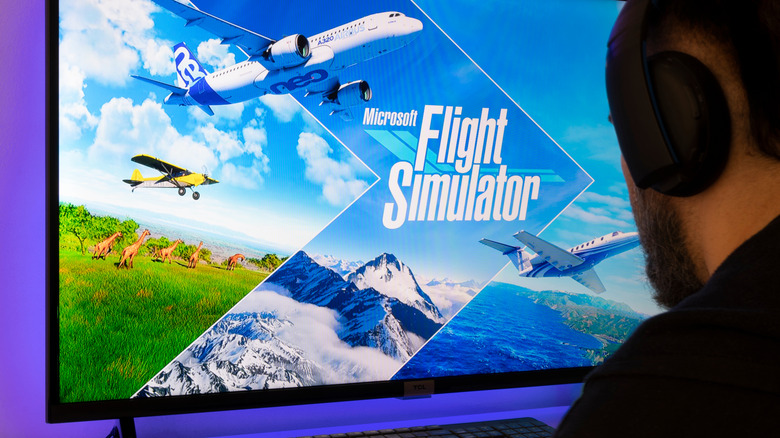
A surprising amount. We’re not quite talking PC levels here, but the list of Xbox games with current mouse and keyboard support (as reported by Pure Xbox) shouldn’t be sniffed at by WASD fans. Well over 100 titles feature levels of mouse and keyboard functionality at present, though native support isn’t guaranteed in all of them. That means you’ll occasionally have to break out your Xbox controller to navigate menus. If you hop on the Xbox Store, a game’s listing page should tell you what level of mouse and keyboard support a title offers. Those that don’t natively offer traditional PC controls will be marked as “Limited.”
Looking for a few big hitters that support native mouse and keyboard controls on Xbox Series X/S? You’ll find Microsoft Flight Simulator 2024, Halo Infinite and Gears of War: E-Day. Considering one of those games demands complex simulation controls that never quite felt at home on a pad, and the other two involve landing headshots on alien beasties from afar, mouse and keyboard sounds like a great way to experience all three. I always thought Master Chief’s 2021 open world was overly criticized, and now I’m eager to replay it on Xbox, sniping hordes of Brutes with my favorite mouse, the Inphic F9 Mecha.
There are also competitive shooters like Overwatch that support cross-platform play, and will automatically pair you with fellow mouse and keyboard users if the game detects a PC-style control scheme on console. After all, in a fast-paced online shooter, bringing a gamepad to a mouse-and-keyboard match is like wielding a pillow in a lightsaber battle.
What are the benefits of playing games with a keyboard and mouse?
There are a number of benefits to using desktop peripherals with an Xbox Series X/S. Some aren’t all that sexy — oooh, I can type my custom license plate in Forza Horizon 6 a teeny bit quicker — but others have far more practical use cases.
For simulation or strategy games with multiple mechanical layers and rich inventory systems, mouse and keyboard inputs are simply superior. I’ve had great experiences with these devices on my Xbox Series X playing Jurassic World Evolution 3, even though the dino-park management title does work pretty well with a controller. Keyboard support also gives you more quick buttons to assign should an Xbox title support it, which can definitely be useful in games that involve heavy inventory management, like Cyberpunk 2077.
The main reason you want keys and a mouse, though? For fans of first-person shooters, gamepads can never come close to the accuracy of blasting bullets with the utter precision of a mouse. Halo Infinite, Overwatch, the Call of Duty series and S.T.A.L.K.E.R. 2: Heart of Chornobyl are all well-situated for mouse and keyboard play, among many other headshot-heavy games.
Read Full Article At Source